Best Desk Lamp for Home Office:
Rated & Ranked
We evaluated 13 desk lamps across five weighted categories — from light quality and eye comfort to build and value. Every score is derived from measurable, manufacturer-disclosed specifications. The result: a defensible, comparable 0–10 rating for each lamp.
Product links are Amazon affiliate links — purchases support this site at no cost to you.
The ranking below uses our recommended weights — the balance of factors we believe matters most for a typical home office. If your priorities differ, switch to Customize Weights and re-rank the table around what you care about.
Full Comparison — Sorted by Score
| # | Product | Score | CRI ? | Color Temp ? | Lux (Max) ? | Dimming ? | Flicker-Free ? | USB Port ? |
|---|---|---|---|---|---|---|---|---|
| ▸ Tier 1 — Professional Grade (Score 8.5+) | ||||||||
| 1 |

|
9.6/10 |
95+ | 2700–6500K | 1,000+ | Continuous | ✓ Passed | — |
| 2 |

|
9.2/10 |
95 | 2700–6500K | 1,000 | 8 + cont. | ✓ Passed | ✓ |
| 3 |

|
8.8/10 |
95 | 2700–6500K | 1,000 | Continuous | ✓ Passed | ✓ |
| 4 |
|
8.6/10 |
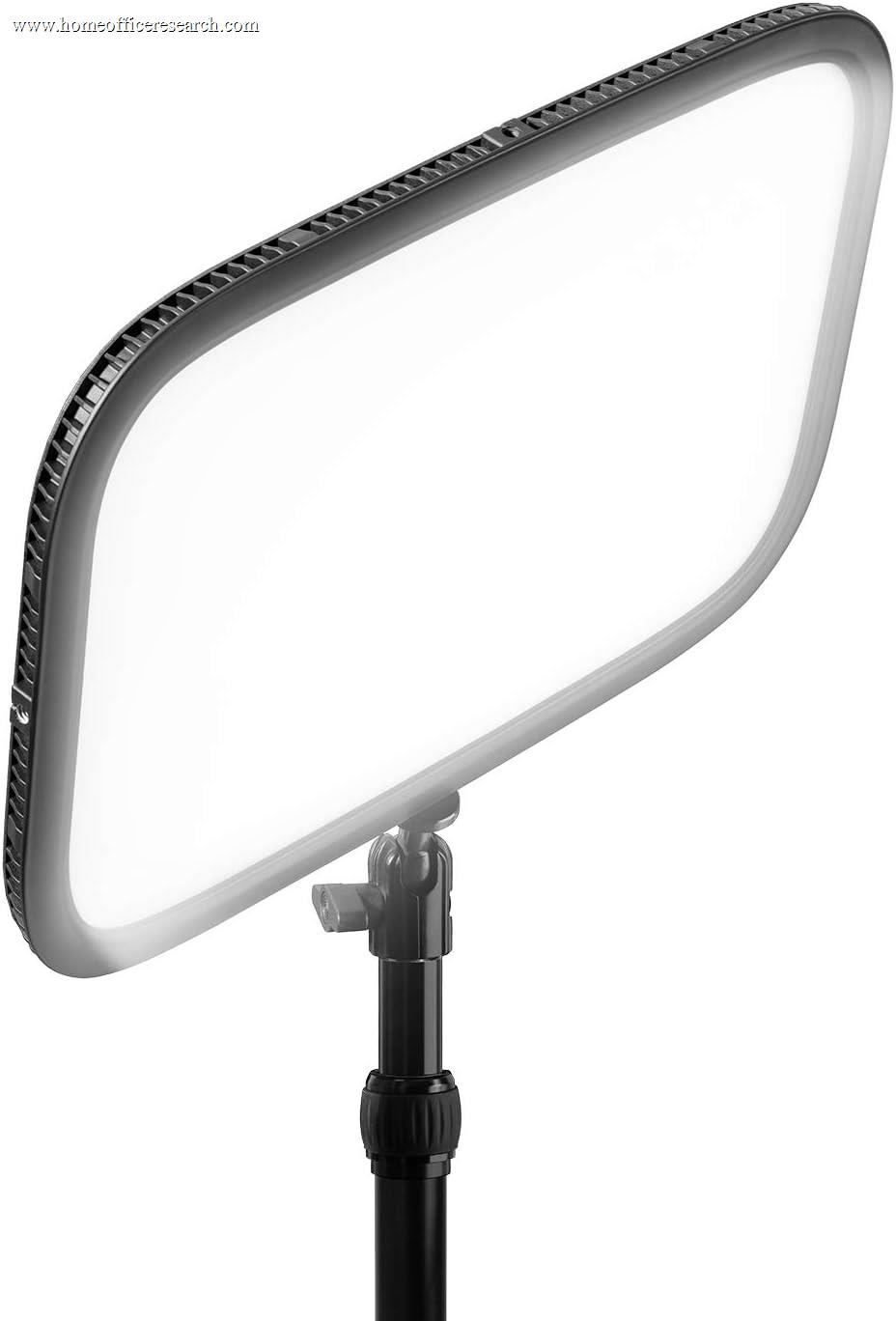
90+ | 2900–7000K | 2,800 lm* | 200 steps | ~ Claimed | — |
| ▸ Tier 2 — Strong Performers (Score 7.0–8.4) | ||||||||
| 5 |
|
8.2/10 |
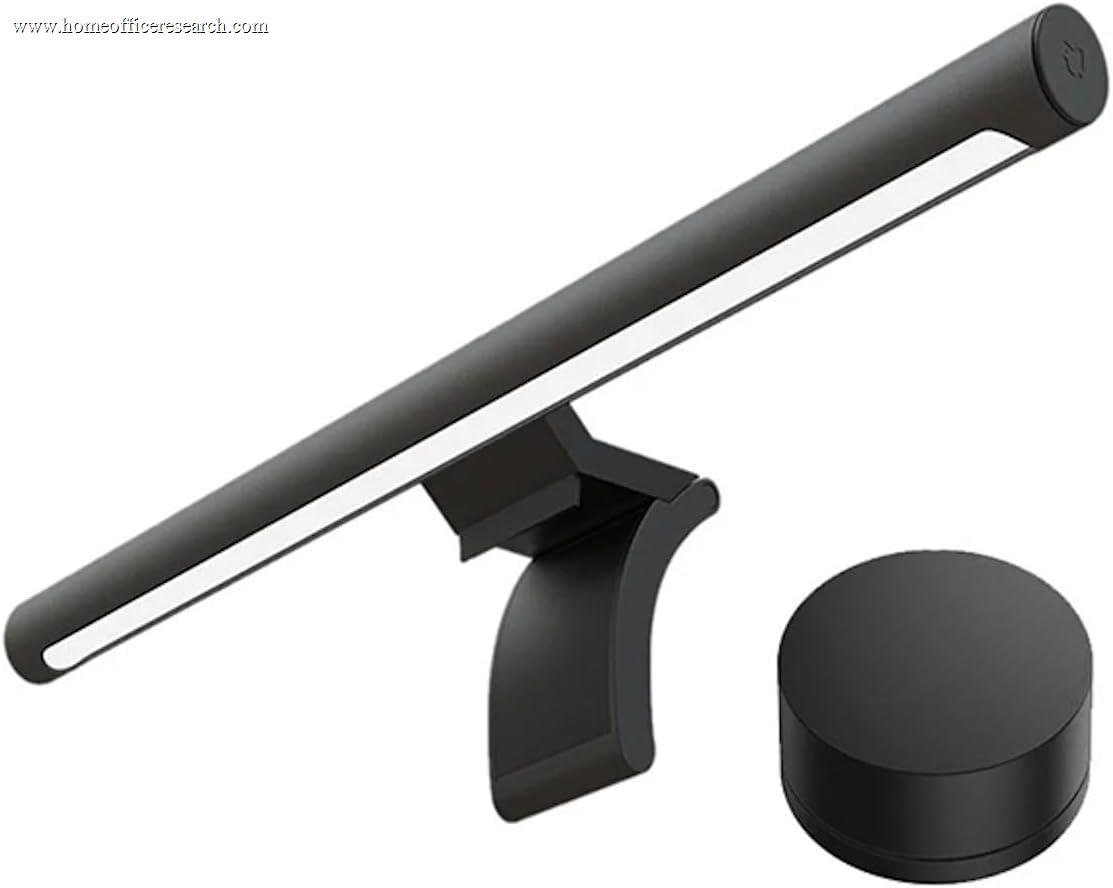
90 | 2700–6500K | ~545 | Continuous | ~ Tested | — |
| 6 |
|
8.1/10 |
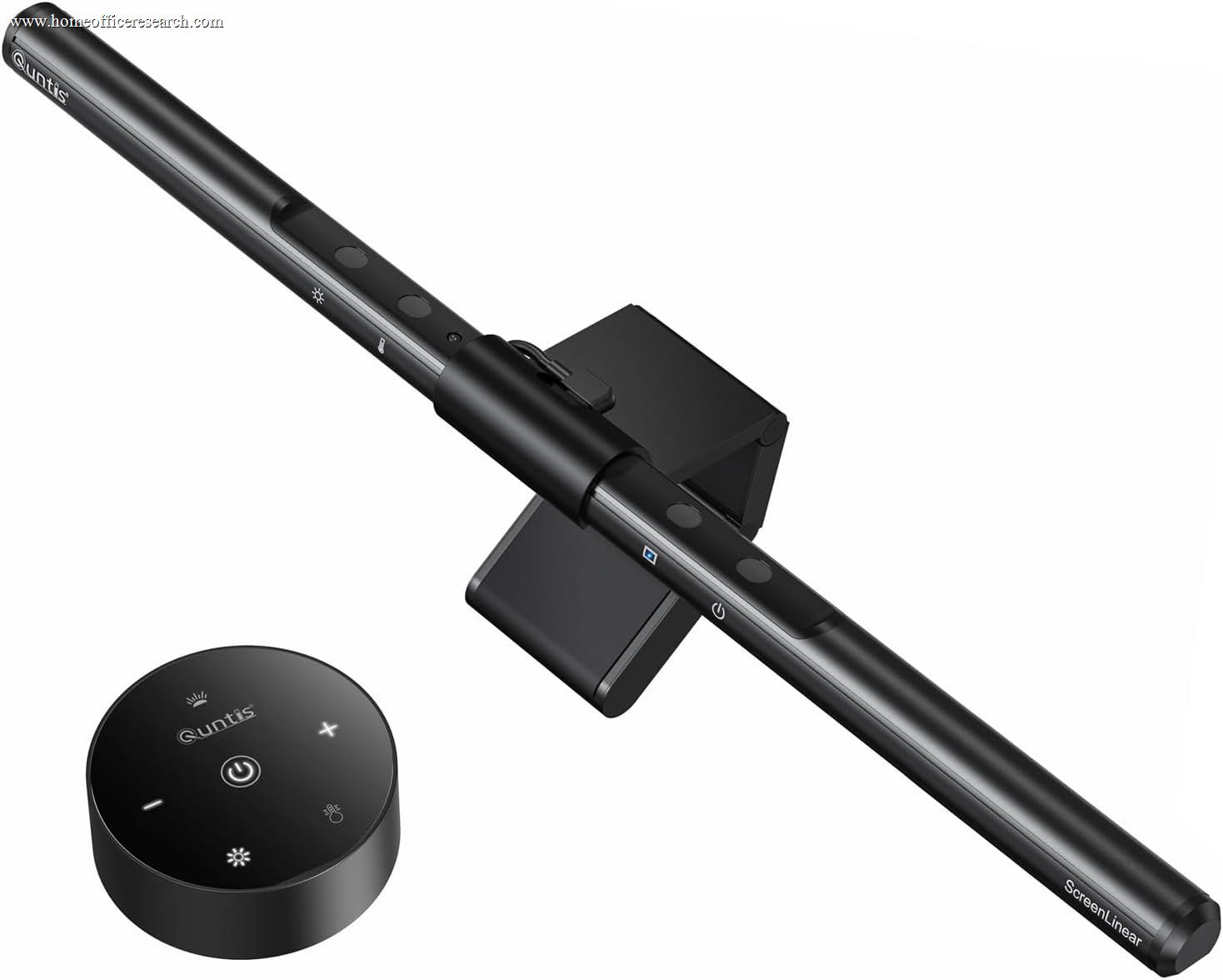
92 | 3000–6500K | 900 | 10 levels | ~ Claimed | ✓ |
| 7 |

|
7.4/10 |
90+ | 3000–6000K | 1,500 | 20 levels | ~ Claimed | — |
| 8 |

|
7.2/10 |
90+ | 2700–6500K | 1,000 | Continuous | ~ Claimed | ✓ |
| ▸ Tier 3 — Adequate with Tradeoffs (Score 5.0–6.9) | ||||||||
| 9 |
|
6.8/10 |
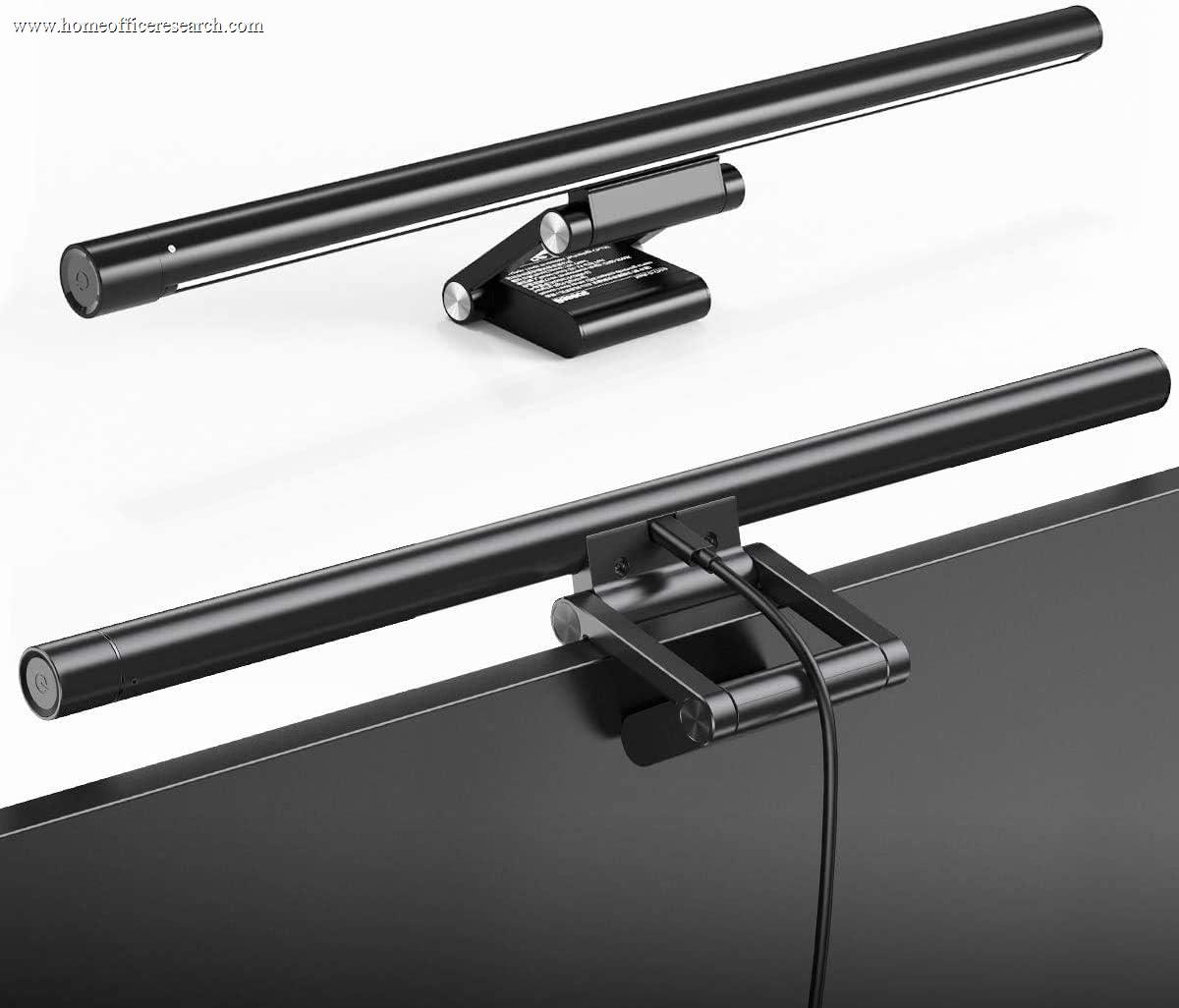
97 | 3000–6500K | n/a | Continuous | ~ Claimed | — |
| 10 |
|
6.5/10 |
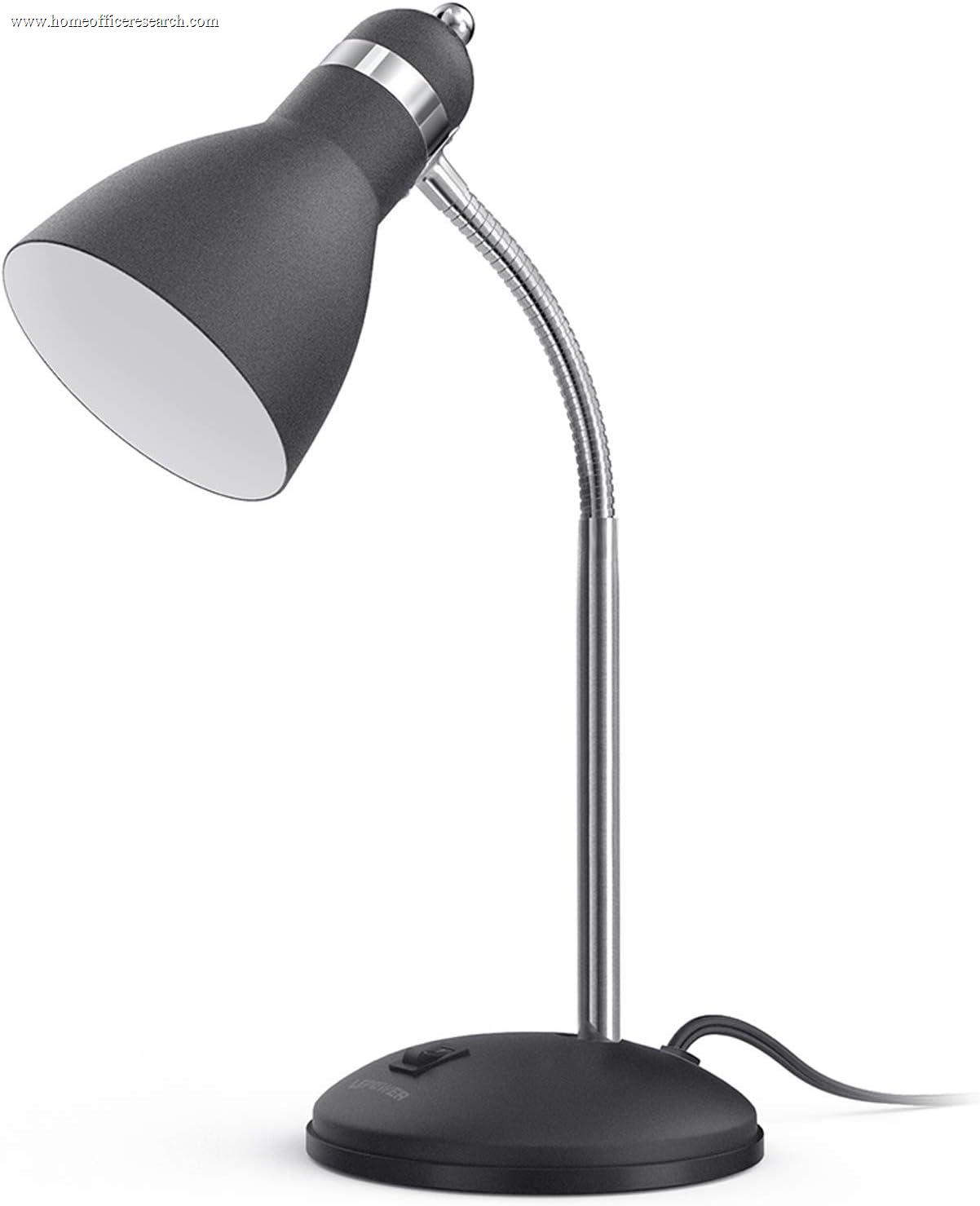
80 | 3000–6000K | 600 | 10 levels | ~ Claimed | ✓ |
| 11 |

|
5.8/10 |
80 | 3000–6000K | 500 | 5 levels | — Unverified | ✓ |
| 12 |
|
5.5/10 |
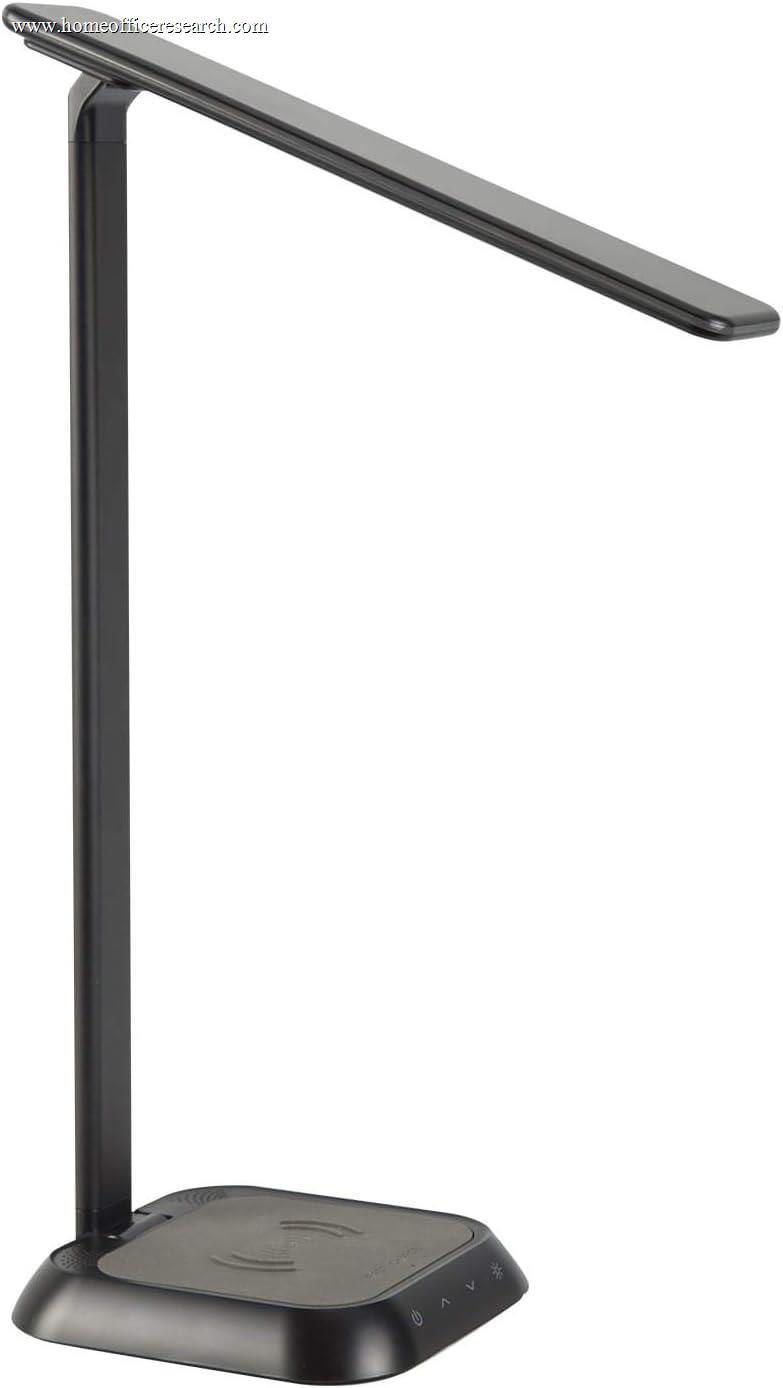
80 | 3000–5000K | 450 | 3 levels | — Unverified | — |
| 13 |
|
5.2/10 |
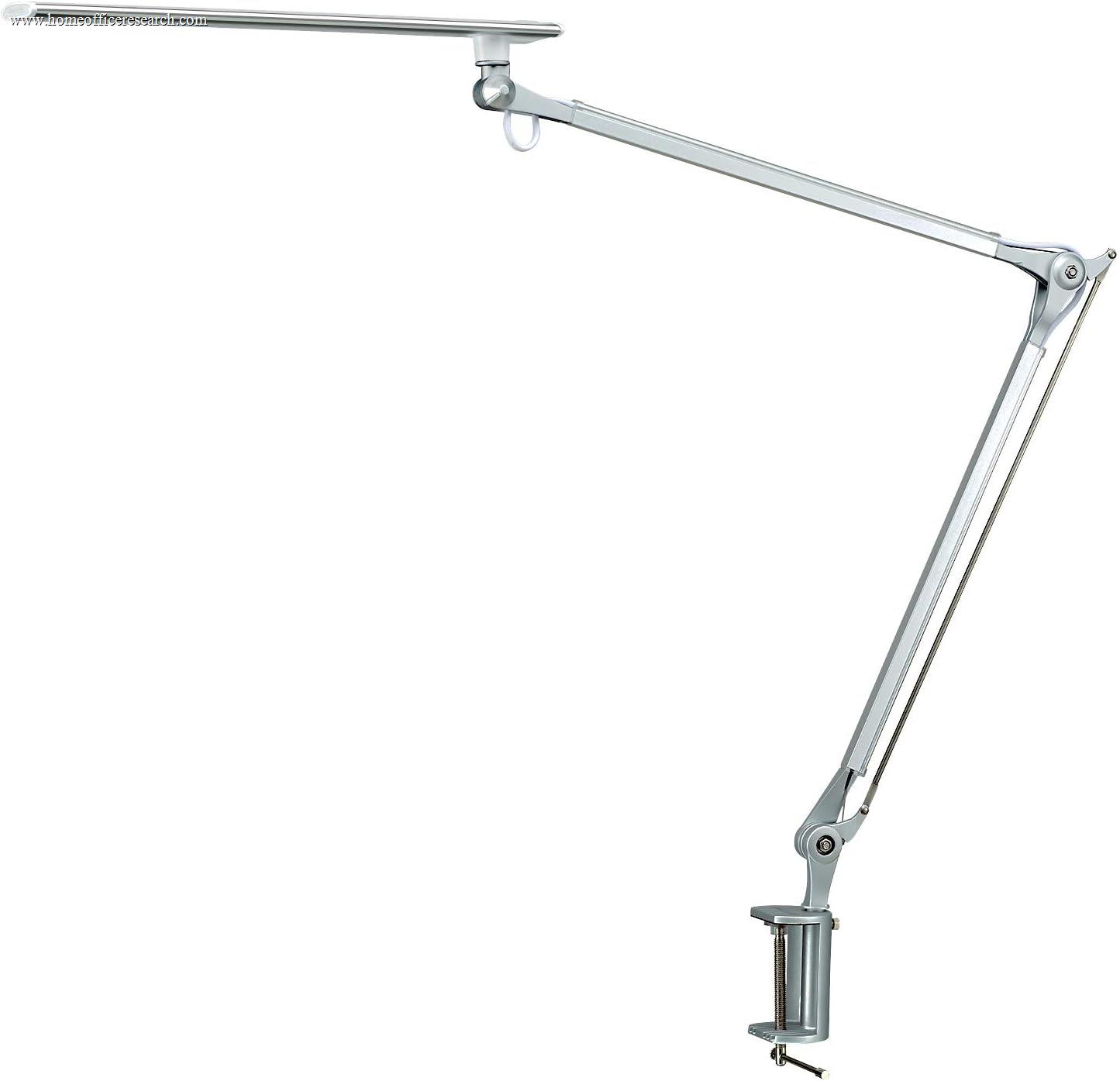
80 | 4000K (fixed) | 800 | 5 levels | — Unverified | — |
* The Elgato Key Light’s headline figure is total output in lumens (2,800 lm), not surface illuminance in lux, so it is not directly comparable to the other lamps’ at-distance lux numbers. Flicker column: Passed = manufacturer documents passing IEEE PAR 1789; Claimed = manufacturer asserts flicker-free with no third-party certification published; Tested = manufacturer test data without an independent cert; Unverified = no published claim.
How We Score
Weighted Scoring Framework — All Scores 0–10
Category Scoring Detail
| Category & Metric | Score 9–10 | Score 5–6 | Score 1–2 |
|---|---|---|---|
| CRI (Light Quality) | 95–100 | 85–89 | Below 80 |
| Color Temp Range (Light Quality) | 2700–6500K (full range) | 3000–5000K | Fixed single temperature |
| Max Lux (Light Quality) | 1,000+ lux at surface | 500–800 lux | Below 300 lux |
| Dimming Resolution (Adjustability) | Continuous (stepless) | 5–8 discrete levels | 1–2 levels (on/off) |
| Flicker-Free (Eye Comfort) | IEEE PAR 1789 Passed | Tested or Claimed | Unverified / standard PWM |
| Glare Control (Eye Comfort) | Asymmetric optics, zero screen glare | Diffused panel, limited glare | Bare LED, direct glare |
Buying Guidance
Why the BenQ ScreenBar Pro Takes the Top Spot
The ScreenBar Pro is BenQ’s current flagship screen bar — the newest model in the lineup and the most refined for pure home office use. It combines CRI 95+, flicker-free operation that BenQ documents as passing the IEEE PAR 1789 standard, and continuous dimming with a precision asymmetric optical system that eliminates monitor glare entirely. Its lighting coverage area (33.5 × 19.7 inches at 500 lux) is the widest of any lamp in this comparison, calibrated to the ANSI-recommended standard for office lighting.
Its key differentiator from the Halo is the ultrasonic motion sensor: the Pro activates automatically when you sit down and dims after five minutes of inactivity. Powered via USB-C, it fits an industry-leading range of monitors (0.17–2.56 inches thick, including 1000–1800R curved screens). It is priced well below the Halo and competitively against the Elgato Key Light, while outperforming both on the specs our framework weights most heavily.
Bottom line: For most home office users who work primarily in front of a monitor, the ScreenBar Pro is the single best desk lighting purchase available. The Halo adds bias lighting behind the monitor but costs nearly twice as much — worth it only if rear illumination is specifically important to you.
The Xiaomi Mi Monitor Light Bar: Best Value in the Category
The Xiaomi Mi Monitor Light Bar punches significantly above its budget price tier. Its CRI 90 (the US model we link) sits just below the BenQ lineup’s 95+ spec, it covers the full 2700–6500K color temperature range, and is controlled via a 2.4GHz wireless remote with a smooth rotary dial — a more elegant interface than the touch sensors on most competitors at this price. Third-party measurements confirm approximately 545 lux at the center of the light cone, adequate for most desk tasks.
Its magnetic rotation system allows 25° of angle adjustment for glare control, and the metal body construction is noticeably more premium than plastic alternatives at similar prices. Flicker-free performance is supported by a manufacturer-published test report — not IEEE 1789 certified, but a meaningful step above unsupported claims. For most users, the Xiaomi and the BenQ ScreenBar Pro represent the two endpoints of a sensible decision: best value versus best overall.
Bottom line: If the BenQ ScreenBar Pro is out of budget, the Xiaomi Mi Light Bar is the next honest recommendation. At roughly one-third the price, it delivers genuinely competitive light quality. The gap is real but smaller than the price difference suggests.
The Specs That Actually Matter — and Why
CRI is the most underrated specification. Color Rendering Index measures how accurately a light source renders colors compared to natural daylight. A CRI 95 lamp makes documents, screens, and your desk appear as they actually are. A CRI 80 lamp introduces a subtle but real color distortion, and many people find lower-CRI light less comfortable to work under across a long day. For a home office, there is little reason to accept below CRI 90.
Flicker is the most overlooked hazard. Most budget LED lamps dim by rapidly switching LEDs on and off — a technique called Pulse Width Modulation (PWM). At low frequencies (below ~1kHz), this flicker is invisible to the naked eye but can still be detected by the visual system; reducing it is the goal of the IEEE PAR 1789 recommended practice, and some people report eye fatigue or headaches under heavy flicker during extended use. We distinguish four levels in our table: Passed (manufacturer documents passing the IEEE PAR 1789 standard), Tested (manufacturer test report published, no independent certification), Claimed (manufacturer asserts flicker-free with no documentation), and Unverified (no published claim). For all-day use, we give the most weight to lamps with documented flicker performance.
Color temperature range determines versatility. A lamp fixed at a single color temperature cannot adapt to different work modes or times of day. A full 2700K–6500K range gives you morning productivity light and evening wind-down light from a single fixture. Fixed-temperature lamps score significantly lower in our framework regardless of other specs.
The shortcut: Prioritize CRI 90+ first, documented flicker-free performance second, and a full color temperature range third. Every other feature is secondary to these three.
The Baseus I-Wok Pro: Highest CRI in the Table, with a Caveat
The Baseus I-Wok Pro publishes the highest CRI of any lamp in this comparison — Ra97 — which on paper puts it above even the BenQ models on color rendering alone. Stepless dimming, a 3000–6500K range, and asymmetric optics for glare control round out a spec sheet that looks competitive at its low price.
The limitation is flicker documentation. Baseus claims flicker-free operation but publishes no third-party flicker testing (such as IEEE PAR 1789), which our Eye Comfort axis rewards. Without published testing, we cannot confirm whether flicker performance holds at low brightness settings — which is exactly where PWM artifacts tend to be most pronounced during evening use. This is why the I-Wok Pro sits in Tier 3 despite its CRI advantage. Its color temperature floor of 3000K (versus 2700K on the Xiaomi and BenQ) also limits warm-end flexibility. For buyers who need bright task lighting and aren’t focused on documented low-brightness flicker performance, it’s a genuine bargain. For anyone sensitive to screen-related eye fatigue, a lamp with documented flicker testing (the BenQ ScreenBars) is the safer choice.
Screen Bars vs. Traditional Desk Lamps
Screen bars — lamps that mount atop monitors via a counterbalanced clip — are optically designed to illuminate your desk without any light falling on the screen itself. This asymmetric approach eliminates monitor glare entirely and is why BenQ, Xiaomi, and Quntis screen bars dominate the top of our rankings. For users who spend most of their working time in front of a monitor, this form factor is usually the better choice: no arm shadows, no glare, and positioning that automatically follows your monitor.
Traditional articulating desk lamps (Elgato Key Light, Lepower) offer more directional flexibility and are better suited for mixed-use setups where you work with physical materials, draft by hand, or need light on an area away from the monitor. The Elgato Key Light in particular — with 2,800 lumens of total output and 200 dimming steps — is the better pick for anyone regularly on camera for video calls and needing controllable fill light.
Rule of thumb: If 80%+ of your work time is in front of a screen, get a screen bar. If you regularly work with physical materials or need a spot light you can direct, get a traditional articulating lamp.
Why the Dyson Solarcycle Morph Scores Lower Than Its Price Suggests
The Dyson Solarcycle Morph is the most expensive lamp in this comparison by a significant margin. It scores 7.2 — a solid result, but well behind the BenQ ScreenBar Pro at less than a quarter of the price. The reason is straightforward: Dyson’s premium buys exceptional materials, a clever adaptive software system, and brand design — not meaningfully superior light quality specs. Its CRI, lux output, and flicker performance are all competitive but not best-in-class.
The Solarcycle’s Task Light Algorithm, which adjusts color temperature automatically based on time of day and geographic location, is genuinely useful software. But it’s a convenience feature, not a light output differentiator, and our framework weights measurable specs accordingly. If you value the Dyson build quality and long-term reliability (the lamp carries a 60-year LED lifespan claim), that’s a legitimate consideration outside our quantitative model. On specs alone, the value case does not hold up against the BenQ alternatives.
Brand Overview
Who Makes the Best Desk Lamps for Home Office Use
BenQ
Invented the monitor light bar category in 2017. Their ScreenBar lineup — Pro, Halo, Plus, and the standard ScreenBar — remains the benchmark for CRI accuracy, IEEE PAR 1789-tested flicker-free performance, and asymmetric glare control. The Pro is the current top recommendation for most setups; the Halo adds bias lighting for users who specifically want rear-monitor illumination.
Xiaomi
The Mi Monitor Light Bar is the most credible budget alternative to BenQ in this category. CRI 95, full 2700–6500K range, stepless dimming via a well-built wireless remote, and a metal body — all at a budget price. The primary gap versus BenQ is the absence of independent IEEE PAR 1789 flicker certification — Xiaomi publishes its own test report rather than third-party verification. For most users, this is a manageable tradeoff at the price difference.
Elgato
Streaming and content creation hardware, extended to the home office. The Key Light delivers broadcast-level output (2,800 lumens, 200 dimming steps, app and stream deck control) and is the best traditional desk lamp choice for users regularly on camera. The form factor requires desk space and doesn’t suit users who want a zero-footprint screen-bar solution.
Dyson
Premium materials, adaptive color temperature software, and a 60-year LED lifespan claim. Light quality specs are competitive but not best-in-class relative to price. The Solarcycle Morph is designed for buyers who prioritize build quality, longevity, and design coherence in a premium workspace. It is not a value-per-spec recommendation.