Best Keyboard for Home Office:
Rated & Ranked
We evaluated 16 keyboards across all major switch technologies — scissor-switch, mechanical, silent mechanical, Hall Effect, and ergonomic — scoring each across six weighted categories relevant to daily home office use. Noise, long-session comfort, wireless flexibility, and build durability all factor into every score. Every rating is derived from measurable, disclosed specifications, not subjective impressions.
Product links are Amazon affiliate links — purchases support this site at no cost to you.
The ranking below uses our recommended weights — the balance of factors we believe matters most for a typical home office. If your priorities differ, switch to Customize Weights and re-rank the table around what you care about.
Full Comparison — Sorted by Score
| # | Product | Score | Switch Tech ? | Layout ? | Wireless ? | Hot-Swap ? | Keycaps ? | Travel (mm) ? |
|---|---|---|---|---|---|---|---|---|
| ▸ Premium — Best-in-Class Build, Wireless, and Comfort | ||||||||
| 1 |

|
9.2/10 |
Scissor-Switch | Full-size | ✓ | N/A | Integrated ABS | 1.8 |
| 2 |
|
8.7/10 |
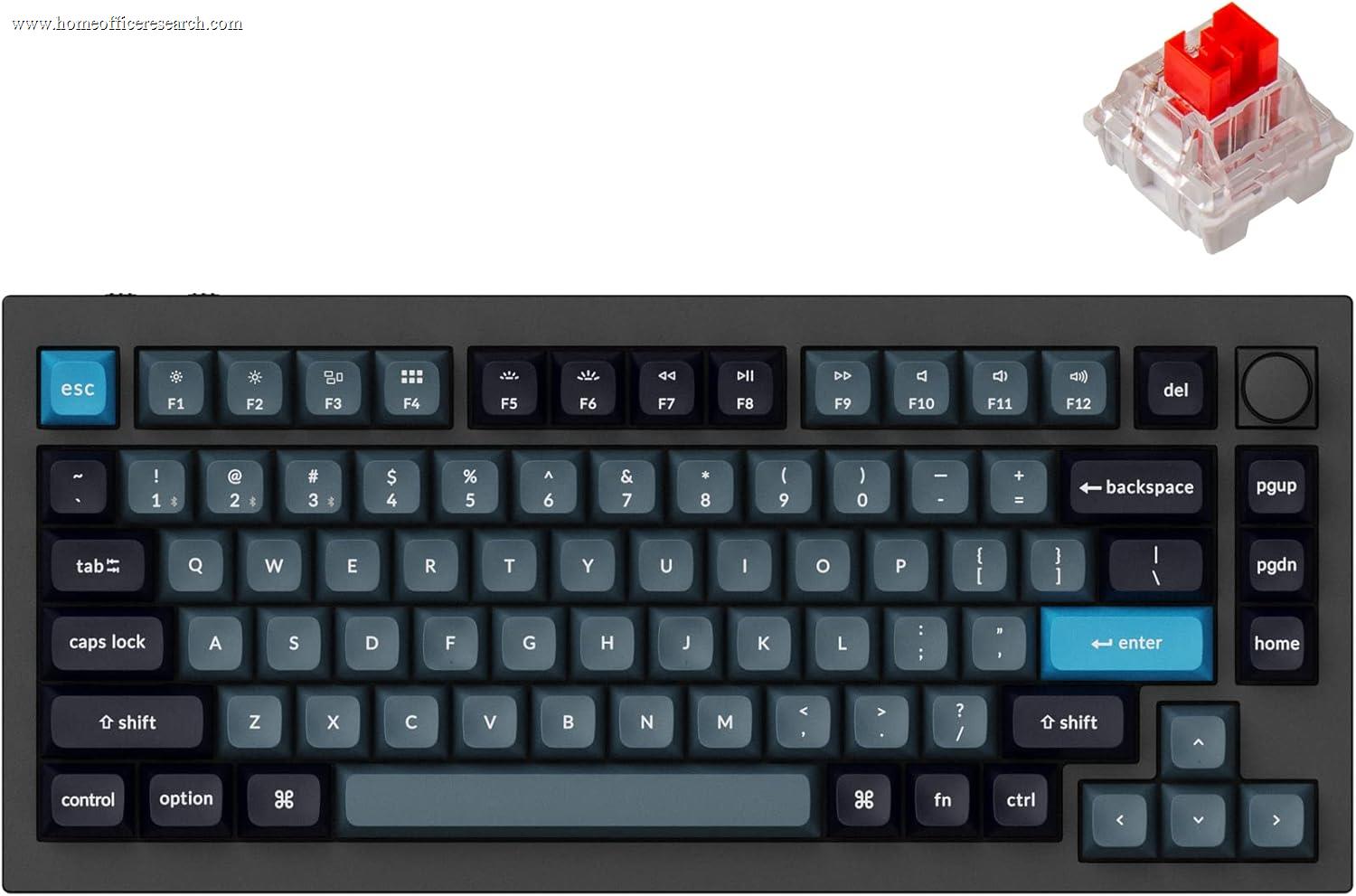
Silent Mech. | 75% | ✓ | ✓ | Double-shot PBT | 4.0 |
| 3 |
|
8.6/10 |
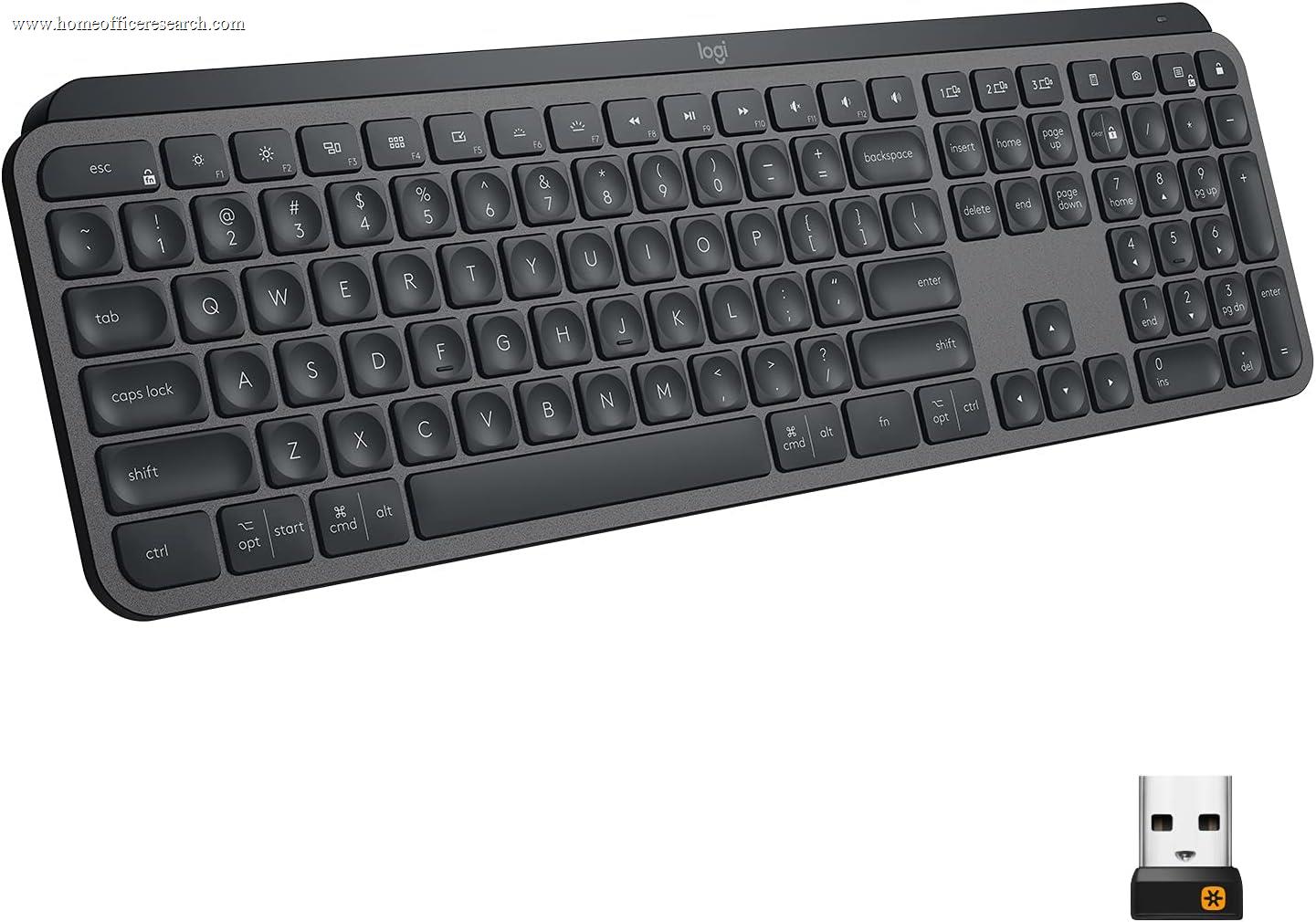
Scissor-Switch | Full-size | ✓ | N/A | Integrated ABS | 1.8 |
| 4 |
|
8.2/10 |
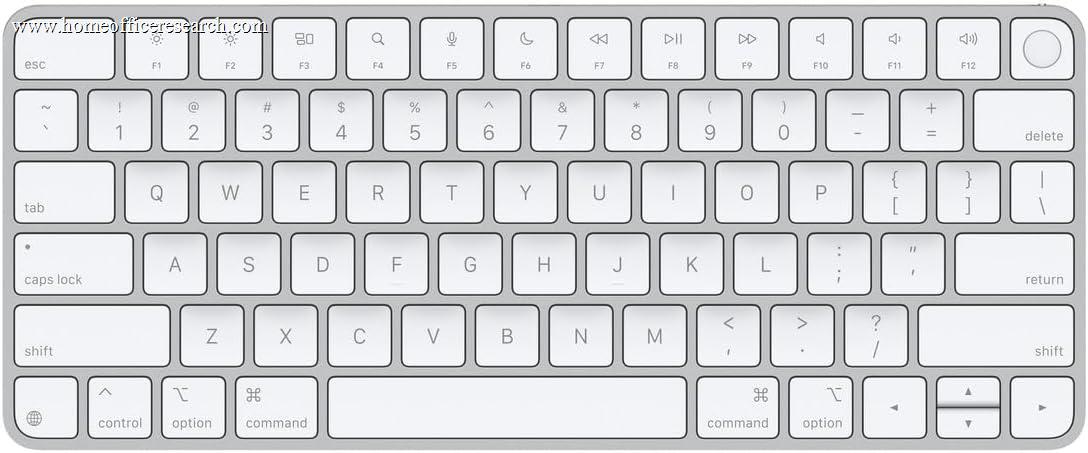
Scissor-Switch | Compact | BT, 1-device | N/A | Integrated ABS | 1.0 |
| ▸ Mid-Range — Strong All-Round Performance, Wireless | ||||||||
| 5 |
|
7.9/10 |
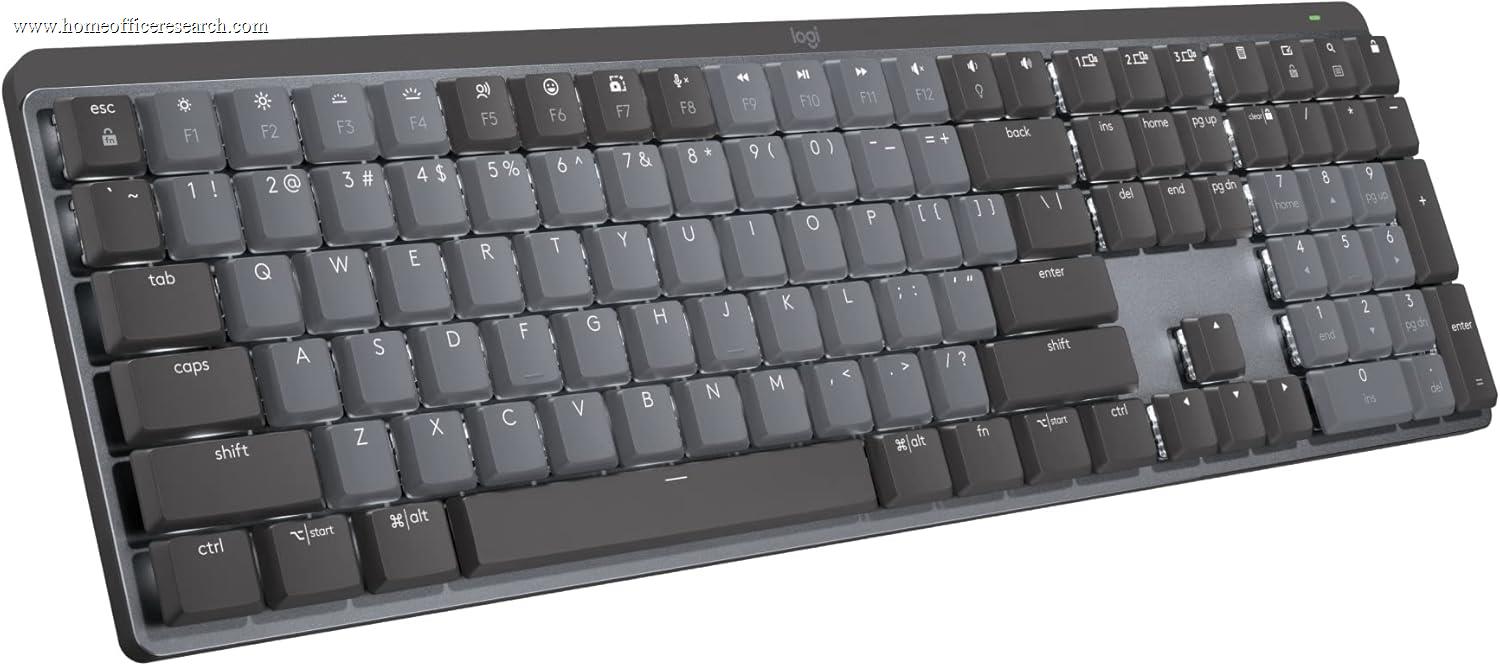
Silent Mech. | Full-size | ✓ | — | Integrated ABS | 3.2 |
| 6 |
|
7.7/10 |
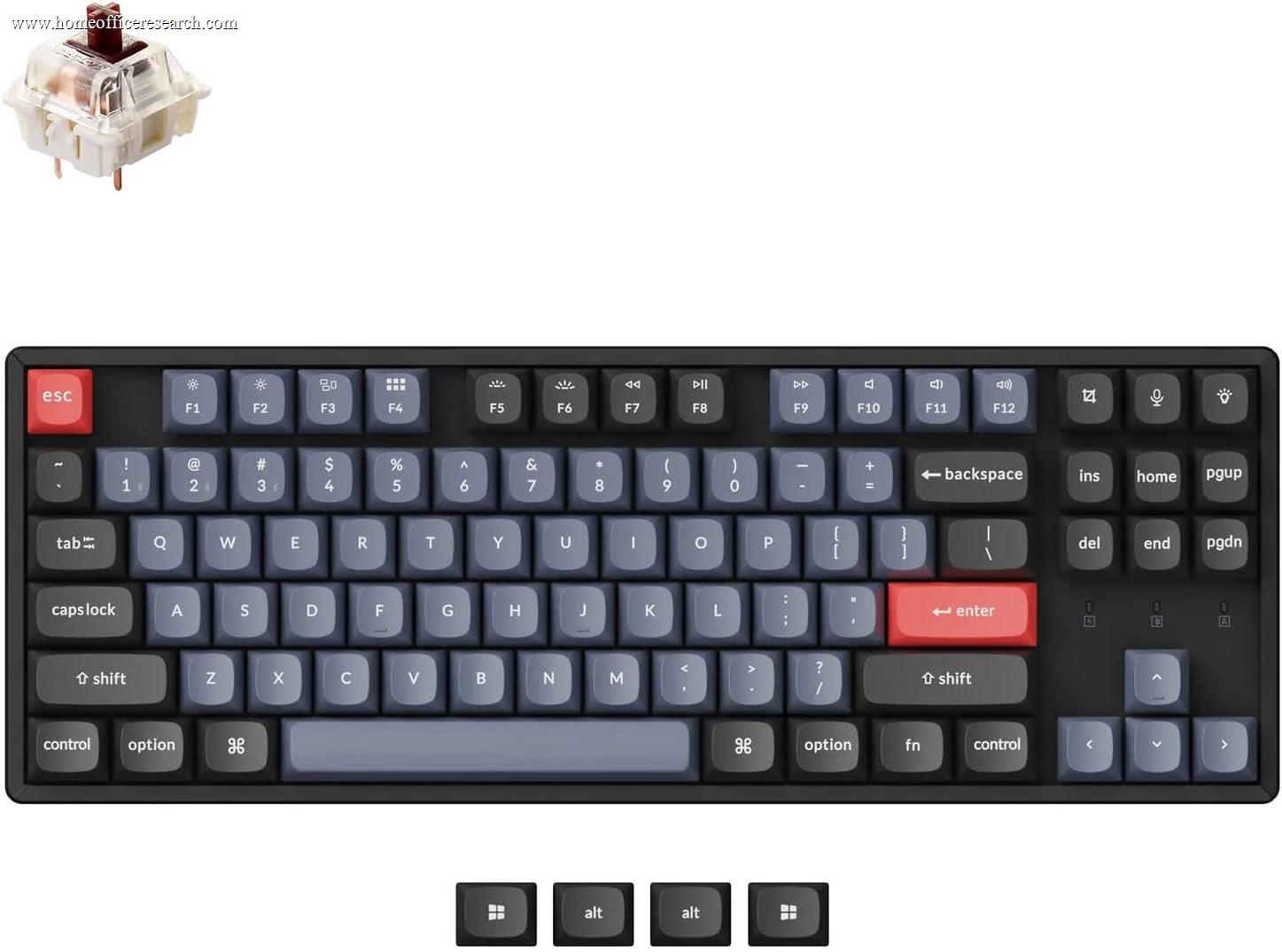
Mechanical | TKL | ✓ | ✓ | Double-shot PBT | 4.0 |
| 7 |
|
7.6/10 |
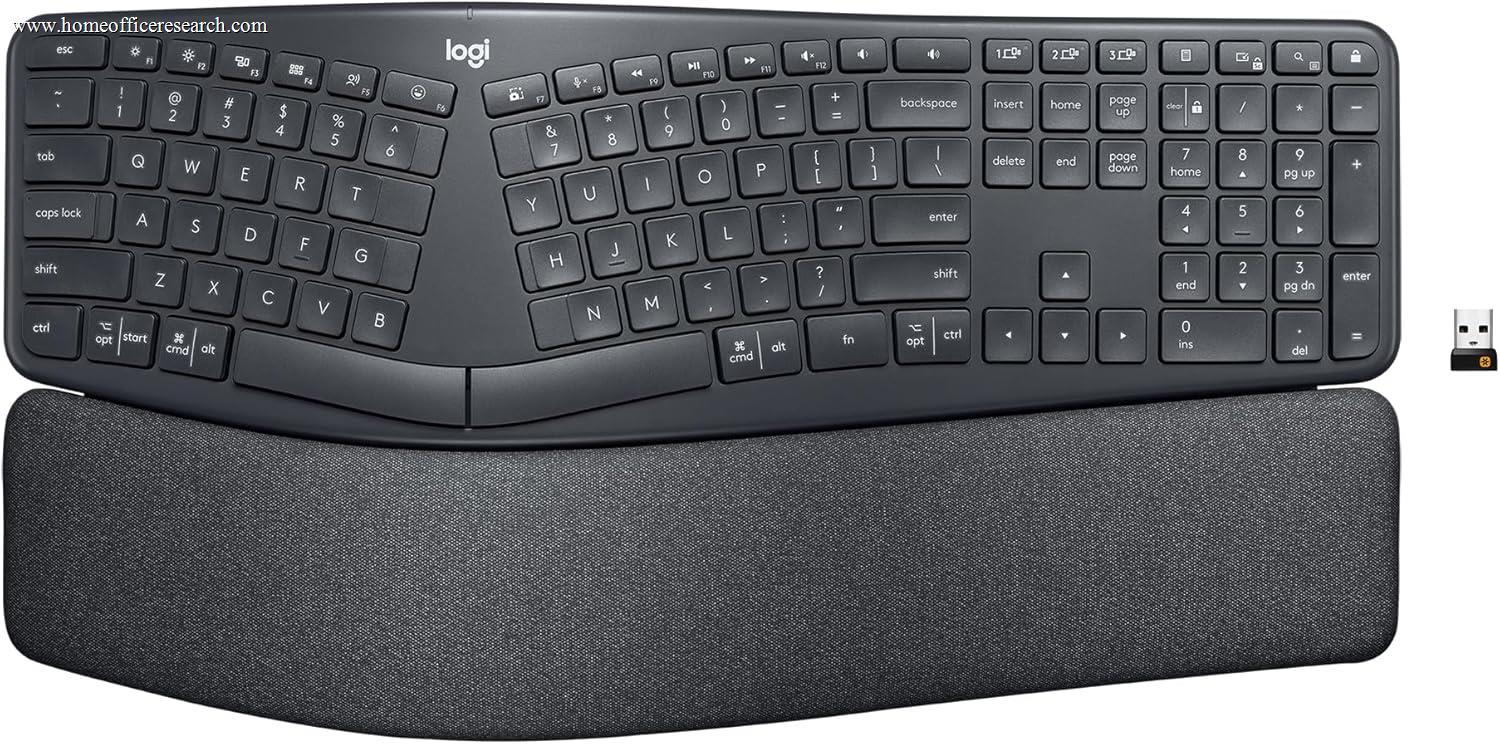
Ergo Membrane | Split Full | ✓ | N/A | Integrated ABS | 2.1 |
| 8 |
|
7.3/10 |
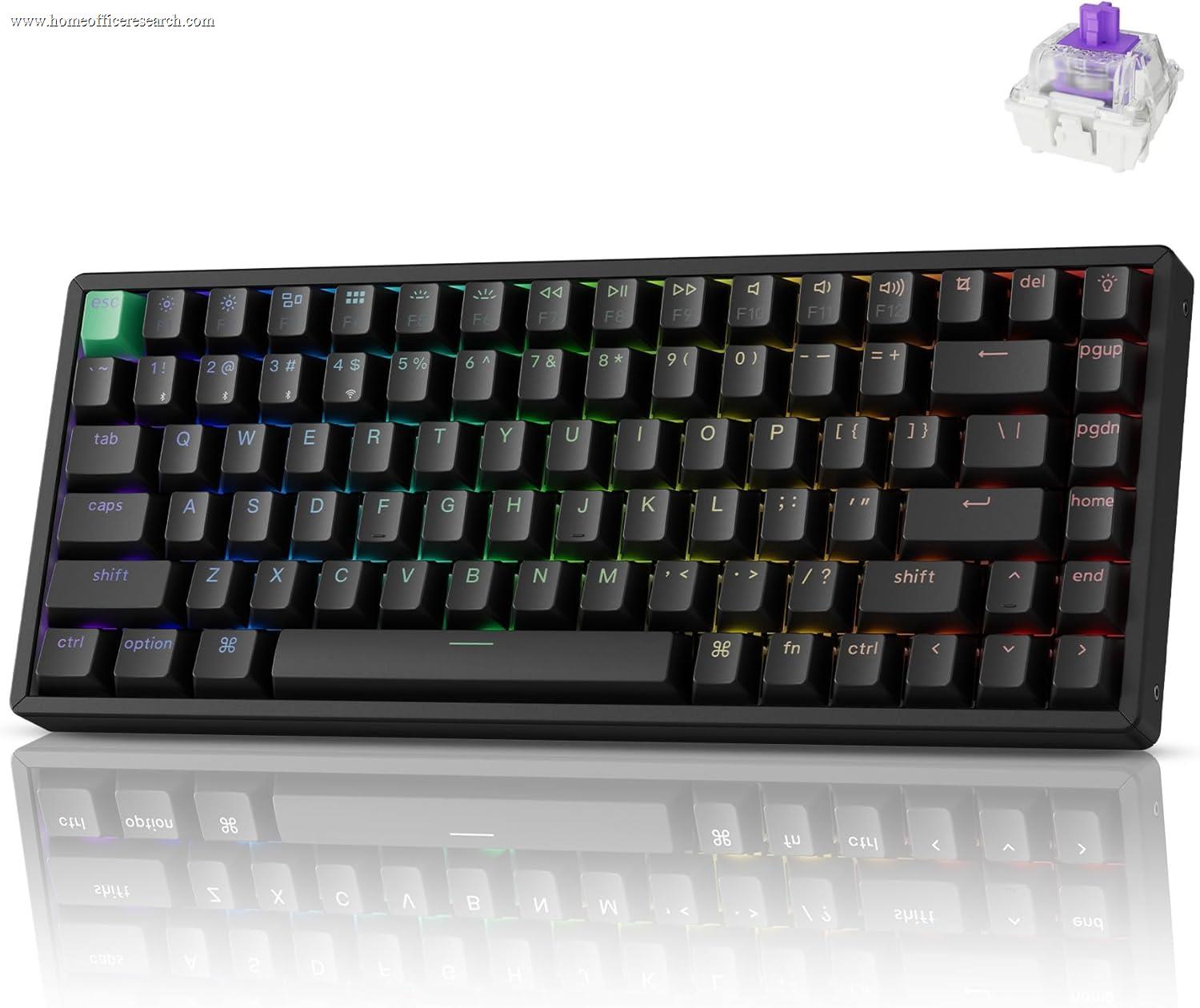
Hall Effect | 75% | ✓ | ✓ | Double-shot PBT | 4.0 |
| 9 |
|
7.1/10 |
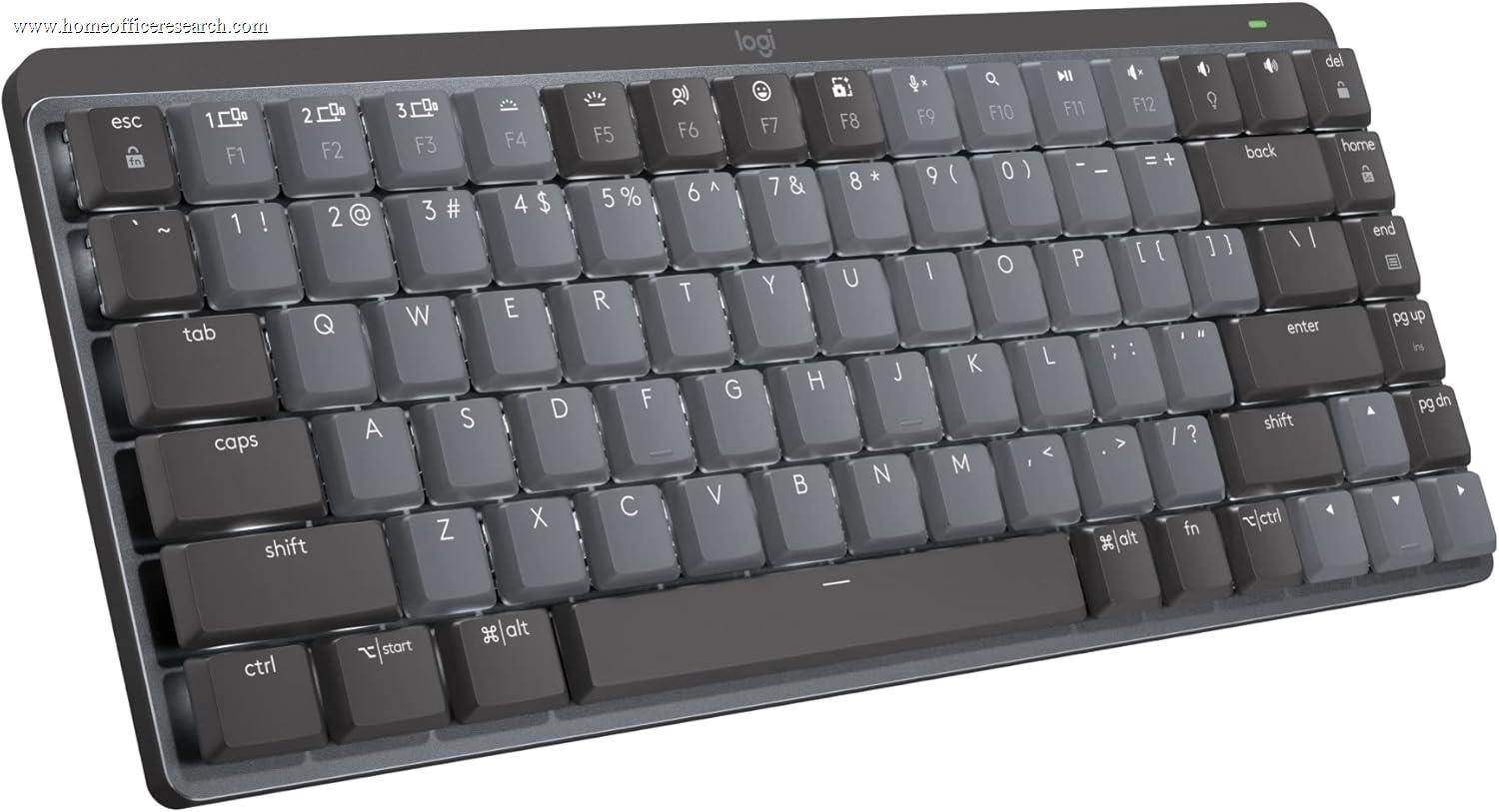
Silent Mech. | 65% | ✓ | — | Integrated ABS | 3.2 |
| 10 |

|
6.8/10 |
Silent Mech. | Full-size | — | — | ABS | 4.0 |
| ▸ Budget — Capable, with Clear Tradeoffs | ||||||||
| 11 |
|
6.8/10 |
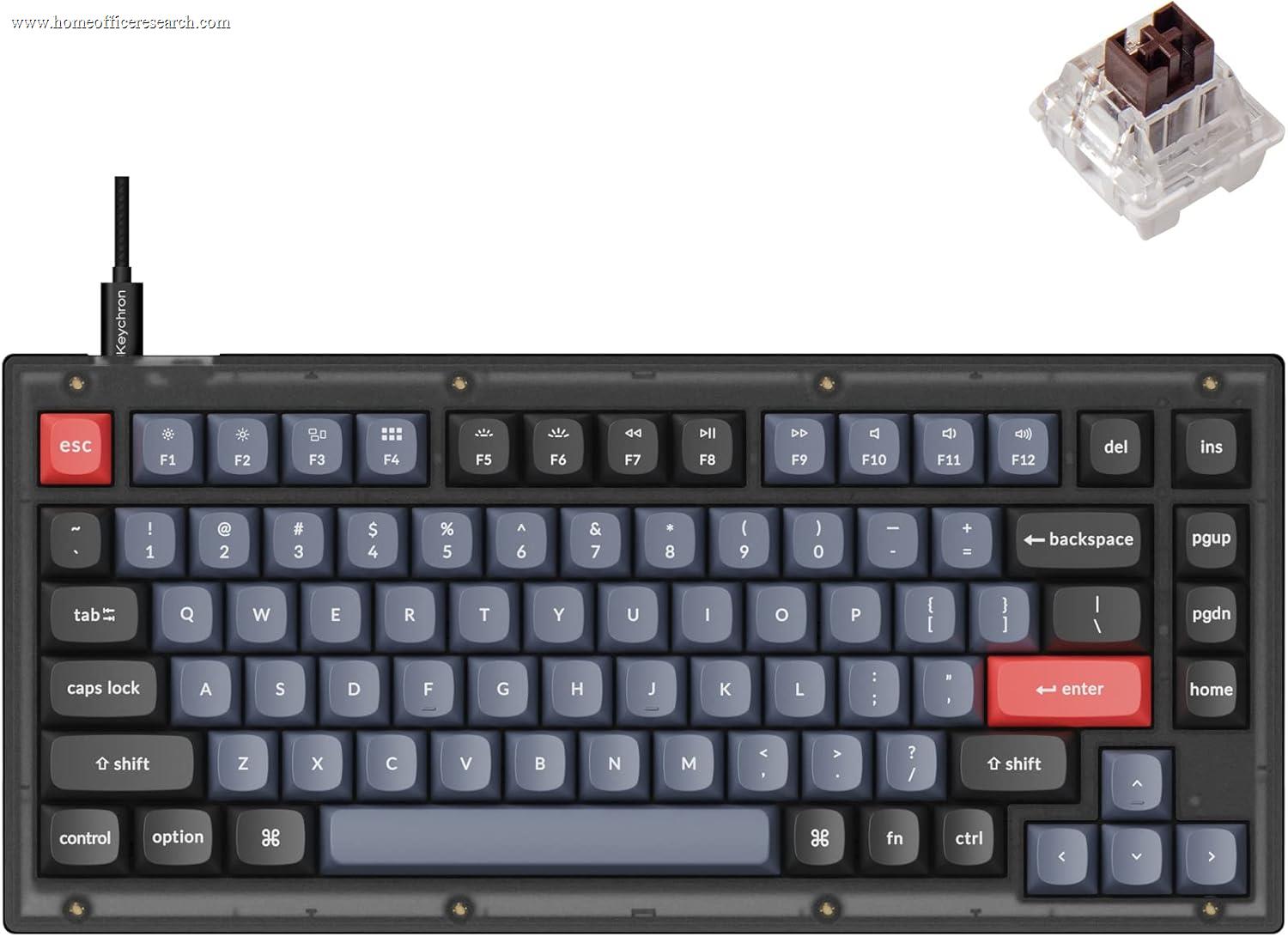
Mechanical | 75% | ✓ | — | Double-shot PBT | 4.0 |
| 12 |

|
6.5/10 |
Low-Profile Mech. | 75% | ✓ | ✓ | Dye-sub PBT | 3.5 |
| 13 |
|
6.1/10 |
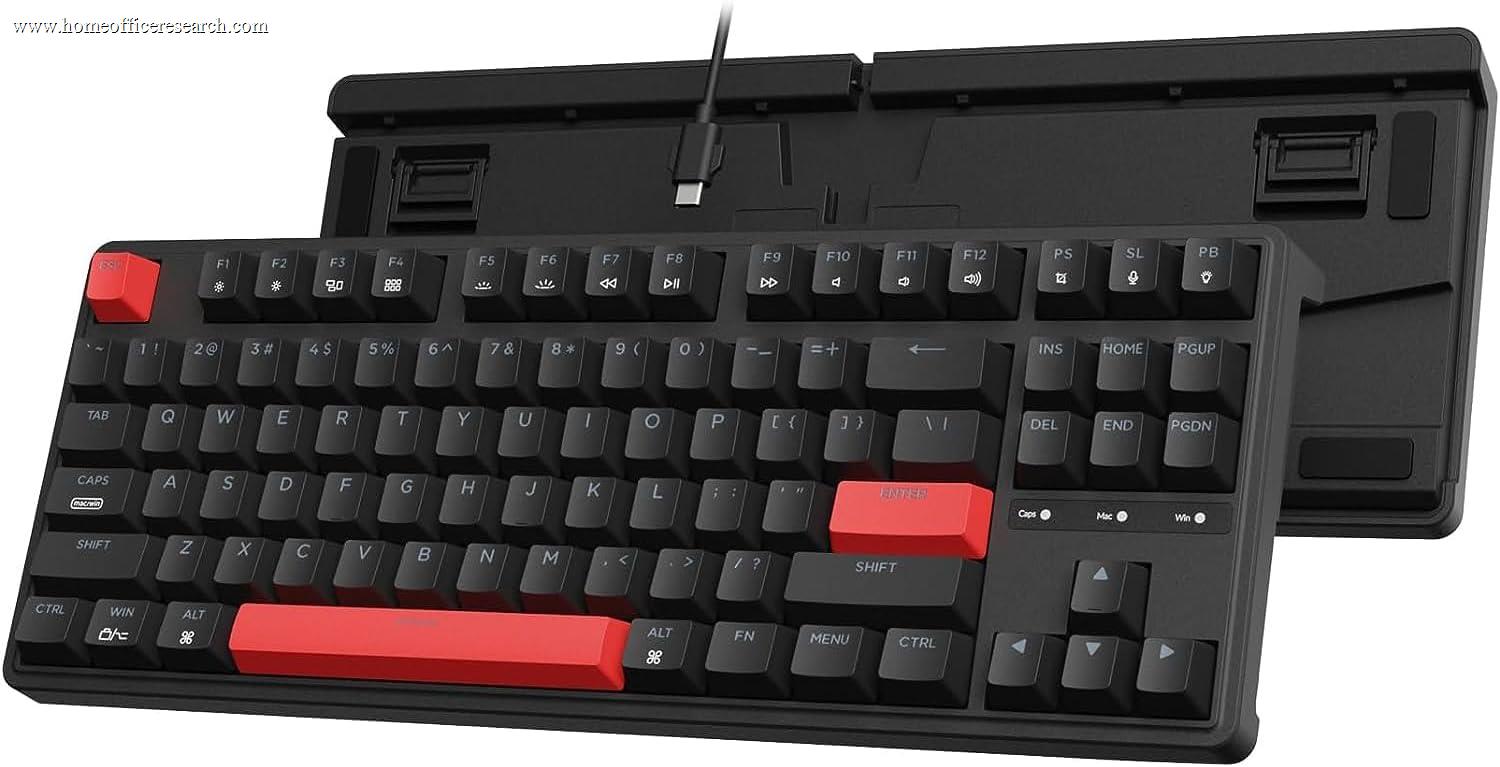
Mechanical | TKL | ✓ | — | ABS | 4.0 |
| 14 |
|
5.9/10 |
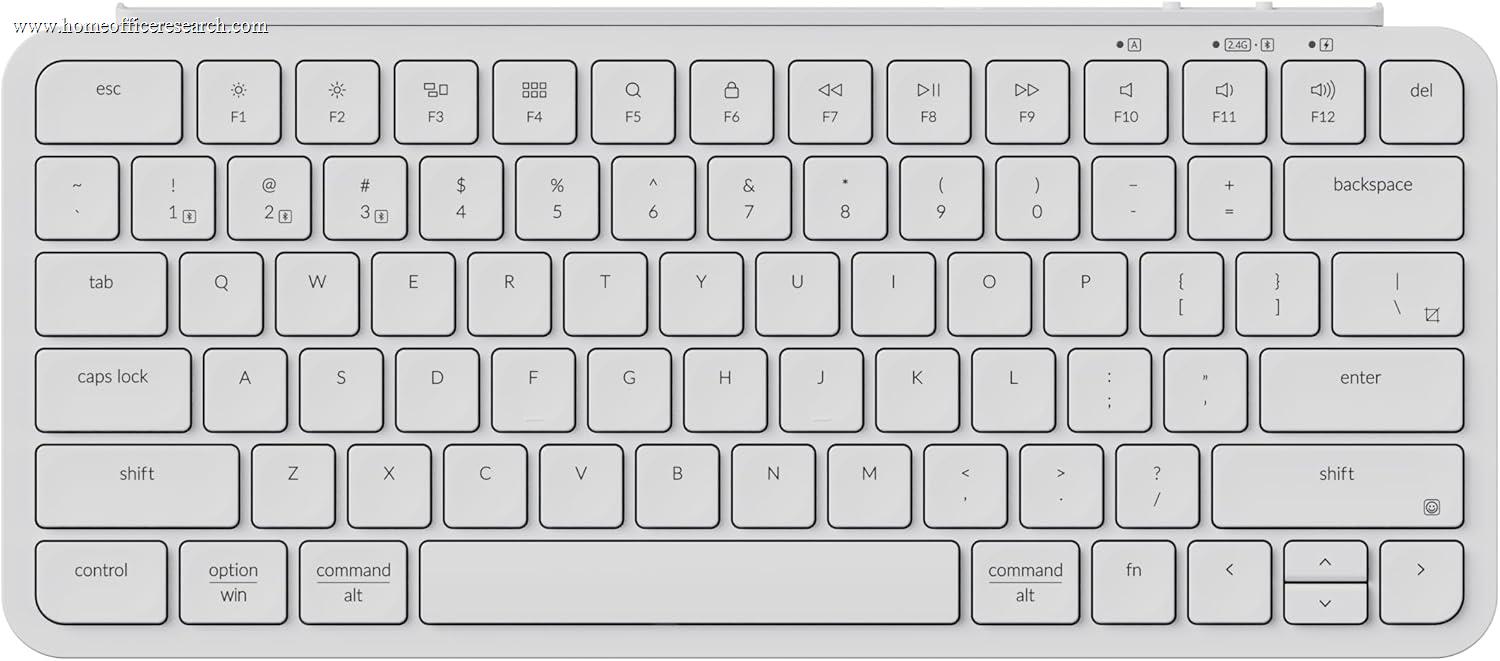
Scissor-Switch | 65% | ✓ | N/A | Integrated ABS | 1.7 |
| 15 |
|
5.6/10 |
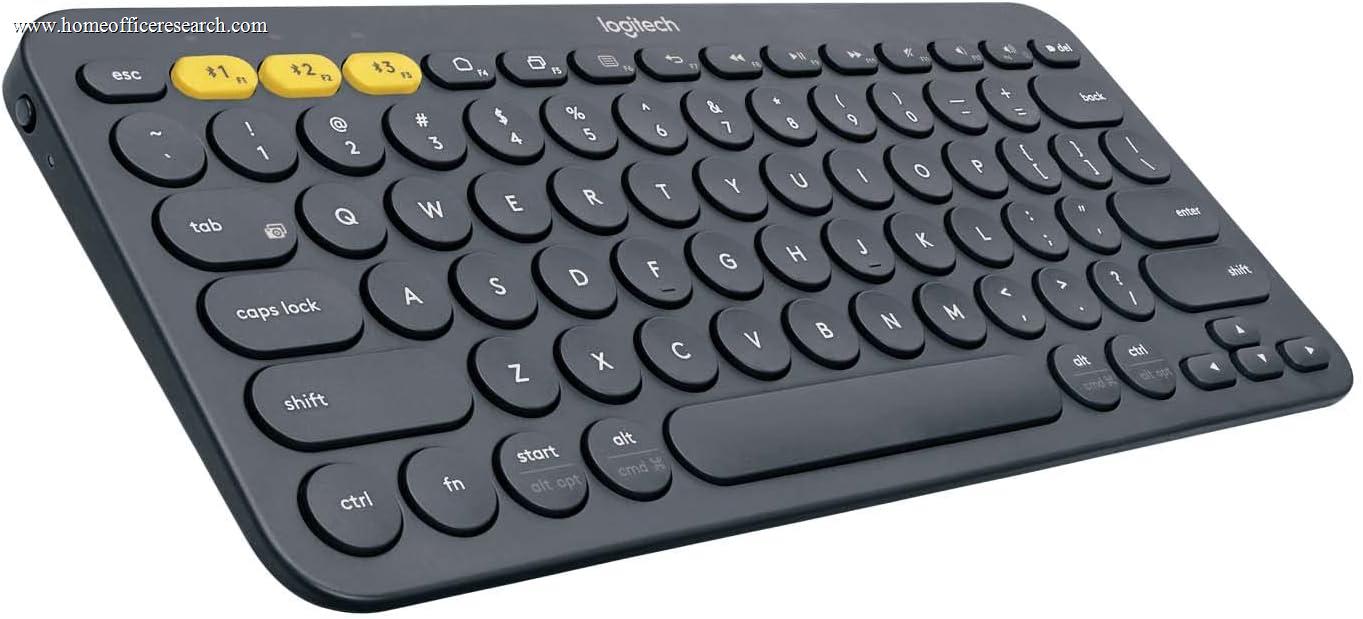
Scissor-Switch | Compact | ✓ | N/A | Integrated ABS | 2.0 |
| 16 |
|
4.8/10 |
Mechanical | Full-size | — | — | ABS | 4.0 |
How We Score
Weighted Scoring Framework — All Scores 0–10
Key Considerations When Choosing a Home Office Keyboard
The Core Decision — Scissor-Switch or Mechanical?
The most important keyboard decision for home office buyers is not which brand or layout to choose — it is which switch technology is appropriate for your working environment. This is a genuine fork in the decision tree, and the right answer depends on two factors: how much noise is acceptable, and what typing feel you prefer.
Scissor-switch keyboards use a crossed plastic mechanism under each key that keeps the cap stable and returns it quickly. Travel is short — typically 1.0–2.0mm — and the feel closely mirrors a high-quality laptop keyboard. They are quiet, low-profile, require minimal finger effort, and produce very little noise at any stage of the keystroke. The Logitech MX Keys S is the benchmark product in this category.
Mechanical keyboards use discrete, self-contained switches with a longer travel — typically 3.2–4.0mm — and more distinct physical feedback. They are more durable at the individual switch level and offer a more tactile, deliberate typing experience. The tradeoff is noise: standard mechanical switches are meaningfully louder than scissor-switch designs, and the loudest variants — clicky switches — are inappropriate for shared spaces or video calls. Silent mechanical switches are a direct answer to this, using internal dampening pads to bring noise to near-scissor levels while retaining the mechanical feel.
Neither technology is objectively superior. The Logitech MX Keys S ranks first on this page because it scores well across the full framework including acoustics — not because scissor-switch is inherently better than mechanical. The Keychron Q1 Pro ranks second at more than twice the price, because its gasket-mounted construction, aluminum case, and hot-swap sockets justify that premium for buyers who specifically want a mechanical feel.
Bottom line: If you frequently type during video calls, share a workspace, or find your current keyboard’s noise disruptive — choose a scissor-switch or silent mechanical keyboard. If you type primarily alone, value stronger tactile feedback, and plan to keep the keyboard for five or more years — a mechanical keyboard with silent or tactile switches is worth the premium.
Noise — Why It’s Weighted at 15% in Our Framework
Keyboard noise is the most underweighted factor in most buying guides and the most practically significant for home office users. A keyboard that performs well in isolation may be entirely inappropriate the moment you’re on a video call, working near a partner or family member, or recording audio.
The loudest mainstream category is clicky mechanical switches — Cherry MX Blue and equivalents. Their characteristic snap is intentional and satisfying in solo environments but is genuinely disruptive in shared spaces and audible through most microphones. No clicky switches appear in our recommendations for this reason.
Standard tactile and linear mechanical switches produce the mid-level noise most people associate with mechanical keyboards. Audible but not extreme — borderline for video calls depending on microphone sensitivity and room acoustics.
Silent mechanical switches add dampening pads to the stem and housing, absorbing both the actuation and bottom-out sounds. Keyboards like the Logitech MX Mechanical with Tactile Quiet switches, and the Keychron Q1 Pro loaded with silent switches, fall in this category. The result is acoustically close to a scissor-switch keyboard.
Scissor-switch keyboards are the quietest standard category. Their short travel and integrated stabilization produce a soft, muted tap that is generally inaudible to people nearby and effectively microphone-safe.
Bottom line: Acoustics is weighted at 15% in our framework because it is a binary constraint for a large share of buyers — not a preference to optimize around but a hard requirement. If you take calls while typing or share a physical workspace, scissor-switch or silent mechanical is the correct choice. Standard mechanicals are a judgment call; clicky mechanicals are ruled out.
Wireless — Multi-Device Bluetooth vs. 2.4GHz Dongle
For home office use, wireless is almost always preferable to wired. A cable-free desk reduces clutter, allows easy repositioning, and eliminates the friction of plugging in when switching machines. The practical question is which wireless technology best fits your device setup.
Multi-device Bluetooth pairing allows a single keyboard to be paired with two, three, or more devices simultaneously and switched between them with a dedicated key. For users who work across a desktop and laptop, or a Mac and a PC, this is a meaningful daily convenience that wired keyboards and single-device wireless cannot replicate. The Logitech MX Keys S supports three simultaneous Bluetooth devices; the Keychron K8 Pro supports three via both Bluetooth and 2.4GHz.
2.4GHz USB dongle offers lower, more consistent latency than Bluetooth and is more resistant to wireless interference in congested environments. It requires one USB port and pairs with a single device. This is the stronger choice for users who prioritize connection reliability over multi-device flexibility.
The Apple Magic Keyboard pairs with one device via Bluetooth only — a real limitation for users who switch between machines. This single-device constraint is a significant factor in its score relative to the MX Keys S despite comparable typing quality.
Bottom line: Multi-device Bluetooth is the most valuable wireless feature for the modern home office. If you regularly switch between two or more devices, it eliminates a daily friction point that accumulates meaningfully over time. Single-device users are equally well served by 2.4GHz or basic Bluetooth.
Key Travel — Short vs. Long Stroke
Key travel describes the physical distance a keycap moves from resting position to fully pressed. It is one of the most personal specifications in keyboard selection and has no universally correct answer.
Short travel (1.0–2.0mm) characterizes scissor-switch keyboards and mirrors the feel of modern laptop keyboards. Keys register quickly and require minimal downward force. Users accustomed to laptop typing adjust immediately. The Apple Magic Keyboard at 1.0mm is the most extreme mainstream example; the Logitech MX Keys S at 1.8mm offers slightly more travel with a more defined bottom-out feel.
Long travel (3.2–4.0mm) is standard for mechanical keyboards. Each keypress is more deliberate, the actuation point is more perceptible, and the bottom-out sensation is more distinct. Users who learned to type on classic desktop keyboards typically find longer travel more natural. The tradeoff is greater total finger movement over a long working day.
Users who find short-travel keyboards “mushy” or imprecise will likely prefer mechanical travel. Users who find mechanical keyboards “heavy” or tiring often prefer scissor-switch travel. If you’ve typed comfortably on a laptop keyboard for years, that preference is meaningful data.
Bottom line: Match key travel to your existing typing habits. If you’re comfortable on a laptop keyboard, a scissor-switch design will require no adjustment. If you find laptop keyboards unsatisfying, a mechanical keyboard’s longer travel will likely feel more natural. There is no wrong answer here — it is genuine personal preference.
Hall Effect Switches — Magnetic Actuation and Adjustable Sensitivity
Hall Effect switches use magnetic fields rather than physical contact to register keypresses. Because nothing physically contacts the sensing element, there is no wear mechanism at the actuation point — rated lifespans often exceed 100 million keystrokes versus 50–80 million for high-quality traditional mechanical switches.
The more practically significant feature for home office users is software-adjustable actuation depth. With Hall Effect keyboards, the point at which a keypress registers can be set per-key anywhere from approximately 0.1mm to 4.0mm. A user experiencing finger fatigue can set a shallower actuation to reduce required press depth; a user who wants more deliberate keypresses to avoid errors can set a deeper one. This adaptability is unavailable in any traditional mechanical switch without physically replacing the switch.
The Keychron K2 HE represents a mature implementation of this technology in a productivity context — gasket-mounted, aluminum case, hot-swappable HE sockets, wireless, and PBT keycaps. It scores lower than the Q1 Pro primarily on acoustics (standard HE switches are not silent) and value, not on build quality.
Bottom line: Hall Effect technology offers genuine long-term durability advantages and an adjustability that traditional mechanical switches cannot match. The premium over comparable conventional mechanical keyboards is real but modest. For a keyboard intended as a primary work tool for five or more years, HE switches are worth considering seriously.
Ergonomics — When a Split Layout Matters
Most keyboards position keys in a straight horizontal line that requires both hands to angle inward to reach the center of the board. For many users this causes no issues. For users who type extensively — four or more hours daily — this inward wrist angle (ulnar deviation) can contribute to fatigue or strain over time.
A split ergonomic keyboard physically separates the keyboard into two halves so each hand can be positioned at a natural shoulder-width angle. The Logitech ERGO K860 adds a curved wave to the key surface — higher in the center — that aligns with the natural arc of finger reach, along with an integrated wrist rest that reduces wrist extension during typing.
Split keyboards require an adjustment period of one to two weeks, during which typing speed typically drops before recovering. For users experiencing wrist or forearm discomfort, that adjustment cost is almost always worth paying. For users without any discomfort, the adjustment period may not be justified.
The K860 uses membrane switches rather than mechanical — it is quieter than most mechanical keyboards, which makes it appropriate for shared environments. Its wireless implementation (Bluetooth, 2.4GHz dongle) is solid. The build quality is plastic throughout, which is a tradeoff at its price.
Bottom line: Most home office buyers do not need a split ergonomic keyboard. If you type for more than four hours per day and notice wrist or forearm discomfort — even mild, recurring discomfort — a split ergonomic keyboard is worth serious consideration before the issue worsens. The Logitech ERGO K860 is the most accessible, well-supported option at its price point.
Layout — Full-Size, TKL, 75%, and Compact
Layout determines which keys are physically present and how much desk space the keyboard occupies. For home office users, this affects mouse positioning, shoulder ergonomics, and whether workflow-critical keys are accessible without key combinations.
Full-size (100%) includes a dedicated numpad. For users who regularly perform numerical data entry — accounting, financial modeling, spreadsheet-heavy work — a numpad is genuinely useful. For most other users, it’s rarely touched and its desk footprint pushes the mouse further right, which can contribute to shoulder strain over time.
TKL (Tenkeyless) removes the numpad and reduces total width by roughly 20%, allowing the mouse to sit closer to the keyboard’s centerline. The full navigation cluster and function row are preserved. This is the most broadly useful layout for users who don’t have a specific numpad need.
75% compresses the function row and navigation cluster into a tighter footprint, saving additional desk space while retaining all commonly used keys. This has become the preferred layout for productivity-focused keyboard users — compact enough to meaningfully improve mouse positioning, complete enough not to require frequent Fn-layer access.
Compact layouts (65% and below) remove the function row entirely. F-keys require Fn-layer access. Suitable for users who rarely use function keys; limiting for those who rely on them in Excel, IDEs, video editing, or other software.
Bottom line: TKL or 75% is the correct choice for most home office users without a specific numpad requirement. Full-size is justified only when numpad use is frequent. Compact layouts below 75% are a real trade of keyboard functionality for desk space — worth making only if your F-key usage is genuinely minimal.
Keycap Material — PBT, ABS, and What “Integrated” Means
Keycap material affects how a keyboard’s keys feel and look after months and years of sustained daily use. For mechanical keyboards this is a user-replaceable specification; for scissor-switch keyboards the keycaps are integrated into the mechanism and cannot be swapped.
PBT (Polybutylene Terephthalate) is harder, more heat-resistant, and significantly more resistant to the shine and surface wear that affects ABS. PBT keycaps maintain their texture through years of heavy use. Legends printed via dye-sublimation are bonded into the material and effectively permanent. Keychron’s Q and K Pro series use double-shot PBT; the NuPhy Air75 V3 uses dye-sublimation PBT.
ABS (Acrylonitrile Butadiene Styrene) is softer and less expensive to manufacture. With sustained use, ABS develops a characteristic surface shine — often called “ABS shine” — that becomes visible within three to six months of daily use and progressively more pronounced. It is a cosmetic issue primarily, but a real one on keyboards priced as premium products. The Logitech MX Mechanical uses ABS keycaps at its premium price point, which is a noted limitation.
For scissor-switch keyboards, this specification is largely not in play — integrated keycap designs age differently, and the Logitech MX Keys S’s spherical key divots distribute finger contact in a way that partially offsets the ABS limitation.
Bottom line: For mechanical keyboards intended as long-term work tools, PBT keycaps are the correct choice. On scissor-switch keyboards, keycap replaceability is not available and the material question is secondary to overall design quality.
Recommended Brands by Use Case
Home office keyboard selection spans genuinely divergent use cases — a quiet scissor-switch for a shared apartment and a gasket-mounted mechanical for a private study are both correct answers for different buyers. The following reflects where each major brand in our evaluation excels.
Logitech — Best for Most Users
Logitech’s MX line covers the widest range of home office needs with consistent quality. The MX Keys S is the most complete all-round recommendation in our evaluation — multi-device Bluetooth, quiet scissor-switch typing, backlit keys, and cross-platform support at a mainstream price. The original MX Keys offers nearly identical typing quality and the same three-device Bluetooth at a lower price point, making it the stronger value pick for buyers who don’t need the S’s faster USB-C charging or Options+ software. The ERGO K860 is the strongest ergonomic keyboard at its price point. The MX Mechanical extends Logitech’s connectivity advantages into a low-profile mechanical form factor with silent switches. Logitech’s Options+ software is among the more polished keyboard customization platforms available outside the enthusiast ecosystem.
Keychron — Best for Mechanical Keyboards
Keychron offers mechanical keyboards across more price tiers with more specification transparency than any other mainstream brand. The Q1 Pro’s gasket-mount aluminum construction, double-shot PBT keycaps, QMK/VIA firmware, and dual wireless make it the strongest premium mechanical recommendation. The K8 Pro delivers most of that capability at roughly half the price. The V1 is the most credible mid-budget recommendation for enthusiast buyers — QMK/VIA, double-shot PBT keycaps, sound-dampening foam, and a 75% layout at a budget price, making it the most frequently recommended first mechanical keyboard in the enthusiast community. The C3 Pro is the most defensible true budget entry — hot-swappable at its very low price, which is unusual. The K2 HE adds Hall Effect technology in a wireless, aluminum package for buyers interested in adjustable actuation.
Apple — Best for Mac-Only Users
The Apple Magic Keyboard is the lowest-friction keyboard choice for users whose workflow is entirely within the Apple ecosystem. Its ultra-short travel, extremely quiet operation, and seamless macOS pairing make it the simplest possible option for Mac desktop users. The limitations are real and should not be understated: single-device Bluetooth only, full feature set locked to Apple Silicon Macs, and not programmable in any meaningful way. Its score reflects these connectivity constraints against the broader market — not a judgment on its typing quality, which is genuinely excellent for scissor-switch users.
Cherry — Best for Traditional Wired Mechanical
Cherry is the originator of the MX switch standard that most mechanical keyboards are compared against. The KC 200 MX uses Cherry’s own MX2A Silent Red switches — a refined linear-silent iteration of their flagship MX platform — in a full-size aluminum-reinforced design with a dedicated numpad. It is wired-only and not hot-swappable, which limits long-term flexibility. For buyers who specifically want a classic, uncomplicated wired mechanical keyboard from the manufacturer that invented the specification it’s built around, Cherry is the correct answer. Its score reflects the wired-only and no-swap limitations against a market that has largely moved toward wireless.