Best UPS for Home Office:
Rated & Ranked
We evaluated 15 UPS units across six weighted categories — from fundamental power protection to real-world usability. Every score is derived from measurable specifications, not subjective impressions. The result: a defensible, comparable 0–10 rating for each unit.
Product links are Amazon affiliate links — purchases support this site at no cost to you.
The ranking below uses our recommended weights — the balance of factors we believe matters most for a typical home office. If your priorities differ, switch to Customize Weights and re-rank the table around what you care about.
Full Comparison — Sorted by Score
| # | Product | Score | Waveform ? | Topology ? | AVR ? | Capacity (VA) ? |
Capacity (W) ? |
Runtime @ Full Load (Min) ? |
Battery Outlets ? |
|---|---|---|---|---|---|---|---|---|---|
| ▸ Line Interactive — Recommended for Home Office | |||||||||
| 1 |

|
9.5/10 |
Pure Sine | Line Interactive | ✓ | 1,500 | 1,000 | 2.5 | 6 |
| 2 |
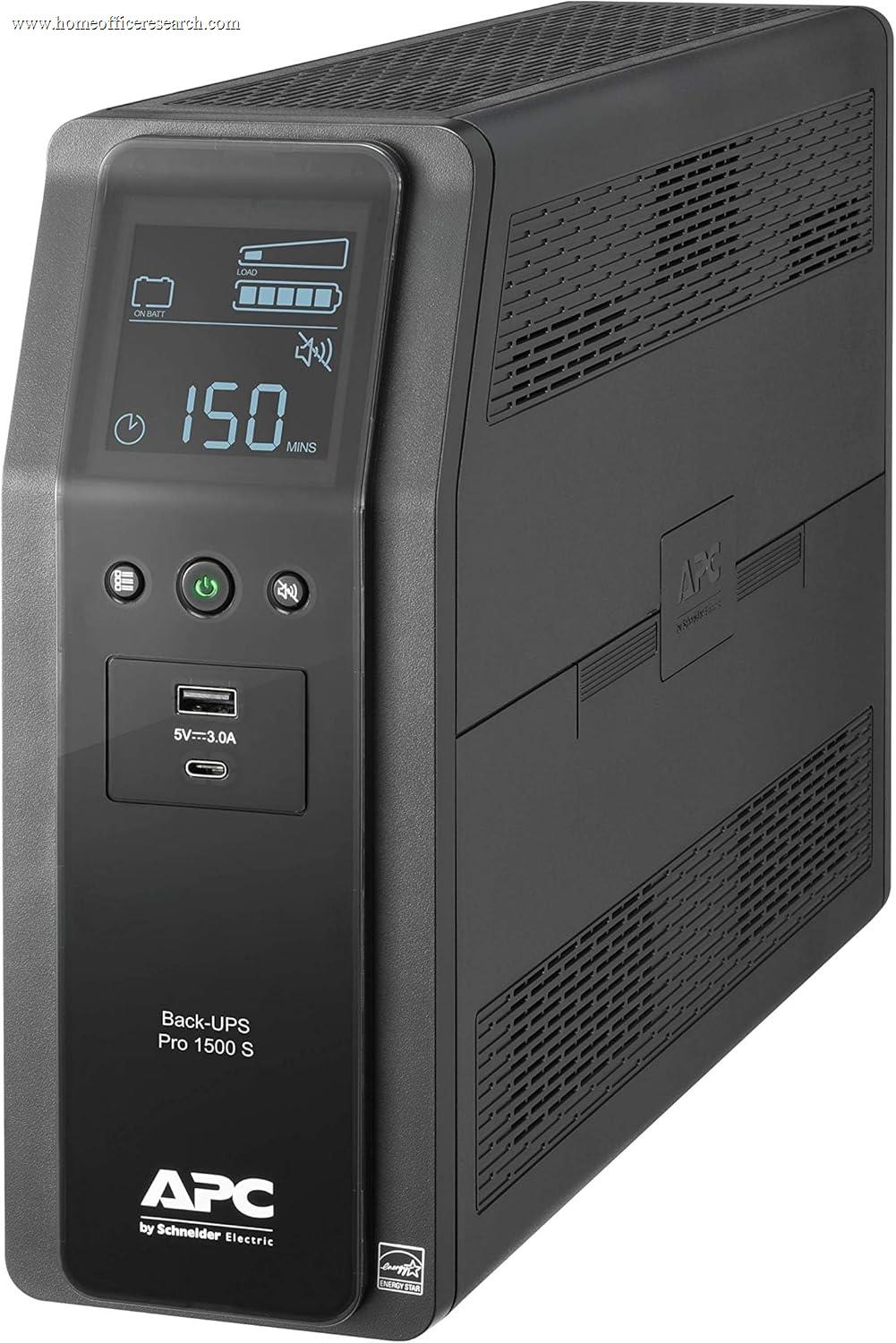
|
8.5/10 |
Pure Sine | Line Interactive | ✓ | 1,500 | 900 | 4.2 | 6 |
| 3 |
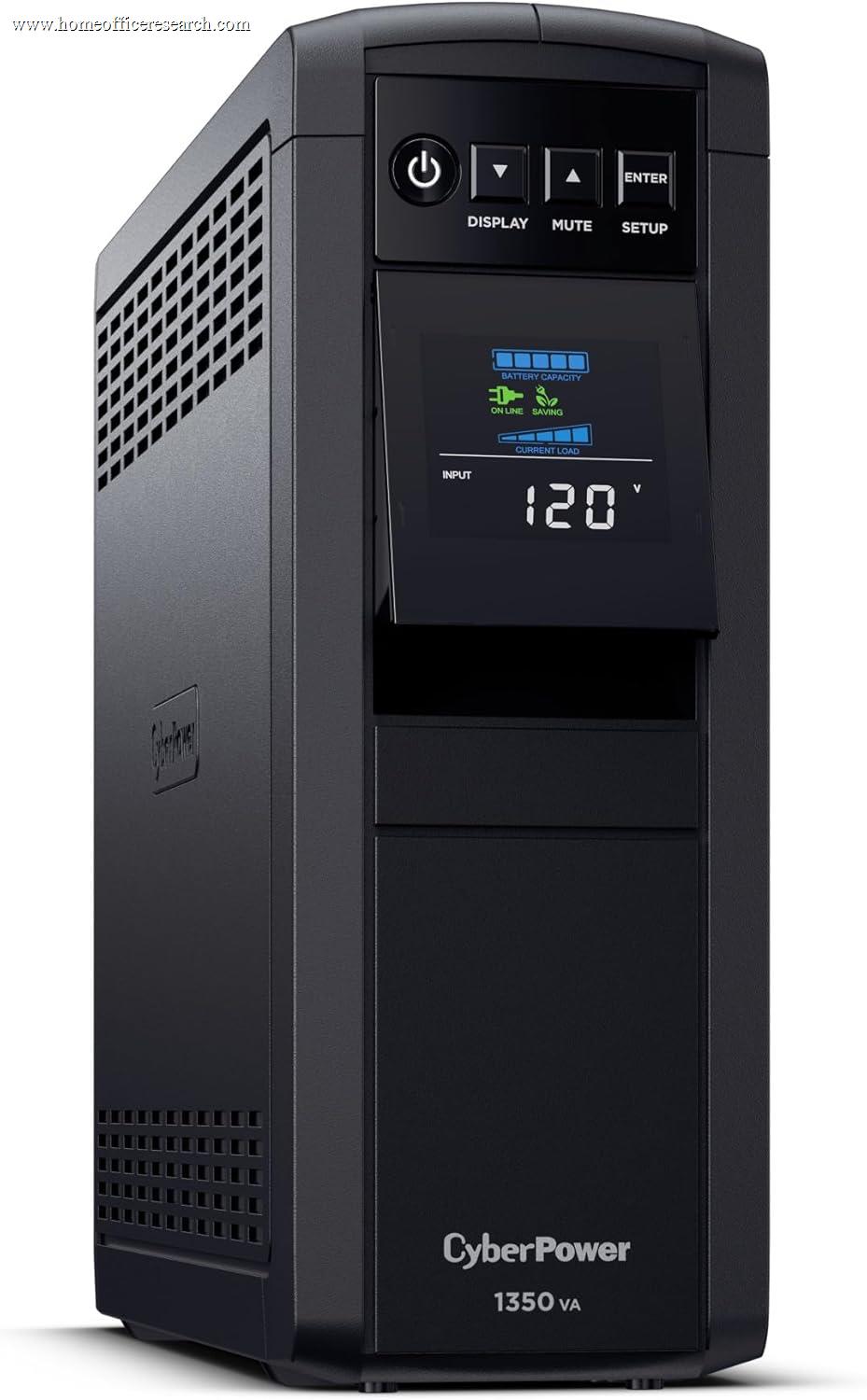
|
8.2/10 |
Pure Sine | Line Interactive | ✓ | 1,350 | 880 | 3.0 | 6 |
| 4 |
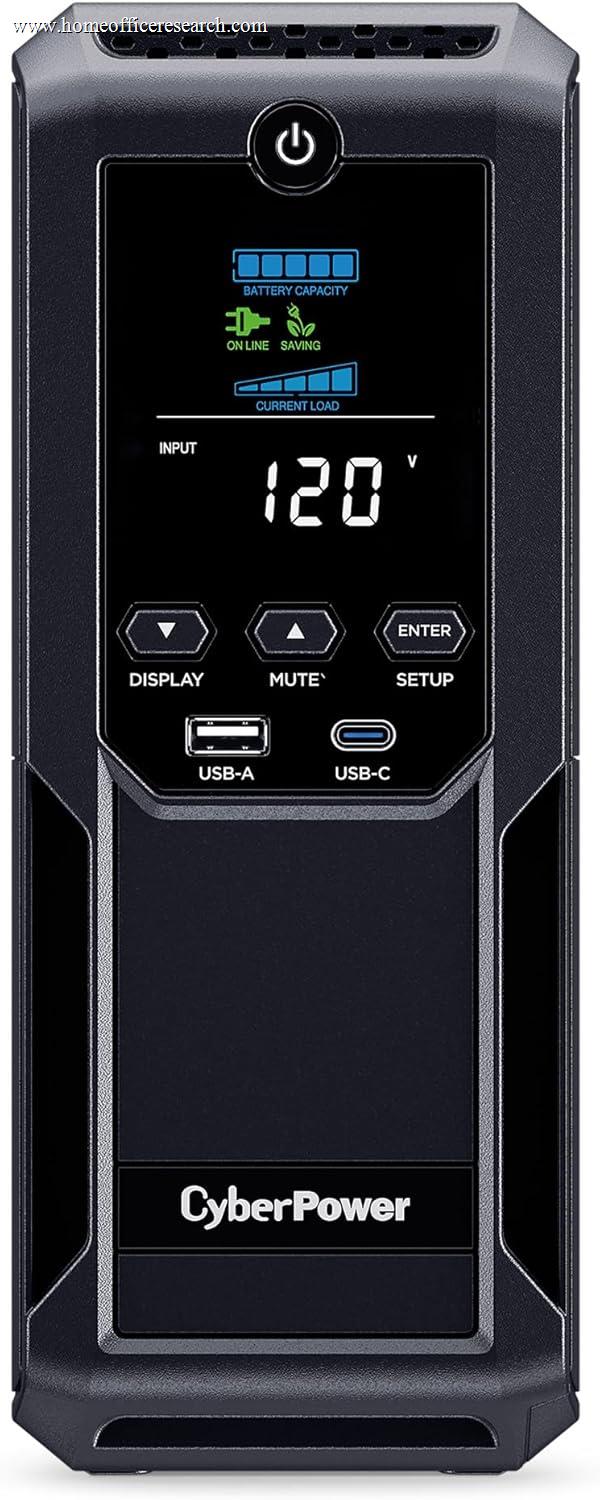
|
7.8/10 |
Simulated Sine | Line Interactive | ✓ | 1,350 | 815 | 4.0 | 6 |
| 5 |

|
7.6/10 |
Pure Sine | Line Interactive | ✓ | 1,500 | 900 | 1.5 | 5 |
| 6 |
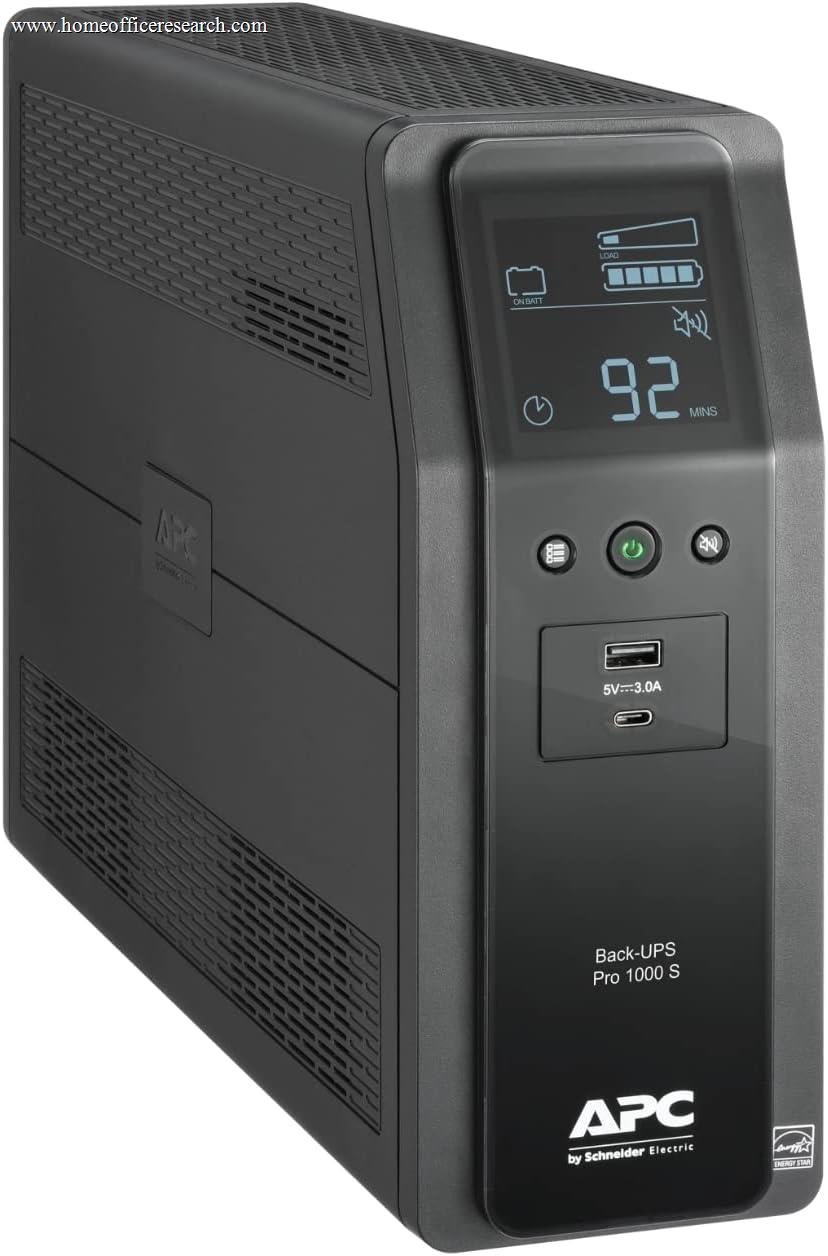
|
7.6/10 |
Pure Sine | Line Interactive | ✓ | 1,000 | 600 | 2.3 | 6 |
| 7 |
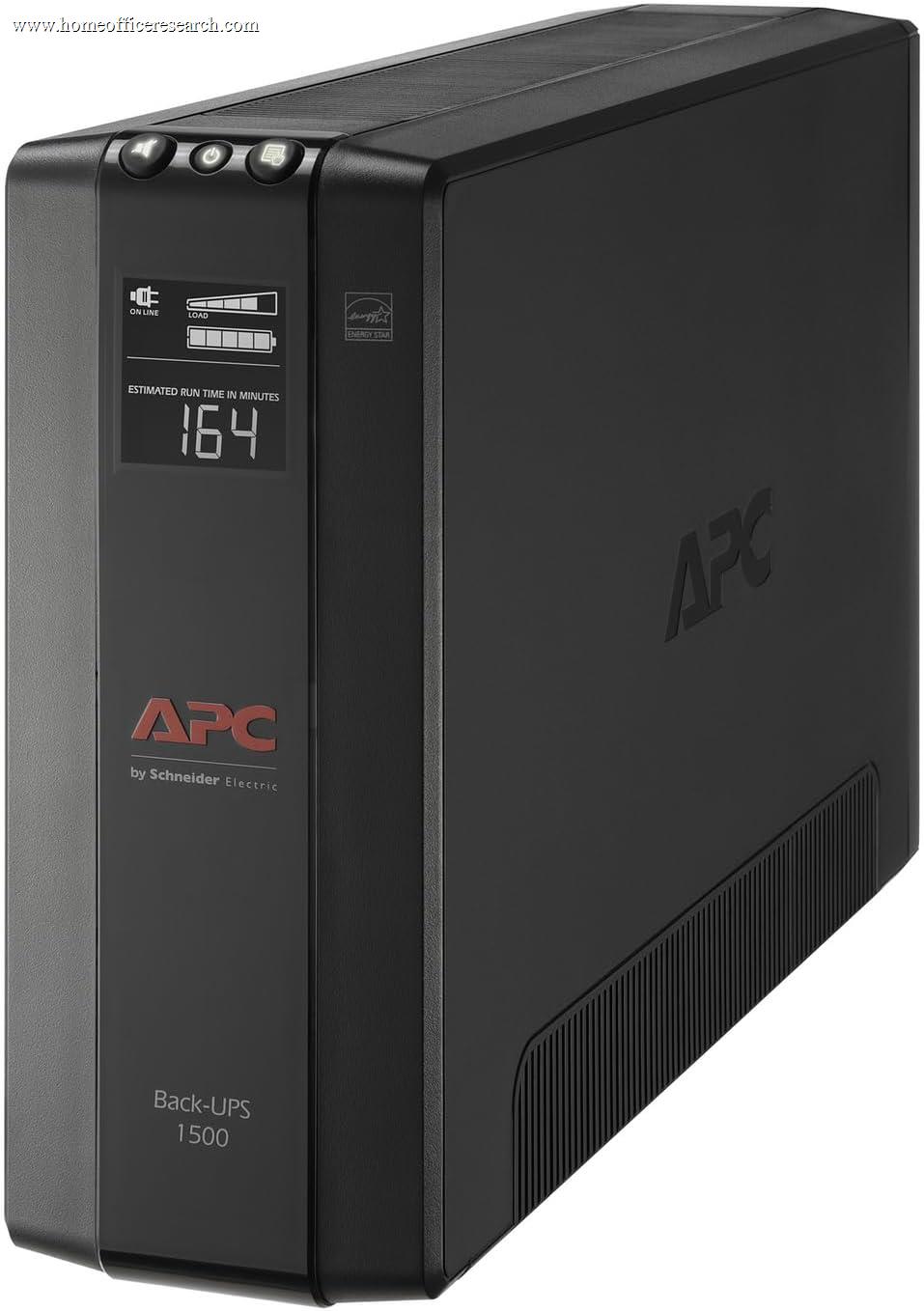
|
7.6/10 |
Simulated Sine | Line Interactive | ✓ | 1,500 | 900 | 2.8 | 5 |
| 8 |

|
7.3/10 |
Simulated Sine | Line Interactive | ✓ | 1,500 | 900 | 1.5 | 6 |
| 9 |
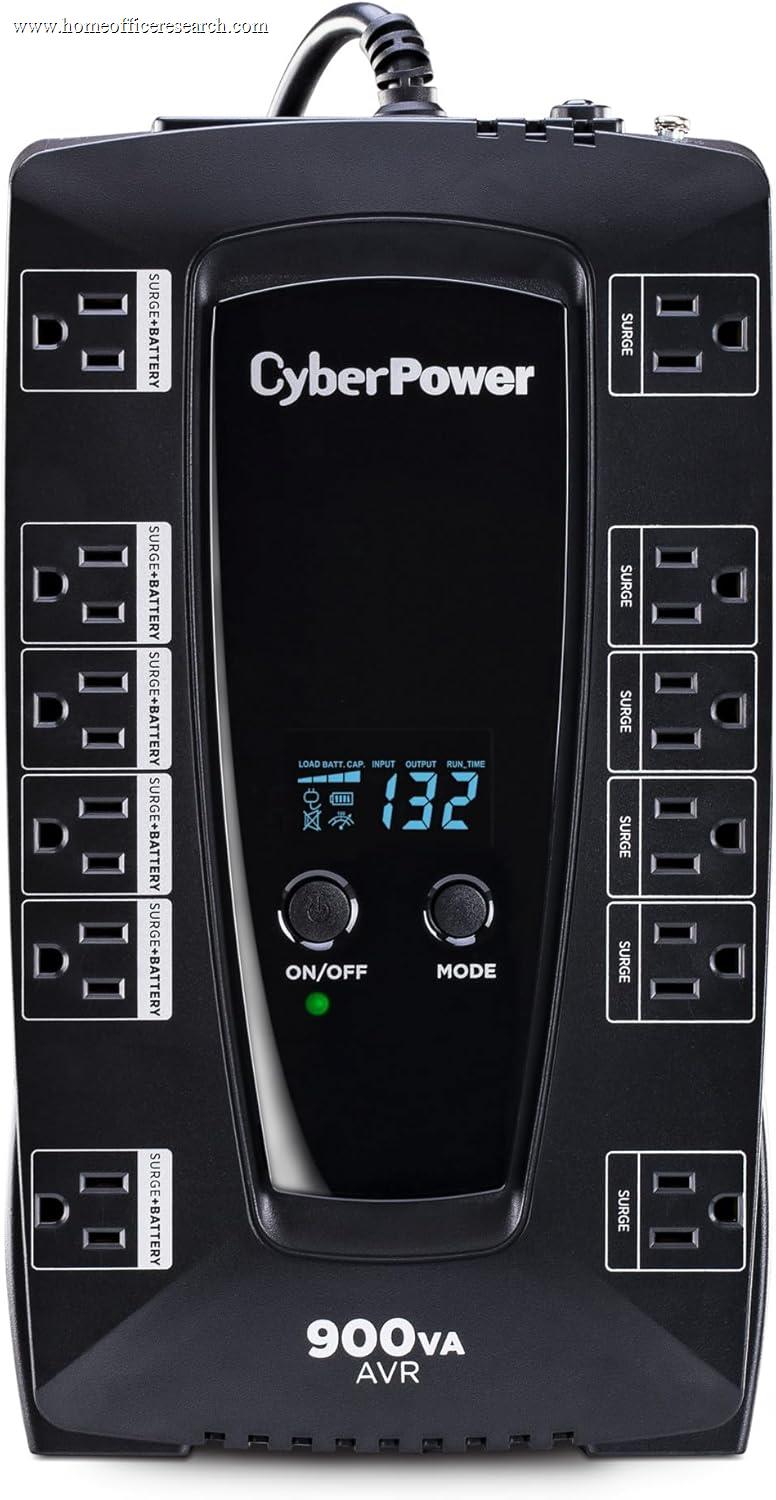
|
6.4/10 |
Simulated Sine | Line Interactive | ✓ | 900 | 480 | 2.0 | 6 |
| 10 |
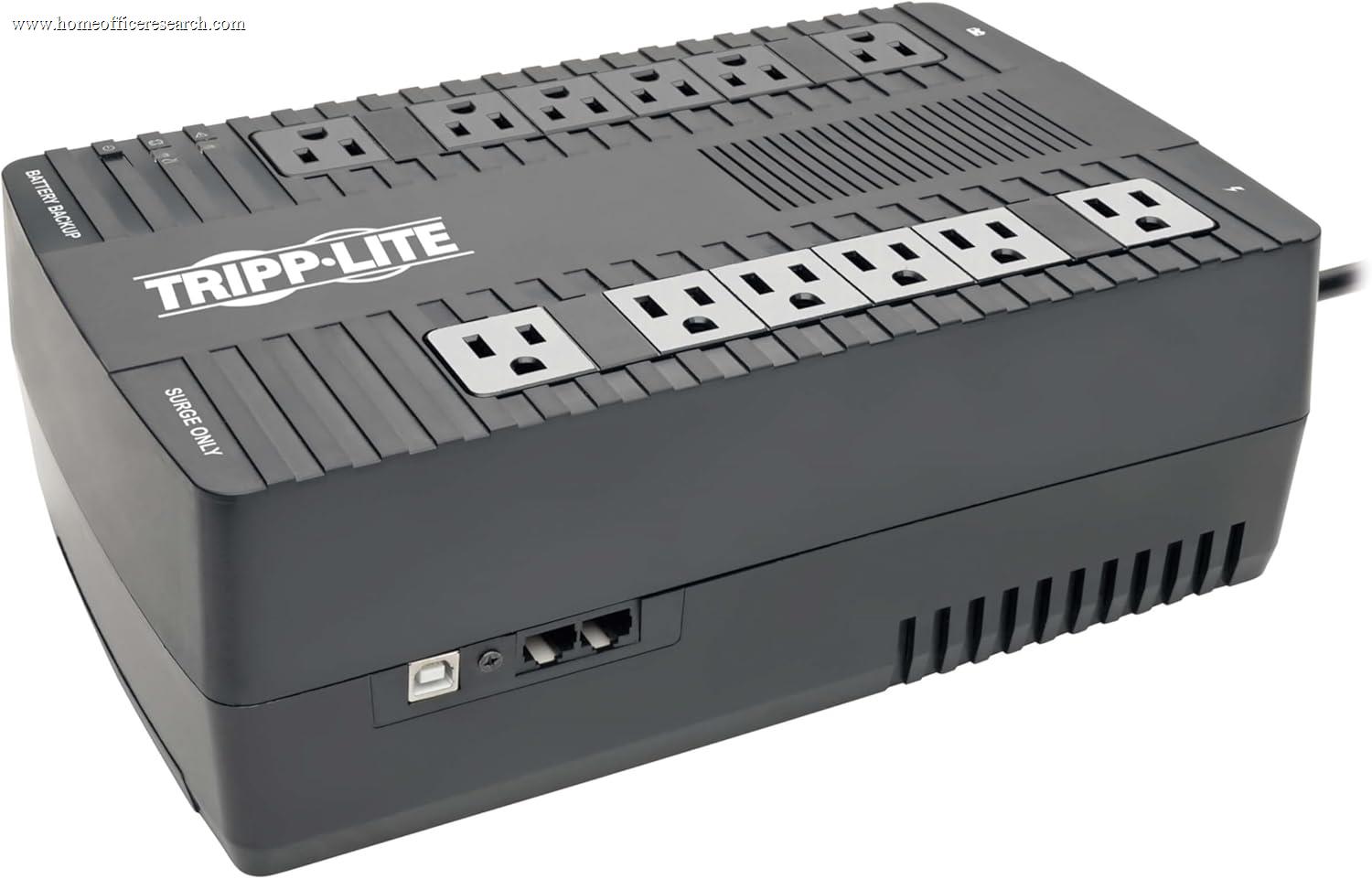
|
6.4/10 |
Simulated Sine | Line Interactive | ✓ | 900 | 480 | 2.7 | 6 |
| 11 |

|
6.1/10 |
Simulated Sine | Line Interactive | ✓ | 1,000 | 600 | 2.0 | 5 |
| ▸ Standby — Budget / Light-Duty Use Only | |||||||||
| 12 |

|
3.5/10 |
Simulated Sine | Standby | — | 800 | 450 | 2.0 | 4 |
| 13 |
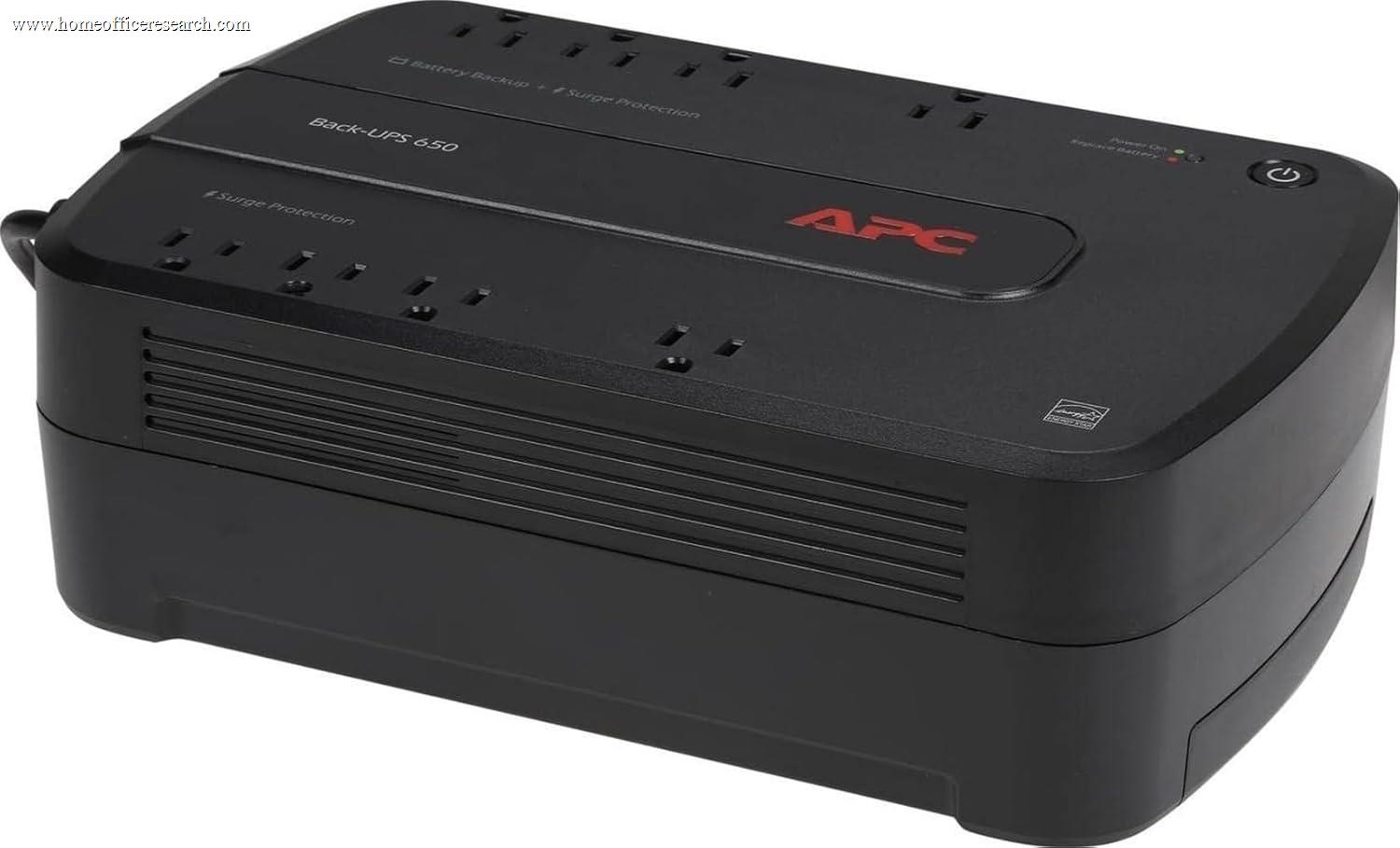
|
2.8/10 |
Simulated Sine | Standby | — | 650 | 390 | 2.0 | 4 |
| 14 |
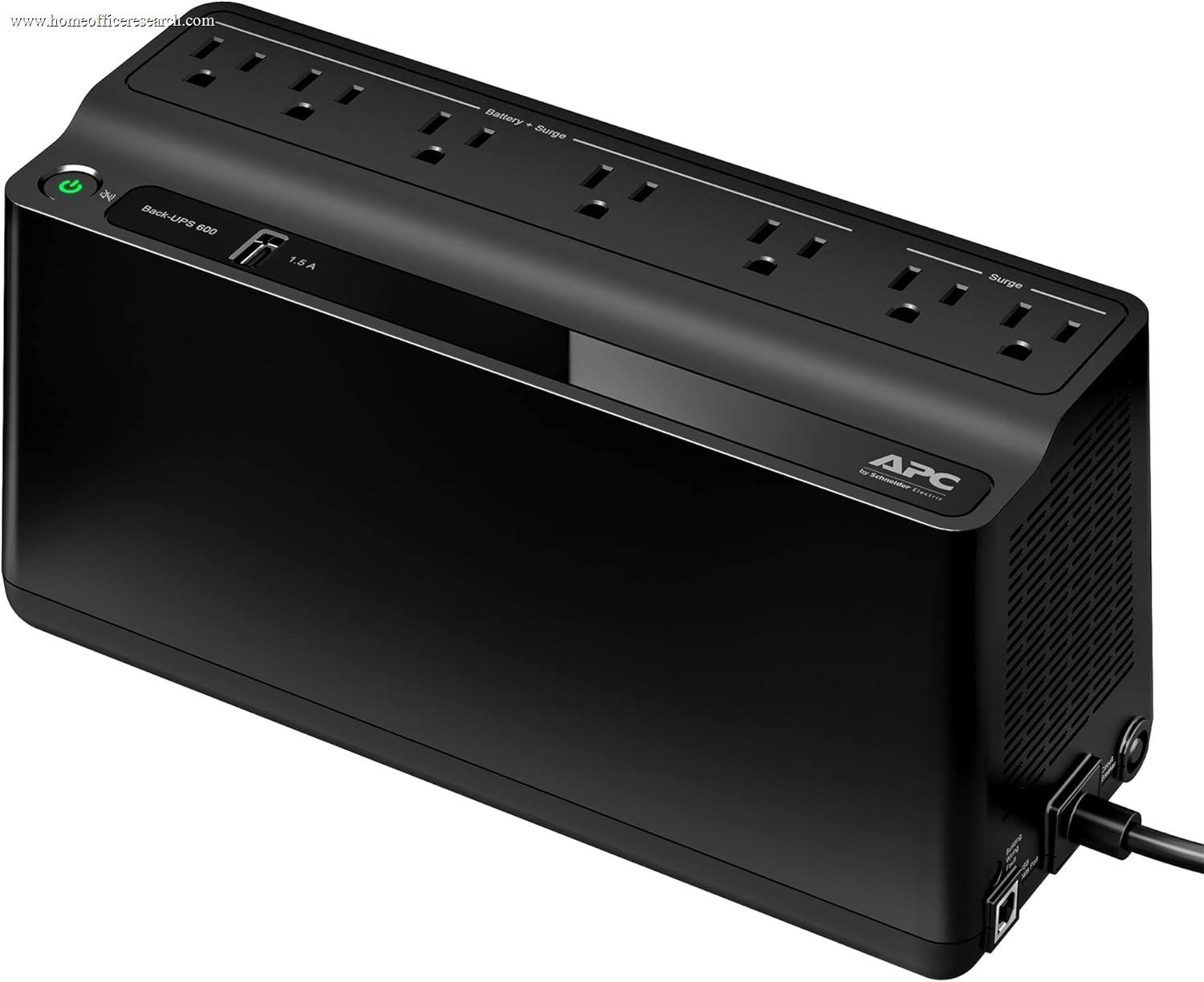
|
2.0/10 |
Simulated Sine | Standby | — | 600 | 330 | 2.0 | 5 |
| 15 |
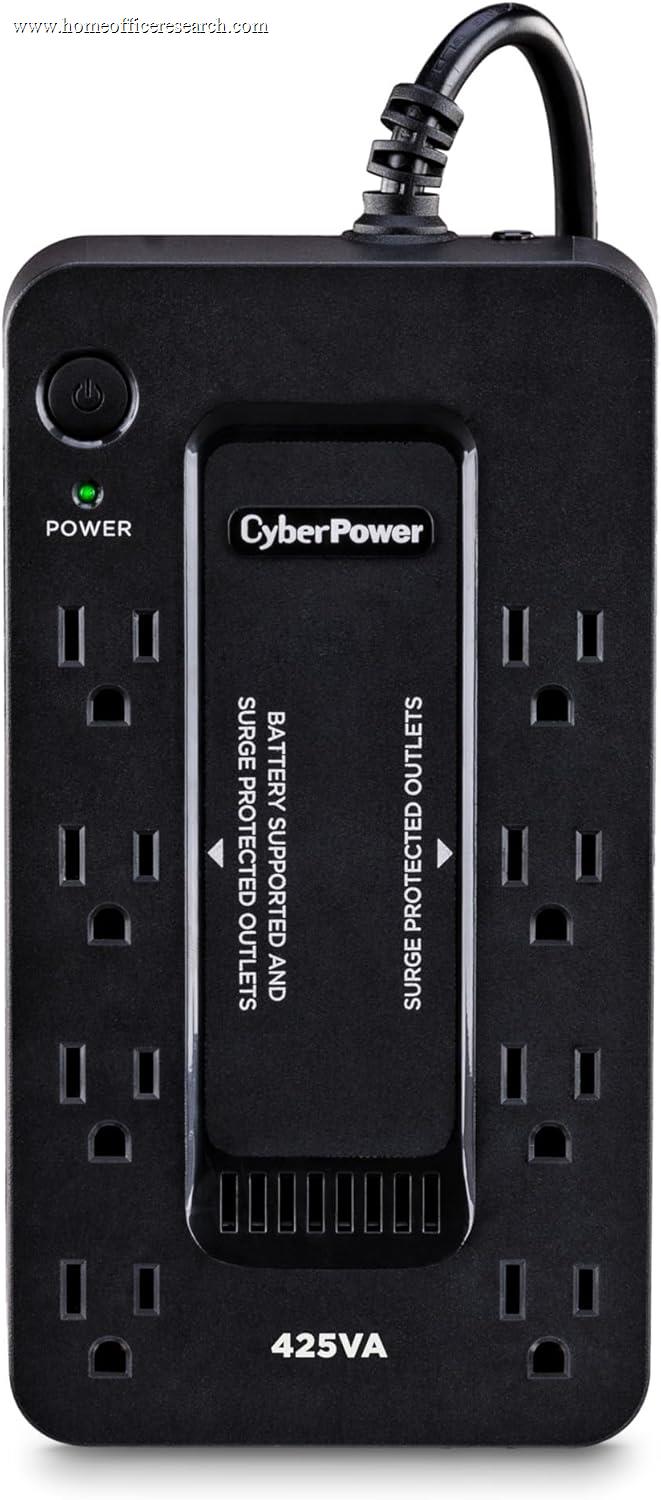
|
2.0/10 |
Simulated Sine | Standby | — | 425 | 260 | 1.5 | 4 |
How We Score
Weighted Scoring Framework — All Scores 0–10
Key Considerations When Choosing a UPS
Automatic Voltage Regulation (AVR)
Utility power isn’t perfectly stable. Voltage can dip (brownouts) or spike without fully cutting out. Automatic Voltage Regulation (AVR) corrects minor voltage fluctuations without switching the UPS to battery power.
A UPS with AVR boosts low voltage and trims high voltage automatically, keeping your equipment within a safe operating range. This reduces unnecessary battery usage and extends battery lifespan.
Entry-level UPS units without AVR switch to battery whenever voltage moves outside a narrow range, which can wear down the battery faster and offer less refined protection.
Bottom line: For most home office setups, AVR is highly desirable. It improves power quality, protects equipment from minor instability, and prevents premature battery wear — all without increasing cost dramatically.
UPS Topology – Standby vs. Line-Interactive vs. Online
A UPS “topology” refers to how it delivers power and how it responds to outages or voltage fluctuations.
Standby (Offline) UPS systems normally pass utility power straight through to your equipment and switch to battery only during an outage. They’re affordable and fine for basic setups, but offer limited voltage regulation and slower transfer times.
Line-Interactive models add Automatic Voltage Regulation (AVR) and handle minor voltage dips or spikes without switching to battery. They offer better power conditioning, improved battery longevity, and faster response times. This is the most common and practical choice for home offices.
Online (Double-Conversion) UPS systems continuously convert incoming AC power to DC and back to AC, meaning your equipment is always powered by the battery/inverter. There is zero transfer time and the cleanest possible output — but at a significantly higher cost, with more heat and fan noise.
Bottom line: For most home office environments, line-interactive strikes the best balance of protection, performance, and cost. Online systems are typically reserved for servers, medical equipment, or mission-critical infrastructure.
Waveform – Sine Wave vs. Simulated Sine Wave
When a UPS switches to battery, it converts stored DC power into AC power. The shape of that power output — the waveform — affects compatibility with your equipment.
Pure Sine Wave UPS systems produce utility-grade power identical to what comes from the wall. They’re ideal for modern computers with Active PFC power supplies, workstations, NAS devices, and sensitive electronics. They cost more, but offer maximum compatibility and peace of mind.
Simulated (Stepped) Sine Wave models approximate utility power in a more basic way. They’re less expensive and usually fine for routers, modems, monitors, and simpler electronics — but may cause buzzing, reduced efficiency, or shutdown issues with some modern PCs.
Bottom line: For most serious home office setups, pure sine wave is the safer long-term choice.
Transfer Time
Transfer time refers to how quickly a UPS switches from utility power to battery power during an outage. It’s measured in milliseconds (ms).
Standby and line-interactive UPS systems have a brief transfer delay — typically between 4–10 ms. For most modern computers and networking equipment, this delay is short enough that the power supply bridges the gap without interruption.
Online (double-conversion) UPS systems have zero transfer time because your equipment is always powered by the inverter.
In rare cases, sensitive equipment or older power supplies may shut down if transfer time is too long — but with modern Active PFC power supplies, this is uncommon when using a quality UPS.
Bottom line: Transfer time matters primarily when comparing standby vs. online systems. Among quality line-interactive units, differences are usually negligible for home office use. Because all recommended units use line-interactive topology, transfer time does not meaningfully differentiate performance and is therefore not scored.
Capacity & Runtime – Understanding Watts and Backup Time
A UPS’s capacity is expressed in volt-amperes (VA) and watts (W). While VA is often emphasized in marketing, the watt rating determines how much equipment the unit can actually support. Exceeding the watt limit will result in overload and shutdown.
Runtime depends on both battery size and connected load. As load increases, runtime decreases rapidly — often nonlinearly. A unit that provides extended backup at light load may deliver only a few minutes near capacity.
For most home offices, the objective is not prolonged operation, but enough time to ride through short outages or shut down equipment safely.
Bottom line: Focus on real watt capacity and avoid sizing a UPS near its maximum rating. Moderate headroom improves runtime, efficiency, and battery longevity.
Battery & Longevity – Lifespan, Replacement, and Long-Term Cost
Most consumer UPS systems use sealed lead-acid (SLA) batteries with an expected lifespan of 3–5 years under normal conditions. Heat, frequent outages, and repeated deep discharges can shorten that lifespan significantly.
Not all UPS models are equally serviceable. Some allow simple user battery replacement, while others require more involved disassembly or manufacturer service. Replacement battery cost should be considered as part of total ownership expense.
Operating a UPS well below its maximum capacity reduces battery strain and can extend usable life. Likewise, models with AVR reduce unnecessary battery cycling during minor voltage fluctuations.
Bottom line: A UPS is not a one-time purchase. Battery replacement is inevitable, so consider serviceability, expected lifespan, and replacement cost when evaluating long-term value.
Outlet Configuration – Battery Backup vs. Surge-Only
UPS units vary significantly in how outlets are configured. Most models include a mix of battery-backed outlets (which remain powered during an outage) and surge-only outlets (which provide surge protection but no battery support).
The total number of outlets matters less than how many are battery-backed. Critical devices — such as a computer, primary monitor, and networking equipment — must be connected to battery-backed ports to remain operational during an outage.
Outlet spacing is also important. Larger power adapters can block adjacent ports on tightly spaced units, reducing usable capacity.
Bottom line: Focus on the number and layout of battery-backed outlets, not just total outlet count. Ensure the configuration supports your critical devices without crowding or compromise.
Surge Protection Rating – Joules and Real-World Protection
UPS systems include built-in surge protection to guard against voltage spikes caused by lightning strikes, grid switching, or large appliances cycling on and off. Surge protection capacity is typically measured in joules, which indicate how much energy the unit can absorb before its protective components degrade.
Higher joule ratings generally indicate greater surge absorption capacity, but the difference between mid-range and high-end ratings is often less meaningful in typical home environments. Most reputable UPS models provide adequate protection for standard residential power conditions.
It’s also important to recognize that surge protection components wear out over time. In many designs, once the surge protection circuitry is exhausted, the unit may continue functioning as a power strip unless specifically indicated otherwise.
Bottom line: Look for a reputable surge rating from a trusted manufacturer, but don’t over-prioritize joule count alone. For home office use, overall electrical quality and battery performance are more significant differentiators.
Noise & Cooling – Fan Operation and Workspace Impact
UPS systems generate heat during operation, particularly when charging batteries or running on battery power. Higher-capacity and online (double-conversion) models often include active cooling fans, which may run continuously or cycle on during load changes.
In a home office environment, fan noise can be noticeable — especially if the UPS is located near a desk. Line-interactive models designed for consumer use are often fanless during normal operation and activate cooling only under heavy load or battery use.
Noise characteristics vary by design and build quality. Larger transformers and more efficient circuitry can reduce heat generation and minimize fan activity.
Bottom line: For desk-side use, prioritize models that remain silent during normal operation. Continuous fan noise is typically unnecessary for standard home office workloads.
Warranty & Manufacturer Support – Long-Term Reliability
A UPS is both an electrical device and a battery system — two components that inevitably experience wear over time. Warranty length and manufacturer support are therefore meaningful indicators of product quality and long-term reliability.
Most consumer UPS units include a 2–3 year warranty, often covering the battery for a shorter period. Higher-tier models may offer longer coverage or equipment protection guarantees for connected devices.
Beyond warranty length, brand reputation matters. Established manufacturers typically provide clearer documentation, accessible replacement batteries, and more reliable customer support.
Bottom line: Consider warranty and brand support as proxies for build quality. A UPS protects critical equipment — long-term reliability should weigh more heavily than minor feature differences.
Why We Primarily Recommend APC and CyberPower
After evaluating a wide range of consumer and prosumer UPS manufacturers, two brands consistently met our standards for electrical quality, transparency, and long-term ownership reliability: APC and CyberPower.
Both companies offer broad access to pure sine wave models, clearly disclose technical specifications such as topology and runtime performance, and maintain established battery replacement ecosystems. Just as importantly, their products demonstrate consistency across model lines — something that is not always true in the lower end of the market. In a home office setting, where equipment longevity and data integrity matter, that consistency carries weight.
While other brands may compete on upfront price, they often fall short in specification transparency, waveform quality, or long-term support infrastructure. Our goal is not to recommend the most options available — it is to recommend models that meet defined electrical and reliability standards. At this time, APC and CyberPower most consistently clear that threshold.
APC
APC’s strength lies in its long-standing reputation in power protection and its disciplined product architecture. Its higher-end Back-UPS and Smart-UPS lines tend to emphasize electrical stability, well-documented performance characteristics, and strong integration with professional environments. Pricing is often slightly higher than comparable consumer-focused models, and some entry-level units still use simulated sine wave output, but APC’s upper-tier models are consistently well-engineered and widely trusted.
CyberPower
CyberPower’s strength is value efficiency. The company frequently offers pure sine wave output, automatic voltage regulation, and informative LCD monitoring at price points that undercut comparable competitors. Its consumer lineup is particularly well suited to modern home offices and gaming setups where active power factor correction power supplies are common. While the brand does not carry quite the same enterprise pedigree as APC, its performance-to-cost ratio is consistently strong.