Best Paper Shredder for Home Office:
Rated & Ranked
We evaluated 12 paper shredders across six weighted categories built for the way a home office actually uses one — destroying tax documents, medical statements, and anything with an account number, reliably and without drama. Every score is derived from measurable specifications: DIN 66399 security level and particle size, rated sheet capacity, continuous run time, and aggregated owner-reliability signals — not brand preference. The result is a defensible, comparable 0–10 rating spanning auto-feed machines, high-security micro-cut units, and budget picks.
Product links are Amazon affiliate links — purchases support this site at no cost to you.
The ranking below uses our recommended weights — the balance of factors we believe matters most for a typical home office. If your priorities differ, switch to Customize Weights and re-rank the table around what you care about.
Best for Your Situation
A shredder that’s perfect for clearing a decade of stored files is overkill for a weekly mail pile — and the reverse leaves you feeding a backlog six sheets at a time. Start here, then dig into the full table below.



Full Comparison — Ranked by Score
All 12 shredders are scored on the same 0–10 framework, so the score column is directly comparable across the table. Security level is weighted heaviest — it’s the reason you’re buying the machine.
| # | Product | Score | Security ? | Sheets/Pass ? | Auto-Feed ? | Run Time ? | Bin ? | Also Shreds ? |
|---|---|---|---|---|---|---|---|---|
| 1 |
|
9.0/10 |
P-4 Micro | 16 | — | 20 min | 6 gal | Cards · Staples |
| 2 |
|
8.9/10 |
P-4 Micro | 20 | — | 30 min | 8 gal | Cards · Staples |
| 3 |
|
8.7/10 |
P-4 Micro | 10 | 120 | 30 min | 5 gal | Cards |
| 4 |
|
8.4/10 |
P-4 Micro | 12 | 110 | 30 min | 6.1 gal | Cards · CDs |
| 5 |
|
8.3/10 |
P-5 Micro | 10 | — | 60 min | 6 gal | Cards · Clips |
| 6 |
|
8.2/10 |
P-4 Micro | 12 | — | 60 min | 5 gal | Cards · CDs |
| 7 |
|
8.1/10 |
P-4 Cross | 8 | 150 | 12 min | 8.5 gal | Cards · CDs · Staples |
| 8 |

|
8.1/10 |
P-4 Cross | 16 | — | 20 min | 6 gal | Cards · CDs · Staples |
| 9 | 7.6/10 |
P-4 Micro | 14 | — | 20 min | 4.5 gal | Cards | |
| 10 |
|
7.4/10 |
P-4 Micro | 8 | — | 5 min | 4 gal | Cards · CDs |
| 11 |
|
7.0/10 |
P-4 Micro | 6 | — | 4 min | 3.5 gal | Cards · Staples |
| 12 |
|
6.6/10 |
P-3 Cross | 12 | — | 9 min | 5 gal | Cards · Staples |
How We Score
Weighted Scoring Framework — All Scores 0–10
Key Considerations When Choosing a Home Office Shredder
Security Levels Explained — What DIN P-Ratings Actually Mean
Every shredder we rate carries a security level from DIN 66399, the international standard that grades shredders by maximum particle size. The scale for paper runs from P-1 (wide strips) to P-7 (classified-grade dust). For a home office, three levels matter: P-3 cross-cut pieces are small enough to deter casual snooping but large enough that fragments of account numbers survive intact. P-4 (particles of 160 mm² or less) is the widely accepted baseline for documents with personal data — tax forms, bank statements, medical records. P-5 (30 mm² or less) is genuine high-security territory, used by organizations for confidential material.
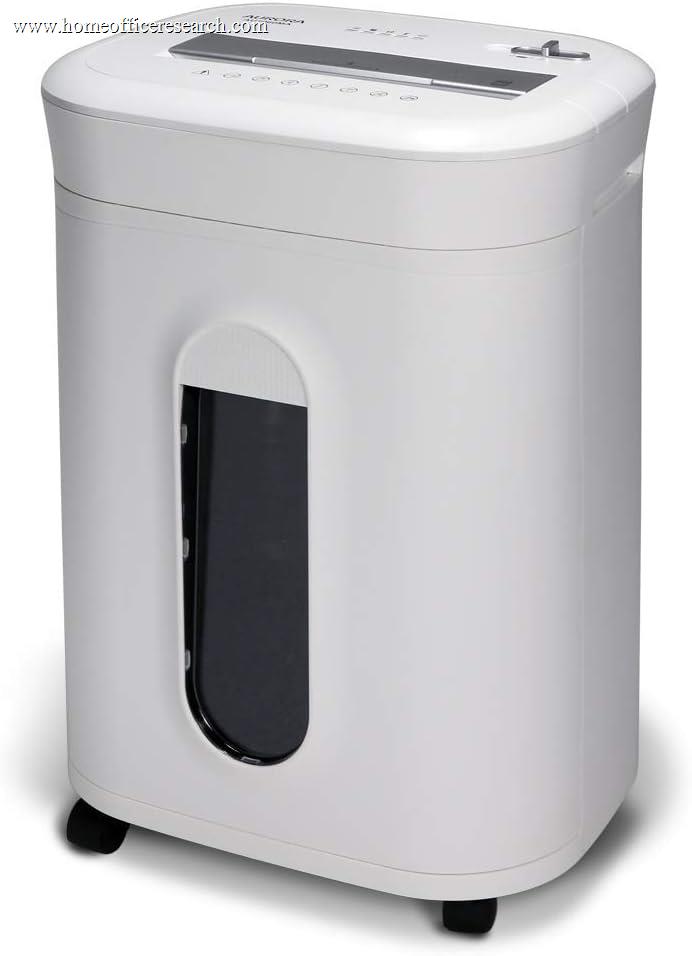
The practical difference is dramatic. A P-3 machine cuts a letter page into roughly 200 pieces; a P-4 micro-cut machine produces over 1,200; the P-5 Aurora AU1060MA produces about 2,592 particles per page, each 2×12 mm. Reassembling a P-4 page is a research project; reassembling a P-5 page is, for any realistic adversary a household faces, impossible.
With identity theft and mail-based fraud climbing year over year, we weight security at 25% — the heaviest category — and set our editorial bar at P-4. Eleven of our twelve picks meet it; the one P-3 unit ranks last largely because of it.
Bottom line: Buy P-4 or better for anything carrying personal data. Step up to P-5 if you handle client records, business financials, or simply want the question settled permanently.
Micro-Cut vs. Cross-Cut — Why Particle Shape Matters
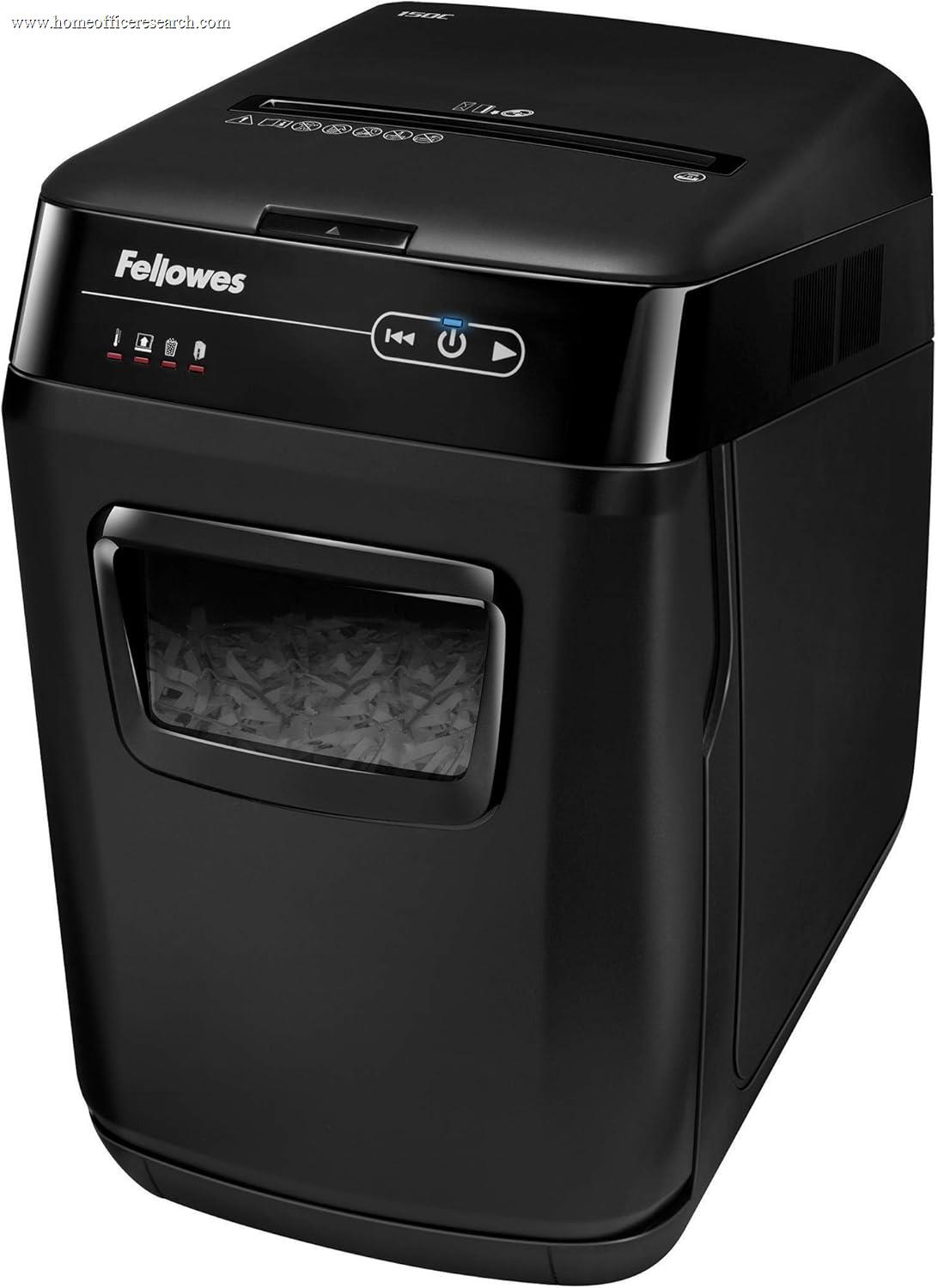
Cut type and security level travel together, but they’re not the same spec. Cross-cut machines slice paper into confetti strips — the Fellowes 79Ci and AutoMax 150C cut 5/32″ × 1½″ pieces that still qualify as P-4 by particle area. Micro-cut machines cut in both directions more aggressively, producing particles a quarter that size or smaller. A terminology note: “cross-cut” and “micro-cut” are manufacturer marketing labels, not DIN categories — DIN 66399 grades only by particle size (the P-levels). We follow manufacturers in calling P-4 machines “micro-cut”; a stricter reading reserves the term for the finer P-5 cut and above. Either way, what we actually score is the DIN P-rating and particle size, not the label.
Beyond security, micro-cut has a quiet practical advantage: the particles pack far denser. The same 6-gallon bin holds roughly twice as many shredded pages of micro-cut confetti as cross-cut strips, which means fewer trips to empty it. The trade-off is mechanical — finer cutting takes more torque per sheet, which is why micro-cut machines typically rate fewer sheets per pass and cost more at a given capacity.
Bottom line: Micro-cut is worth the modest premium for a home office: smaller particles, denser bin packing, and most of our lineup’s strongest scores. Cross-cut still makes sense in auto-feed machines, where stack capacity matters more than particle size.
Auto-Feed vs. Manual — Match the Machine to Your Backlog
The first real fork in shredder shopping is feed style. A manual-feed machine requires you to stand at the slot and feed every pass — fine for a weekly mail pile, miserable for a filing-cabinet purge. An auto-feed machine has a drop-in tray: load up to 110–150 sheets, close the lid, and it works through the stack unattended.
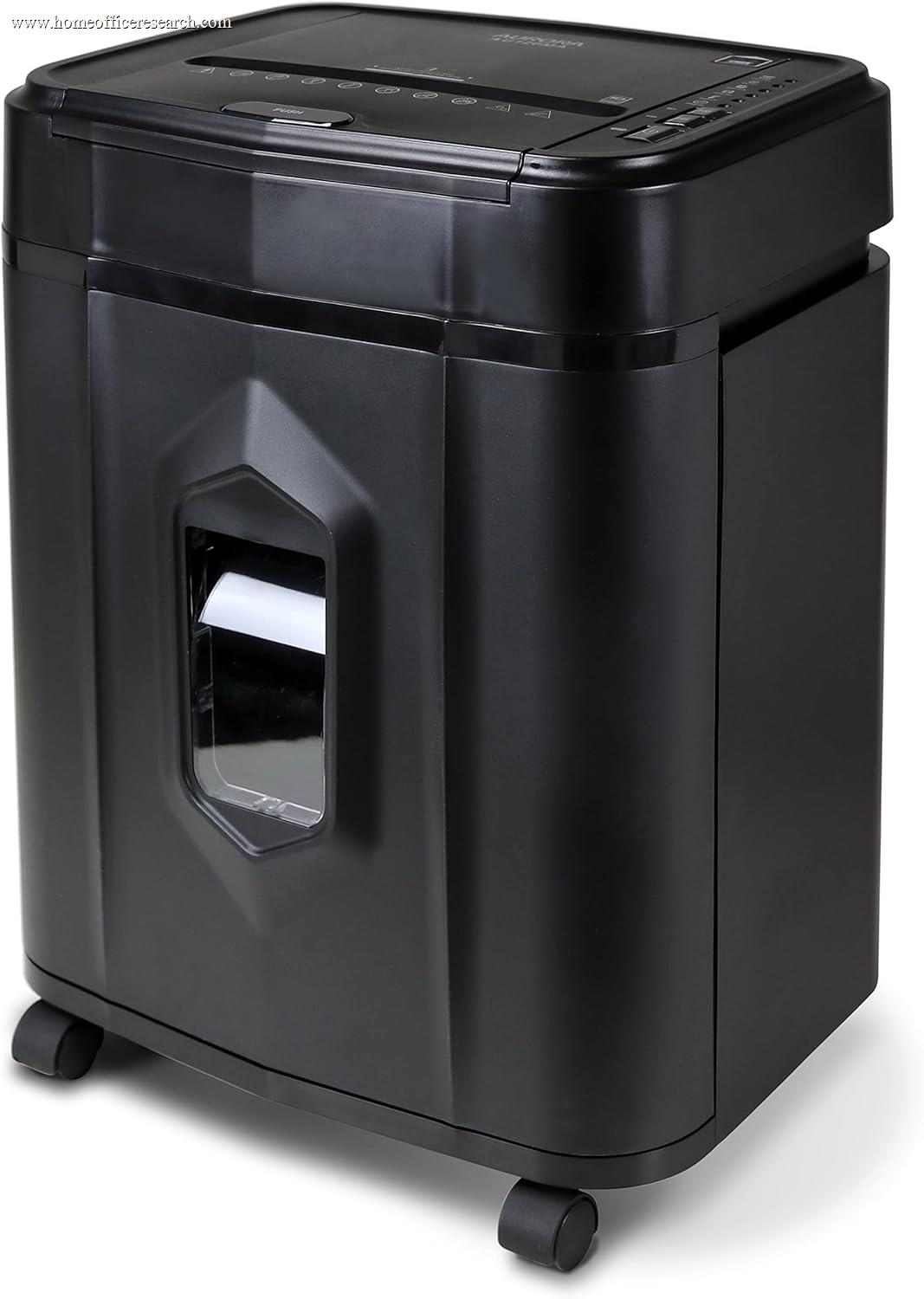
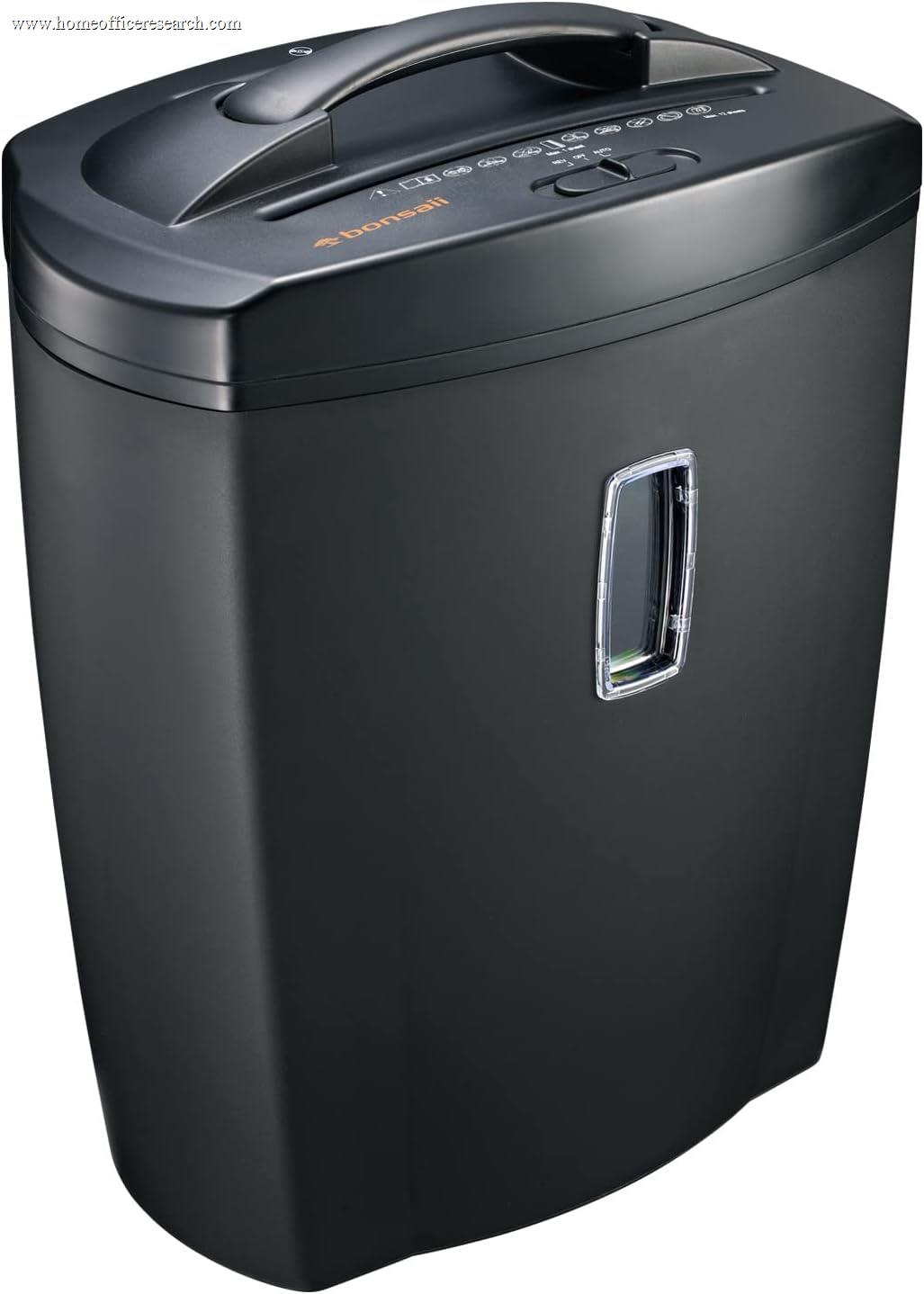
Three of our twelve picks are auto-feed: the Aurora AU120MA (120 sheets, micro-cut), the Bonsaii C233-B (110 sheets, micro-cut, with a manual slot for 12 sheets and CDs), and the Fellowes AutoMax 150C (150 sheets, cross-cut). Note the pattern — auto-feed machines that cut micro are rarer and slower per stack, which is exactly why the AU120MA’s combination of true P-4 micro-cut and a 120-sheet tray earns its podium spot.
One honest caveat: auto-feed mechanisms add moving parts — grip rollers and feed sensors that can misfeed on glossy, folded, or stapled-corner paper. We reflect that added mechanical complexity in the Reliability score of every auto-feed unit.
Bottom line: If you have years of stored documents to destroy — or shred in batches monthly — auto-feed pays for itself in your time. For steady light use, a quality manual-feed machine is simpler and more durable.
Duty Cycle & Jam Resistance — The Specs Nobody Reads
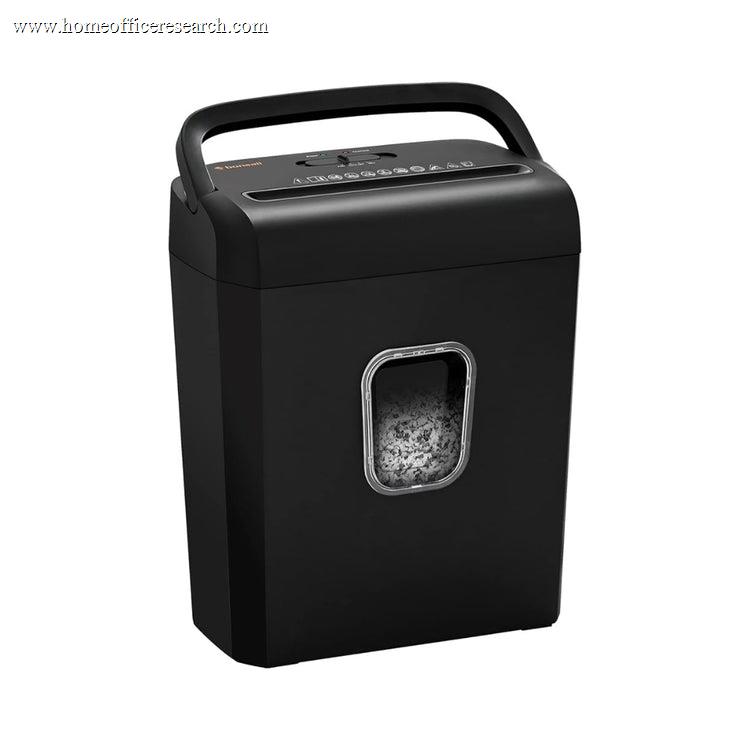
Continuous run time is the most underrated line on a shredder spec sheet. Every consumer shredder runs until its motor heats up, then forces a cool-down — often 30 to 40 minutes. The spread in our lineup is enormous: the Aurora AU1060MA and AU1210MA run a full 60 minutes; the budget Bonsaii C234-A manages 4 minutes. Both are honest machines, but one clears a banker’s box in a sitting and the other turns it into an afternoon of waiting. We weight run time inside Capacity & Speed, and motor headroom inside Reliability.
Jam resistance is the other half of the ownership experience. Fellowes’ 100% Jam Proof system (LX210, LX220, 79Ci) actively measures sheet thickness and stops over-stuffed passes before they bind — the most effective implementation we’ve evaluated. Aurora and Bonsaii rely on auto-reverse, which clears most jams after they start. The difference shows up in owner-reported frustration, and in our scores.
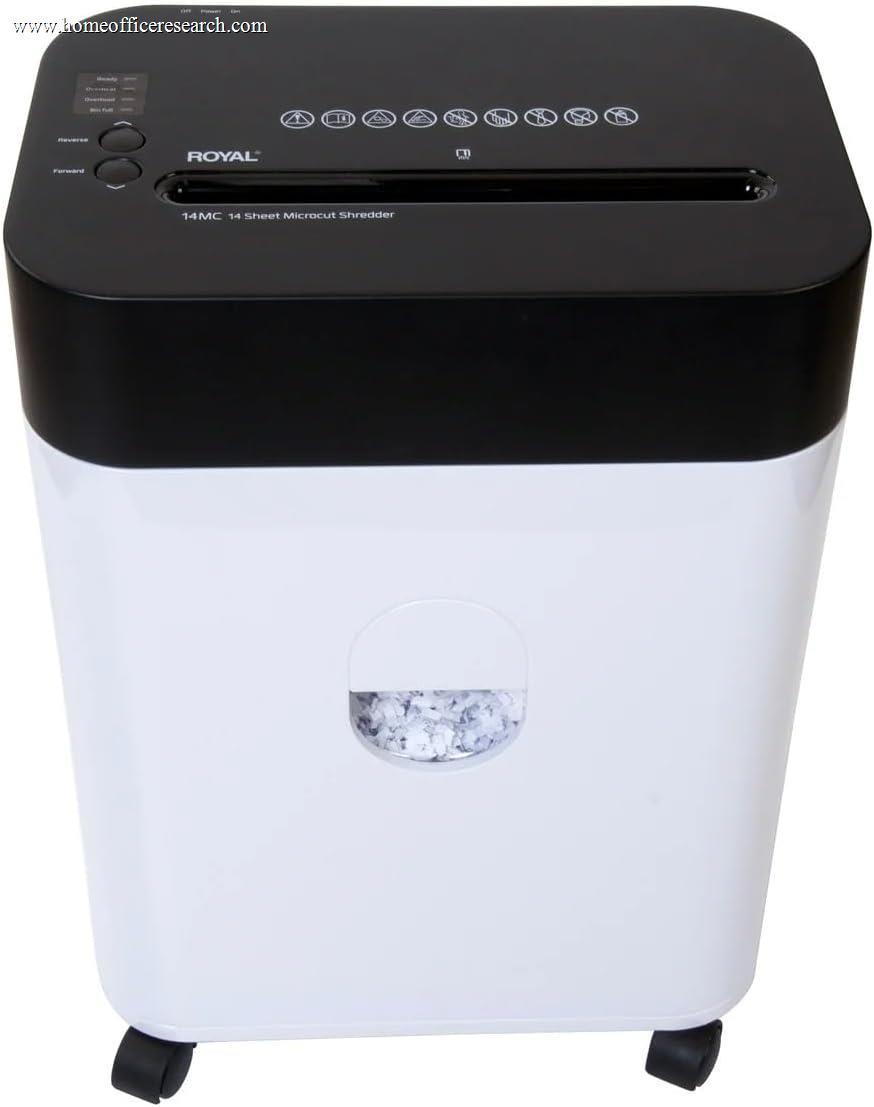
One model-specific note: the Royal 14MC offers outstanding paper-handling value, but owner reports of structural and electrical defects have been significant enough that major testing publications have flagged the model for re-review. We’ve reflected that uncertainty with a Reliability score of 6.0 — by far the lowest in our top ten — and we’d encourage buyers to register the warranty on day one.
Bottom line: Match run time to your real workload, and treat active jam prevention as worth paying for — a jammed shredder is the most common reason these machines end up unplugged in a closet.
Noise — The Spec That Decides Whether You Actually Shred
A shredder loud enough to interrupt a call doesn’t get used during work hours — and a shredder that doesn’t get used is a security hole with a power cord. Typical consumer machines run in the 70+ decibel range under load, roughly a vacuum cleaner. The better engineered units — Fellowes’ SilentShred models and Aurora’s quiet-operation designs — bring that down to conversation-adjacent levels, closer to 60 dB.
Manufacturers are inconsistent about publishing measured decibel figures, so we score Noise from quiet-operation engineering claims cross-checked against owner-reported experience under load, rather than from a single unverifiable number. Auto-feed machines have a structural advantage here: they do their noisy work while you leave the room.
Bottom line: If your shredder lives in your office, prioritize a quiet-rated model — or an auto-feed unit you can run between meetings. If it lives in the garage, noise barely matters; spend the budget on security and capacity instead.
Safety & Upkeep — Kids, Pets, and the Oil Question
A shredder is the one office machine with a genuine injury surface, and the safety gap between models is wider than buyers expect. The standout feature is Fellowes’ SafeSense — an electronic sensor that shuts the cutters down the instant fingers touch the paper opening — found on the LX210, LX220, and 79Ci. Most other machines rely on narrow feed slots and an auto-stop switch, which is adequate but not equivalent. If you have young children or curious pets, this is worth real weight in your decision — it’s 10% of ours.
On upkeep: micro-cut cutters need oiling to stay at rated capacity — a few passes with shredder lubricant sheets (or a bead of shredder oil on a sheet of paper) roughly every bin-empty or two. Skipping it is the most common reason a one-year-old shredder “can’t handle” its rated sheet count anymore. And never feed metal credit cards, batteries, or laminated cards into any machine not explicitly rated for them.
Bottom line: SafeSense-equipped Fellowes models are the clear pick for households with kids or pets. Whatever you buy, budget a pack of lubricant sheets — it’s the cheapest reliability upgrade a shredder can get.
How the Brands Stack Up
Four brands dominate the home office shredder market, and each owns a distinct lane. After scoring the field, two — Fellowes and Aurora — claim every podium position, for different reasons that map cleanly onto different buyers.
Fellowes
The category’s engineering leader. The 100% Jam Proof system, SafeSense touch shutoff, and SilentShred acoustics are the three best pieces of shredder technology on the market, and they’re why Fellowes holds our top two spots. You pay a premium for the badge — value is the only category where Fellowes scores merely good.
Aurora
The duty-cycle and value champion. Sixty-minute continuous run times at mid-range prices embarrass the field, the AU1060MA is our only P-5 high-security unit, and the AU120MA delivers auto-feed micro-cutting for far less than commercial alternatives. Fewer safety refinements than Fellowes, but enormous capability per dollar.
Bonsaii
The aggressive value brand. The C233-B undercuts every comparable auto-feed machine while adding casters and a clear 6.1-gallon bin, and the C234-A is a credible micro-cut entry point. Duty cycles and noise are where the cost savings show; for moderate workloads, the math still works.
Amazon Basics & Royal
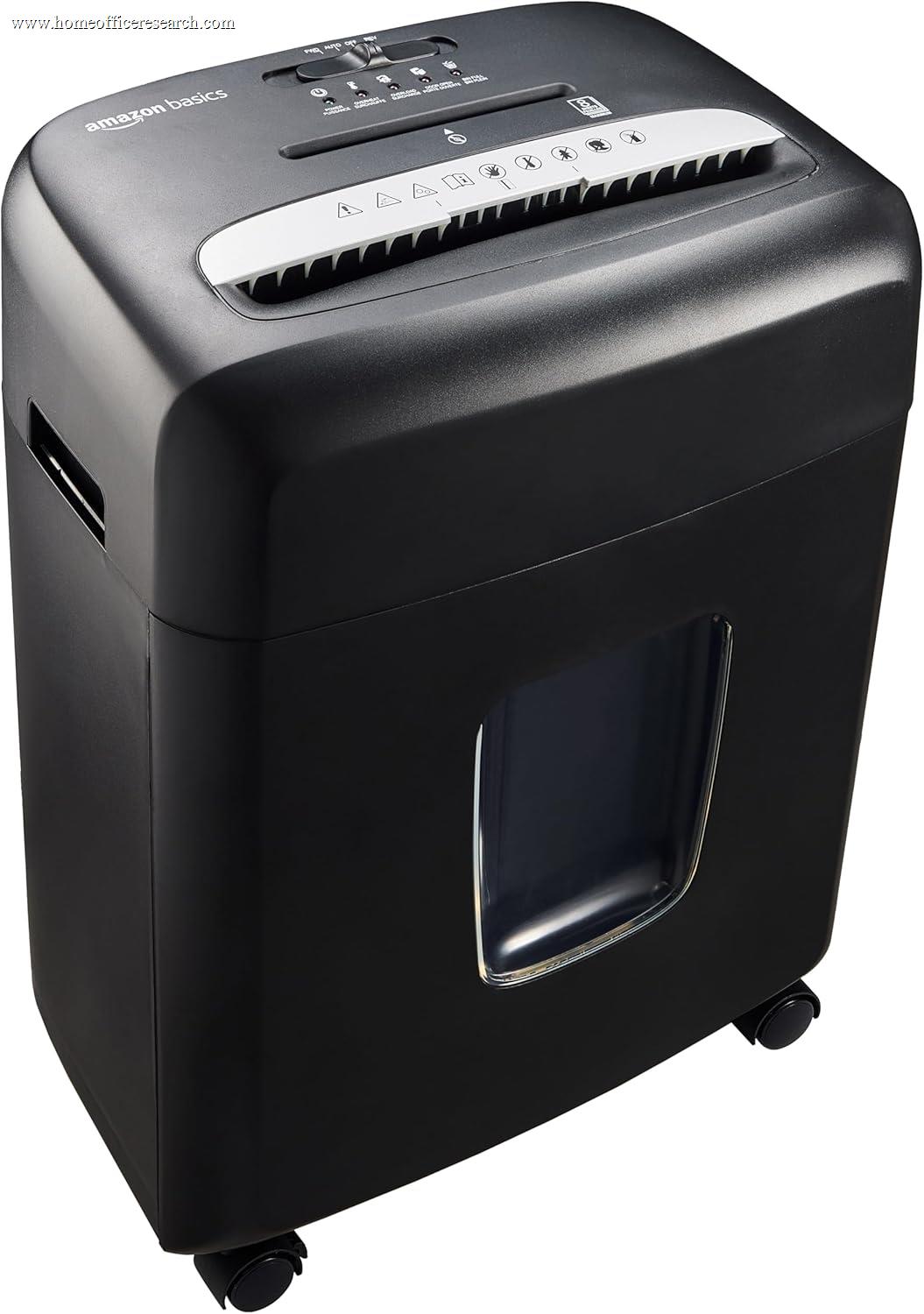
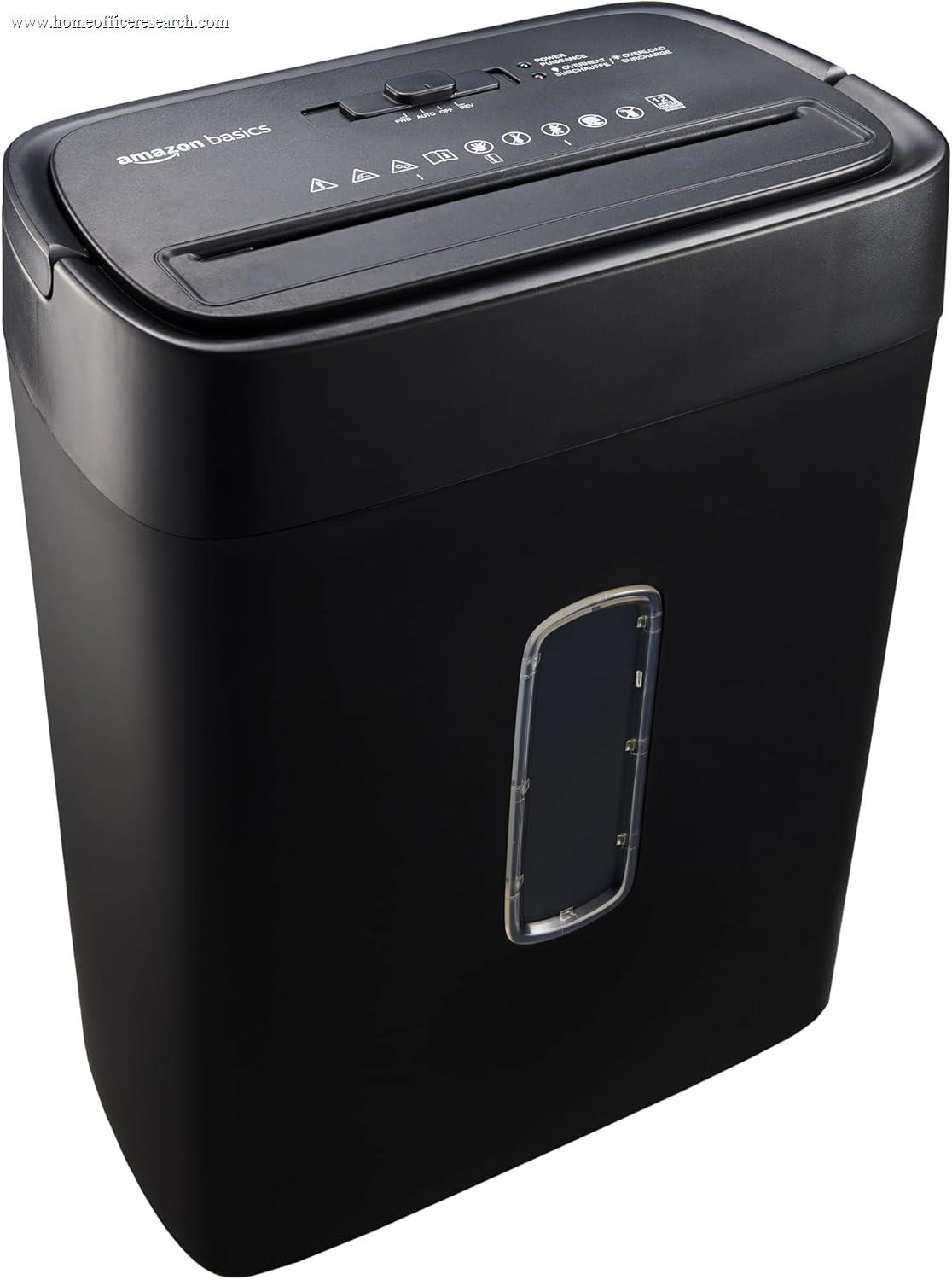
The budget tier. Amazon Basics’ 8-sheet micro-cut is the cheapest true P-4 security in our lineup and a fine mail-pile machine; its 12-sheet cross-cut is held back by P-3 particles. Royal’s 14MC offers terrific paper handling for the money, with the owner-reliability caveat noted above.