Best Headset for Home Office & Video Calls:
Rated & Ranked
We evaluated 12 headsets and call earbuds across six weighted categories built specifically for remote work — where how clearly the other side hears you matters more than how loud your music plays. Every score is derived from measurable specifications, microphone standards, and aggregated reliability data, not brand preference. The result: a defensible, comparable 0–10 rating spanning wireless office headsets, true-wireless call earbuds, and plug-and-play wired models.
Product links are Amazon affiliate links — purchases support this site at no cost to you.
The ranking below uses our recommended weights — the balance of factors we believe matters most for a typical home office. If your priorities differ, switch to Customize Weights and re-rank the table around what you care about.
Best for Your Situation
A single ranked list hides the fact that someone in back-to-back Teams calls and someone who just wants clean audio for the occasional meeting aren’t shopping for the same thing. Start here, then dig into the full table below.


Full Comparison — Ranked by Score Within Tier
Wireless headsets, true-wireless call earbuds, and wired headsets are scored on the same 0–10 framework but grouped separately, because the form factor decision comes first. The score column is the directly comparable number across the whole table.
| # | Product | Score | Connection ? | Microphone ? | ANC ? | Battery ? | UC Certified ? |
|---|---|---|---|---|---|---|---|
| ▸ Wireless Headsets — Bluetooth & DECT, for full mobility around the home office | |||||||
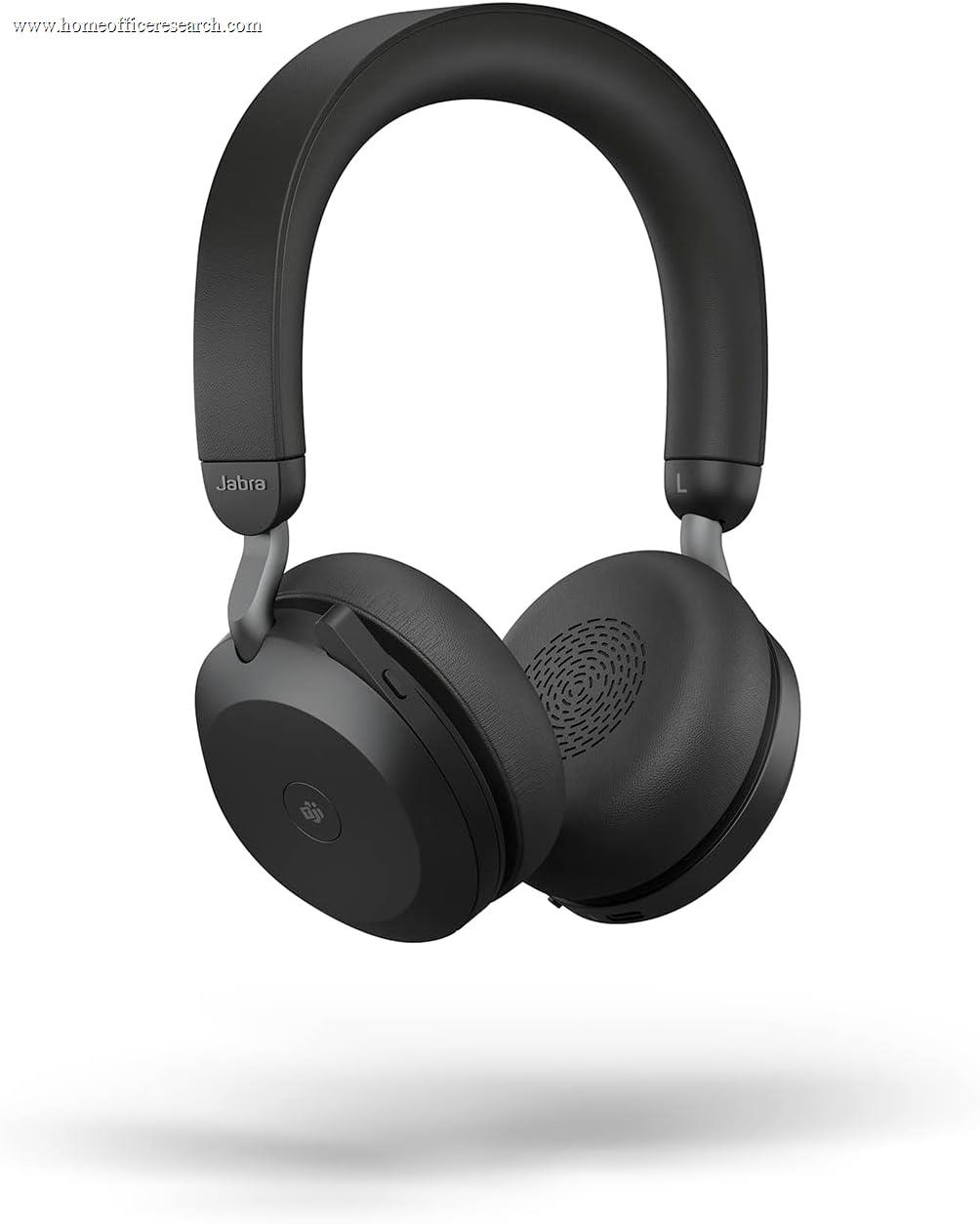
| 1 |
|
8.7/10 |
BT + USB dongle | 8-mic array | Hybrid | 24 hrs talk | Teams + Zoom |
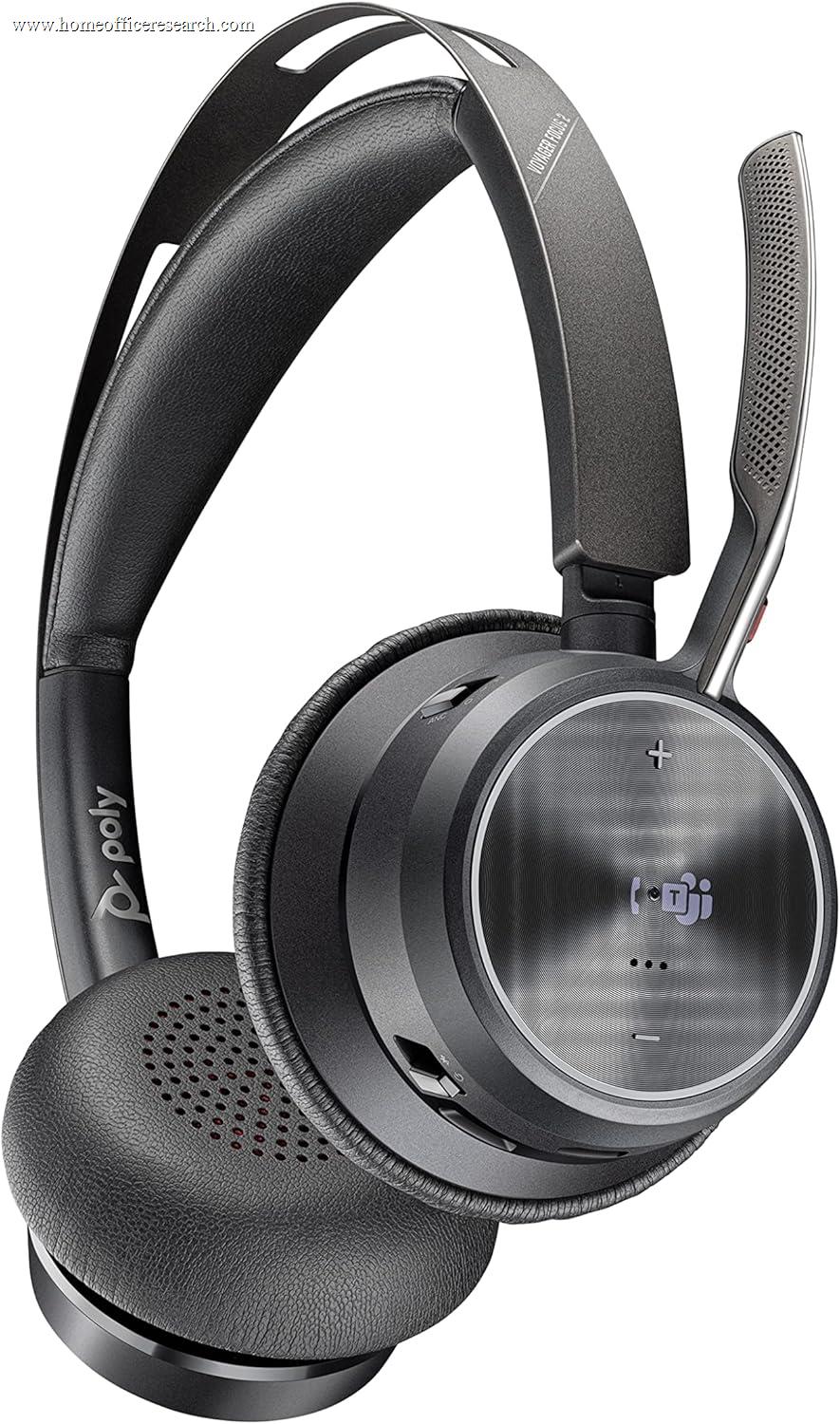
| 2 |
|
8.5/10 |
BT + USB dongle | Acoustic Fence (4-mic) | Hybrid · 3-lvl | 19 hrs talk | Teams + Zoom |
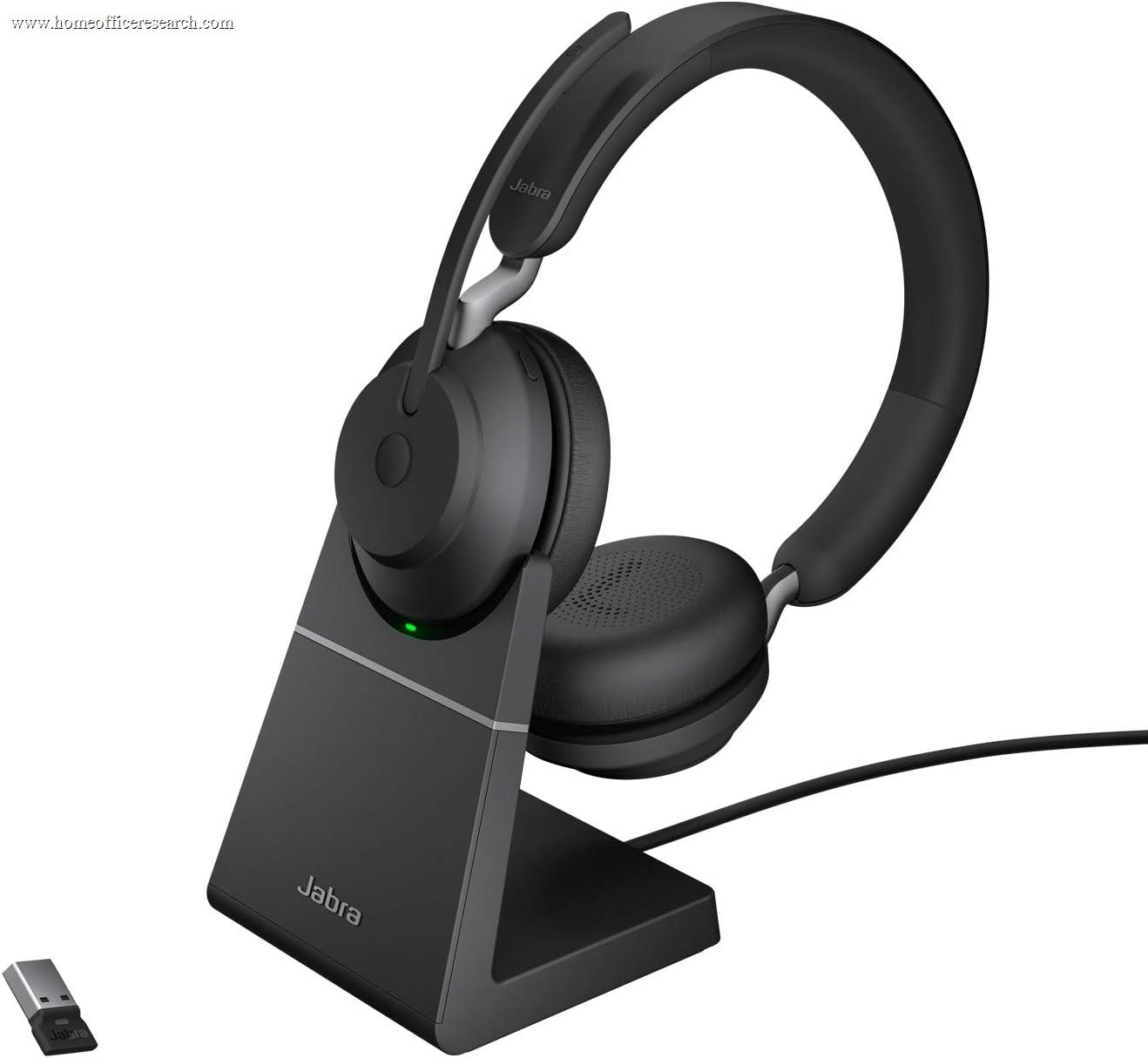
| 3 |
|
8.3/10 |
BT + USB dongle | 3-mic | None (passive) | 35 hrs talk | Teams + Zoom |
| 4 |
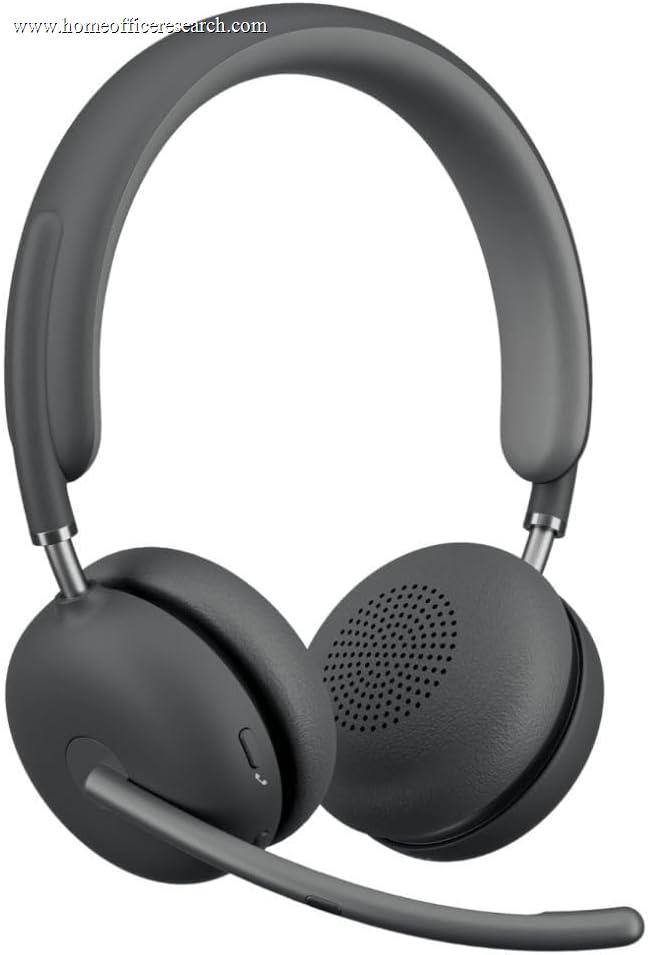
|
8.2/10 |
BT + USB receiver | 4-mic AI | Hybrid | 15 hrs talk | Teams + Zoom |
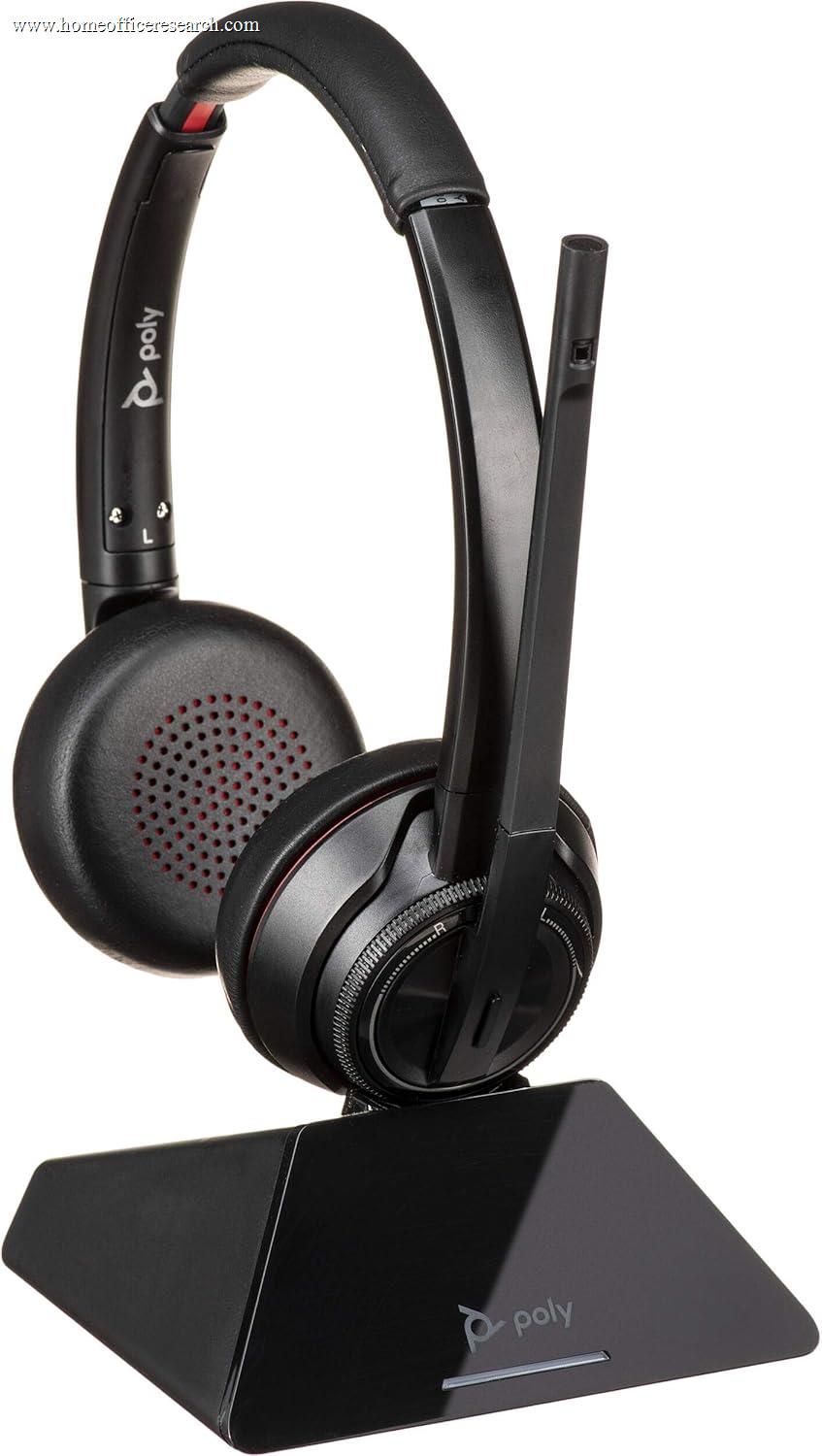
| 5 |
|
7.7/10 |
DECT 6.0 (base) | Noise-cxl boom | Active | 13 hrs talk | Teams + Zoom |
| 6 |

|
7.2/10 |
Bluetooth 5.0 | Dual-mic AI | Digital | 24 hrs talk | Compatible |
| ▸ Call Earbuds — true wireless, for discreet, portable, hybrid-work calling | |||||||
| 7 |
|
7.7/10 |
TWS + USB dongle | MultiSensor Voice | Adaptive | 5 hrs talk* | Teams + Zoom |
| 8 |
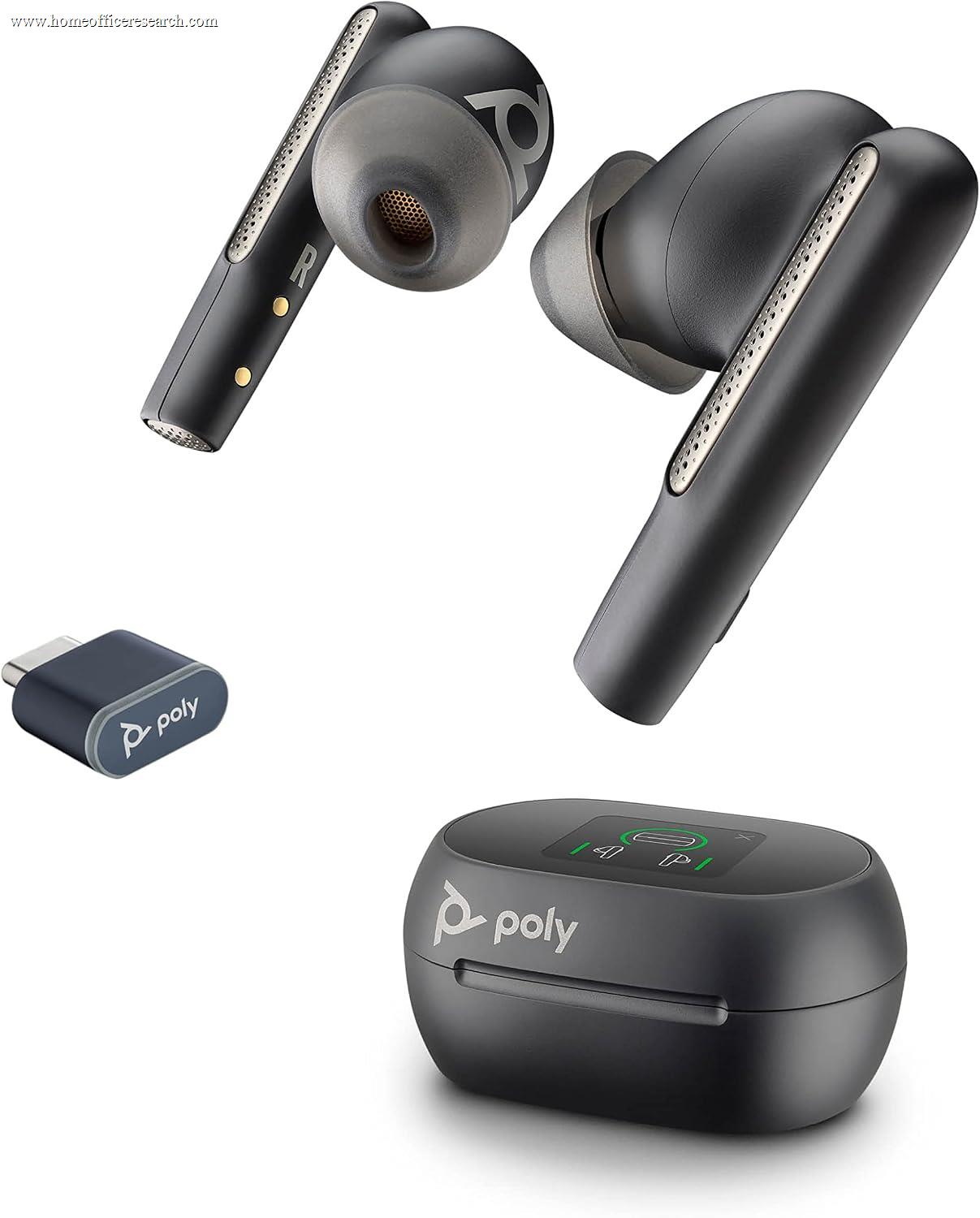
|
7.6/10 |
TWS + USB dongle | WindSmart (3-mic) | Adaptive | 5.5 hrs talk* | Teams + Zoom |
| 9 |
|
7.5/10 |
Bluetooth (Apple) | Voice Isolation | ANC ×2 | ~6 hrs talk* | Not certified |
| ▸ Wired Headsets — USB plug-and-play, for the always-at-the-desk office | |||||||
| 10 |

|
7.9/10 |
USB-A or USB-C | 3-mic MEMS boom | None (passive) | Wired | Teams + Zoom |
| 11 |
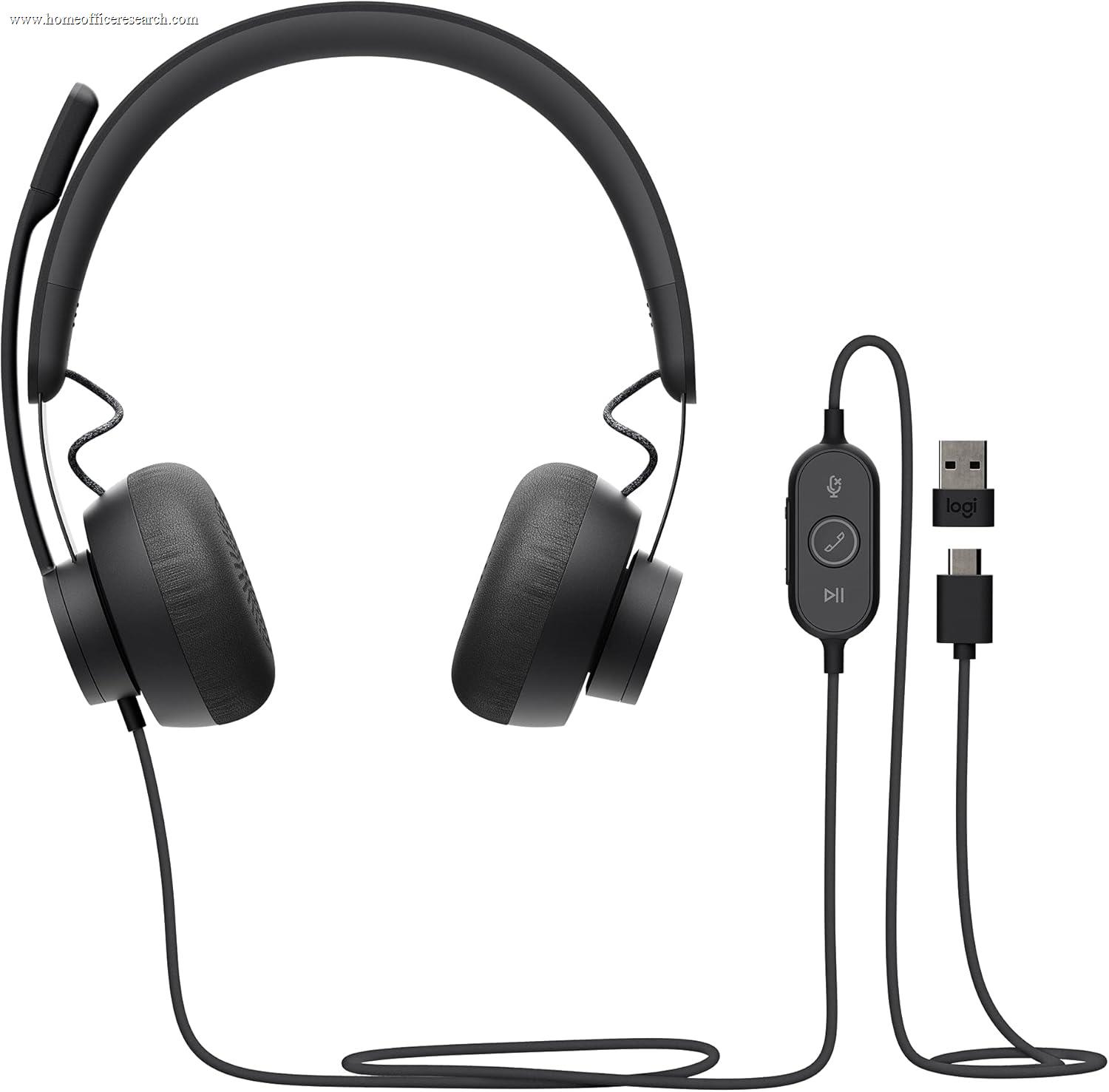
|
7.6/10 |
USB-C (+A adapter) | Dual-mic + DSP | None (passive) | Wired | Teams + Zoom |
| 12 |
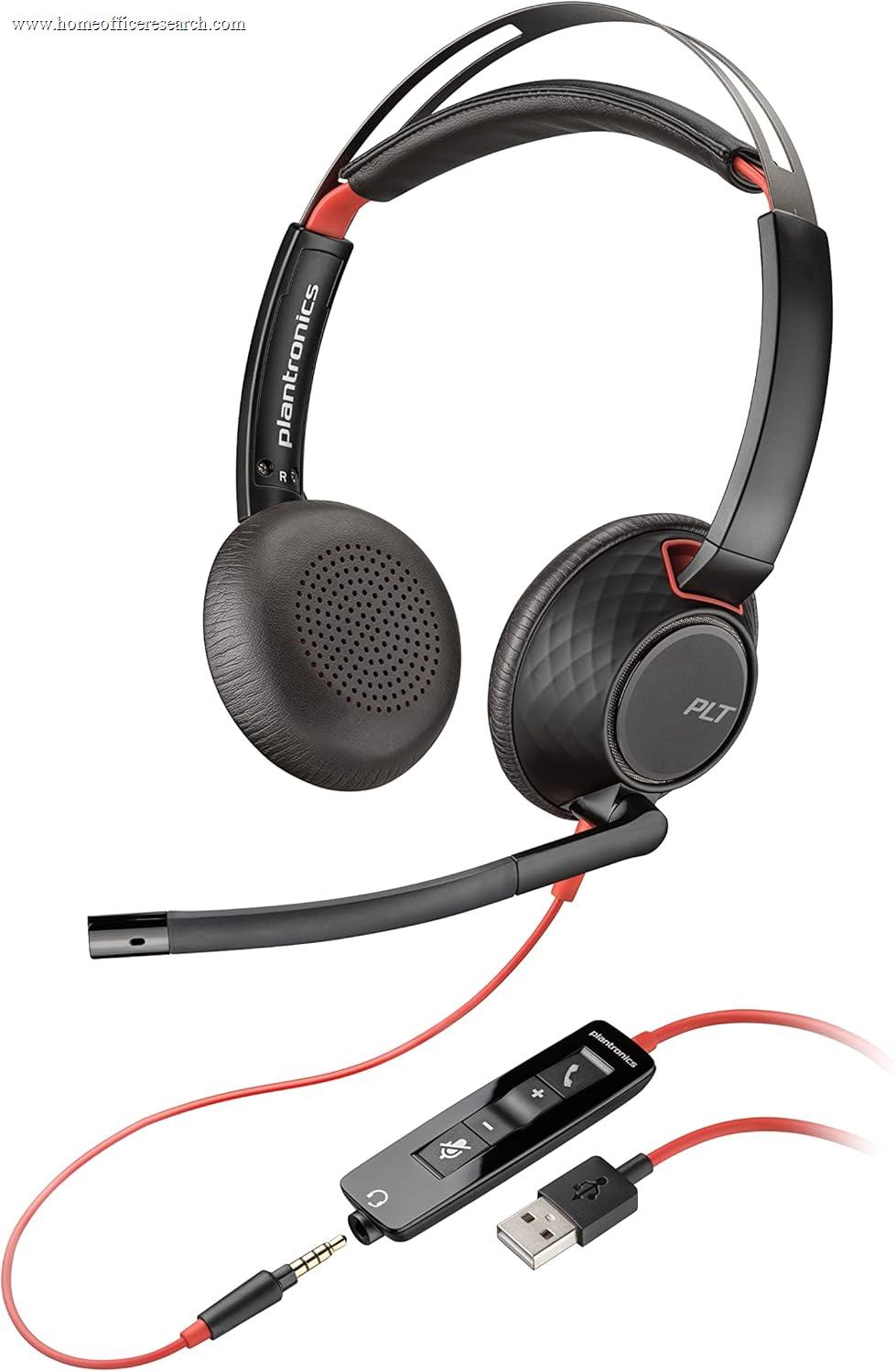
|
7.2/10 |
USB-A/C + 3.5mm | Noise-cxl boom | None (passive) | Wired | Teams + Zoom |
*Earbud talk time is per-charge; the charging case adds many more hours (Evolve2 Buds ~33 hrs total, Voyager Free 60+ ~16 hrs total). AirPods Pro 3 talk time is approximate — Apple publishes listening, not talk, figures.
How We Score
Weighted Scoring Framework — All Scores 0–10
Key Considerations When Choosing a Home Office Headset
Microphone Quality Comes First — Why the Far-End Voice Outweighs Everything
For a device whose main job is calls, the single most important thing it does is make you sound clear to everyone else. You never hear your own microphone, so it’s the spec people most often under-weight — and the one that quietly decides whether colleagues strain to understand you over a barking dog or a passing truck. That’s why microphone and voice quality carry the most weight in our framework, ahead of comfort and well ahead of how good your music sounds.
Three approaches dominate. A noise-cancelling boom placed near the mouth (Jabra Evolve2 40/65/75, Poly Blackwire) is still the gold standard — proximity does most of the work, and the best of these pass Microsoft’s strict “premium microphone for open office” test. Beamforming arrays let a boom-free design isolate your voice from the room: Poly’s Acoustic Fence builds a virtual barrier around the mic, Jabra’s MultiSensor Voice adds a bone-conduction sensor, and Logitech’s Zone Wireless 2 uses AI to separate speech from noise. Earbud and consumer mics are the most convenient but the most exposed to wind and distance — Apple’s Voice Isolation closed much of the gap on AirPods Pro 3, but a boom still wins in a noisy room.
Bottom line: Prioritize a certified noise-cancelling boom or a proven beamforming array. If the people on your calls have to ask you to repeat yourself, nothing else about the headset matters.
Comfort for All-Day Wear — On-Ear, Over-Ear, or In-Ear
The second dealbreaker is whether you can wear the thing for six hours without wanting to throw it across the room. Comfort is hard to read off a spec sheet, so we score it through proxies: weight, clamping force, earpad material and depth, and the basic form factor.
Over-ear designs (Poly Voyager Focus 2, Logitech Zone Wireless 2) surround the ear with plush cushions and spread pressure out — generally the most comfortable for marathon days, at the cost of bulk and warmth. On-ear models (Jabra Evolve2 65 and 75) rest lighter and run cooler, but a firmer clamp can create pressure points over hours; Jabra’s dual-foam cushions are a notable mitigation. In-ear call earbuds are the lightest and most discreet, but some people feel fatigue or a “plugged” sensation after long stretches, and fit varies more by ear shape than any other category.
Bottom line: For back-to-back-call days, over-ear is usually the safe comfort bet. If you run warm or value a lighter feel, a good on-ear like the Evolve2 65 is the sweet spot; reserve earbuds for mobility and short-to-medium sessions.
Wireless, Wired & Why a USB Dongle Beats Plain Bluetooth
How a headset connects matters more for work than for casual listening, because a dropped or stuttering link mid-meeting is far more costly than a skip in a playlist. There are four real options, and they trade mobility against stability.
Plain Bluetooth to your laptop is the most convenient but the most variable — it shares a crowded radio with everything else and can stumble on older laptop chipsets. An included USB dongle (Jabra’s Link 380, Poly’s BT700) is the quiet hero of business headsets: it creates a dedicated, low-latency link, extends range, and enables remote call answer/end and mute from the headset itself. DECT (Poly Savi 8220) uses a base station on its own frequency band for the longest range — roughly 500 ft line-of-sight, realistically ~180 ft through office walls — and excellent interference resistance, ideal for a desk-bound setup where you roam to a printer or kitchen. Wired USB gives up mobility entirely but never drops, never needs charging, and adds zero pairing friction — which is exactly why it remains popular for a permanent desk.
Bottom line: If you go wireless, strongly prefer a model with an included USB dongle over one that relies on your laptop’s Bluetooth. Choose DECT for maximum roaming range, or wired for the most bulletproof connection at a fixed desk.
ANC, Sidetone & the Busylight — Focus and Etiquette
A few features address the wearer’s experience and the people around you, and they’re easy to confuse with microphone noise cancelling. Active Noise Cancellation (ANC) reduces what you hear — HVAC hum, office chatter — so you can concentrate; it does nothing for how you sound. The microphone’s own noise cancelling is the separate system that cleans up what the far end hears. The best work headsets do both well; budget and older models often skip wearer ANC entirely (the Jabra Evolve2 65 relies on passive isolation, which is fine in a quiet room).
Sidetone pipes a little of your own voice back into the earcups so you don’t unconsciously shout — a small feature that makes a real difference on long calls, and one the business-grade models handle better than consumer earbuds. The busylight — a bright indicator that flips on automatically when you’re in a call — is a genuinely useful etiquette tool in a shared home, signaling “don’t interrupt” without a word. It’s a hallmark of the Jabra Evolve line and a meaningful reason those models sit near the top.
Bottom line: Don’t conflate ANC (for your ears) with mic noise cancelling (for the far end) — you want both. Sidetone and a busylight are small touches that separate a true work headset from a repurposed pair of consumer cans.
UC Certification & Multipoint — Teams, Zoom, and Two Devices at Once
If your day runs on Microsoft Teams or Zoom, certification is worth looking for. A “Certified for Teams” or Zoom badge means the manufacturer tested the mic, the audio path, and the physical buttons against that platform’s requirements — so the mute button actually mutes Teams, calls answer with a tap, and audio is tuned for voice. Every dedicated headset in this guide carries at least Teams certification; consumer earbuds like AirPods work on calls but skip this process, which is part of why they rank below the purpose-built tools here despite excellent hardware.
Multipoint — connecting to your laptop and your phone at the same time — is the other quietly essential feature for hybrid work. It lets you take a mobile call without re-pairing and switches audio sources automatically. The business headsets and call earbuds here generally support true cross-platform multipoint; Apple’s ecosystem handoff is slick but Apple-centric, which is a limitation in a mixed Windows-and-Mac office.
Bottom line: Buy a model certified for the platform you actually use, and confirm it supports two-device multipoint if you juggle a laptop and a phone. These are the features that make a headset disappear into your workflow.
Call Earbuds vs. Headsets — When Each One Wins
Adding earbuds to a headset shortlist confuses a lot of buyers, because they’re scored on the same framework but excel at different things. The honest split comes down to how and where you work.
Call earbuds (Jabra Evolve2 Buds, Poly Voyager Free 60+) are the right call for hybrid and mobile workers: discreet, pocketable, fine on camera, and — when they include a USB dongle — surprisingly capable on Teams and Zoom. Their trade-offs are real, though: shorter per-charge talk time, smaller microphones more exposed to wind and distance, and in-ear fatigue on the longest days. A full-size headset wins for anyone whose day is mostly calls at a desk: better mic placement, longer battery, more comfort over hours, sidetone, and that busylight. AirPods Pro 3 sit at the intersection — the best audio and ANC in the lineup and a much-improved mic, but without the dongle, certification, and mute-button workflow that define a dedicated call tool.
Bottom line: Choose earbuds if portability and discretion top your list and your calls are short-to-medium; choose a headset if you live in meetings and the mic, comfort, and battery have to hold up all day.
Why We Primarily Recommend Jabra, Poly, and Logitech
After weighing the field for home office use, three brands most consistently deliver the combination that call-heavy work demands: a certified, genuinely clean microphone; all-day comfort; a stable USB-dongle connection; and the small workflow touches — mute, sidetone, busylight, multipoint — that you stop noticing precisely because they just work. Those brands are Jabra, Poly, and Logitech, and each owns a slightly different lane.
The wider market includes superb hardware from Apple, Anker, and others, and we include and recommend specific models where the case is strong. But as a system — microphone certification, connection stability, and the etiquette features built for shared spaces — these three are the safest bets for gear you depend on to earn a living.
Jabra
The all-round leader for work. The Evolve2 line pairs certified noise-cancelling mics with class-leading battery, dual-foam comfort, and the signature busylight, scaling from the wired Evolve2 40 to the flagship 75 and the Evolve2 Buds. It’s our most-recommended brand for a home office, and it takes our top overall spot.
Poly
The microphone specialist. Poly’s Acoustic Fence and WindSmart processing give the Voyager Focus 2 the cleanest voice pickup in our lineup, and the Savi DECT line offers roaming range no Bluetooth headset can match. Plush over-ear comfort and a touchscreen-case earbud round out a deep, call-first catalog.
Logitech
The comfort-and-software choice. The Zone family leans on AI noise suppression, Microsoft open-office mic certification, and thoughtful design — replaceable batteries and earpads on the Zone Wireless 2 extend its life — managed through the clean Logi Tune app. A strong, slightly more consumer-friendly alternative to the two specialists.
Apple, Anker & Others
Apple’s AirPods Pro 3 deliver the best audio and ANC here and a much-improved mic — ideal for Apple-centric users who want one device for work and life. Anker’s PowerConf H700 is a capable value pick. EPOS (the former Sennheiser comms line), Bose, and Sony also make fine options; for a pure call tool, weigh their mic certification and dongle support against the specialists above.