Best Standing Desks for Home Office:
Rated & Ranked
We evaluated 12 electric height-adjustable standing desks across six weighted categories — from structural stability and ergonomic range to motor quality and long-term warranty. Every score is derived from measurable specifications, not subjective impressions. The result: a defensible, comparable 0–10 rating for each desk.
Product links are Amazon affiliate links — purchases support this site at no cost to you.
The ranking below uses our recommended weights — the balance of factors we believe matters most for a typical home office. If your priorities differ, switch to Customize Weights and re-rank the table around what you care about.
Full Comparison — Sorted by Score
| # | Product | Score | Motors ? | Leg Stages ? | Anti-Col. ? | Height Range (in) ? |
Lift Cap. (lbs) ? |
Noise (dB) ? |
Warranty (yrs) ? |
|---|---|---|---|---|---|---|---|---|---|
| ▸ Premium — Recommended for Home Office | |||||||||
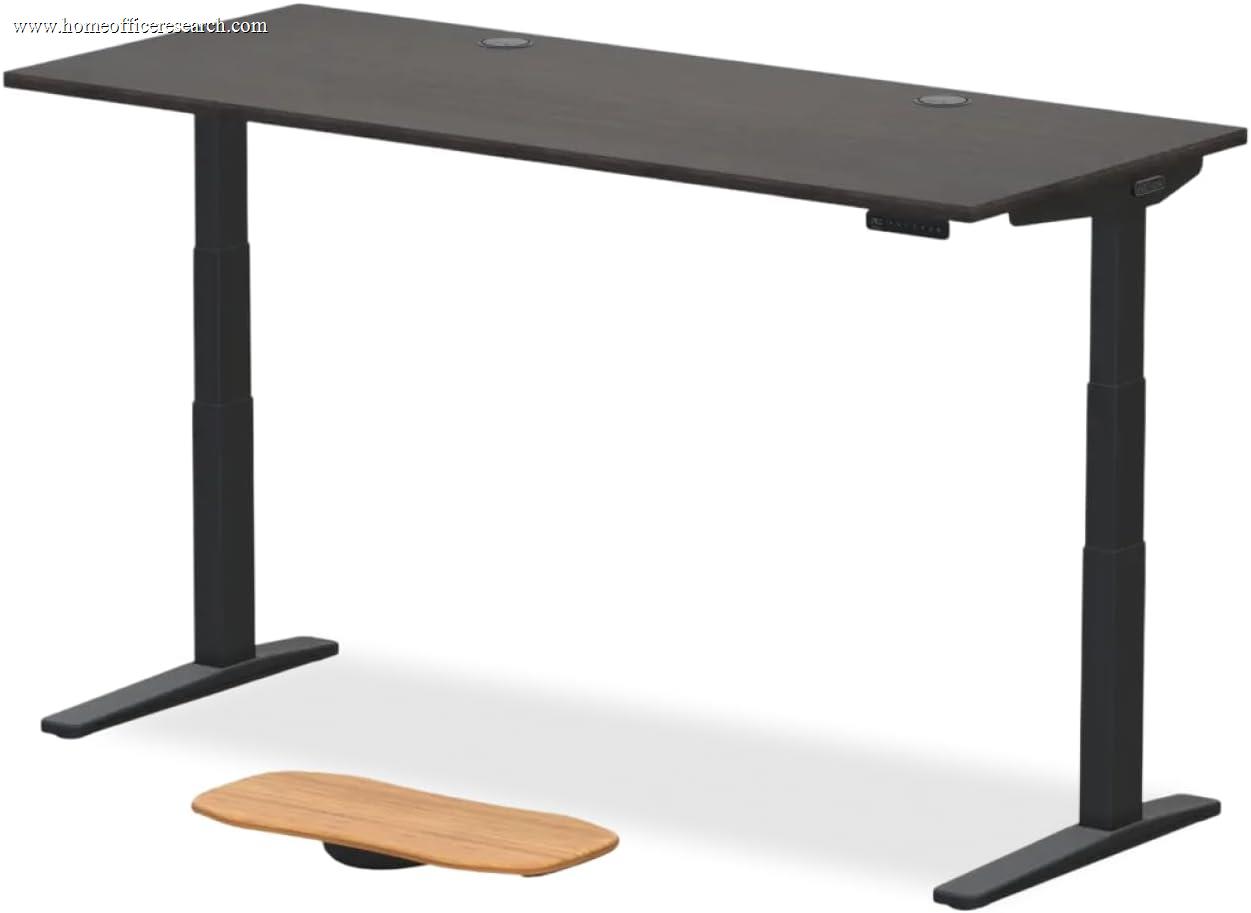
| 1 |
|
9.3/10 |
Dual | 3-Stage | ✓ | 22.6 – 48.7 | 355 | <48 | 15 |
| 2 |
|
8.7/10 |
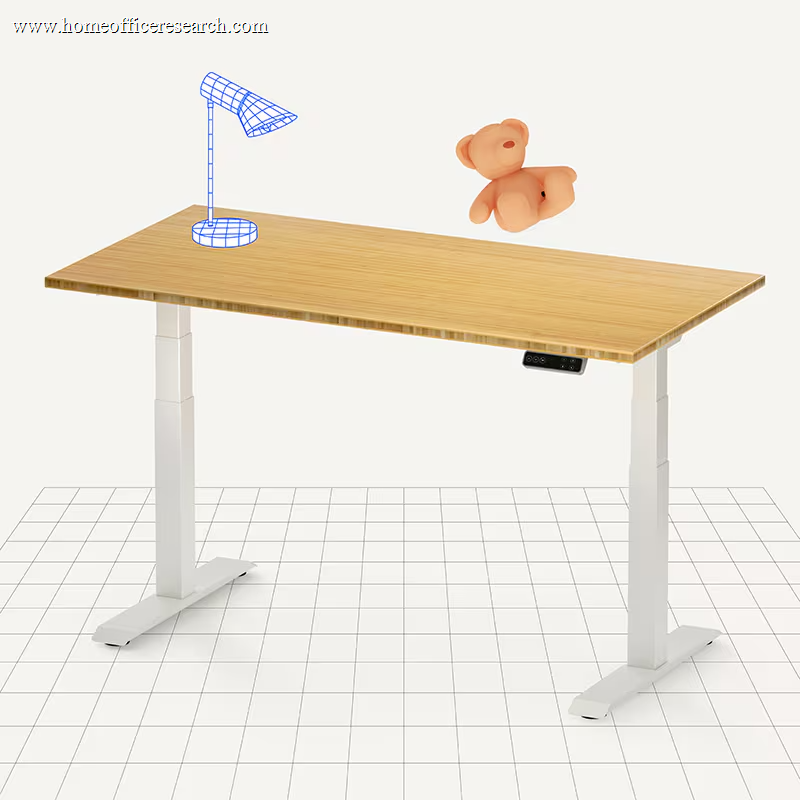
Dual | 3-Stage | ✓ | 22.8 – 48.4 | 355 | <45 | 15 |
| 3 |

|
8.1/10 |
Dual | 3-Stage | ✓ | 25.6 – 51.1 | 350 | <50 | 7 |
| 4 |

|
8.0/10 |
Dual | 3-Stage | ✓ | 25.0 – 50.5 | 200 | <50 | Lifetime |
| 5 |
|
7.4/10 |
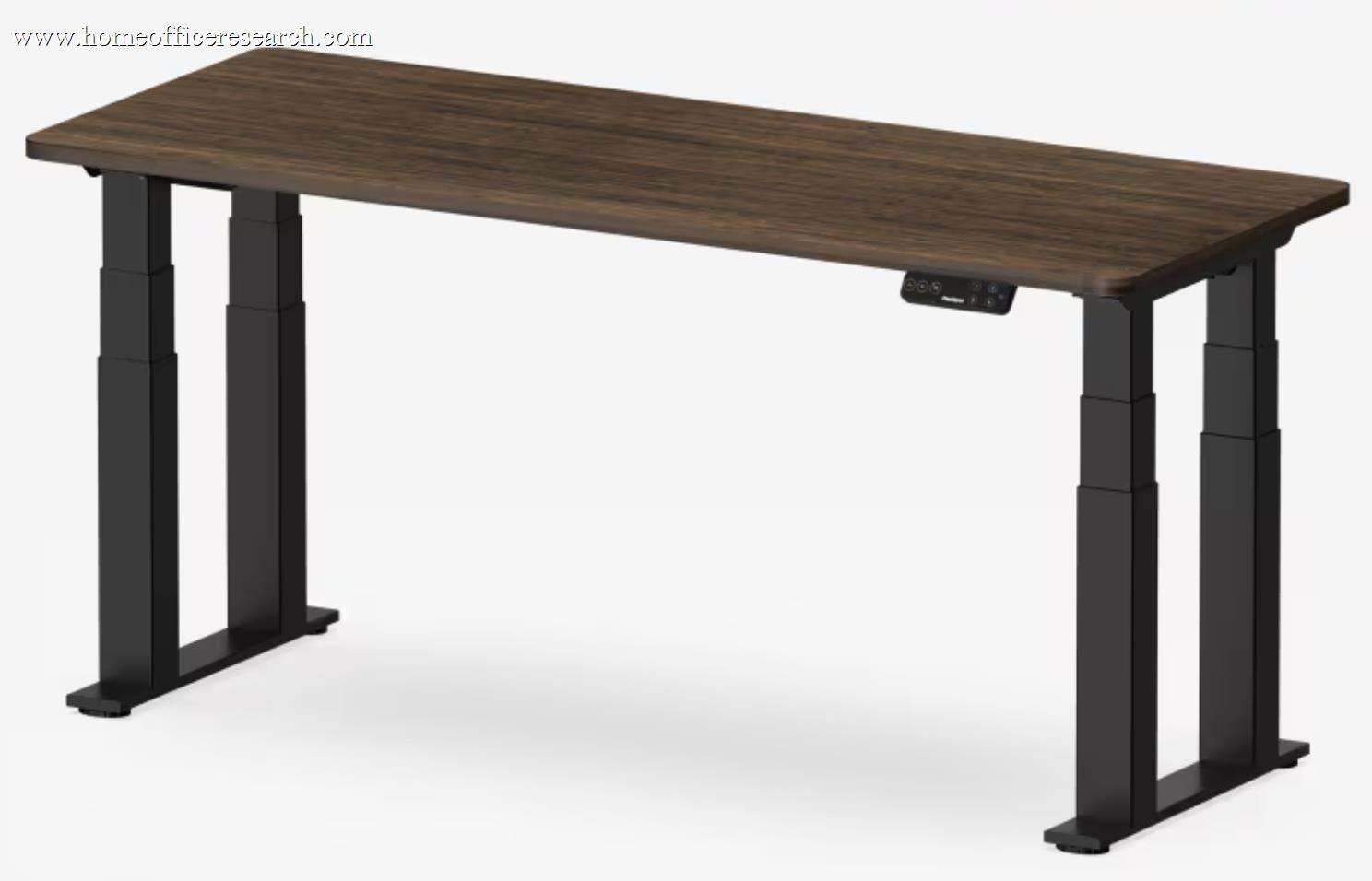
4-Leg Dual | 3-Stage | ✓ | 26.0 – 51.0 | 440 | <50 | 15 |
| ▸ Mid-Range — Solid Value Options | |||||||||
| 6 |
|
7.3/10 |
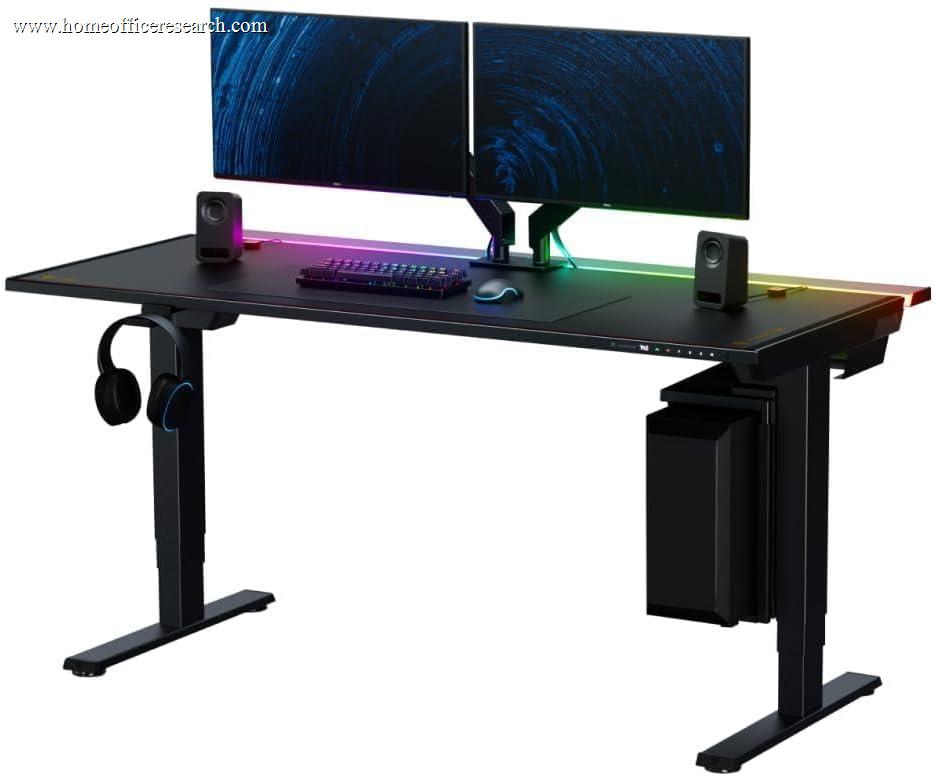
Dual | 3-Stage | ✓ | 25.6 – 49.2 | 265 | <50 | 5 |
| 7 |
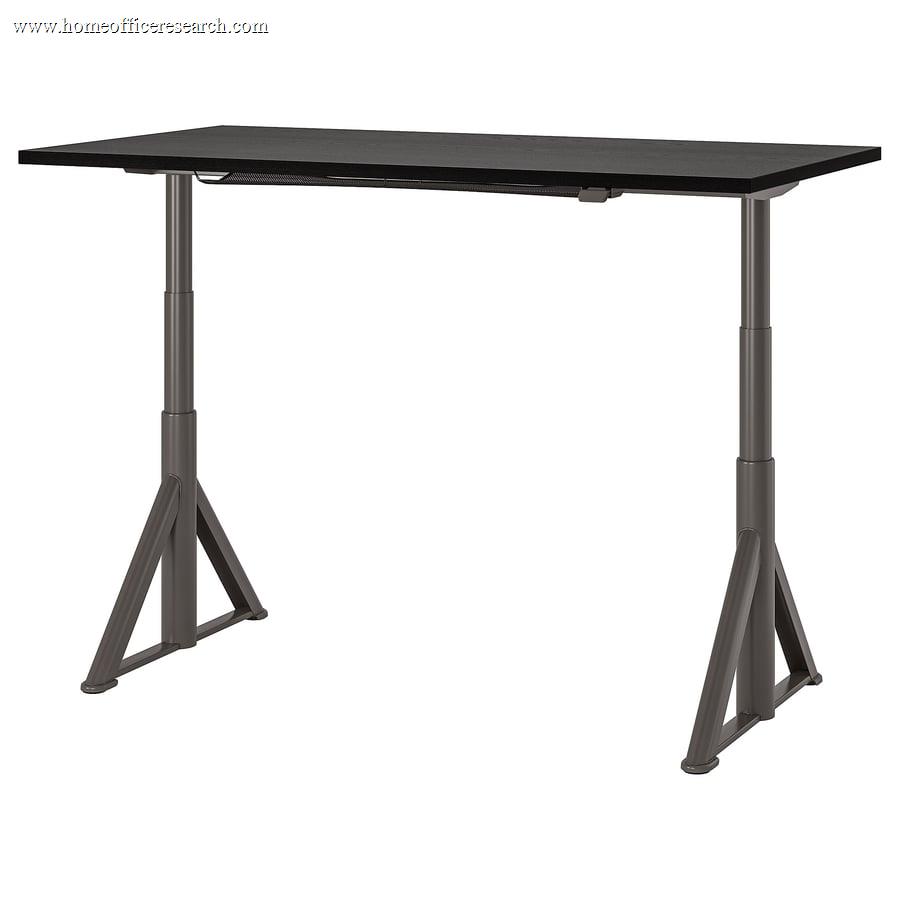
|
7.2/10 |
Dual | 2-Stage | ✓ | 24.8 – 50.0 | 165 | 58–63 | 10 |
| 8 |
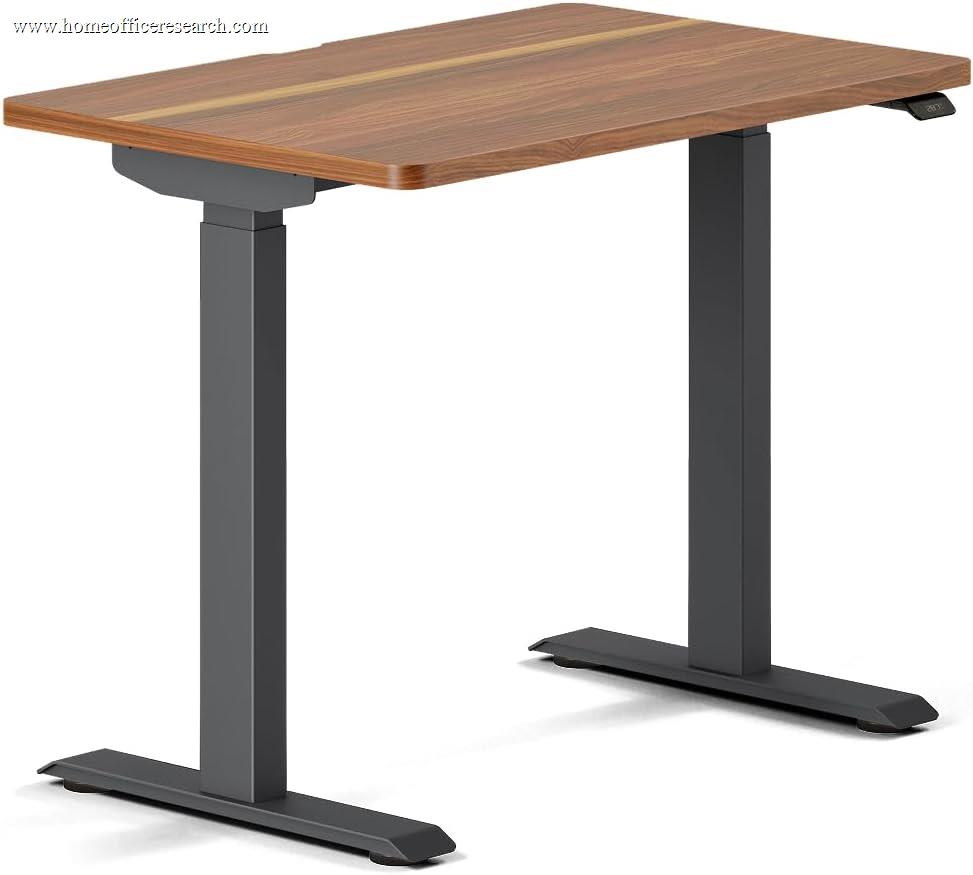
|
7.1/10 |
Dual | 2-Stage | ✓ | 28.0 – 47.3 | 275 | <50 | 10 |
| 9 |
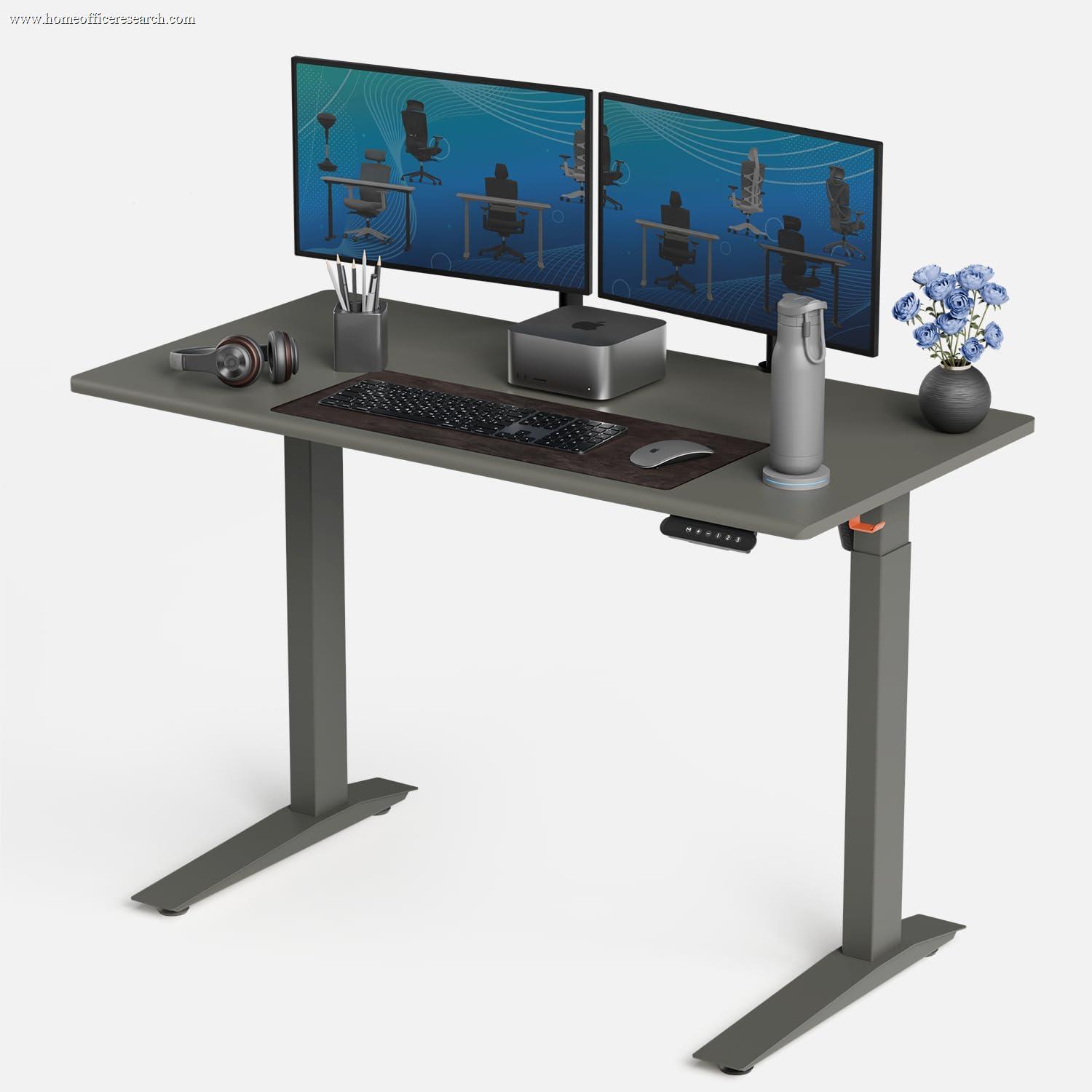
|
6.5/10 |
Dual | 2-Stage | ✓ | 26.2 – 52.0 | 310 | <45 | 7 |
| ▸ Budget / Specialized — Entry Level & Niche Picks | |||||||||
| 10 |
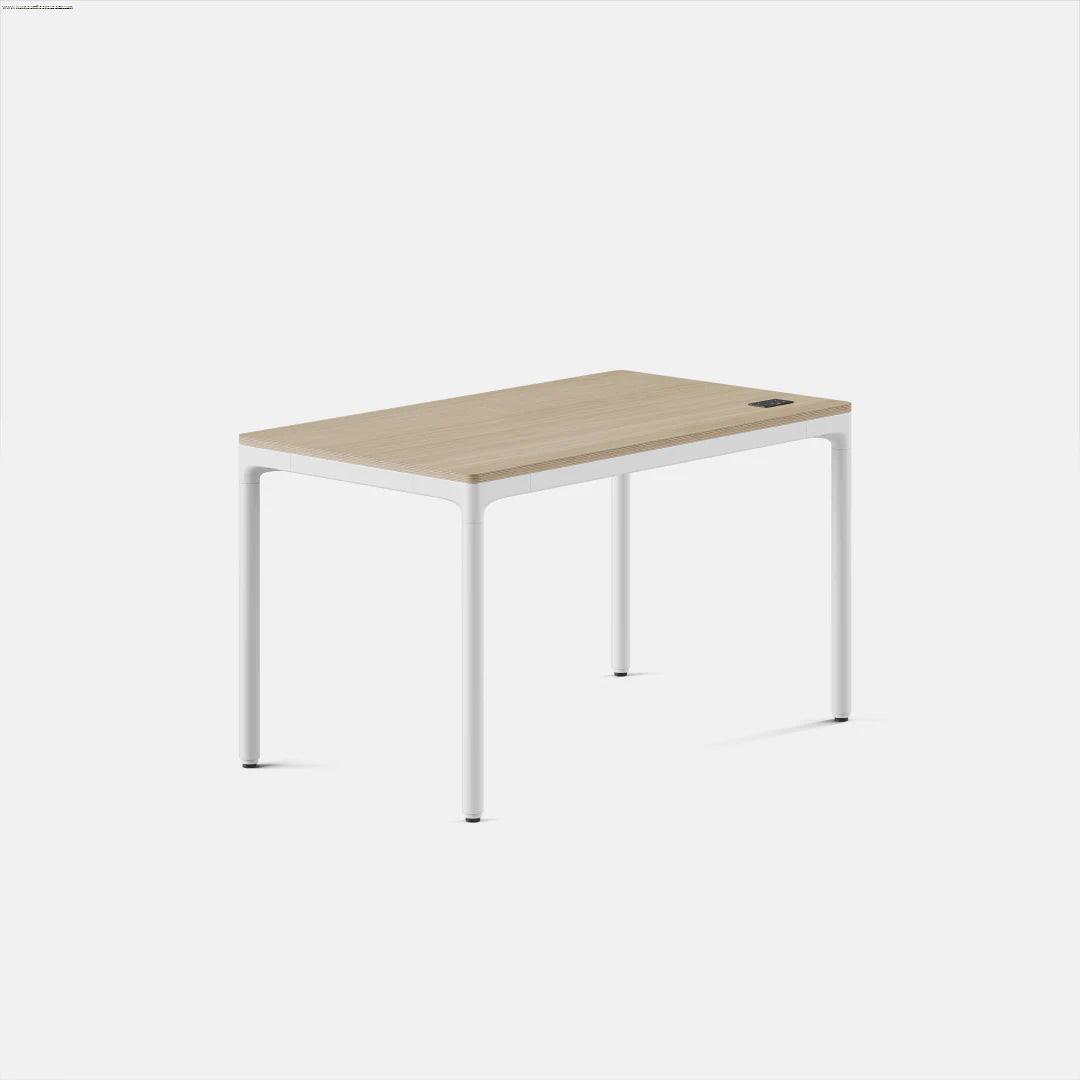
|
6.4/10 |
Quad | 2-Stage | ✓ | 27.3 – 44.6 | 225 | <50 | 10 |
| 11 |
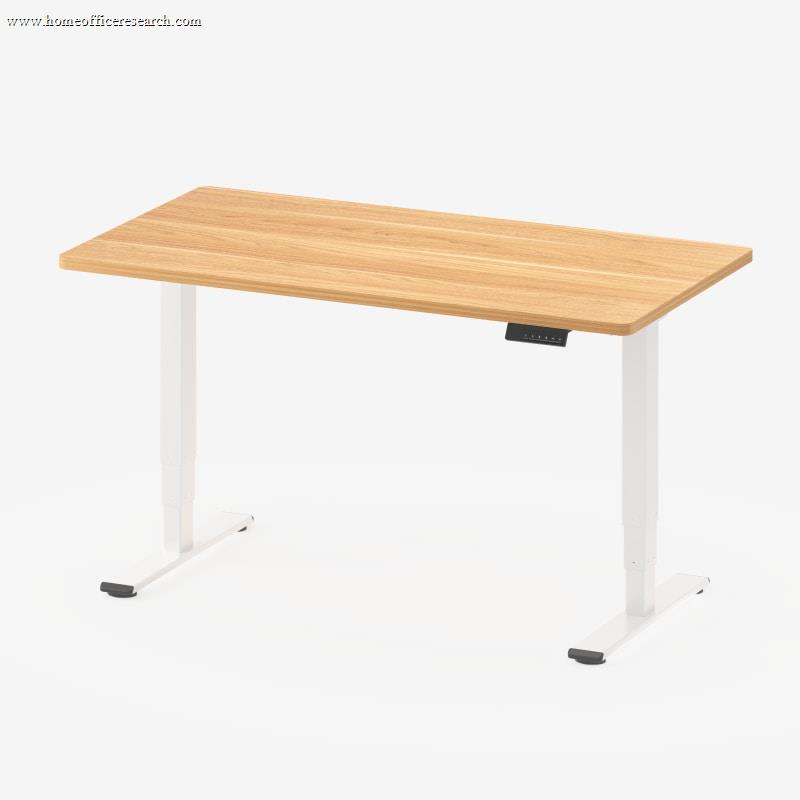
|
6.2/10 |
Dual | 2-Stage | ✓ | 24.4 – 49.2 | 220 | <50 | 5 |
| 12 |

|
5.8/10 |
Dual | 2-Stage | — | 29.0 – 48.0 | 235 | ~50 | 2 / 5 |
How We Score
Weighted Scoring Framework — All Scores 0–10
Key Considerations When Choosing a Standing Desk
Stability — The Make-or-Break Factor
Wobble is not a minor inconvenience — it is the single most common complaint among standing desk owners and the clearest indicator of engineering quality. A desk that shakes when you type is distracting during focused work, accelerates wear on the lifting mechanism, and undermines the ergonomic purpose of the desk entirely.
Stability issues are most pronounced at maximum standing height, where the telescoping columns are fully extended and the moment arm is longest. The primary engineering determinants are: the thickness and quality of the steel columns, the number of stages in the lifting mechanism, the rigidity of the crossbar connecting the two legs, and the width and design of the feet.
Three-stage columns are meaningfully superior to two-stage designs. With three sections instead of two, each section is shorter at any given height and the overlap between sections is greater — resulting in a stiffer structure with less mechanical play. A desk that wobbles noticeably at 40 inches on a two-stage system may feel solid at the same height on a three-stage design.
The crossbar — the horizontal member connecting the two legs beneath the desktop — is the primary defense against left-to-right sway. Some desks omit it entirely or make it optional; this is a meaningful structural compromise. Front-to-back stability depends more on foot design and the geometry of the lifting columns themselves.
The IKEA IDASEN is a notable exception to the usual stability-by-spec-sheet logic. Despite its 2-stage columns and relatively modest spec sheet, it consistently rates as one of the most stable desks in independent laboratory testing — a result of IKEA’s unusually thick steel tubing, tight column tolerances, and distinctive wide-footed leg design. Stability is the one dimension where the IDASEN genuinely competes with desks costing twice as much.
Bottom line: Evaluate stability first. Three-stage legs, a rigid crossbar, and wide-base feet are not luxury features — they are the engineering basis for a desk that works correctly at standing height. A wobbly desk cannot be stabilized after the fact.
Height Range — Ergonomics Require Real Numbers
The fundamental purpose of a standing desk is to position your work surface at a height that allows a neutral posture — elbows at roughly 90 degrees, wrists flat, screen at eye level — in both sitting and standing positions. The actual height requirements vary significantly by body size.
The BIFMA G1 ergonomics guideline, which covers the 5th to 95th percentile of adults, suggests that a desk should reach as low as approximately 22–24 inches and as high as 48–50 inches at the work surface to accommodate this population. Manufacturers quote frame-only heights — always add your desktop thickness (typically 1 inch) to arrive at the actual work surface height.
Short users are most at risk from a too-high minimum. A desk that bottoms out at 29 inches forces a shorter person to sit with raised shoulders and extended arms — the exact problem a height-adjustable desk is intended to solve. The Branch Four Leg Standing Desk, despite its innovative quad-motor design and premium price, bottoms out at 27.3 inches and tops at just 44.6 inches — a 17-inch range that excludes both shorter users at the seated end and taller users at the standing end.
For tall users, the maximum standing height matters more. At 6’4″ and above, standard-range desks may not reach a comfortable standing position, especially once an anti-fatigue mat reduces effective standing surface height by an inch or more.
Bottom line: Match the desk’s height range to your body before evaluating anything else. Add 1 inch for a typical desktop to the manufacturer’s frame-only specs. A wide range is only useful if both ends of it apply to you.
Motor Quality — Dual Motors, Noise, and Long-Term Reliability
A standing desk is a motor-driven mechanical system used multiple times per day, every working day. Motor quality determines not just how smooth and quiet the desk operates today, but whether it will still operate reliably in five years.
Dual-motor desks place an independent motor in each lifting column. The two motors are electronically synchronized, which eliminates the drive shaft and coupling assembly required in single-motor designs. Dual motors deliver a cleaner, more balanced lift, operate more quietly under load, and are less prone to developing drift over time. Quad-motor desks — like the Branch Four Leg — add a motor to each of four legs, though this comes with added mechanical complexity and a significantly higher price.
Noise level is a useful proxy for motor and component quality. Well-machined gears with tight tolerances in a properly damped housing produce less sound than cheaper components. A desk operating below 45–50 decibels is generally unobtrusive in a home office. The IKEA IDASEN, while structurally outstanding, runs at 58–63 dB under load — noticeably louder than most competitors and a real consideration for quiet work environments.
Memory presets are not a luxury — they are what makes a sit-stand desk functionally practical. Without the ability to return to a saved height instantly, the friction of manually re-finding your position each time significantly reduces how often users actually transition between positions. Four presets is the practical standard; two is the minimum.
Bottom line: Dual motors, sub-50dB operation, and at least four height memory presets are the benchmarks for a desk that will actually be used — and will keep working — in a real home office environment.
Anti-Collision Detection — A Meaningful Safety Feature
Anti-collision detection automatically stops and often reverses desk movement when the lifting mechanism encounters unexpected resistance. When a desk descends onto a chair, a person’s knee, a power strip, or a stray cable, the result without this feature ranges from bent accessories to potentially dangerous applied force.
In a home office setting — where a desk may operate near chairs, pets, or children — anti-collision protection is more than a convenience feature. It is a practical safety mechanism that prevents equipment damage and injury. Quality of implementation varies: some systems trigger only under significant force, while more sophisticated implementations using gyroscopes or accelerometers stop within a fraction of an inch at very light contact.
The IKEA IDÅSEN’s anti-collision is hardware-based: its Linak DL11IC columns carry a built-in PIEZO collision-detection system that is generally regarded as more robust than the software-based detection on cheaper desks. (The Jarvis, by contrast, uses accelerometer-based anti-collision on its programmable handset, contrary to a once-common belief.) The one desk on this list that omits anti-collision entirely is the budget ApexDesk Elite — leaving it the only desk here without a feature now standard across the mid-range and premium tiers.
Bottom line: Anti-collision detection should be considered a required feature in any home environment with children, pets, or complex cable setups. Its absence at mid-range and above price points is a genuine shortcoming, not a minor omission.
Lifting Capacity — Headroom Matters More Than the Number
A standing desk’s lifting capacity determines how much weight the motors can move reliably over time. Most home office setups — a desktop surface, two monitors on arms, a desktop tower, a keyboard, and peripherals — weigh somewhere between 60 and 100 pounds in total. Nearly all desks on this list are rated well above that figure.
However, the rated capacity is not the operating point you should aim for. Motors that routinely operate at or near their rated capacity run hotter, cycle slower, and wear out significantly faster. The practical guidance is to load a desk to no more than 60–70% of its dynamic lifting capacity for optimal long-term reliability.
The IKEA IDASEN deserves special attention here: its 165 lb capacity sounds adequate, but independent testing found that motor speed drops noticeably at just 90 lbs of added load. When you factor in a typical desktop’s own weight of 50–60 lbs, real-world usable capacity before performance degrades is considerably lower than the headline figure. Users planning dual-monitor setups with a desktop tower should approach the IDASEN’s capacity claims with caution.
Bottom line: Don’t select a desk whose rated capacity you will routinely push against. More headroom means a cooler, quieter, longer-lived motor system. Be especially skeptical when independent reviews document performance degrading well before the stated rated limit.
Two-Stage vs. Three-Stage Legs
The legs of an electric standing desk telescope up and down in sections, called stages. A two-stage leg has two telescoping sections; a three-stage leg has three. This distinction has direct consequences for both height range and stability.
Three-stage legs achieve a wider height range — both lower minimums and higher maximums — than a two-stage design of equivalent column diameter. Each section only needs to extend a shorter distance to achieve the same total travel, and the overlap between sections at any given height is greater, reducing mechanical play.
The Branch Four Leg is an instructive case study: its innovative quad-motor design delivers excellent stability, but its 2-stage columns limit total height range to just 17 inches (27.3″–44.6″). This is significantly narrower than the 25+ inch range typical of 3-stage competitors, and it directly limits who can use the desk ergonomically. Design innovation in one area does not compensate for a fundamental structural constraint in another.
Bottom line: Three-stage legs are the preferred design for home office standing desks. They offer a wider ergonomic range and better stability at height — the two properties that define whether a desk works well where it matters most.
BIFMA Certification — What It Actually Means
BIFMA (the Business and Institutional Furniture Manufacturers Association) publishes voluntary performance standards for office furniture. The relevant standard for desks is ANSI/BIFMA X5.5, which covers stability, structural durability, and load testing. Manufacturers pay to have products submitted to independent labs — this is not self-certification.
BIFMA certification is not a guarantee of quality in every dimension, but its absence is informative. A manufacturer declining to submit their product for independent testing may simply not be confident it would pass. The IKEA IDASEN carries BIFMA certification — a meaningful credential that accurately reflects its genuine structural engineering quality, even as its underpowered motors and low lift capacity limit its overall ranking. The Branch Four Leg is similarly BIFMA compliant, validating its stability claims despite the 2-stage limitation.
Bottom line: BIFMA certification is a useful signal for stability and structural reliability claims. Treat it as a meaningful differentiator when comparing desks at similar price points, evaluated alongside warranty terms and independent reviews.
Warranty — Read the Fine Print
Standing desk warranties require careful reading. Several manufacturers prominently advertise a long headline warranty but limit the most practically important components — motors and electronics — to a much shorter period of two to five years.
The frame of a standing desk is a welded steel structure that rarely fails under normal use. The motors and electronic control system are the failure-prone components that actually benefit from warranty protection. A warranty covering the frame for 10 years but limiting the motor to three years is, in practical terms, a three-year warranty on the parts that matter.
When evaluating warranties, look for comprehensive coverage that includes frame, motors, electronic control box, and keypad under a single term. UPLIFT and FlexiSpot cover all mechanical and electrical components under their 15-year warranty — the benchmark. The Secretlab Magnus Pro warrants only 5 years despite its premium price, which is the primary reason it ranks below its build quality would otherwise suggest. Vari’s lifetime warranty covers functional operation and is a genuine standout at its tier.
Bottom line: Scrutinize what the warranty actually covers. A long headline number with short motor coverage is weaker than a shorter but comprehensive one. The motors are the part most likely to fail first — make sure they are fully covered.
Cable Management — Often Overlooked, Always Relevant
A height-adjustable desk introduces a cable management problem static desks don’t have: cables must accommodate the full vertical travel of the desk, multiple times per day, without tangling, binding, or being stressed by the movement. Power cables for monitors, the desk itself, peripheral chargers, and under-desk accessories all need to move cleanly as the desk rises and falls.
The Secretlab Magnus Pro sets the current standard in this category. Its full-length cable tray spanning the entire desk width, an integrated power column running a concealed cable up one leg to a built-in electrical socket, and a hinged rear cover create a genuinely cable-free workspace aesthetic. For users who prioritize a clean setup, this is a compelling differentiator that no competitor matches at the consumer level — and it is arguably the primary reason to consider the Magnus Pro despite its short warranty.
Most other desks offer a basic cable management tray as a standard or optional accessory. Desks that lack these solutions entirely impose a recurring daily inconvenience and, over time, risk cable damage from repeated stress cycles as the desk moves.
Bottom line: Factor cable management into your evaluation. A desk that solves this problem at purchase reduces daily friction and protects your equipment long-term. The Magnus Pro sets the benchmark here, even if its warranty and height range fall short of the category leaders.
Desktop Material — Laminate, Bamboo, Plywood, and Solid Wood
Most standing desks at consumer price points ship with a laminate desktop — an MDF or particleboard core finished with a thin synthetic surface layer. Laminate is durable, scratch-resistant, easy to clean, and available in a wide range of finishes. It is the sensible default for most home office applications.
Bamboo tops offer a natural aesthetic, good hardness comparable to many hardwoods, and a sustainability narrative. They are heavier than laminate and may require occasional conditioning in very dry environments. FlexiSpot and the Jarvis both offer bamboo as a popular upgrade.
Exposed-edge plywood, as used on the Branch Four Leg Standing Desk, occupies an interesting middle ground — visually distinctive, warm, and structurally sound. It is a genuine product differentiator for the Branch, even if its mechanical specs alone don’t justify the premium price. For buyers who want a desk that doubles as a piece of furniture, the plywood edge is a meaningful aesthetic advantage.
Solid hardwood tops represent the high end. They add meaningful weight — which can actually improve stability by lowering the center of gravity — and carry both a significant price premium and more demanding care requirements. Desktop weight should always be factored into lifting capacity calculations, particularly for desks with lower-rated motors.
Bottom line: Laminate is the right choice for most users. Bamboo and exposed plywood are reasonable steps up for those who value natural materials. Solid wood is excellent but adds weight that must be accounted for in the desk’s available lifting capacity.
Why We Primarily Recommend UPLIFT and FlexiSpot
After evaluating 12 electric standing desks across this framework, two brands consistently meet the standards this scoring system is designed to test: UPLIFT and FlexiSpot.
Both offer three-stage lifting columns, dual-motor systems, BIFMA-aligned performance specifications, comprehensive 15-year warranties covering frame and motors, and anti-collision detection as standard equipment. In a product category where those properties are far from universal, these two brands represent the clearest expression of what a home office standing desk should be. Their consistency across model lines reflects a design philosophy oriented toward long-term reliability rather than spec-sheet marketing.
Other brands occupy legitimate positions in the market. The Fully Jarvis has a well-earned reputation and the widest height range in the group. Vari’s lifetime warranty and fast assembly are genuine standouts. The Secretlab Magnus Pro is in a class of its own for cable management and build aesthetics. The IKEA IDASEN is a structurally exceptional desk let down by underpowered motors. Each has a defensible use case. But for a buyer seeking the most reliable, well-engineered standing desk at a fair price with minimal long-term risk, UPLIFT and FlexiSpot most consistently clear every threshold this framework scores against.
UPLIFT Desk
UPLIFT has built its position through continuous refinement of a proven platform, extensive customization options, and a genuine willingness to warranty the complete product — not just the frame. The V3 represents a meaningful stability improvement over already well-regarded predecessors, with the TremorGuard foot system and I-beam crossbar delivering a noticeably more rigid structure at standing height. The breadth of desktop options — from laminate to solid hardwood, in dozens of finishes — makes it the most configurable desk in the market. Pricing reflects the premium, but for buyers who want a desk built to last 15+ years and customized to their workspace, UPLIFT consistently earns the investment.
FlexiSpot
FlexiSpot’s core advantage is a consistent combination of strong core specifications at significantly lower price points than comparably equipped competitors. The E7’s 355 lb capacity, 3-stage columns, 15-year comprehensive warranty, and <45dB operation rival UPLIFT’s flagship at roughly half the price. The E7 Plus provides a four-leg solution for users with extremely heavy setups. The E5 offers a genuine entry point for budget-conscious buyers who still want dual motors and anti-collision — at the cost of a 2-stage frame and a shorter 5-year warranty. Across its lineup, FlexiSpot’s manufacturing scale and vertical integration produce a product family where engineering quality and warranty confidence coexist with accessible pricing.