Best Monitor Arm for Home Office:
Rated & Ranked
We evaluated 12 monitor arms across six weighted categories built for the way a home office actually uses one — getting the screen off the desk, up to eye level, and exactly where you want it, then holding it there for years without sag or drift. Every score is derived from measurable specifications: rated weight capacity and screen size, VESA compatibility, range of motion and reach, mounting versatility, and aggregated owner-reliability signals — not brand preference. The result is a defensible, comparable 0–10 rating spanning single-arm workhorses, dual-monitor mounts, and heavy-duty ultrawide holders.
Product links are Amazon affiliate links — purchases support this site at no cost to you.
The ranking below uses our recommended weights — the balance of factors we believe matters most for a typical home office. If your priorities differ, switch to Customize Weights and re-rank the table around what you care about.
Best for Your Situation
The arm that’s perfect for a single 27″ display is the wrong tool for two heavy ultrawides — and a heavy-duty mount is overkill (and stiff) under a light 24″ panel. Start here, then dig into the full table below.
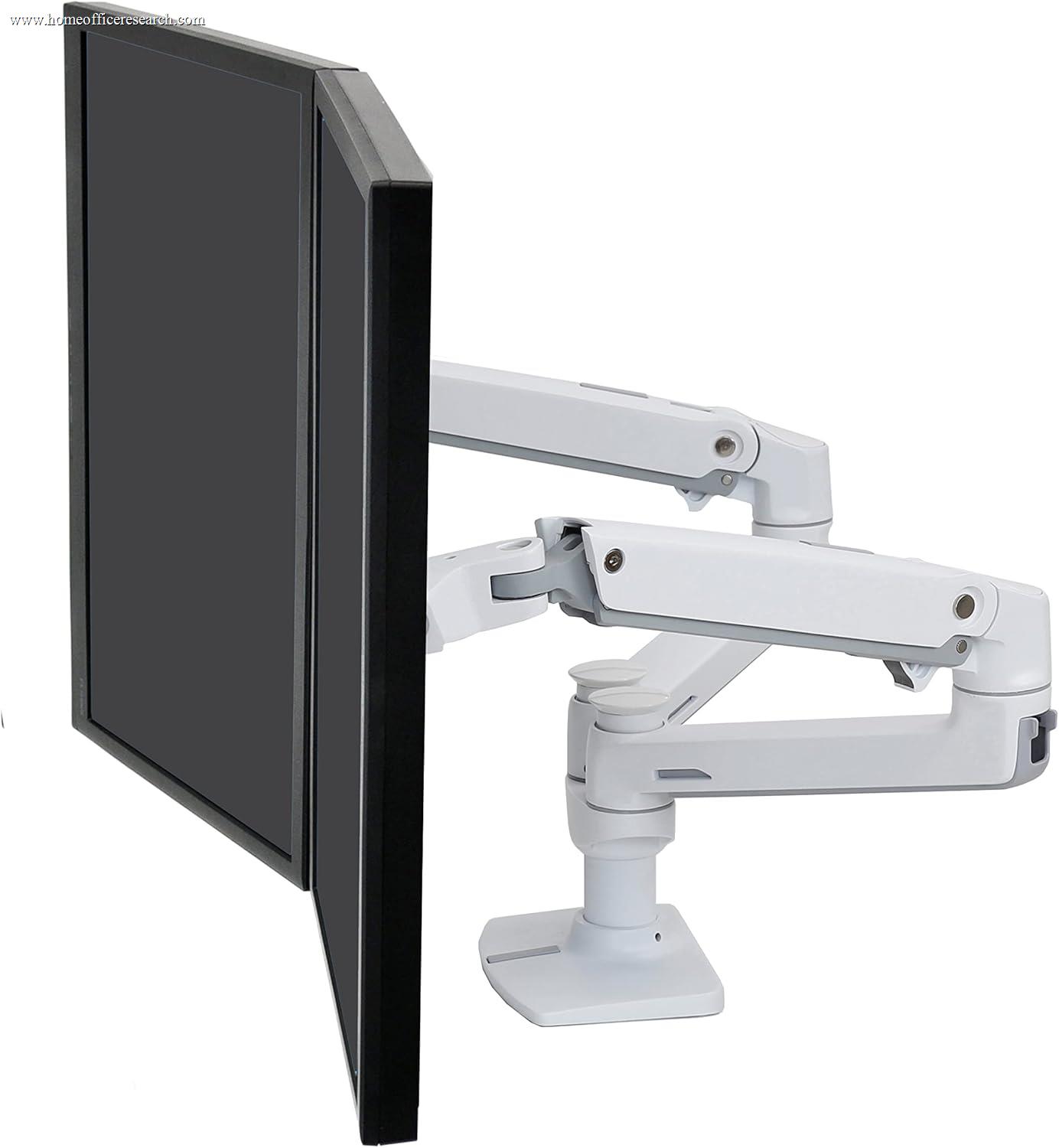
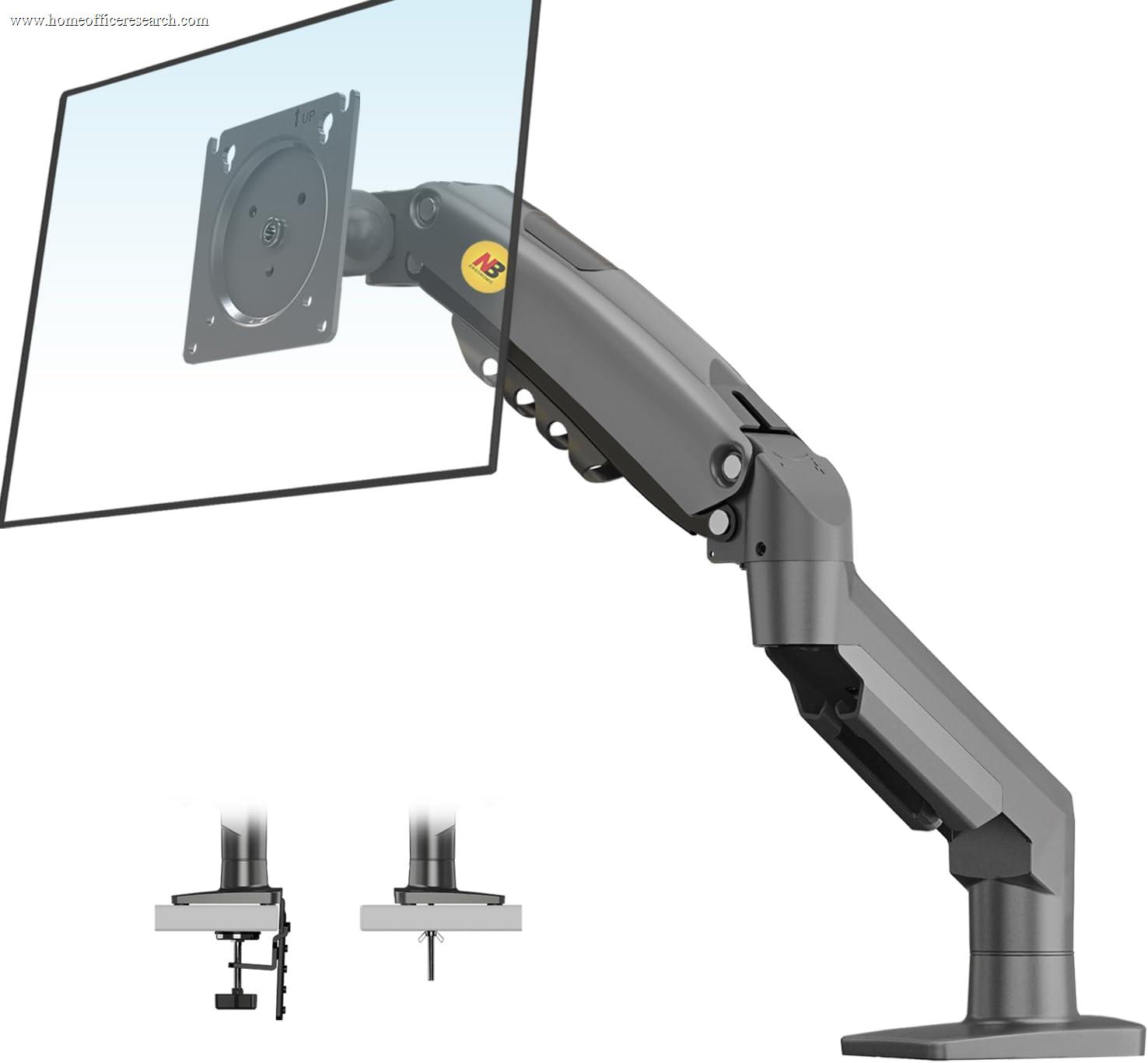
Full Comparison — Ranked by Score
All 12 arms are scored on the same 0–10 framework, so the score column is directly comparable across the table. Stability & build is weighted heaviest — an arm that sags or drifts undoes the entire point of mounting your screen.
| # | Product | Score | Type ? | Max Load ? | Max Screen ? | VESA ? | Mechanism ? | Mount ? |
|---|---|---|---|---|---|---|---|---|
| 1 |
|
9.1/10 |
Single | 25 lb | 34″ | 75/100 | Constant-Force | Clamp · Grommet |
| 2 |
|
9.0/10 |
Single | 25 lb | 32″ | 75/100 | Constant-Force | Clamp · Grommet |
| 3 |
|
8.8/10 |
Heavy-Duty | 42 lb | 49″ | 75–200 | Constant-Force | Clamp · Grommet |
| 4 |
|
8.7/10 |
Single | 40 lb | 43″ | 75/100 | Spring (CBS) | Clamp · Grommet |
| 5 |
|
8.4/10 |
Dual | 20 lb | 27″ | 75/100 | Constant-Force | Clamp · Grommet |
| 6 |

|
8.4/10 |
Dual | 25 lb | 32″ | 75/100 | Constant-Force | Clamp · Grommet |
| 7 |
|
7.9/10 |
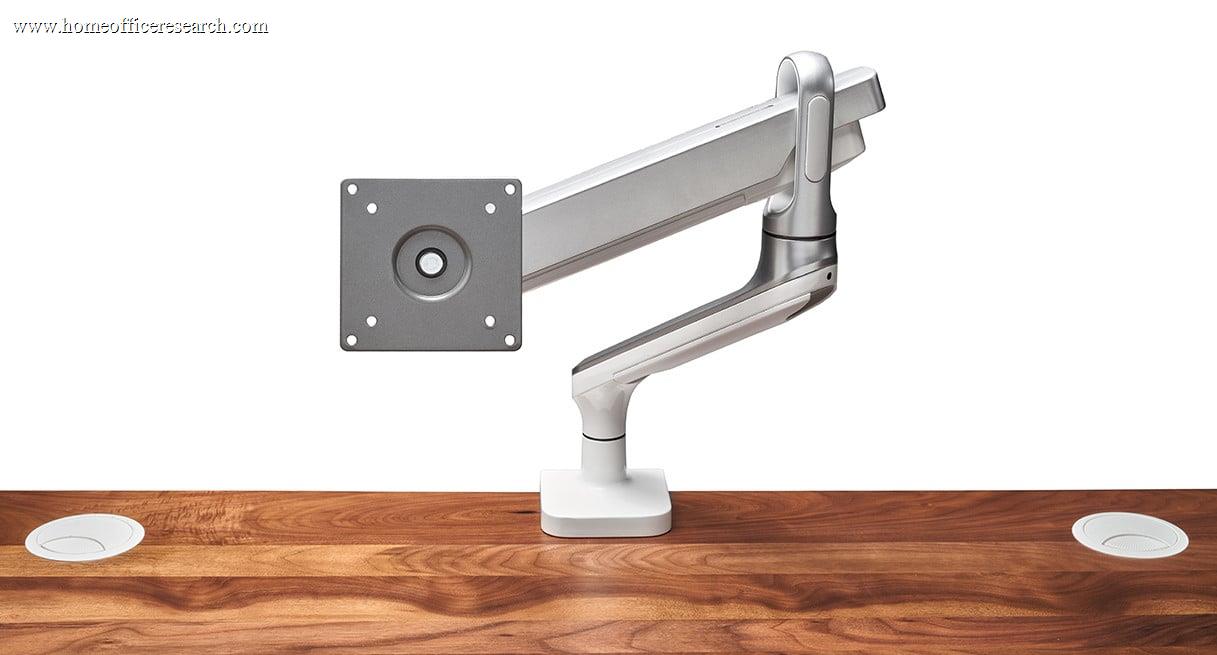
Single | 19.8 lb | 38″ | 75/100 | Gas spring | Clamp · Grommet |
| 8 |
|
7.8/10 |
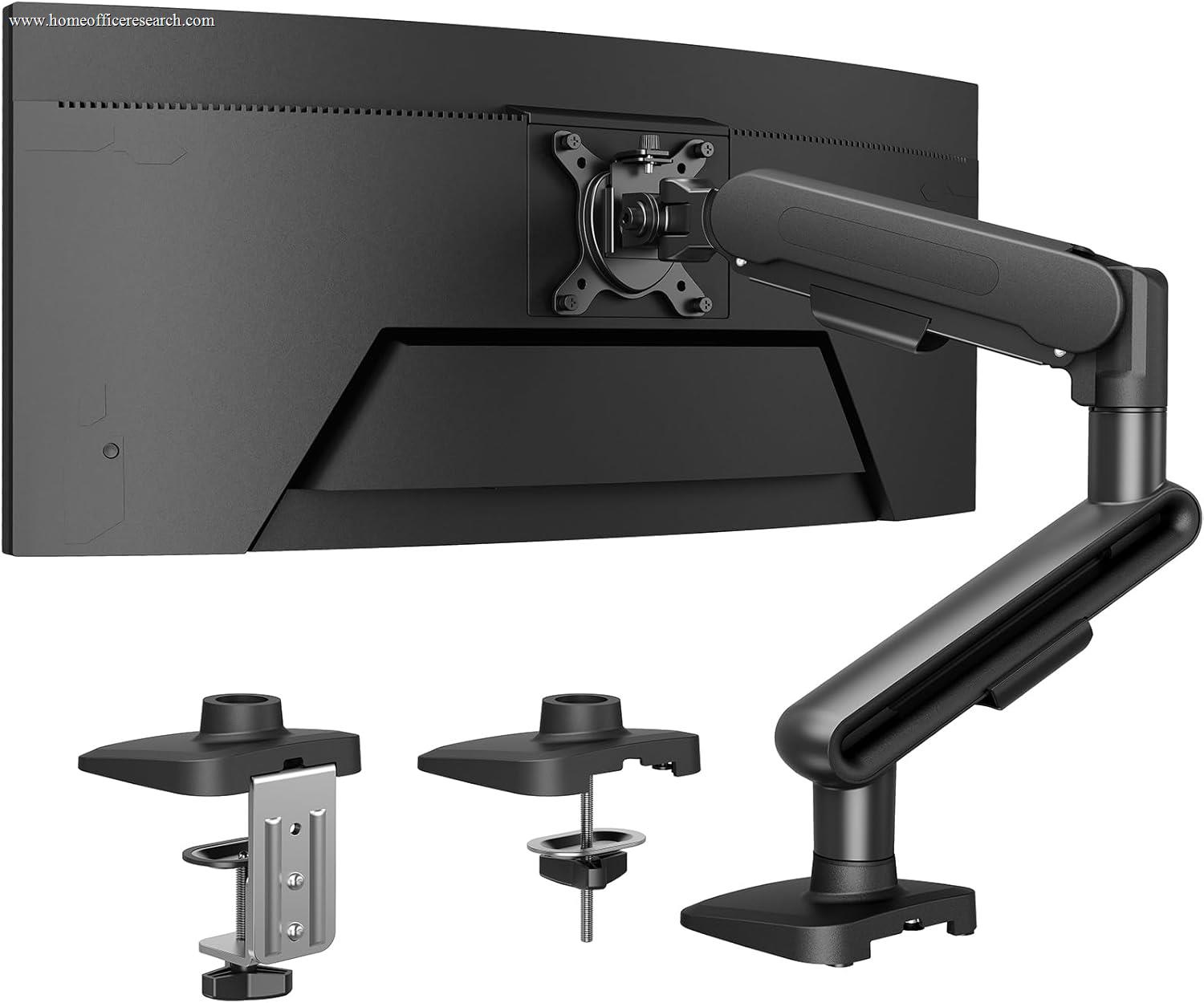
Single | 26.4 lb | 40″ | 75/100 | Gas spring | Clamp · Grommet |
| 9 |
|
7.8/10 |
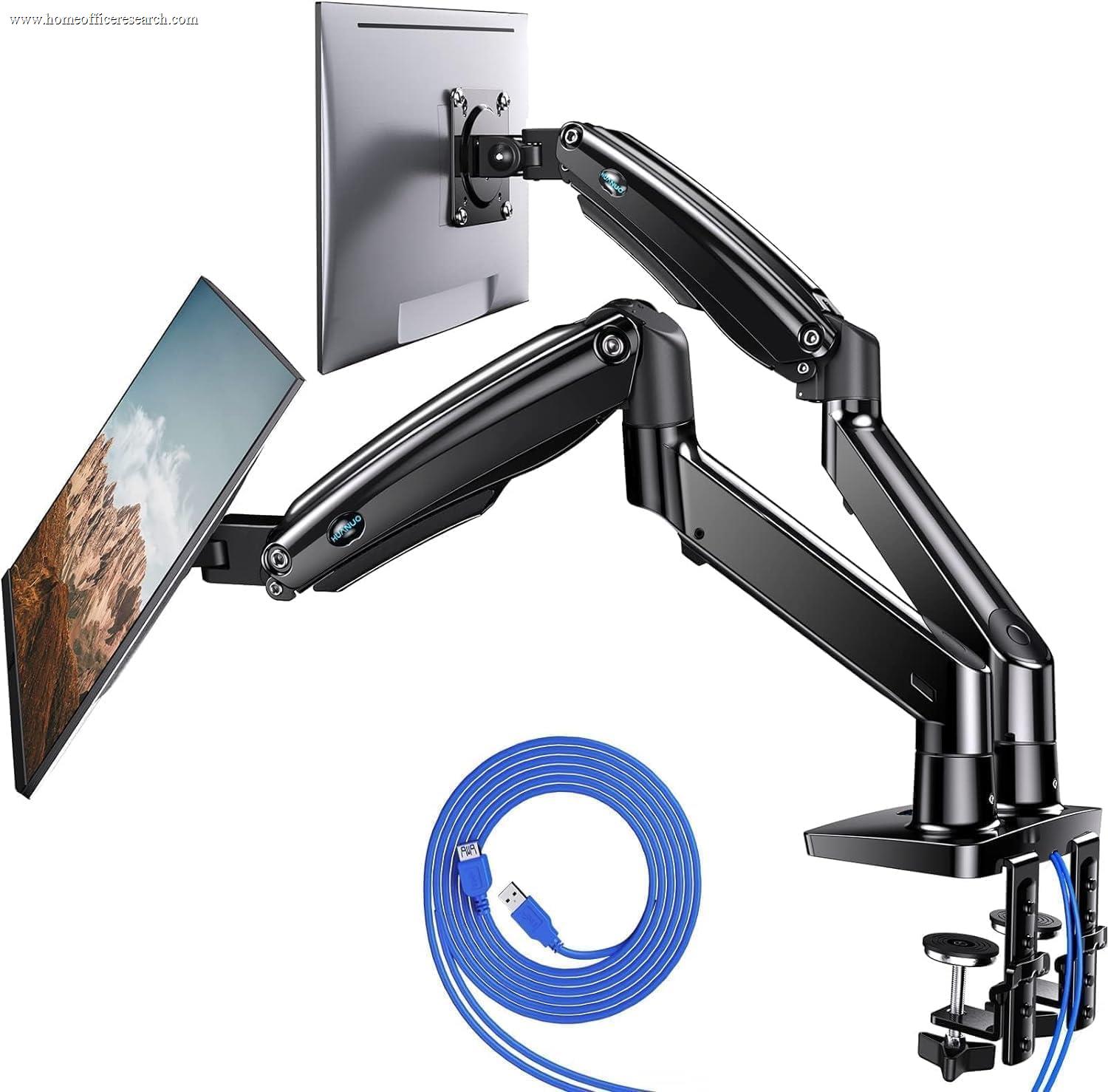
Dual | 26.4 lb | 40″ | 75/100 | Gas spring | Clamp · Grommet |
| 10 |
|
7.6/10 |
Single | 19.8 lb | 30″ | 75/100 | Gas spring | Clamp · Grommet |
| 11 |
|
7.3/10 |
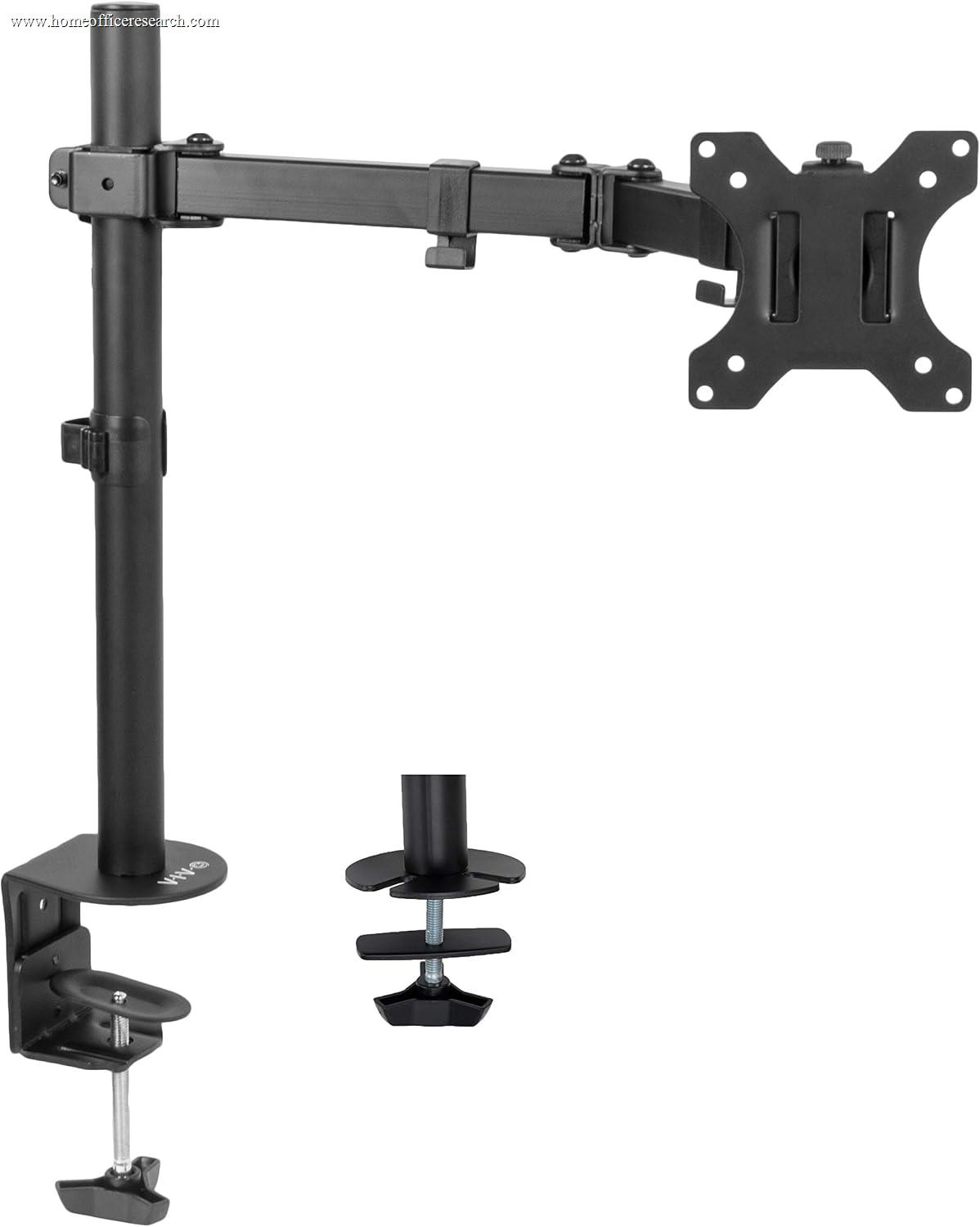
Single | 17.6 lb | 32″ | 75/100 | Spring arm | Clamp · Grommet |
| 12 |

|
7.2/10 |
Dual | 22 lb | 30″ | 75/100 | Pole tension | Clamp · Grommet |
How We Score
Weighted Scoring Framework — All Scores 0–10
Key Considerations When Choosing a Monitor Arm
Single, Dual, or Heavy-Duty — Match the Arm to Your Setup
The first fork is how many screens you’re mounting and how big they are. A single arm is the right tool for one display from 24″ to about 34″ — it’s the simplest, most rigid, and most affordable configuration, and most of our top scores live here. A dual arm mounts two screens on one base with independent articulation, which saves a second clamp and keeps both monitors aligned, at the cost of a slightly busier desk edge and a touch more flex where the arms meet the post.
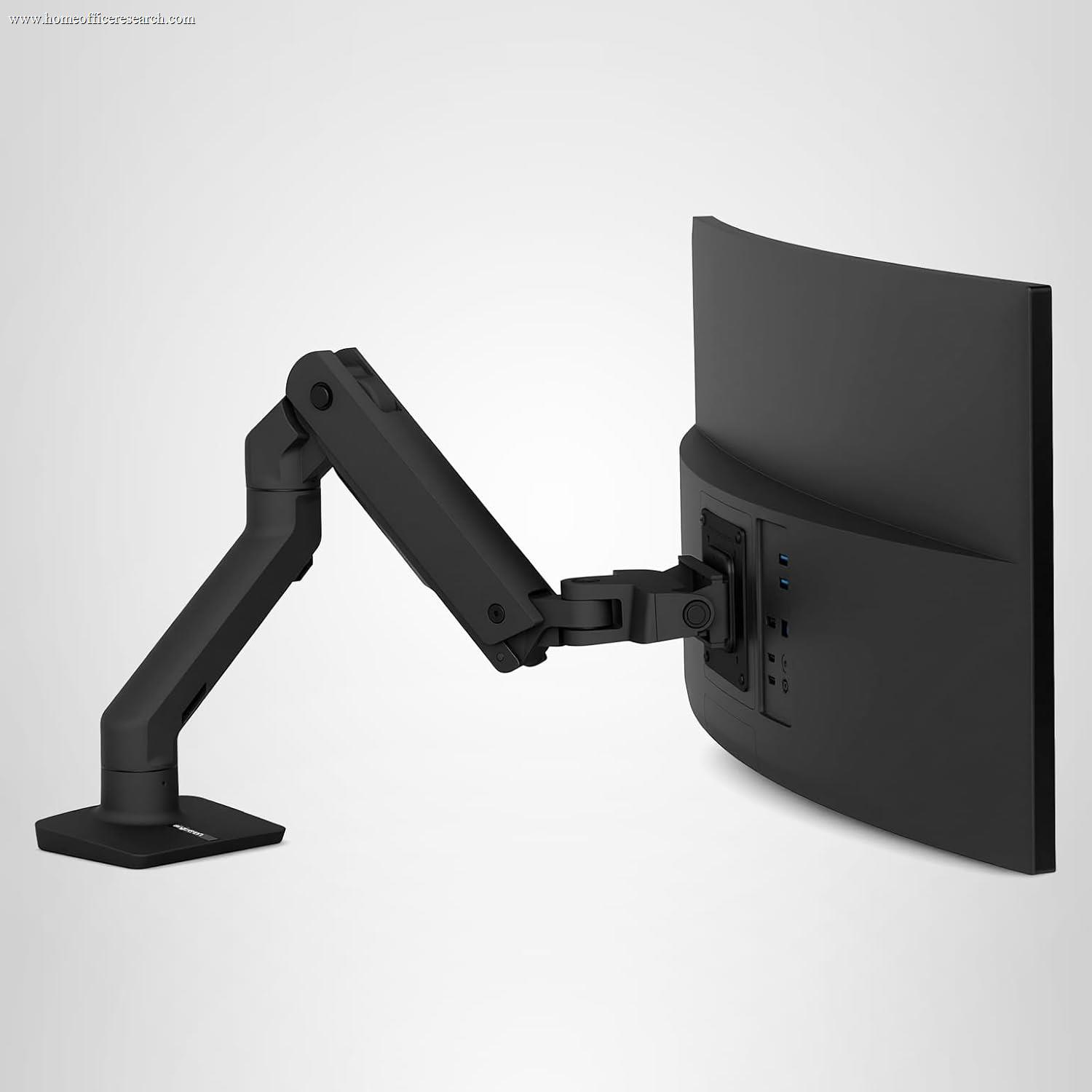
The third category is heavy-duty / ultrawide. Once you cross roughly 34″ or a 20 lb panel — a 38″ or 49″ ultrawide, a heavy professional display — a standard arm runs out of counterbalance and starts to droop. The Ergotron HX exists for exactly this: a 20–42 lb range and VESA patterns up to 200×200 that standard arms don’t carry. The trade-off cuts both ways — an HX is overkill and noticeably stiff under a light 24″ monitor, because its spring is tuned for far heavier loads.
Bottom line: Buy for the screen you have. One standard display → single arm. Two → a dual, or two singles if your desk has the clamp room. A 38″-plus ultrawide or a 20 lb-plus panel → heavy-duty, every time.
Weight Capacity & Screen Size — The Sag Problem
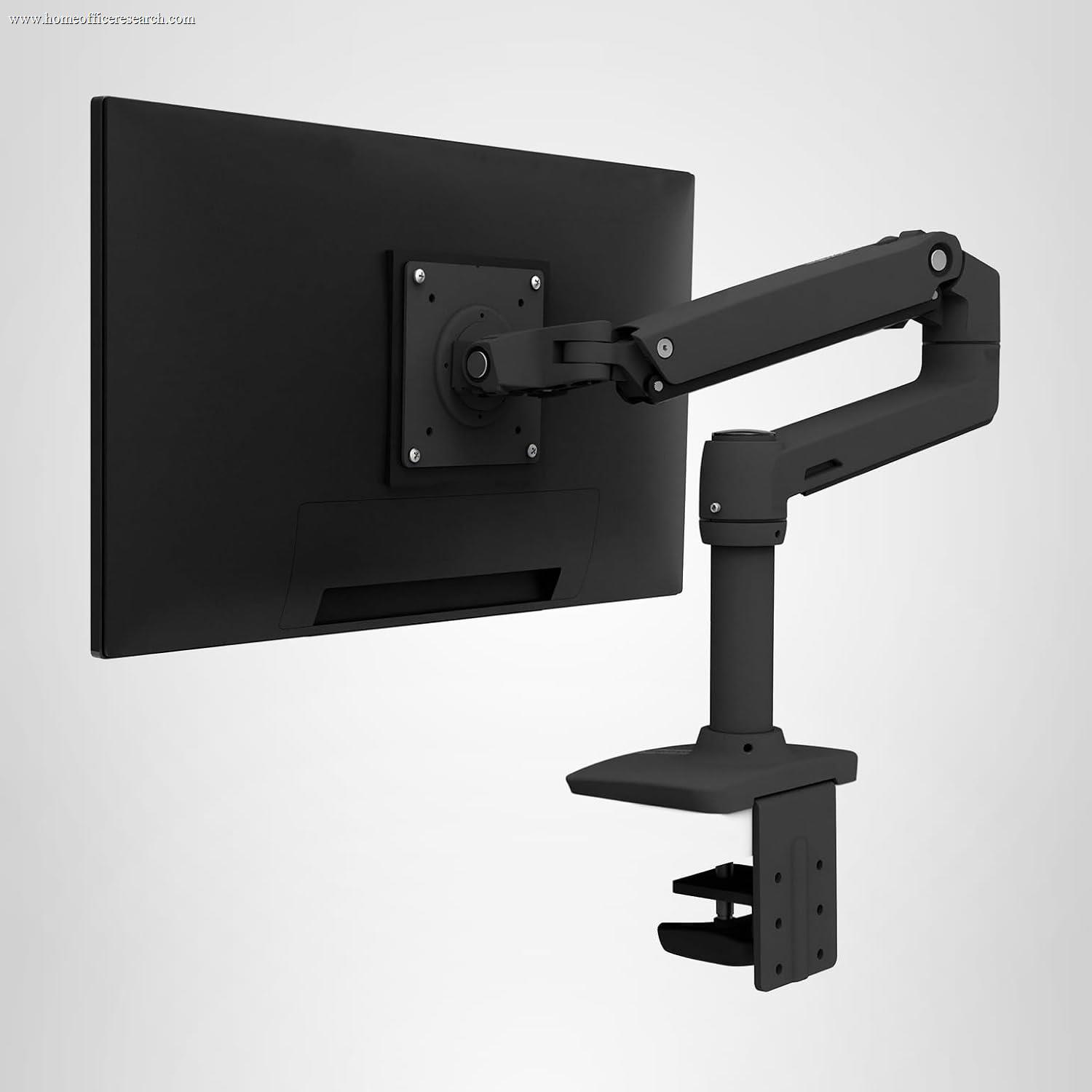
The single most common monitor-arm complaint is a screen that slowly tilts or sinks over weeks. Almost always, the cause is the same: the monitor is near or over the arm’s rated weight. Manufacturers publish a weight range — the Ergotron LX is 7–25 lb, the budget North Bayou F80 tops out at 19.8 lb — and the bottom of that range matters as much as the top. Below the minimum, the spring is too strong and the screen floats up; above the maximum, it’s too weak and the screen drifts down.
Screen diagonal is the second half of the fit. A 34″ rating isn’t only about whether the panel physically clears the arm — it’s about leverage. A wide panel puts more twisting force on the mount than its weight alone suggests, which is why heavy and ultrawide arms use stiffer posts and wider VESA patterns. Check both numbers against your actual monitor’s spec sheet, including the stand-off weight, before you buy.
This is where capacity and stability interact. The arms that score best here aren’t necessarily the strongest — they’re the ones whose rated range comfortably brackets a typical 24–32″ home-office monitor, so you’re operating in the middle of the spring’s comfort zone rather than at its edge.
Bottom line: Find your monitor’s exact weight, then pick an arm whose range puts it in the middle, not at either end. The sag stories almost always come from arms run at their limit.
Gas Spring vs. Constant-Force — Why the Lift Mechanism Matters
How an arm holds its position comes down to the counterbalance inside it, and there are three approaches in this lineup. Constant-Force — Ergotron’s patented mechanical spring, used on the LX, HX, and the Amazon Basics arms Ergotron builds — sets resistance once with a hex key and holds it indefinitely, with no fluid to leak or cylinder to lose pressure. It’s the reason an LX bought years ago still parks exactly where you leave it. The premium spring mechanisms from Herman Miller and Humanscale work on the same never-refill principle with their own designs and an even smoother feel.
Gas-spring arms — the North Bayou F80, HUANUO, VIVO, and most budget mounts — use a pneumatic cylinder. They feel just as smooth out of the box and cost a fraction as much, which is the entire appeal. The honest caveat is longevity: a gas cylinder can slowly lose pressure over years of daily use, showing up as a screen that no longer rises as easily or holds at the top. The better budget arms (North Bayou cites 20,000-cycle testing) push that horizon out, but it’s a real difference from a mechanical spring.
The third type, pole tension, is the most basic: the VIVO STAND-V002 slides its monitors up and down a friction column rather than floating them on a spring at all. It’s sturdy and cheap, but you physically loosen and reposition rather than nudging with a fingertip — which is the main reason it anchors the bottom of our table.
Bottom line: Constant-Force or a premium spring is the buy-it-for-a-decade choice. A quality gas-spring arm is excellent value if you accept it may need replacing sooner. Pole-tension mounts are fine for a secondary screen you rarely move.
Range of Motion — Height, Tilt, Reach, and Portrait
An arm’s whole job is ergonomic, and the spec that matters most is height lift — how far the screen rises so the top of the panel sits at or just below eye level, the position that keeps your neck neutral. The best arms here offer 11–13 inches of vertical travel; cheaper ones offer less, and pole mounts are limited to whatever the column allows. After height comes reach: how far the screen pushes back to deepen your viewing distance, or pulls forward for detail work. Ergotron’s LX extends about 25 inches, which is generous; shorter arms can leave a deep desk’s monitor too close.
Then the angular adjustments — tilt to kill glare, swivel to turn the screen toward a colleague, and 360° rotation to flip into portrait for reading code or long documents. Nearly every arm in this lineup does all three; the difference is in how smoothly and how independently, which is exactly what separates a premium spring from a budget cylinder in daily use.
Bottom line: Prioritize height lift and reach for ergonomics — they’re what fix neck strain and cramped viewing distance. Tilt, swivel, and portrait rotation are near-universal; judge them on smoothness, not whether they’re listed.
Mounting & VESA — Clamp, Grommet, and the Holes on the Back
Every arm here attaches to the desk one of two ways, and almost all include both. A C-clamp grips the back edge of the desk — fast, no drilling, and the right choice for most people, provided your desk has a free rear lip and isn’t a floating shelf. A grommet mount drops a bolt through an existing or drilled hole in the desktop for a more permanent, lower-profile anchor. Check your desk’s thickness against the clamp’s range (most cover roughly 0.4–3.4 inches) and confirm there’s nothing — a drawer, an apron, a cable tray — directly under the mounting point.
On the monitor side, the universal standard is VESA — a square pattern of threaded holes on the back, either 75×75 mm or 100×100 mm, which every arm in this lineup fits. Heavy and ultrawide displays sometimes use larger 200×100 or 200×200 patterns, which is why the Ergotron HX carries them and standard arms don’t. The catch is monitors with no VESA holes — common on consumer and all-in-one displays — which need an inexpensive VESA adapter bracket that clamps around the panel. Confirm your monitor’s pattern (or lack of one) before ordering.
Bottom line: Clamp mounting suits most desks and needs no tools; use a grommet for a permanent install or a clamp-unfriendly desk. Verify your monitor’s VESA pattern first — and budget a cheap adapter if it has none.
Build, Warranty & the Rebadge Question — What You’re Actually Paying For
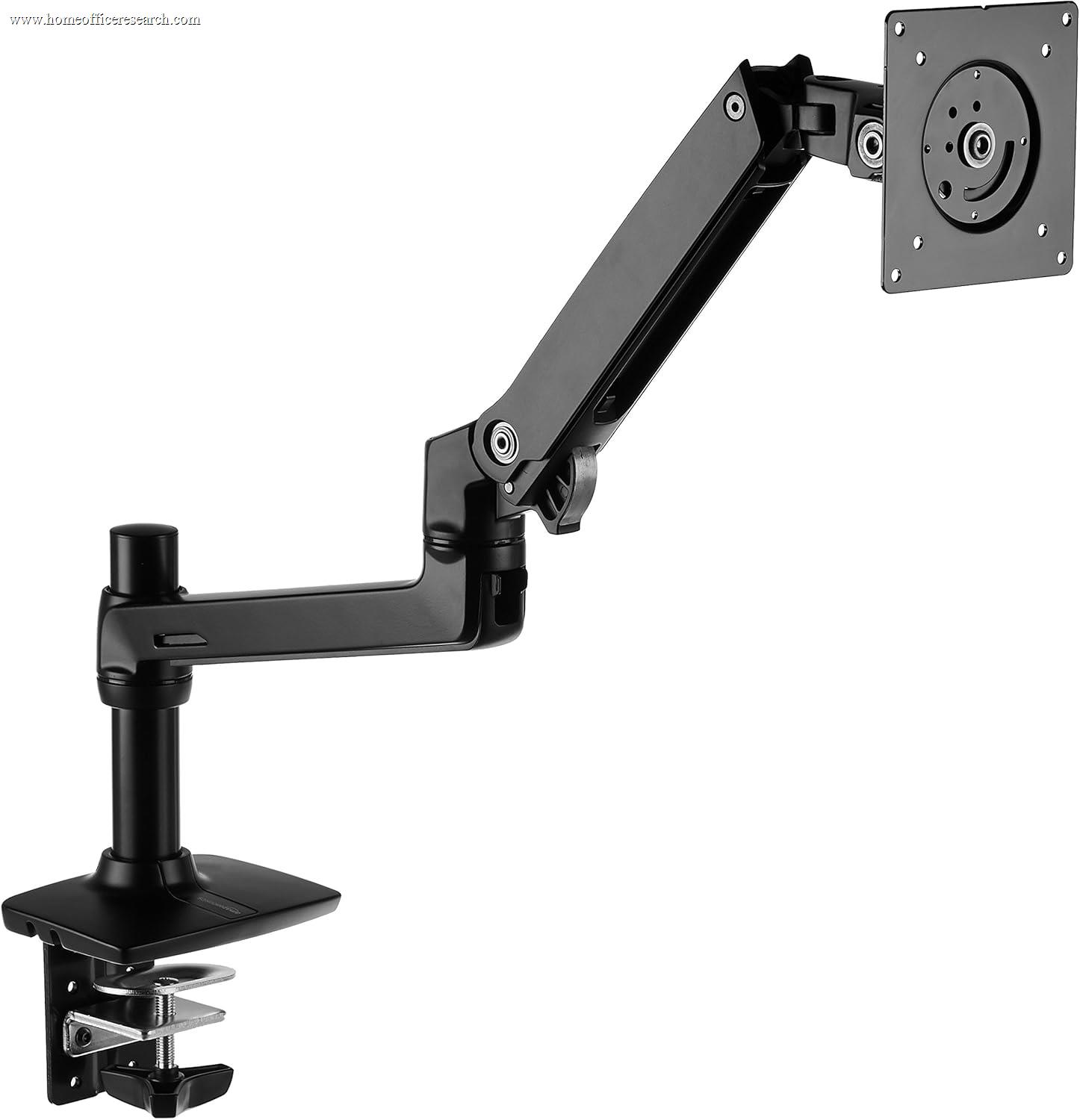
The most useful thing to understand about this category is that the price gap between the best arm and a near-identical one can be cosmetic. Amazon Basics’ premium monitor arms are built by Ergotron — the same Constant-Force mechanism, the same milled-aluminum construction, in many cases the same arm with a different badge. The single version mirrors the LX at 25 lb and 34″; the dual matches the LX Dual and, on paper, carries a slightly higher per-arm rating. In daily use they perform within a rounding error of the Ergotrons they’re based on.
So what does the Ergotron premium buy? Almost entirely the warranty: Ergotron backs the LX and HX for 10 years, while the Amazon Basics equivalents carry about one. On a mechanical spring that’s rated for 10,000+ cycles, that’s a real but bounded difference — meaningful if you want a decade of guaranteed support, close to irrelevant if you’re optimizing for cost. It’s why the LX takes our #1 and the Amazon Basics single sits one-tenth of a point behind at #2 as Best Value: same hardware, different insurance policy.
Above Ergotron sit the design houses — Herman Miller (Flo, Flo X) and Humanscale — whose arms add genuinely nicer materials, a smoother feel, and furniture-grade looks, but ask two to three times the LX’s price for it. Below, the budget tier (North Bayou, HUANUO, VIVO) delivers most of the function on a gas cylinder for a fraction of the cost. Build and warranty are where that money goes; everything else is closer than the price tags suggest.
Bottom line: Pay the Ergotron premium for the 10-year warranty and lifetime peace of mind; take the Ergotron-built Amazon Basics arm to bank the savings on identical hardware. Step up to Herman Miller only when the desk’s appearance is part of the job.
How the Brands Stack Up
The monitor-arm market splits cleanly into three lanes — the engineering benchmark, the design houses above it, and the value field below — plus one quirk that defines the whole category: the best-value arm is the benchmark wearing a different badge.
Ergotron
The category benchmark. The Constant-Force mechanical spring is the most proven lift mechanism on the market — set once, holds for years — and it powers our top three: the LX for standard screens, the HX for heavy ultrawides, and the LX Dual for two-screen desks. A 10-year warranty backs all of them. You pay for the badge, which is exactly why the next entry exists.
Amazon Basics
The value play, and an unusual one: these premium arms are manufactured by Ergotron, with the same Constant-Force hardware and aluminum build. The single matches the LX, the dual matches (and on paper edges) the LX Dual, each for roughly half the price. The only meaningful concession is a one-year warranty against Ergotron’s ten. The closest thing to a free lunch in this category.
Herman Miller & Humanscale
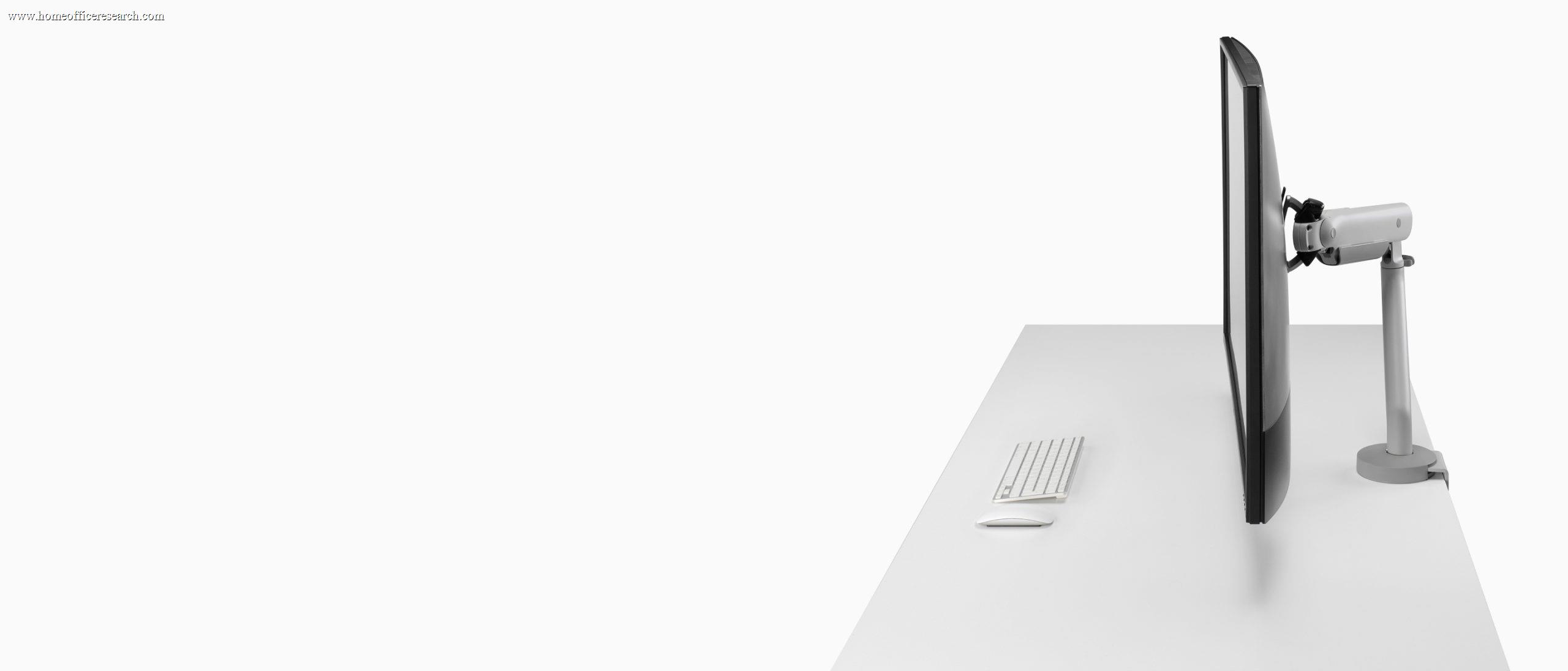
The design tier. The Herman Miller Flo and Flo X (by Colebrook Bosson Saunders) and Humanscale’s arms bring furniture-grade materials, the smoothest motion in the field, and a look meant to be seen — the Flo X also scales to 40 lb / 43″. The price is two to three times an LX, and Humanscale’s lighter models give up capacity. Worth it when aesthetics are part of the brief.
North Bayou, HUANUO & VIVO
The budget field. North Bayou’s F80 is the budget standard-screen pick; HUANUO punches above its price with a 26.4 lb rating and a 5-year warranty; VIVO’s all-steel mounts are dependable, though the pole-tension STAND-V002 is the most basic motion here. All run on gas cylinders or friction columns — excellent value, with longevity the honest trade against the mechanical-spring brands.