Best Document Scanner for a Home Office:
Rated & Ranked
We evaluated 12 document scanners across six weighted categories built for the one job that matters at a home desk — turning stacks of paper into clean, searchable digital files quickly and reliably. Every score is derived from measurable specifications, throughput ratings, and software capability, not brand preference. The result: a defensible, comparable 0–10 rating spanning desktop sheet-fed ADF workhorses, battery-powered portables, and versatile flatbeds.
Product links are Amazon affiliate links — purchases support this site at no cost to you.
The ranking below uses our recommended weights — the balance of factors we believe matters most for a typical home office. If your priorities differ, switch to Customize Weights and re-rank the table around what you care about.
Best for Your Situation
Someone digitizing years of household filing, someone clearing a daily inbox of invoices, and someone scanning receipts from a hotel room aren’t shopping for the same machine. Start here, then dig into the full table below.
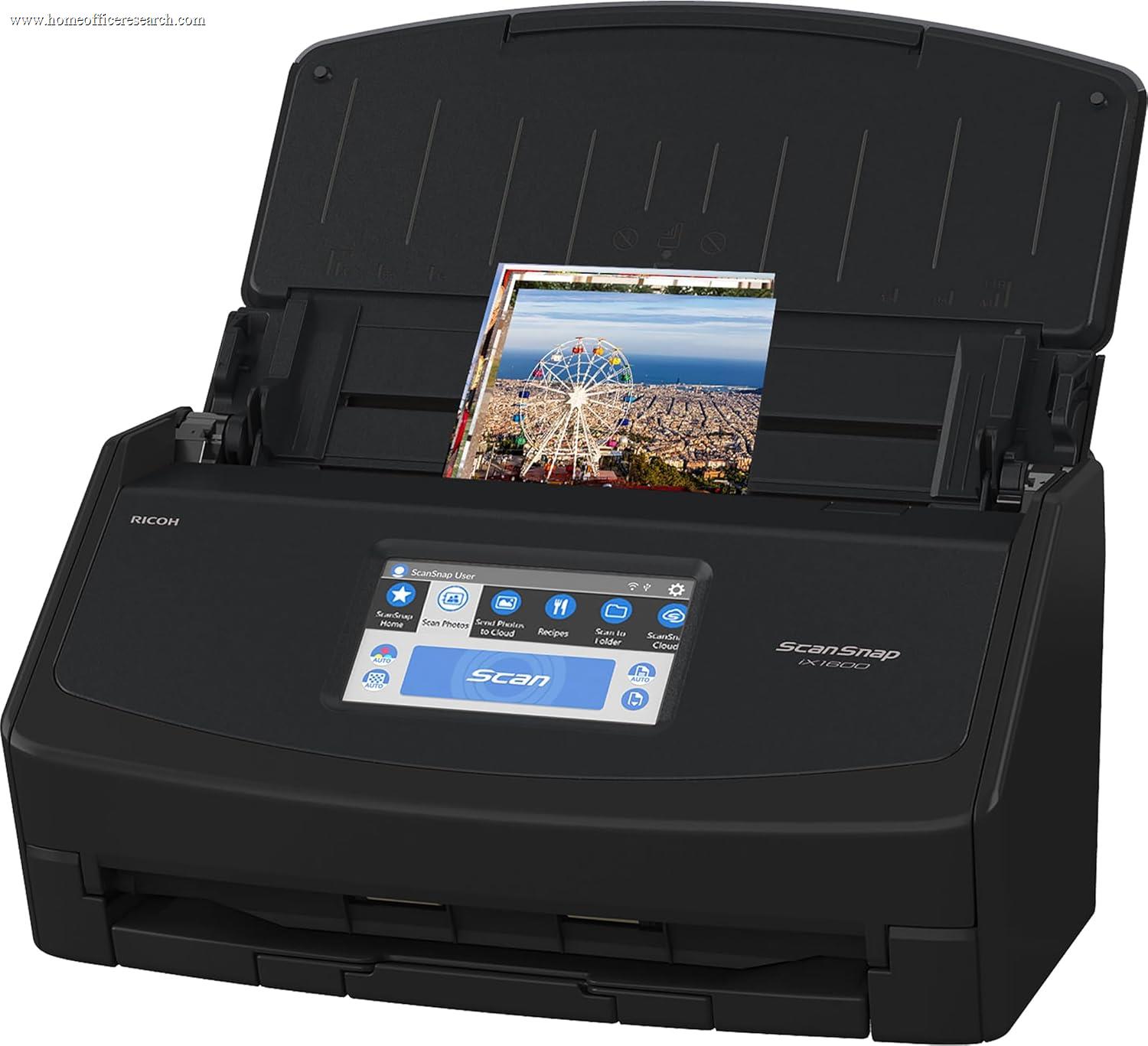


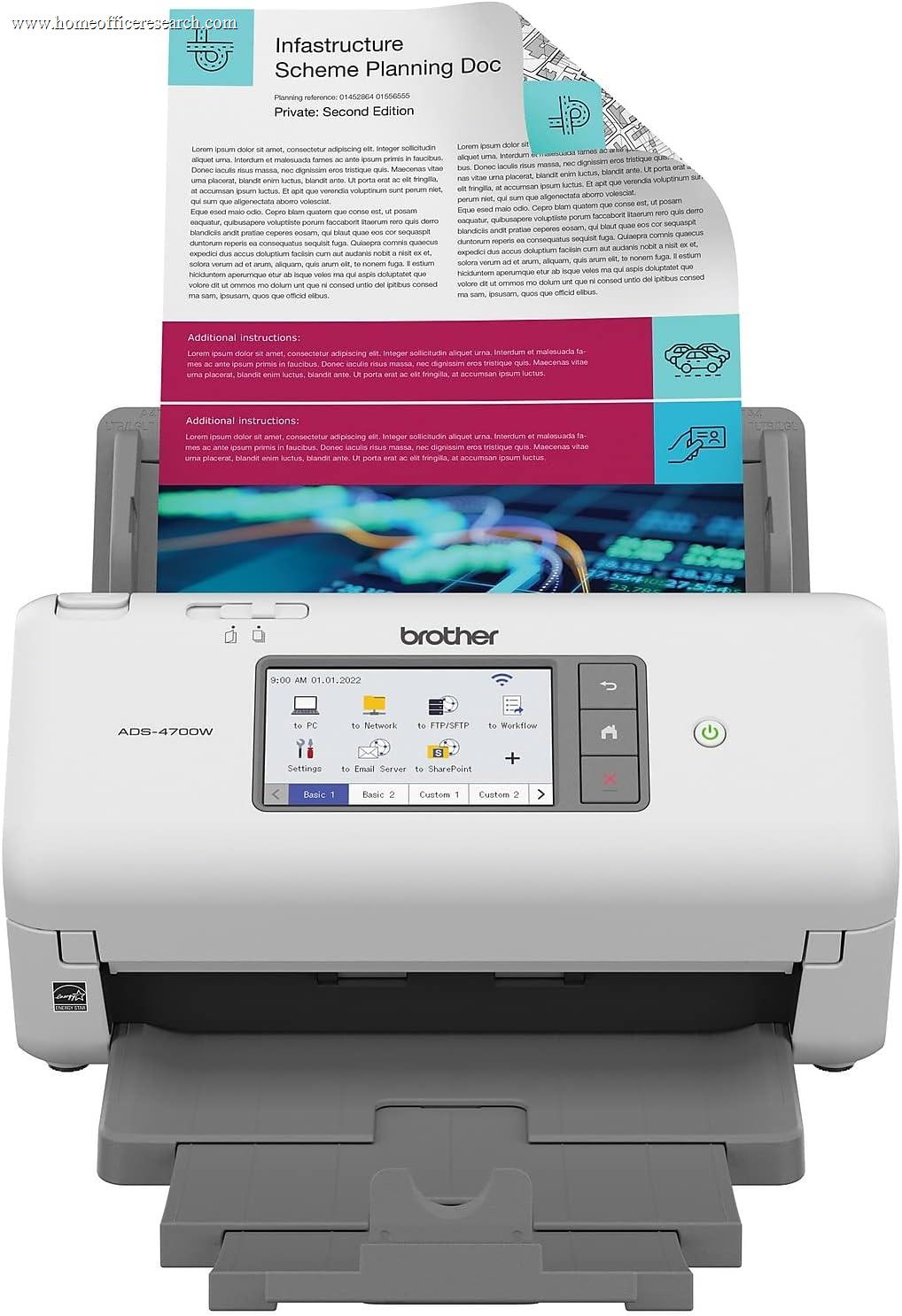
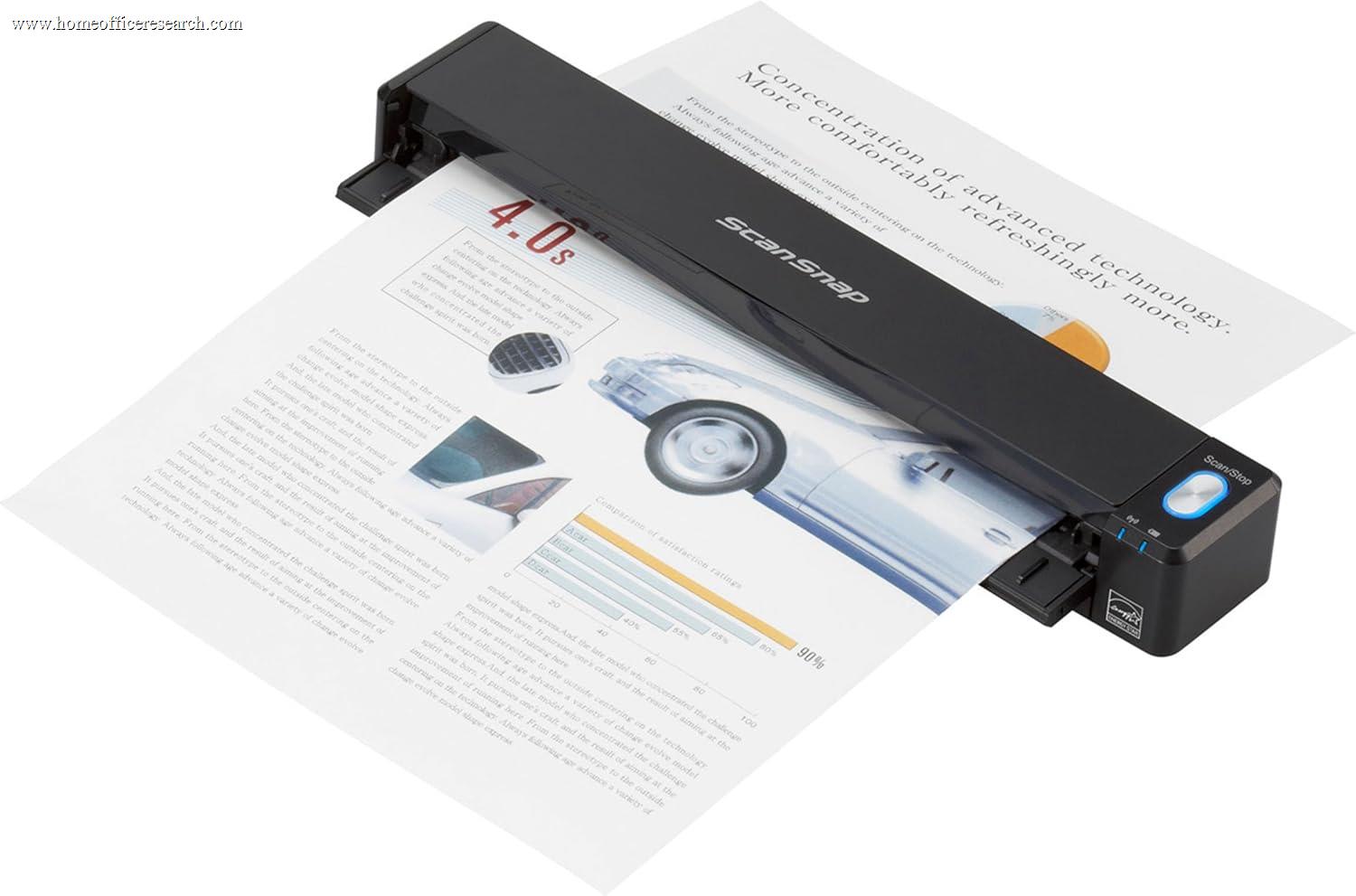

Full Comparison — Ranked by Score Within Tier
Desktop sheet-fed ADF scanners, battery portables, and flatbeds are scored on the same 0–10 framework but grouped separately, because the form-factor decision comes first. The score column is the directly comparable number across the whole table — which is why a top desktop scanner outscores the best portable.
| # | Product | Score | Scan Speed ? | ADF ? | Duplex ? | Connectivity ? | Software & OCR ? |
|---|---|---|---|---|---|---|---|
| ▸ Desktop Sheet-Fed ADF Scanners — the core home-office workhorses for batches of loose paper | |||||||
| 1 |
|
8.8/10 |
40 ppm / 80 ipm | 50 sheets | Single-pass | USB 3.2 + dual-band Wi-Fi · touch | ScanSnap Home |
| 2 |
|
8.4/10 |
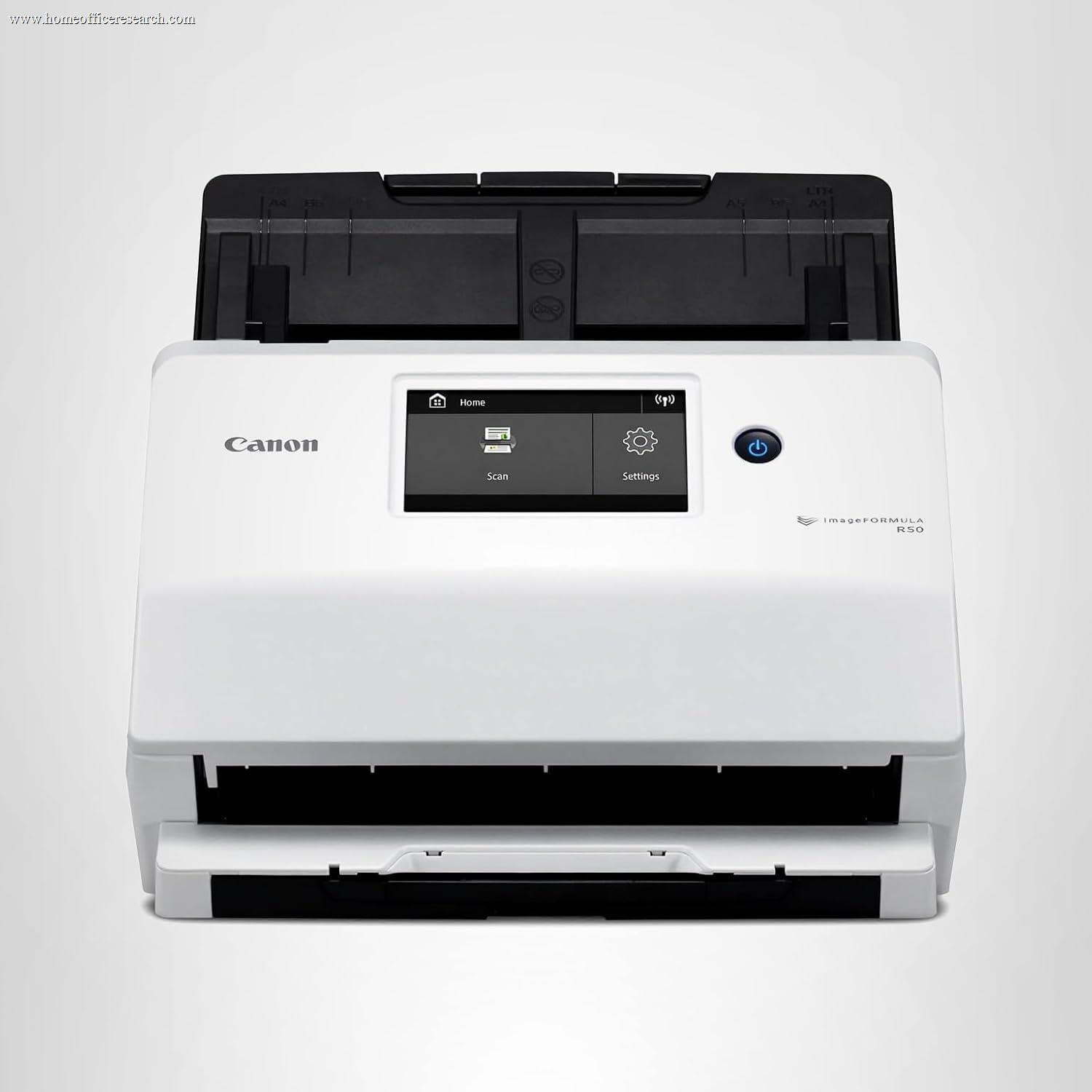
40 ppm / 80 ipm | 60 sheets | Single-pass | USB + Wi-Fi · touch | CaptureOnTouch + Readiris |
| 3 |
|
8.3/10 |
35 ppm / 70 ipm | 100 sheets | Single-pass | Wi-Fi · touch · scan-to-USB | Epson ScanSmart |
| 4 |
|
8.2/10 |
40 ppm / 80 ipm | 60 sheets | Single-pass | USB only | CaptureOnTouch + Readiris |
| 5 |
|
8.1/10 |
40 ppm / 80 ipm | 80 sheets | Single-pass | USB + Ethernet + Wi-Fi · touch | iPrint&Scan + Power PDF |
| 6 |
|
8.0/10 |
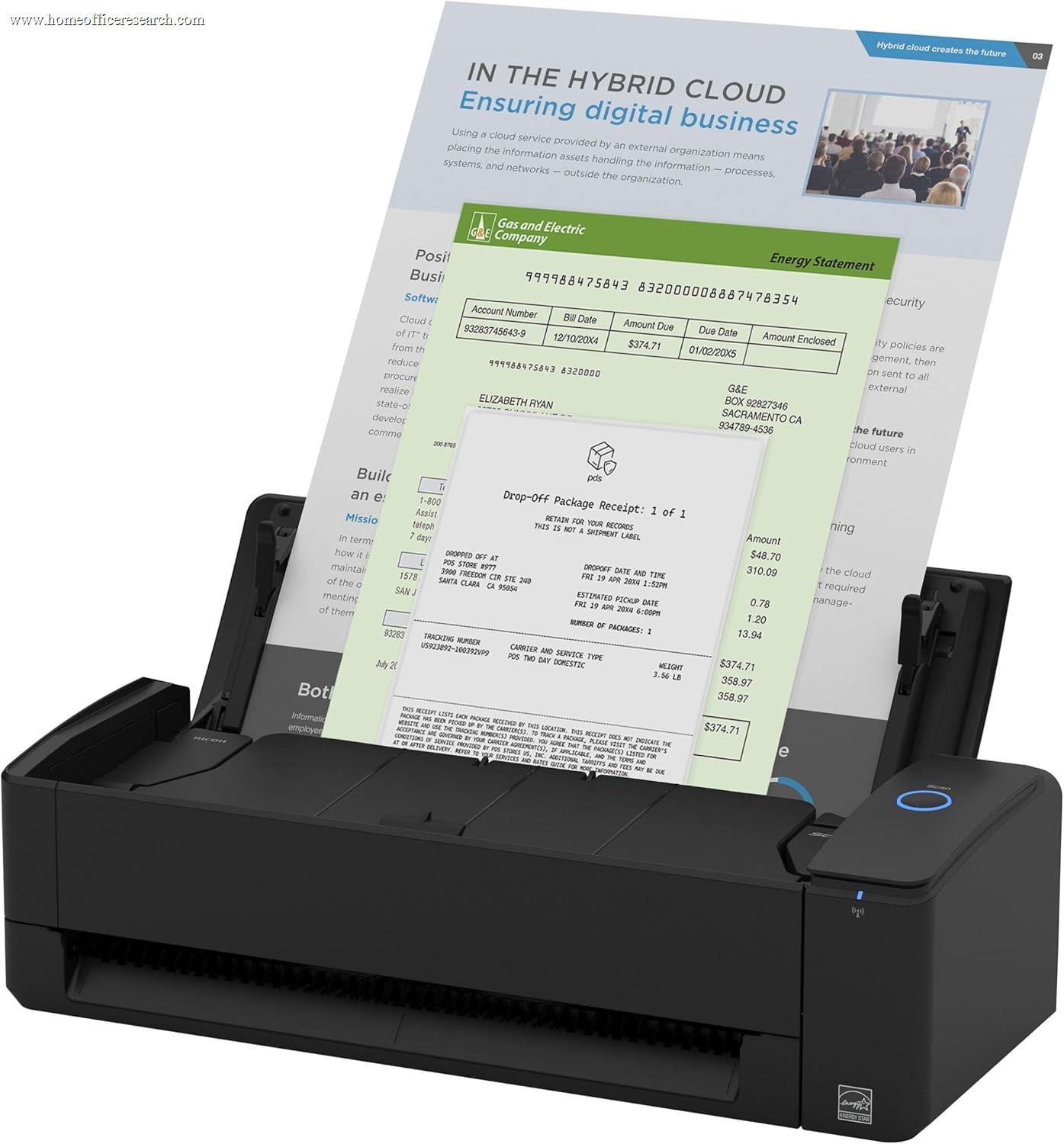
30 ppm (duplex) | 20 sheets (+ manual) | Single-pass | USB + Wi-Fi | ScanSnap Home |
| 7 |
|
7.5/10 |
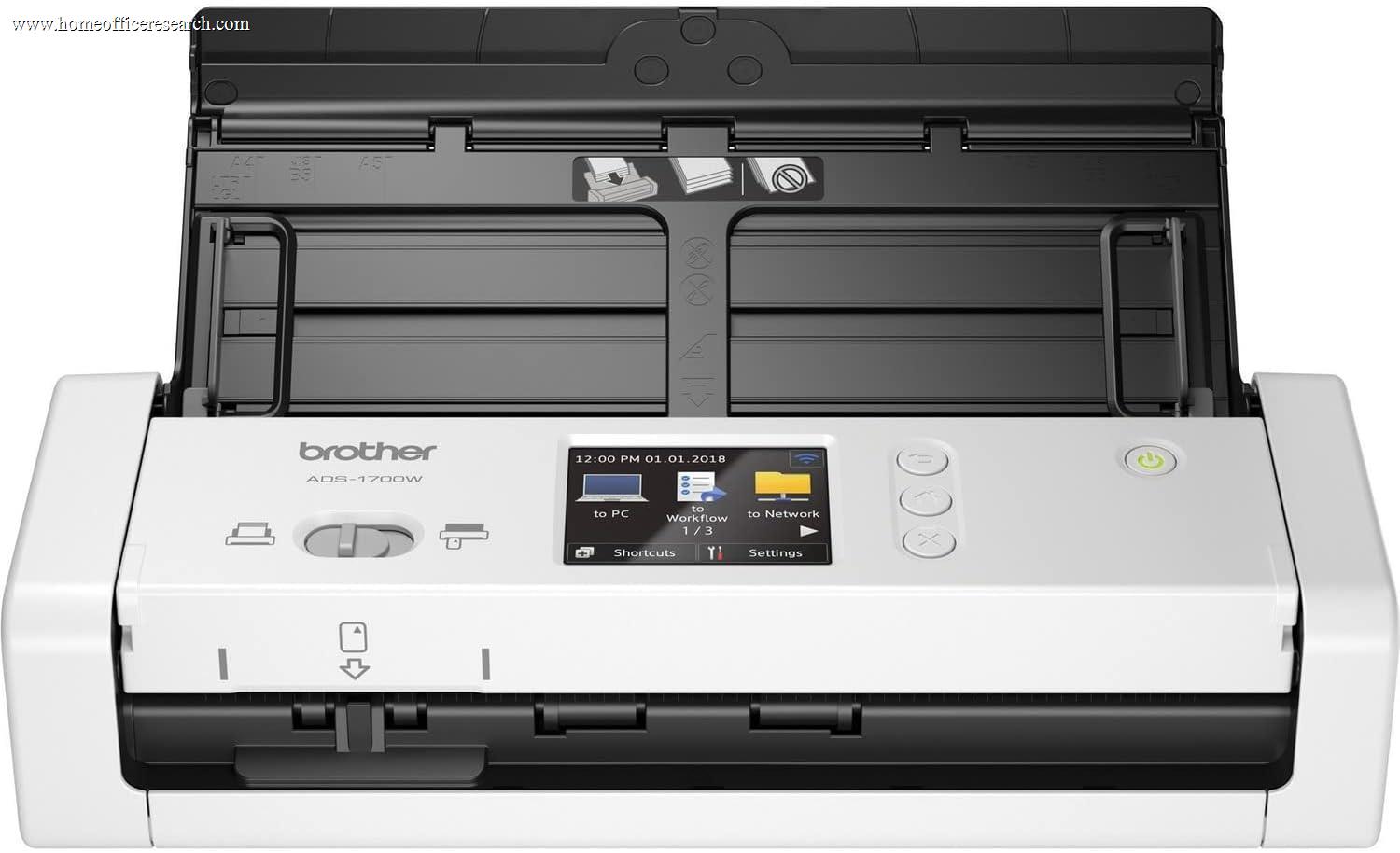
25 ppm | 20 sheets | Single-pass | USB + Wi-Fi · 2.8" touch | iPrint&Scan |
| ▸ Portable / Mobile Scanners — battery or USB-powered, for travel and the occasional page | |||||||
| 8 |
|
7.6/10 |
~5.2 s/page | None (single-sheet) | Simplex | USB + Wi-Fi · battery | ScanSnap Home |
| 9 |

|
7.1/10 |
~4 s/page | None (single-sheet) | Simplex | USB + Wi-Fi · battery | Epson ScanSmart |
| 10 |

|
6.6/10 |
16 ppm | None (single-sheet) | Single-pass | USB-powered only | iPrint&Scan |
| ▸ Flatbed Scanners — for bound books, fragile originals, and photos a feeder can’t take | |||||||
| 11 |
|
7.0/10 |
~10 s/page | None (flatbed) | Flatbed | USB 2.0 (bus-powered) | Epson ScanSmart |
| 12 |
|
6.9/10 |
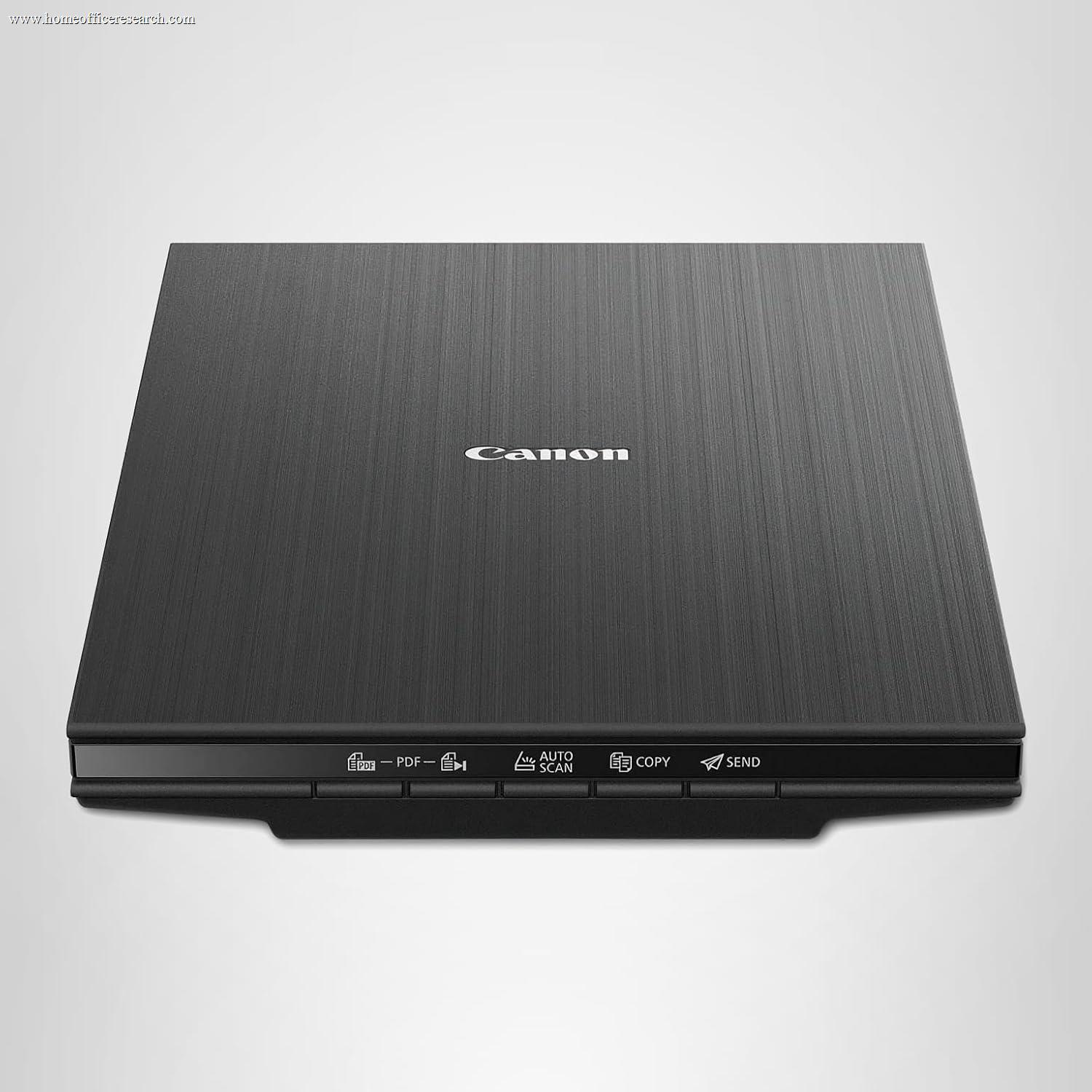
~8 s/page | None (flatbed) | Flatbed | USB-C (bus-powered) | IJ Scan Utility |
Speed figures are manufacturer ratings at 300 dpi: ppm/ipm for ADF scanners, and seconds-per-page for single-sheet portable and flatbed models, which scan one original at a time. Flatbeds and single-sheet portables have no automatic feeder, which is the main reason they sit below the desktop ADF tier on our throughput-weighted framework — they’re chosen for media versatility and portability, not batch speed.
How We Score
Weighted Scoring Framework — All Scores 0–10
Key Considerations When Choosing a Document Scanner
Why a Dedicated ADF Scanner Beats Your Phone or All-in-One Printer
It’s a fair question in 2026: your phone camera is excellent, and your printer probably has a scanner glass on top. So why buy a dedicated document scanner at all? The answer is the one thing those tools handle badly — volume. A phone scans one page at a time and needs good lighting and a steady hand; a printer’s flatbed makes you lift the lid, place a sheet, and wait, over and over. A desktop document scanner with an automatic document feeder takes a stack of 50 or more pages and turns them into clean, properly oriented, double-sided files in a couple of minutes, with no further input from you.
The second advantage is consistency and text. Purpose-built scanners apply automatic deskew, cropping, color correction, and blank-page removal, then run real OCR to produce a searchable PDF — so a year of receipts or a box of records becomes a folder you can actually search by typing a word. A phone photo or a casual flatbed scan rarely matches that out of the box. If you digitize paper more than occasionally — household filing, tax records, a small business’s invoices — a dedicated scanner pays for itself in time saved and files you can find again.
Bottom line: If your scanning is occasional and one page at a time, a phone app is fine. The moment you’re feeding stacks and need searchable, double-sided files, a desktop ADF scanner is in a different league.
Scan Speed, Duplex & ADF Capacity — Reading the Throughput Specs
Three numbers describe how fast a scanner clears a pile, and they’re easy to misread. Pages per minute (ppm) is single-sided speed; images per minute (ipm) is double-sided, and on a single-pass duplex scanner it’s usually double the ppm (40 ppm / 80 ipm is typical of the top desktop models here). Both are rated at 300 dpi — bump the resolution up and real-world speed falls, sometimes sharply.
Single-pass duplex is the feature that matters most for double-sided documents: two sensors capture both faces of a page in one trip through the feeder, so duplex costs you no extra time. Older or cheaper designs make two passes, or can’t duplex at all. ADF capacity — how many sheets the feeder holds — decides how often you reload: 20 sheets is fine for everyday handfuls, 50 is the comfortable standard, and 80–100 (the Brother ADS-4700W and Epson ES-580W) is for people who routinely scan thick batches. Portable single-sheet scanners and flatbeds have no feeder at all, which is exactly why they sit lower on a throughput-weighted ranking despite their other strengths.
Bottom line: For double-sided documents, insist on single-pass duplex. Match ADF capacity to your typical batch — 50 sheets suits most home offices; step up to 80–100 only if you scan large stacks regularly.
Scan Quality & OCR Accuracy — What “Searchable PDF” Really Depends On
For documents, “quality” doesn’t mean the biggest resolution number. Almost every scanner here captures at 600 dpi optical, and 300 dpi is plenty for text — so the differentiators are the processing applied to each page and the OCR that reads it. Good scanners automatically straighten skewed pages, crop to the document edge, drop a background color, brighten faded ink, and detect and delete blank backs. Those corrections are what make a scanned page look deliberate rather than photographed.
OCR — optical character recognition — is the step that turns that clean image into selectable, searchable text behind the picture. Its accuracy depends on both the capture quality and the OCR engine: a crisp, well-lit, deskewed scan reads far more reliably than a dim phone photo. Be skeptical of interpolated resolution claims (a 4800-dpi flatbed often advertises 19,200 dpi interpolated) — interpolation invents pixels with software and adds nothing to text legibility. What you want for documents is faithful optical capture plus strong image cleanup feeding a capable OCR engine.
Bottom line: Ignore headline interpolated-dpi figures. For documents, judge a scanner on its image processing (deskew, crop, color dropout, blank-page removal) and OCR accuracy, both of which matter far more than a bigger resolution spec.
Software Ecosystems — Why the Bundled App Makes or Breaks a Scanner
Two scanners with near-identical hardware can feel completely different in daily use, and the reason is almost always the software. The bundled app is where you set up one-touch profiles (“scan to my tax folder as a searchable PDF, auto-named by date”), pick cloud and email destinations, and manage the captured files. This is the single most underrated part of a scanner purchase.
Ricoh’s ScanSnap Home is the benchmark — genuinely easy, with smart auto-profiles and broad cloud support, and no subscription to unlock the basics. Epson ScanSmart is clean and capable, with solid searchable-PDF output. Canon’s CaptureOnTouch pairs with bundled Readiris PDF/OCR and Cardiris business-card software — powerful, if less unified than ScanSnap. Brother iPrint&Scan is straightforward and leans on the on-device touchscreen for shortcuts, with Kofax Power PDF bundled on the higher models. One thing to watch across the market: some receipt-focused bundles push a paid subscription for their organizing service — a recurring cost worth checking before you buy.
Bottom line: Weigh the software as heavily as the hardware. ScanSnap Home sets the bar for ease; all four major ecosystems produce searchable PDFs, but confirm whether any feature you need sits behind a subscription.
Connectivity — USB, Wi-Fi, Touchscreens & Going PC-Free
How a scanner connects shapes how — and where — you can use it. USB is the simplest and most reliable, and for a fixed desk it’s all many people need; the Canon R40 is USB-only and is our value pick precisely because it spends nothing on wireless. Wi-Fi earns its keep when you want to scan from anywhere in the room, send pages straight to a phone or tablet, or place the scanner away from the computer. Ethernet (the Brother ADS-4700W) makes the scanner a proper shared network device with the most stable connection of all — useful when more than one person uses it.
The other dividing line is the on-device touchscreen. Models like the iX1600, ES-580W, R50, and ADS-4700W let you choose a destination and scan with no computer involved at all — tap “Receipts to Dropbox,” feed the stack, done. Several also scan directly to a USB thumb drive. For a household where the scanner is shared or lives away from a desk, PC-free operation is a genuine convenience; for a solo user always at the same machine, it matters less.
Bottom line: USB-only is fine — and cheaper — for a single fixed desk. Pay for Wi-Fi if you want mobile and PC-free scanning; choose Ethernet and a touchscreen if the scanner is shared on a network.
Desktop ADF vs. Portable vs. Flatbed — Choosing a Form Factor First
The three tiers in our table answer different needs, and picking the form factor is the first real decision — which is why we rank within tiers rather than pretending a flatbed and a 100-sheet ADF compete head-to-head.
A desktop sheet-fed ADF scanner is the default and the right choice for the overwhelming majority of home offices: it’s the only tier built to digitize stacks quickly and double-sided. A portable scanner (ScanSnap iX100, Epson ES-60W) trades the feeder and speed for battery power and a bag-friendly size — the pick for travel, a tidy desk, or someone who scans a page here and there rather than batches. A flatbed (Epson V39 II, Canon LiDE 400) gives up batch speed entirely but is the only tier that can scan a bound book, a fragile or stapled original, or a photo without risking it in a feeder, and it captures at the highest resolution for image work. Many serious paperless setups own two: an ADF scanner for everyday volume and an inexpensive flatbed for the exceptions.
Bottom line: Start with the form factor. Choose a desktop ADF for everyday document volume; add or substitute a portable for mobility, or a flatbed for books, fragile pages, and photos. The scores are comparable across tiers, but the form factor decision comes first.
Why We Recommend Fujitsu/Ricoh, Canon, Epson & Brother
Document scanning is a mature market dominated by four names that have built and supported sheet-fed scanners for decades. Every product in this guide comes from one of them — not because smaller brands don’t exist, but because in a category you depend on for records, the things that matter most are a reliable feed mechanism, accurate image processing, real OCR, and software that’s still updated years later. On those measures, Fujitsu/Ricoh (ScanSnap), Canon, Epson, and Brother are the safe, proven choices, and each owns a slightly different lane.
We include and recommend specific models on merit across all four; the right one for you depends on whether you prioritize software polish, raw value, batch capacity, or network features. Below is how we’d summarize each brand’s strengths for a home office.
Fujitsu / Ricoh — ScanSnap
The software and ease-of-use leader. The ScanSnap line — the iX1600, compact iX1300, and portable iX100 — pairs excellent scanning with ScanSnap Home, the most polished capture-and-organize app in the category, and no subscription for the essentials. Long sold under the Fujitsu name and now a Ricoh/PFU brand, it earns our top overall spot.
Canon — imageFORMULA
The value-and-image-quality choice. The imageFORMULA R40 and R50 deliver 40 ppm, a 60-sheet feeder, and crisp capture with bundled Readiris OCR at prices that undercut the competition — the R40 is our value benchmark. Canon’s CanoScan LiDE flatbeds add an inexpensive, USB-powered option for books and photos.
Epson — WorkForce & Perfection
The range leader, top to bottom. The WorkForce ES line spans the 100-sheet ES-580W workhorse to the battery-powered ES-60W portable, all with clean ScanSmart software, while the Perfection flatbeds cover document-and-photo duty. Few brands field a stronger option in every tier of this table.
Brother — ADS & DSmobile
The connectivity and workgroup option. The ADS-4700W brings Ethernet, on-device security, and 56 one-touch shortcuts for a shared, networked setup; the compact ADS-1700W and pocketable DS-740D round out the line. Strong hardware and touchscreen workflows, with the broadest connectivity in the guide.