Best Webcams for Home Office
Rated & Ranked
16 webcams evaluated across five weighted categories — image quality, audio performance, usability & features, value, and physical design. Every score is derived from disclosed specifications and measurable attributes. No subjective impressions, no sponsored rankings.
The ranking below uses our recommended weights — the balance of factors we believe matters most for a typical home office. If your priorities differ, switch to Customize Weights and re-rank the table around what you care about.
Full Comparison — Sorted by Score
| # | Product | Score | Resolution ? | Sensor ? | Aperture ? | FOV ? | Auto- framing ? |
Privacy Shutter ? |
|---|---|---|---|---|---|---|---|---|
| ▸ Premium — Best-in-Class Performance | ||||||||
| 1 |
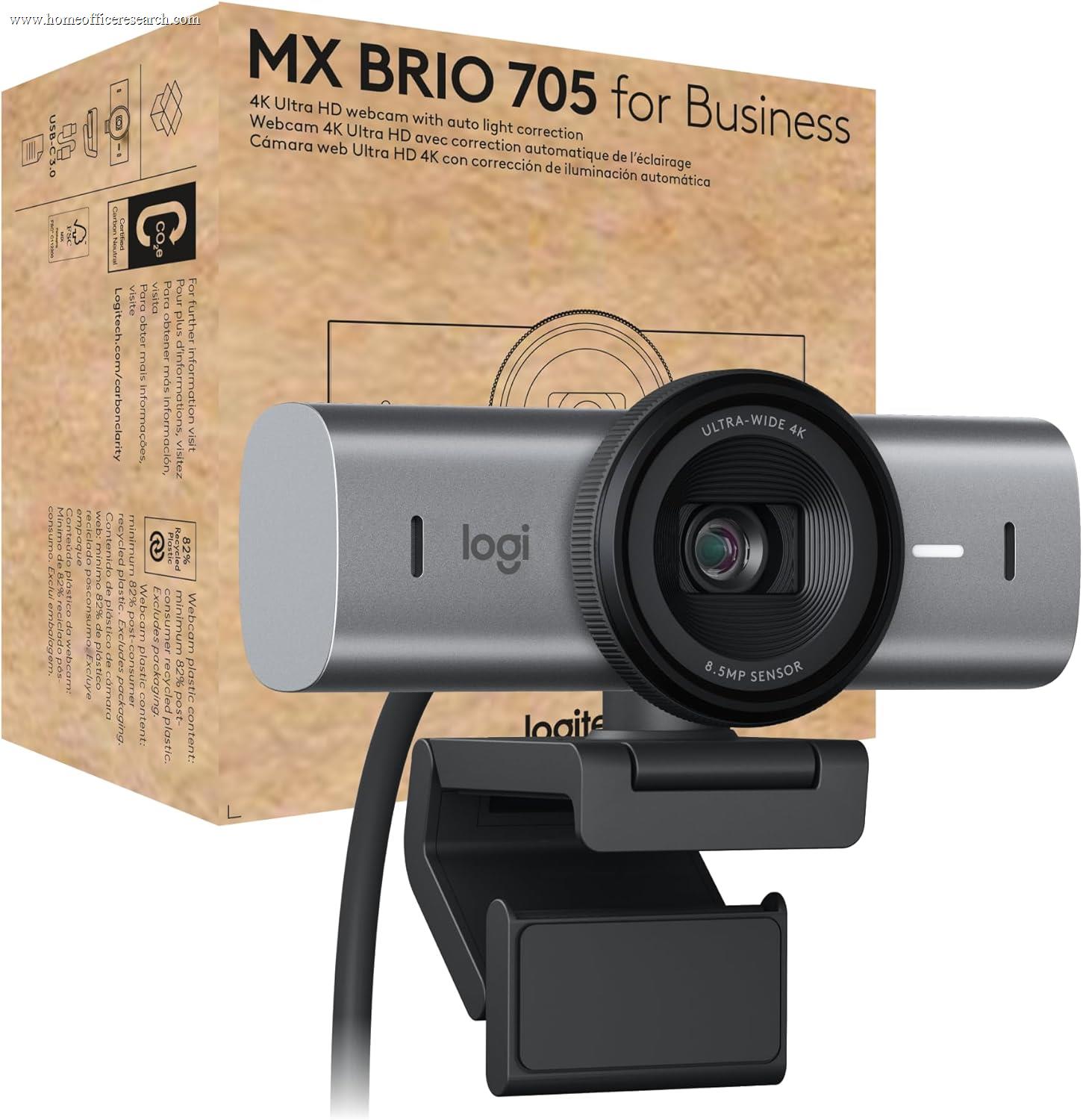
|
9.2/10 |
4K / 30fps | 1/1.5″ Sony Starvis | f/1.9 | 65–90° | ✓ | ✓ |
| 2 |

|
8.8/10 |
4K / 30fps | 1/1.2″ Sony Starvis 2 | f/1.7 | 72–82° | — | ✓ |
| 3 |
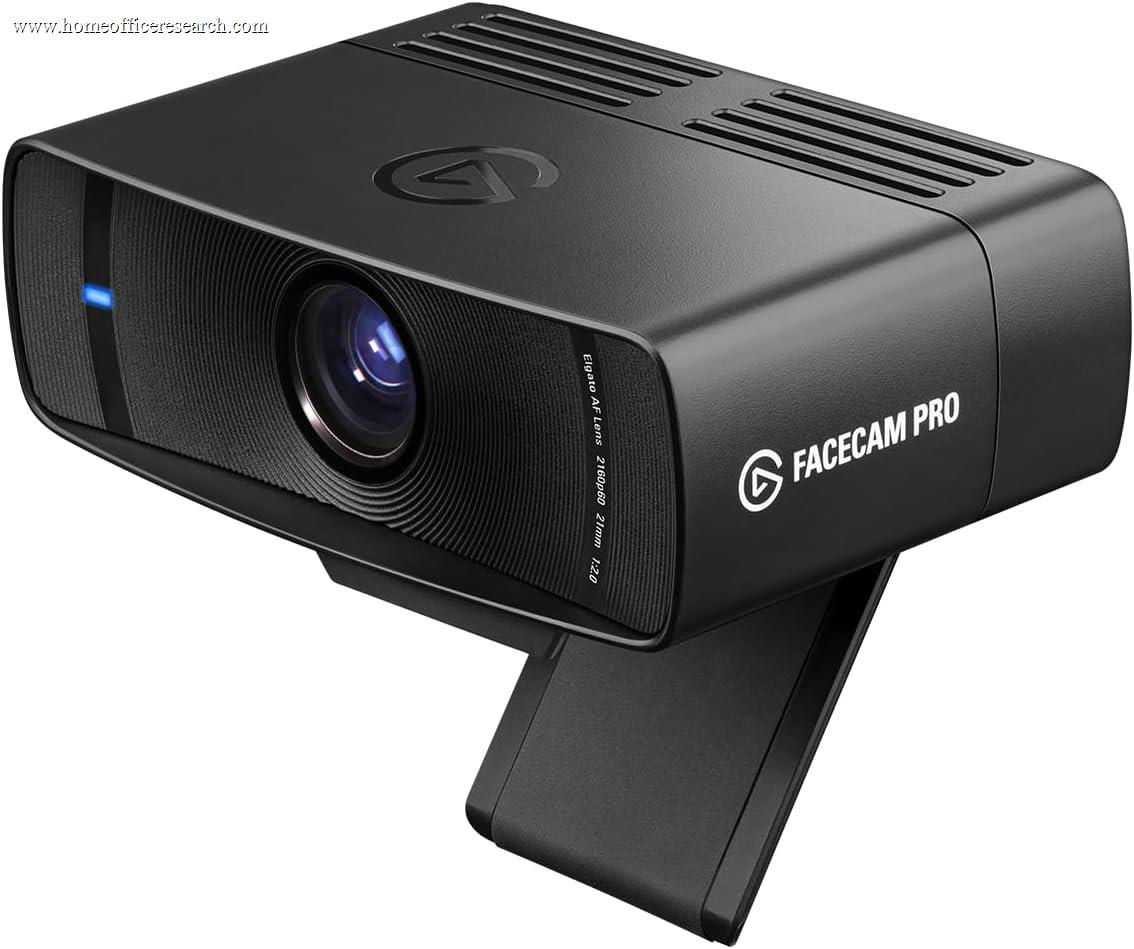
|
8.2/10 |
4K / 60fps | 1/1.8″ Sony Starvis | f/2.0 | 90° | — | — |
| ▸ Mid-Range — Strong Performance, Better Value | ||||||||
| 4 |
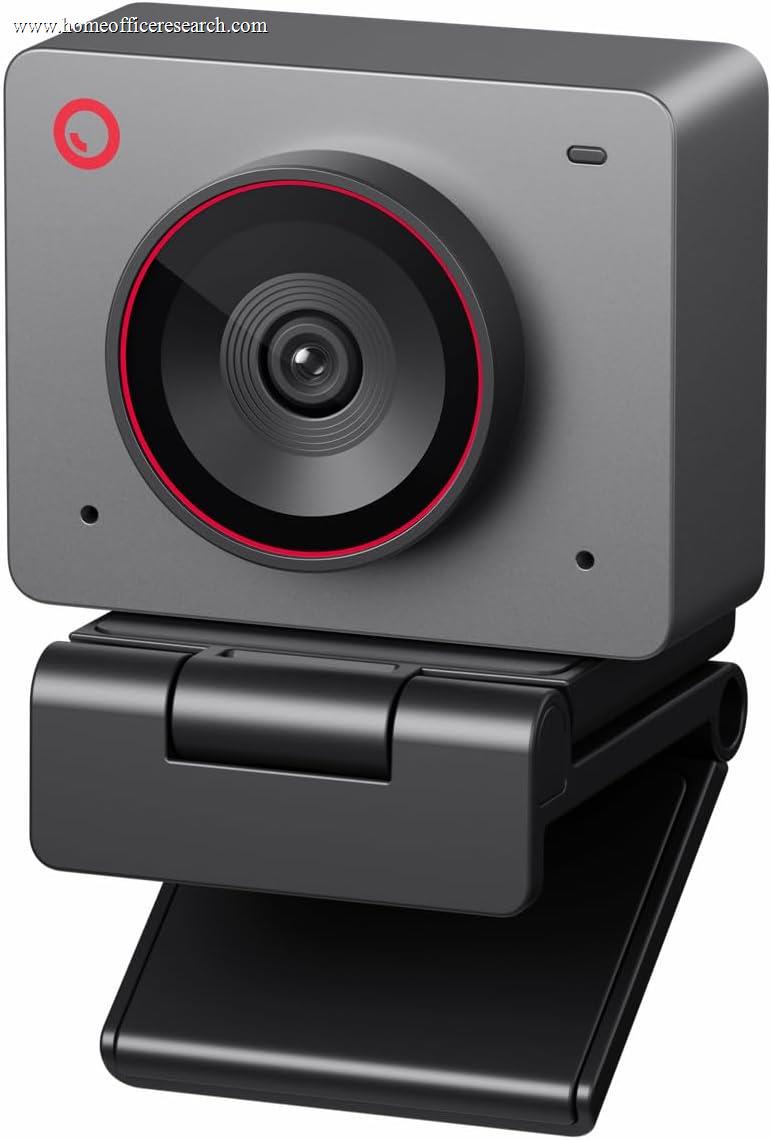
|
8.0/10 |
4K / 30fps | 1/2″ CMOS | f/1.8 | ~79° | ✓ | cap |
| 5 |
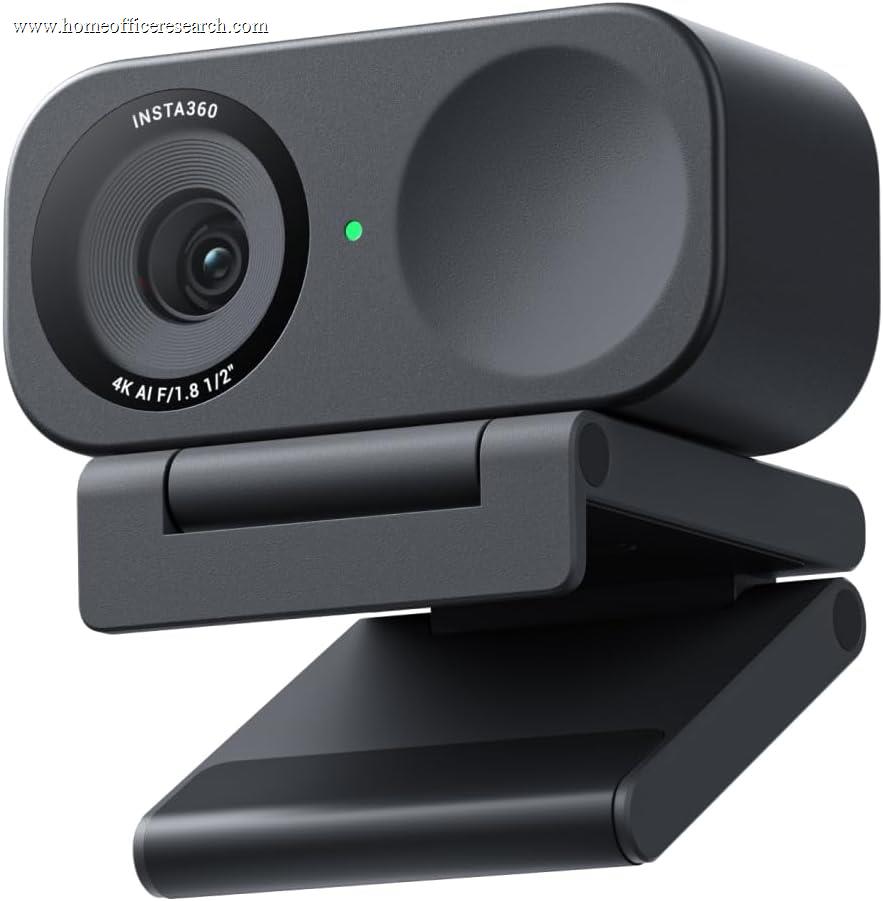
|
7.8/10 |
4K / 30fps | 1/2″ Sony Starlight | f/1.8 | 79.5° | ✓ | ✓ |
| 6 |
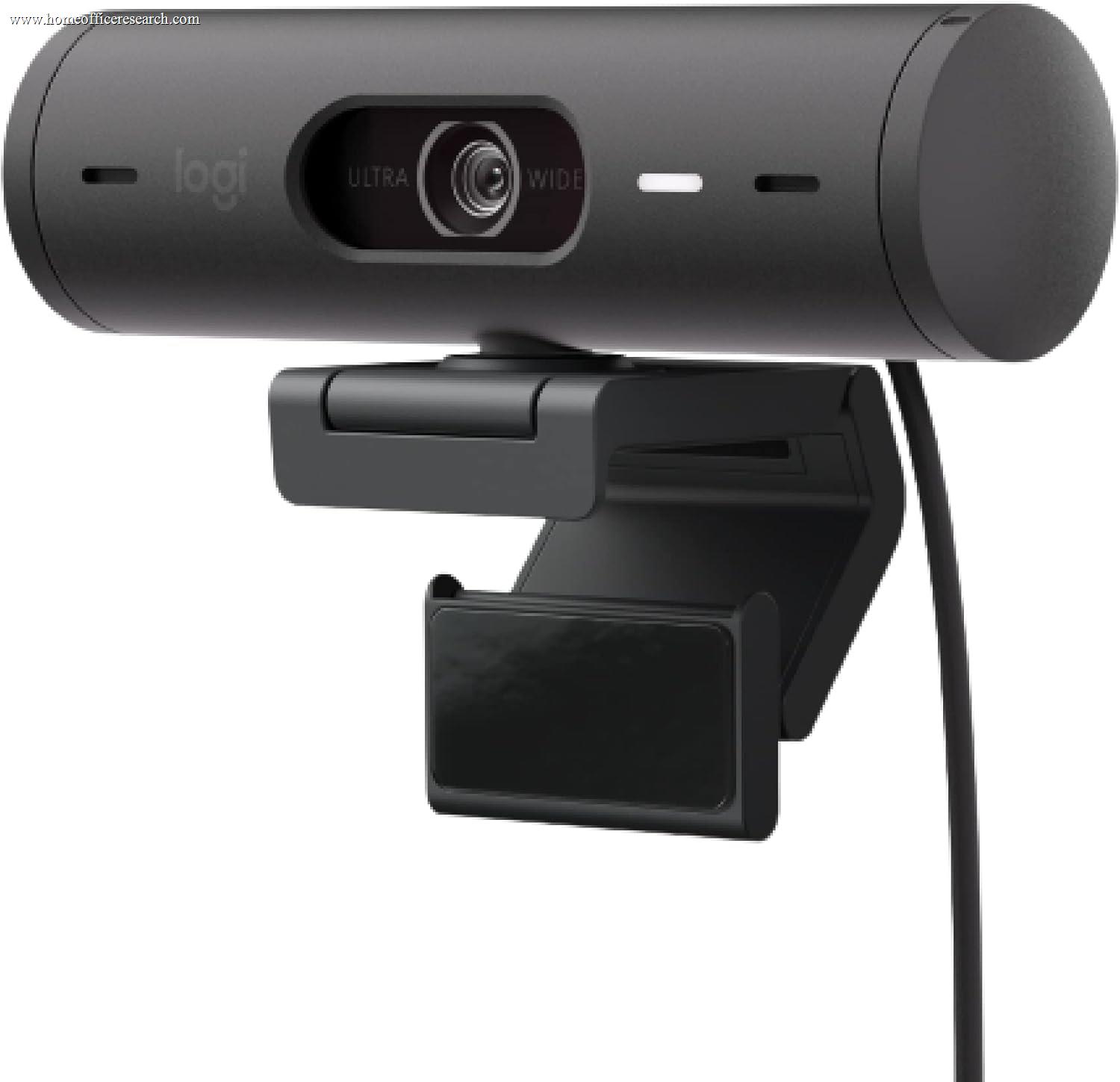
|
7.5/10 |
1080p / 30fps | — | — | 65–90° | ✓ | ✓ |
| 7 |

|
7.3/10 |
4K / 30fps | — | — | 65–90° | — | cap |
| 8 |
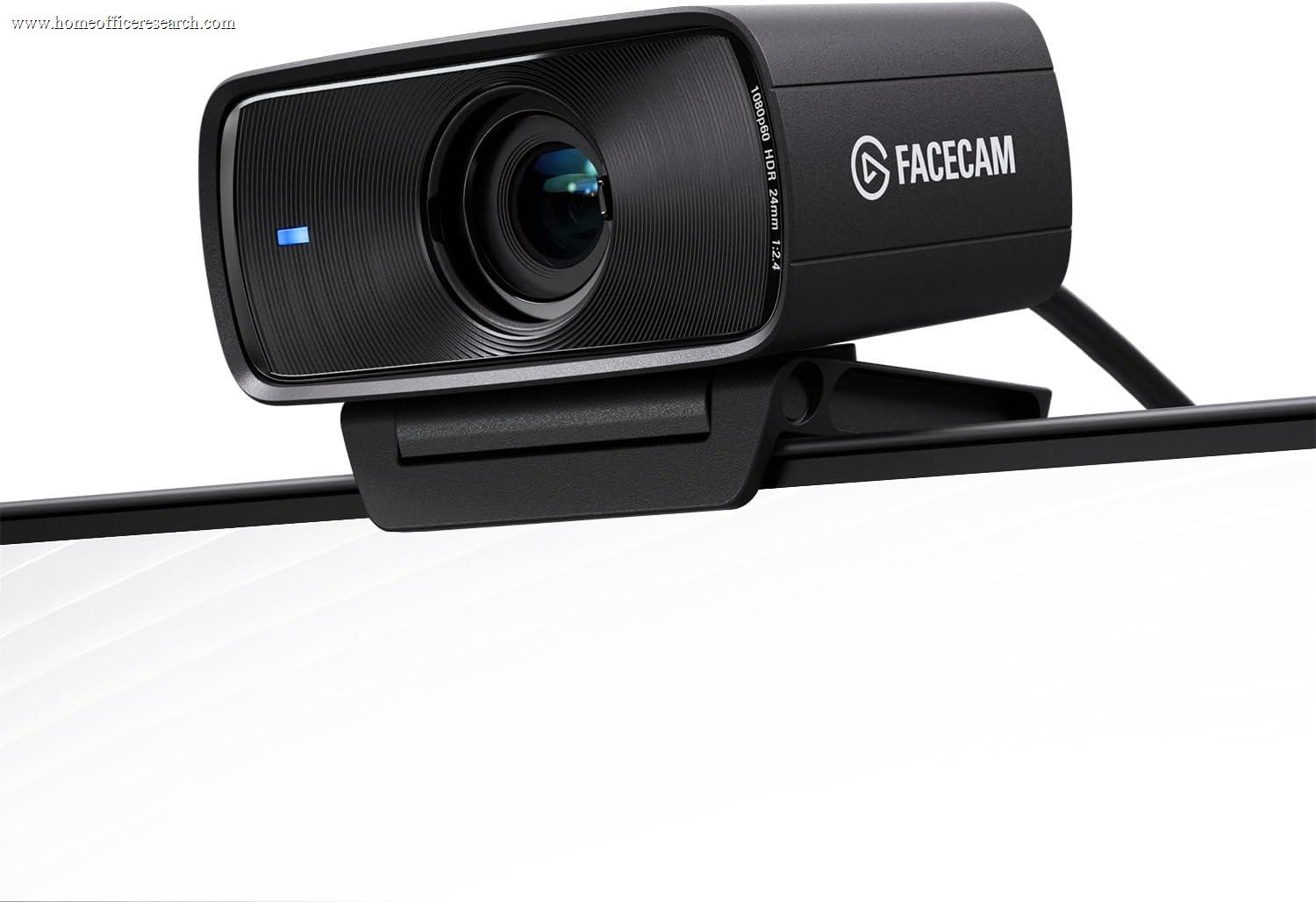
|
7.2/10 |
1080p / 60fps | Sony Starvis | f/2.4 | ~82° | — | — |
| ▸ Budget & Value — Best Performance-per-Dollar | ||||||||
| 9 |

|
7.1/10 |
1080p / 60fps | — | — | 78–115° | ✓ | cap |
| 10 |
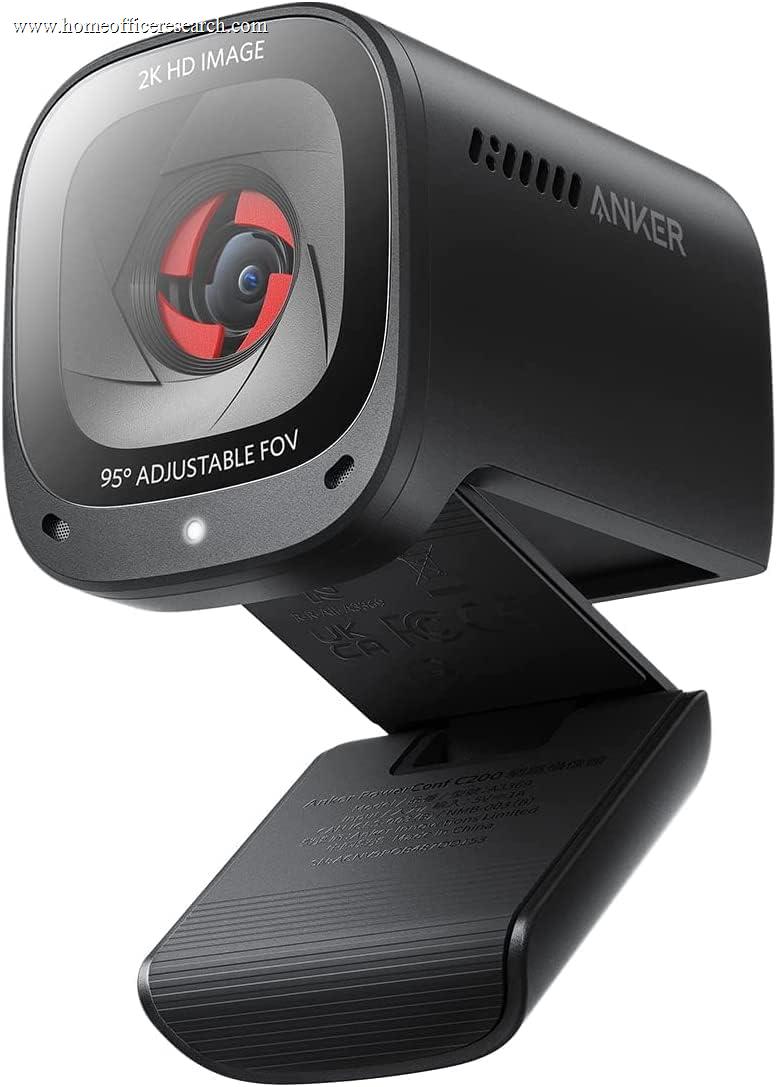
|
7.0/10 |
2K / 30fps | — | f/2.0 | 65–95° | — | ✓ |
| 11 |
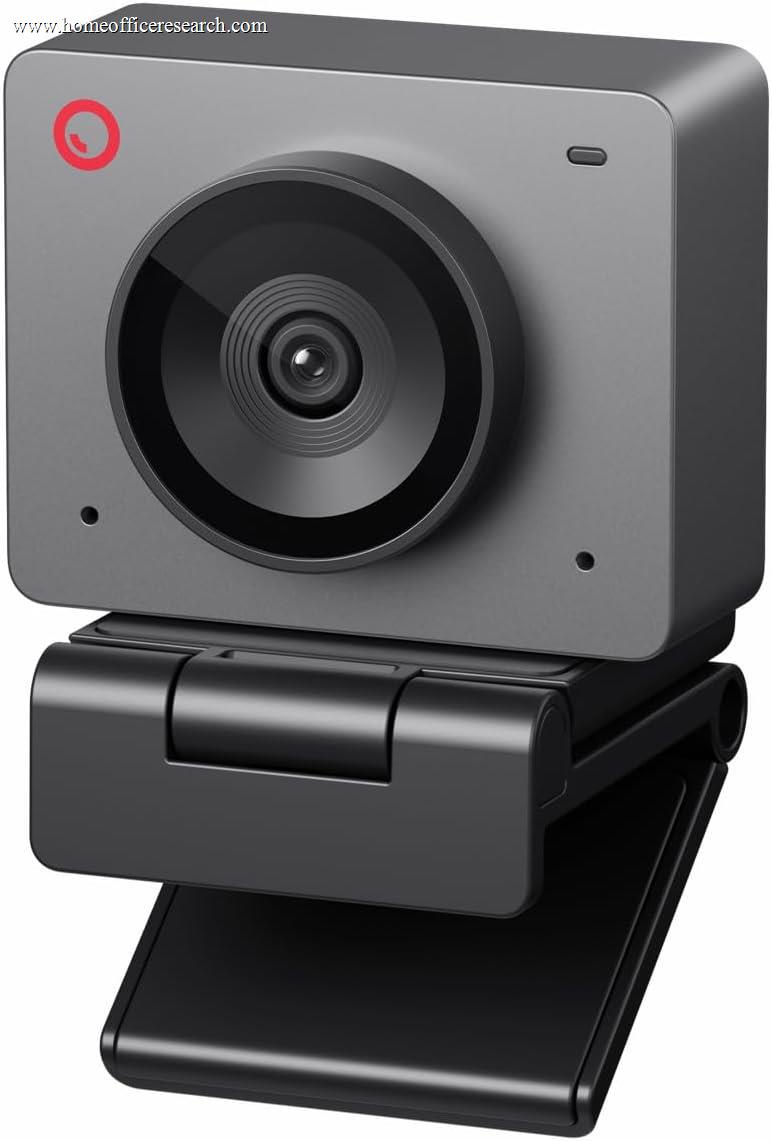
|
6.8/10 |
1080p / 60fps | — | — | ~80° | ✓ | — |
| 12 |
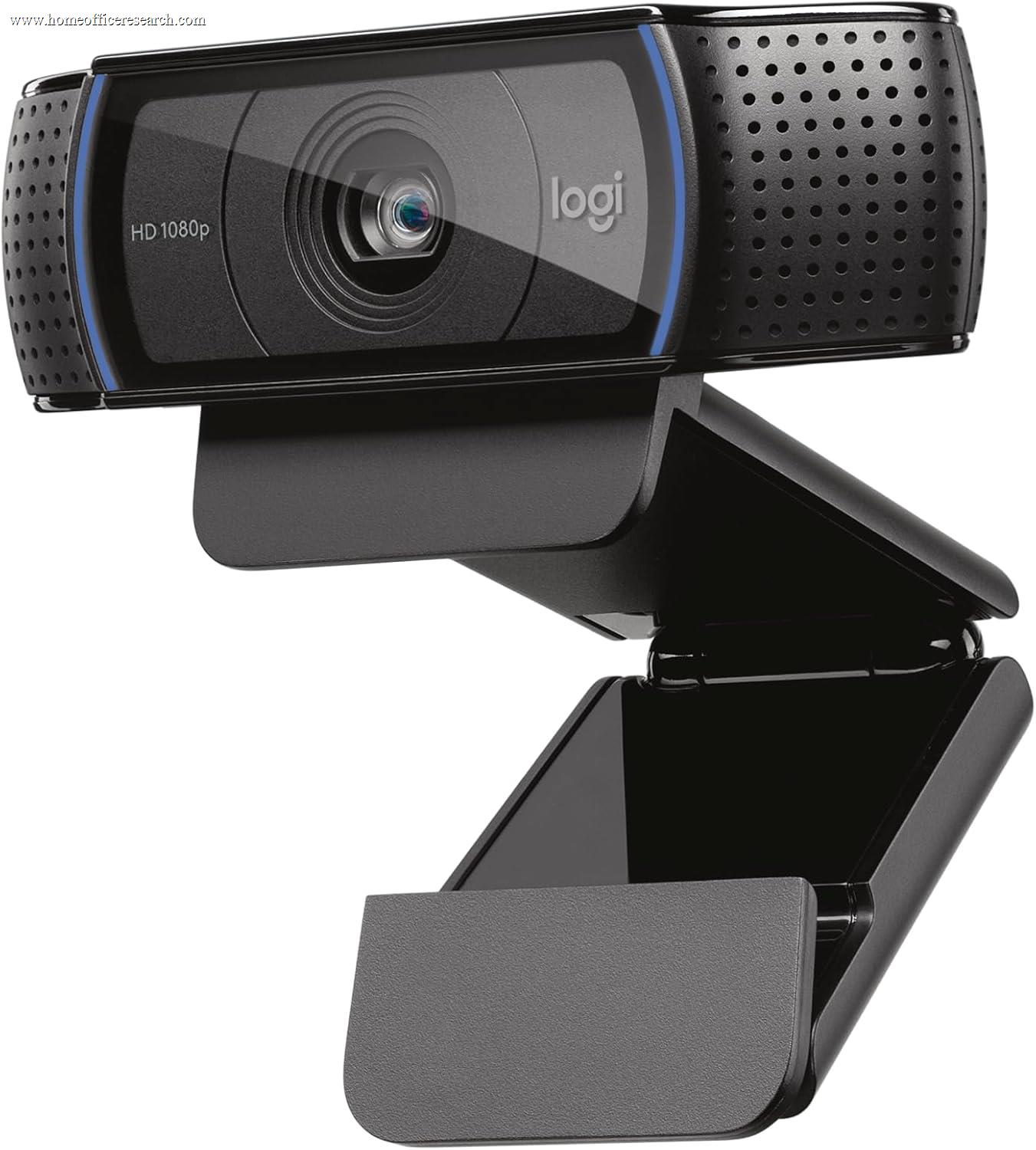
|
6.5/10 |
1080p / 30fps | — | f/2.0 | 78° | — | ✓ |
| 13 |
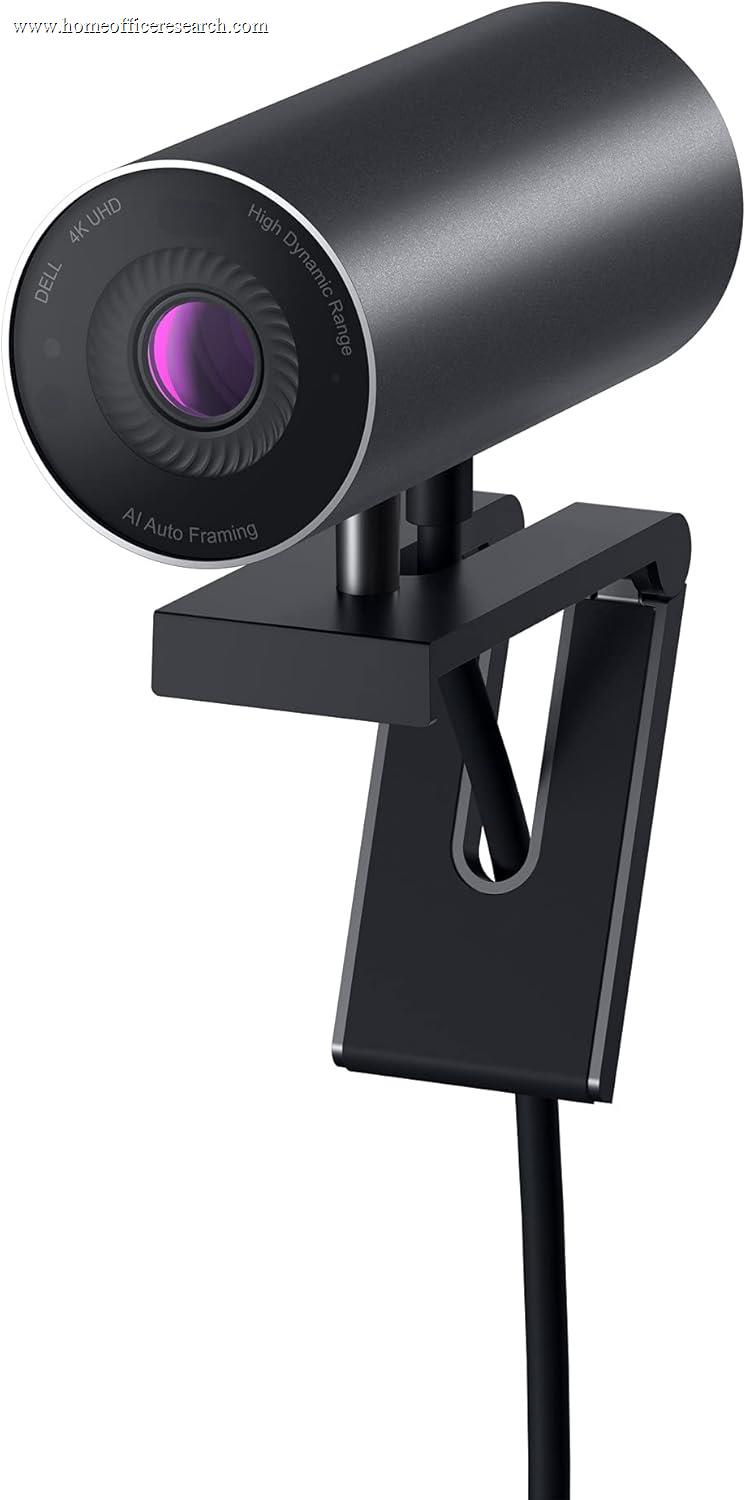
|
6.3/10 |
4K / 30fps | Sony Starvis 8.3MP | f/2.0 | 65–90° | ✓ | cap |
| ▸ Entry Level — Basic Calls, Limited Specs | ||||||||
| 14 |
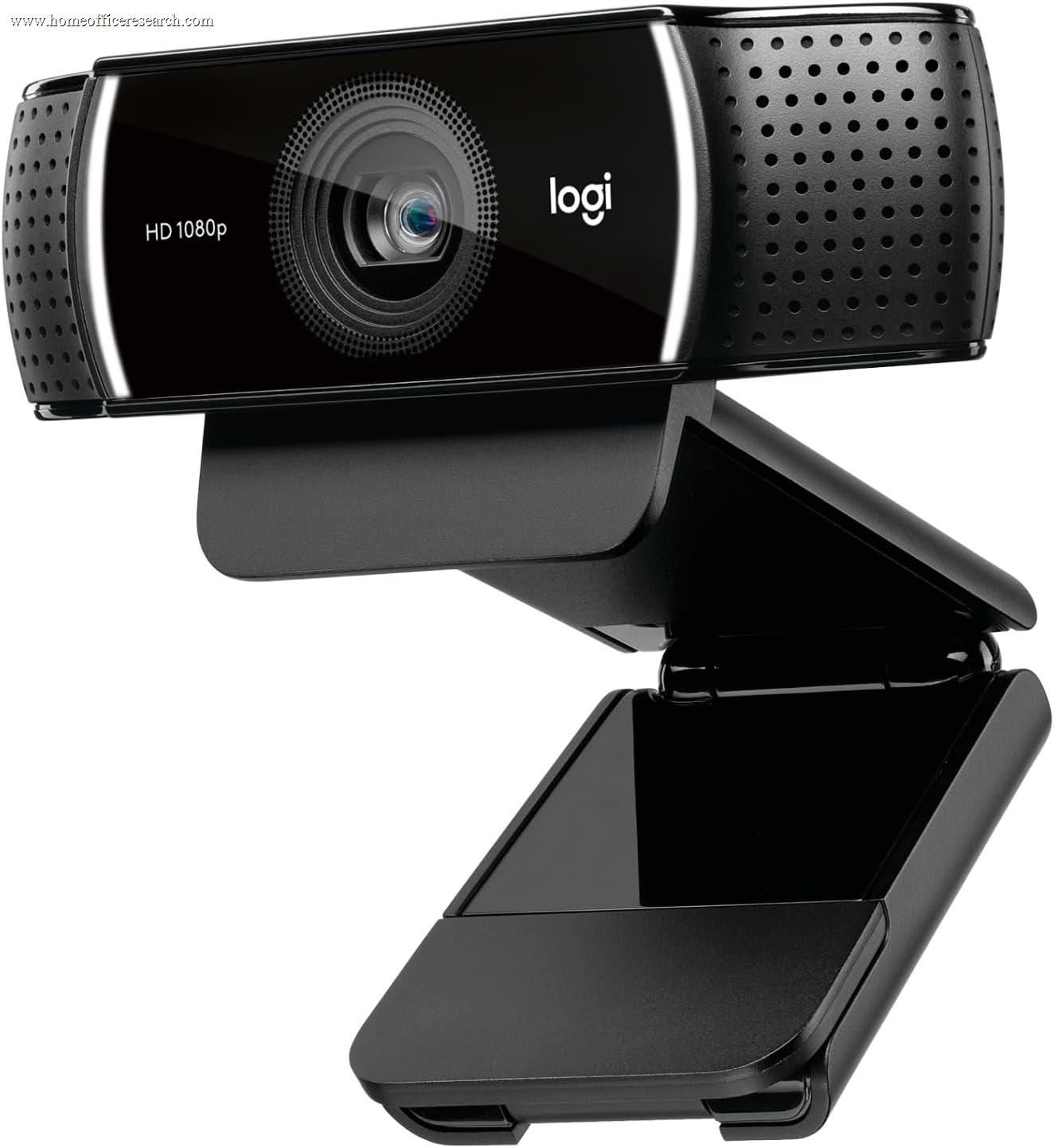
|
5.8/10 |
1080p / 30fps | — | f/2.0 | 78° | — | — |
| 15 |
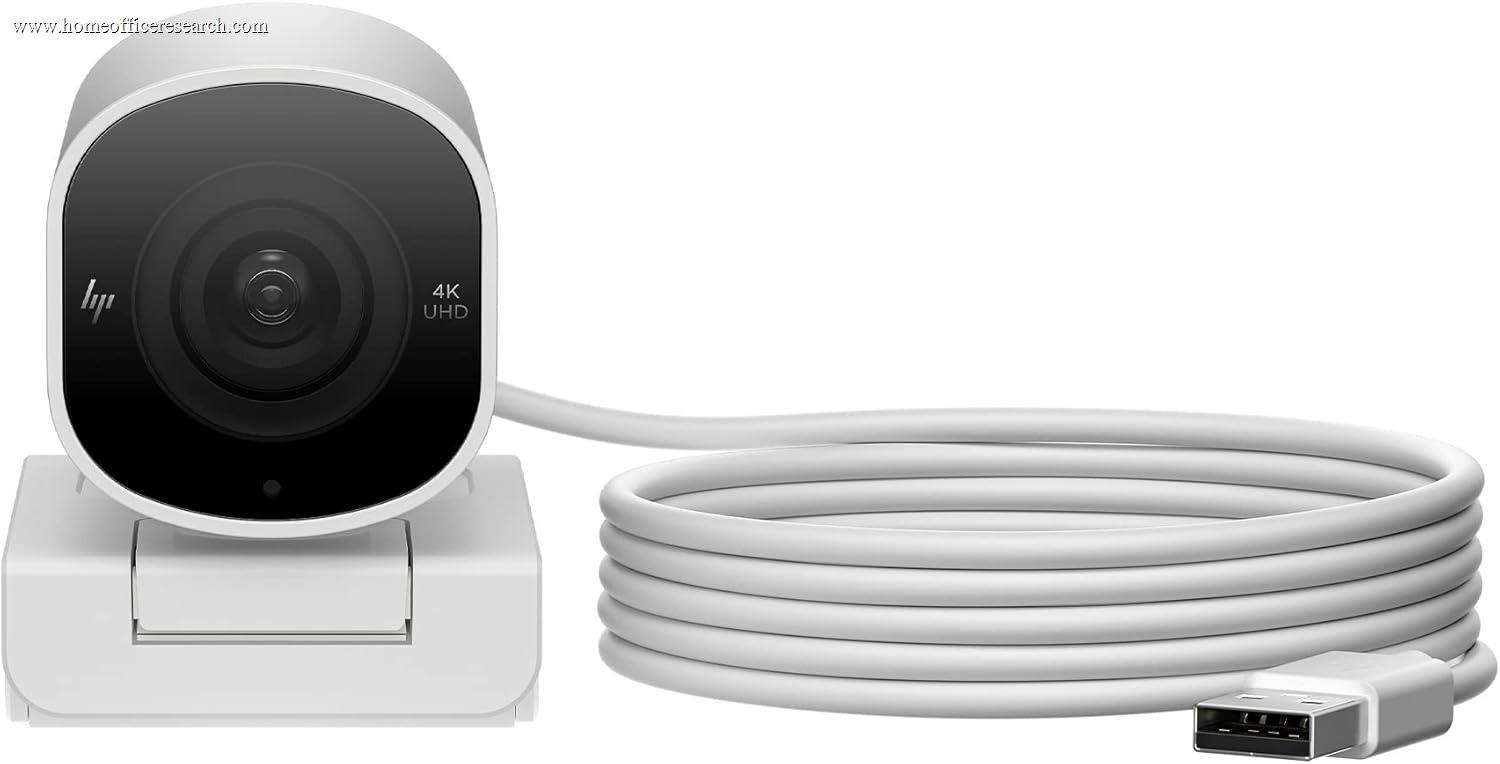
|
5.5/10 |
4K / 30fps | — | — | 65–78° | — | ✓ |
| 16 |
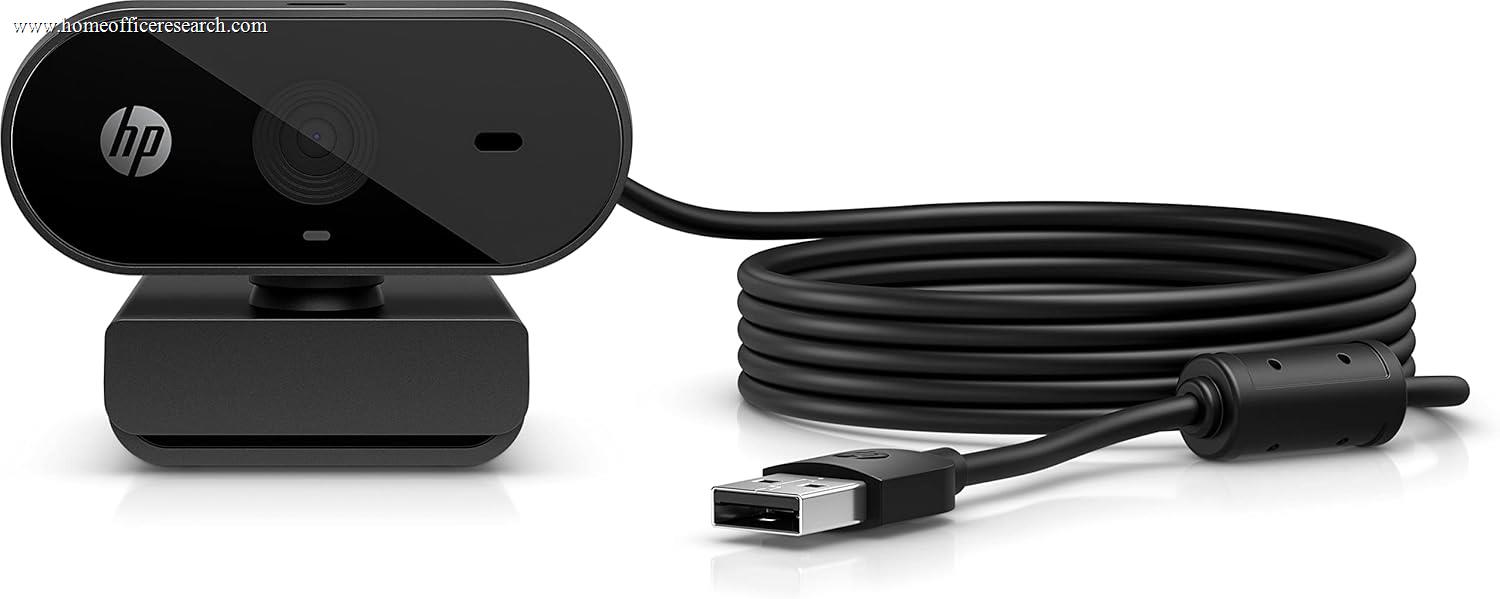
|
3.8/10 |
1080p / 30fps | — | — | ~72° | — | — |
How We Score
Weighted Scoring Framework — All Scores 0–10
Scoring Rationale
Why Image Quality Is Weighted First (30%)
A webcam’s primary function is to produce a clear, accurate image of you. Everything else is secondary. The variables that determine image quality are largely fixed at the hardware level — sensor size, aperture, and pixel pitch cannot be improved by software after the fact. A camera with a 1/2″ sensor and an f/1.8 aperture will outperform a 1/3″ sensor with f/2.8 in any challenging lighting condition regardless of how much processing is applied. These hardware specifications are measurable, disclosed, and directly predictive of real-world performance.
Resolution is weighted, but not overweighted. The commonly marketed distinction between 1080p and 4K matters most when you have reason to crop or zoom your feed digitally without losing clarity. For a fixed desk call with no cropping, a high-quality 1080p sensor often produces a better image than a poor 4K sensor. Sensor quality and aperture carry more weight than resolution alone.
Why Audio Performance Is Weighted Second (25%)
Built-in webcam microphones are among the most undervalued — and most variable — specs in the category. In a home office context, where your interlocutors will hear you more than they see you, microphone quality is at least as important as image quality. Many users who have invested in a dedicated microphone can set this category aside, but for the significant portion of home office workers relying solely on their webcam’s built-in mic, this is a first-order concern.
The relevant distinctions are beamforming versus omnidirectional pickup patterns, active noise reduction versus passive construction, and the number of microphone elements. Dual beamforming microphones that focus on your voice while suppressing background sound are meaningfully superior to single omnidirectional mics. Manufacturer-disclosed microphone range (the distance at which voice is reliably captured) is also used where available.
It is worth noting that the Dell UltraSharp WB7022 includes no microphone at all — a deliberate design choice for users with existing audio setups. This is reflected in its audio score and explains the gap between its hardware excellence and its final composite score.
Why Usability & Features Is Third (20%)
Features such as adjustable field of view, AI auto-framing, platform certifications (Teams, Zoom, Google Meet), and companion software quality directly affect the day-to-day home office experience. Adjustable FOV is weighted over fixed FOV because it allows the user to adapt framing across different call types and physical setups without repositioning the camera. AI auto-framing — while occasionally distracting — provides meaningful benefit in environments where users move while presenting or whiteboarding.
Platform certifications (Microsoft Teams, Zoom, Google Meet) are treated as binary indicators of tested compatibility rather than marketing claims, weighted positively. Companion software is assessed on whether it provides meaningful, accessible controls or adds complexity without proportionate benefit.
Plug-and-play compatibility (no driver install required for basic function) is an additional positive factor that most modern webcams meet — but notable failures are penalized.
Why Value Is Fourth (15%)
Value is defined as specification density relative to price — what you get per dollar. This category prevents the scoring system from simply rewarding expensive products for expensive hardware. A premium 4K webcam with a 1/1.2″ sensor earns a different value score than a cheaper 4K webcam with similar or comparable output. Value is assessed within the competitive set at the time of scoring, not in absolute isolation.
Products at the entry tier receive high value scores if they deliver their core function reliably. Products at the premium tier receive high value scores only if their specification advantages clearly justify the premium over mid-range alternatives.
Why Physical Design Is Last (10%)
Physical design matters, but it matters least. Build quality, mounting flexibility, integrated privacy shutters versus removable caps, cable quality and type, and overall desk footprint are all real considerations for a home office worker — but none of them meaningfully affect the quality of your video output or audio capture. A flimsy mount that doesn’t hold position reliably does warrant a penalty. A magnetic privacy cap is more functional than no privacy solution, but less functional than an integrated sliding shutter.
Cable type is noted: USB-C is scored slightly higher than USB-A as an indicator of a more modern hardware design, though this difference is minor in practical terms. Weight and physical footprint receive minor consideration for users with non-standard monitor setups.
Key Concepts
Resolution — Why 4K Isn’t Always Better
4K webcams (3840 × 2160) deliver four times the pixel density of 1080p. In practice, this advantage is most meaningful when you intend to crop or digitally zoom your feed — for example, if you use software framing that tracks your face and zooms in dynamically. For a static desk call at a fixed frame, 1080p from a high-quality sensor often produces results indistinguishable from 4K on the receiving end, particularly on video conferencing platforms that compress video streams anyway.
2K / 1440p occupies a practical middle ground: meaningfully sharper than 1080p with less bandwidth overhead than 4K, and a solid choice for users who want visual headroom without committing to premium pricing.
The important caveat: resolution at a given price tier is often inversely correlated with sensor size. Manufacturers frequently put larger sensors in 1080p cameras (where sensor physics can do their best work) and smaller sensors in 4K cameras (where pixel count takes precedence over pixel quality). A 4K camera with a 1/3″ sensor may produce visually inferior images to a 1080p camera with a 1/2″ sensor, especially in imperfect lighting conditions.
Sensor Size & Aperture — The Variables That Actually Matter
The image sensor is the most physically consequential component in a webcam. Larger sensors capture more light per pixel, which directly improves performance in low-light conditions and produces better dynamic range — the ability to hold detail in both bright and dark areas of the frame simultaneously. In a home office environment, where lighting conditions vary from bright window backlighting to dim evening rooms, low-light sensor performance is a recurring practical concern.
Sensor sizes, ranked: 1/1.2″ (Razer Kiyo Pro Ultra — exceptional; billed by Razer at its 2023 launch as the largest ever in a webcam) → 1/1.5″ (Logitech MX Brio 705 — excellent) → 1/2″ (Obsbot Meet 2, Insta360 Link 2C — strong) → 1/2.3–1/3″ (typical mid-range) → smaller (adequate for bright conditions only).
Aperture (f-stop) determines how much light the lens allows in. A wider aperture (lower f-number) is better for low-light performance and can produce a shallower depth of field, blurring the background behind you. f/1.7 is outstanding; f/1.8–f/2.0 is excellent; f/2.4–f/2.8 is adequate; anything narrower struggles in dim environments. The Razer Kiyo Pro Ultra’s combination of a 1/1.2″ sensor and f/1.7 aperture makes it the most capable low-light webcam in this evaluation.
Autofocus — Fixed, Passive, and Phase-Detection
Not all autofocus systems are equal. Fixed-focus webcams (no autofocus at all) set a focus distance at the factory. They can be sharp at their designed range — typically 1–1.5 meters — but produce soft images if you’re closer or further away, and cannot adapt if you lean forward or stand up.
Passive autofocus (contrast-detection) is the most common system in mid-range webcams. It adjusts continuously but can hunt or hesitate in low-contrast scenes. Phase-detection autofocus (PDAF), found in the Obsbot Meet 2 and a small number of other cameras, is significantly faster and more reliable — it locks focus almost instantly and tracks movement cleanly. For home office use, PDAF is a meaningful upgrade over contrast-detection if you move around during calls.
Some webcams (Dell WB7022, Logitech MX Brio 705) implement closed-loop autofocus, which adds a feedback mechanism to the autofocus system for more precise and stable tracking. This is the highest tier of webcam autofocus.
Built-in Microphones — What Actually Differentiates Them
Most webcam microphones are afterthoughts. The meaningful distinctions are pickup pattern, element count, and active noise processing.
Beamforming microphones use multiple elements and signal processing to electronically focus the pickup pattern toward your voice, suppressing sounds that arrive from other directions. This is the most effective built-in mic architecture for home office use, where you typically sit at a fixed position and want background noise — traffic, HVAC, family members — suppressed without a headset.
Omnidirectional mics pick up sound equally from all directions. Useful for group settings, but not optimal for solo work-from-home calls where background noise is a concern.
AI noise cancellation (as implemented in the Insta360 Link 2C and Anker PowerConf C200, among others) adds a processing layer on top of the microphone hardware, applying algorithmic suppression of non-voice sounds. Quality varies by implementation — Anker’s version has been noted in testing for occasionally over-processing and producing a slightly artificial audio character.
Users with dedicated microphones — a condenser or dynamic mic on a separate stand — can effectively discount the audio category when making their decision. For everyone else, it is a first-order consideration.
Field of View — Framing for a Solo Desk Setup
Field of view (FOV) determines how much of the scene is visible in your video feed. Most webcams advertise a diagonal FOV between 65° and 90°, with some wide-angle models reaching 95° or beyond.
For a solo home office desk setup, a FOV of 78–90° (diagonal) is generally appropriate. Narrower than 70° and you may be partially cut off if you move; wider than 95° and the background behind you becomes a dominant visual element in the frame — an office or room that looks cluttered becomes more prominent.
Adjustable FOV — available on most premium and mid-range models — is strongly preferred over fixed FOV because it allows you to optimize framing based on your physical desk setup and call context without repositioning the camera. FOV adjustments are typically made through companion software and persist as a setting.
Privacy Shutters — Integrated vs. Magnetic Cap vs. None
A physical privacy shutter mechanically blocks the lens when not in use, providing reliable visual assurance that the camera is off — independent of software or drivers. This is the most trustworthy privacy solution.
Three tiers are present in this evaluation. Integrated shutters (Logitech MX Brio 705, Razer Kiyo Pro Ultra, Insta360 Link 2C, Logitech Brio 500) operate with a built-in sliding or rotating mechanism. Magnetic privacy caps (Dell WB7022, Obsbot Meet 2) attach externally and block the lens but are easily lost or forgotten when removed. No solution (Elgato Facecam Pro, Elgato Facecam MK.2, Logitech C922) requires trust in software or third-party covers.
For a home office environment where a webcam sits on a monitor and may be visible to others in the room or on calls where you didn’t expect the camera to be active, an integrated privacy shutter is a practically meaningful feature.
Brand Notes
The webcam market is more diverse than power protection — no single brand dominates across all tiers or all use cases. The following notes summarize where each brand’s strengths and limitations lie for home office use specifically.
Logitech
The deepest product line of any webcam maker, with consistent plug-and-play reliability and strong platform certification coverage across Teams, Zoom, and Google Meet. The MX Brio 705 represents their best engineering, but the entire Brio lineup is defensible. Software (Logi Tune) is mature and practical.
The original Brio 4K remains worth including because of its search volume and continued availability, but it shows its age. RightLight 3 is two generations behind the current RightLight 5 in the MX Brio 705, dual omnidirectional mics are a step down from the beamforming mics in newer models, and the privacy solution is a flip shade rather than an integrated shutter. At its modest price it is defensible purely on 4K resolution and Windows Hello support — but the Obsbot Meet 2 and Insta360 Link 2C offer stronger hardware at a similar price.
Razer
The Kiyo Pro Ultra has what Razer billed at its 2023 launch as the largest webcam image sensor ever commercialized — a hardware achievement that produces genuinely exceptional low-light and depth-of-field results. The weakness is software: Razer Synapse 3 requires an active preview window to adjust settings, creating friction for professional workflows. If you can configure the camera once and leave it, the hardware rewards you. If you need frequent software-level adjustments across applications, the experience can frustrate.
Elgato
Elgato’s Facecam Pro is the only webcam in this evaluation capable of 4K at 60fps, and its Camera Hub software is among the most capable and usable companion apps in the category. The tradeoff is the absence of a built-in microphone and no physical privacy shutter at the Pro tier — deliberate design choices that suit dedicated streamers and content creators but reduce practical utility for straightforward home office calls. The Facecam MK.2 is a more practical 1080p/60fps option with excellent uncompressed video, though still without a mic or privacy shutter.
Dell
The UltraSharp WB7022 is a serious piece of hardware let down by a single omission: no built-in microphone. For users with a separate audio setup, this is irrelevant — and the combination of a 4K Sony Starvis sensor, Windows Hello, AI auto-framing, and a 3-year warranty with next-business-day exchange is exceptionally strong for the money. For users relying solely on their webcam for audio, the WB7022 simply cannot complete the task.
Obsbot
Obsbot’s strength is in compact 4K hardware at competitive prices. The Meet 2 packs a 1/2″ sensor and f/1.8 aperture into a remarkably small body at a mid-range price, with PDAF and gesture controls. Build quality is plastic but functional. The Obsbot Center software is capable. The weak point is microphone performance — the built-in mics in the Meet 2 are rated well for basic calls but don’t match the beamforming quality of Logitech’s higher-end implementations.
Insta360
The Link 2C occupies a compelling price-performance position among 4K webcams, with a 1/2″ Sony Starlight sensor, f/1.8 aperture, AI framing, and a built-in privacy shutter at a mid-range price. The primary complaint in the user community is software complexity — the Link Controller app requires an extra step to unlock 1080p/60fps and configure portrait mode. On sale, which is common, it is arguably the best value 4K webcam available. At full price, competition is stiffer.
Anker
Anker’s PowerConf line represents the strongest value-engineering in the budget tier. The C200 punches well above its budget price with 2K resolution, an adjustable FOV, and a built-in sliding privacy cover. The C300 steps up meaningfully: 1080p/60fps, AI auto-framing, HDR, an ultra-wide 115° maximum FOV, and 0.35-second autofocus that is noticeably faster than most competitors at this price. The chief limitation across the line is microphone over-processing — the ANC can occasionally produce an artificial, slightly choppy audio character at high suppression levels. A minor issue for most users; worth noting for anyone relying entirely on the built-in mic for professional calls.