Best Wi-Fi Router for Home Office:
Rated & Ranked
We evaluated 15 routers and mesh systems across six weighted categories built specifically for remote work — where staying connected through a full day of calls matters more than headline speed. Every score is derived from measurable specifications and aggregated reliability data, not brand preference. The result: a defensible, comparable 0–10 rating spanning Wi-Fi 7 mesh systems, flagship standalone routers, and value picks.
Product links are Amazon affiliate links — purchases support this site at no cost to you.
The ranking below uses our recommended weights — the balance of factors we believe matters most for a typical home office. If your priorities differ, switch to Customize Weights and re-rank the table around what you care about.
Best for Your Situation
A single ranked list hides the fact that an apartment renter and someone wiring a 3,000 sq ft house aren’t shopping for the same product. Start here, then dig into the full table below.


Full Comparison — Ranked by Score Within Tier
Mesh systems and standalone routers are scored on the same 0–10 framework but grouped separately, because the buying decision between them comes first. The score column is the directly comparable number across the whole table.
| # | Product | Score | Wi-Fi ? | Bands ? | Coverage ? | Top Port ? | Multi-Gig Ports ? | Sub-Free Security ? |
|---|---|---|---|---|---|---|---|---|
| ▸ Mesh Systems — Recommended for whole-home coverage and multi-room offices | ||||||||
| 1 |
|
9.0/10 |
Wi-Fi 7 | Tri-band | ~6,000 ft² | 10G ×2 | 2×10G each | Free |
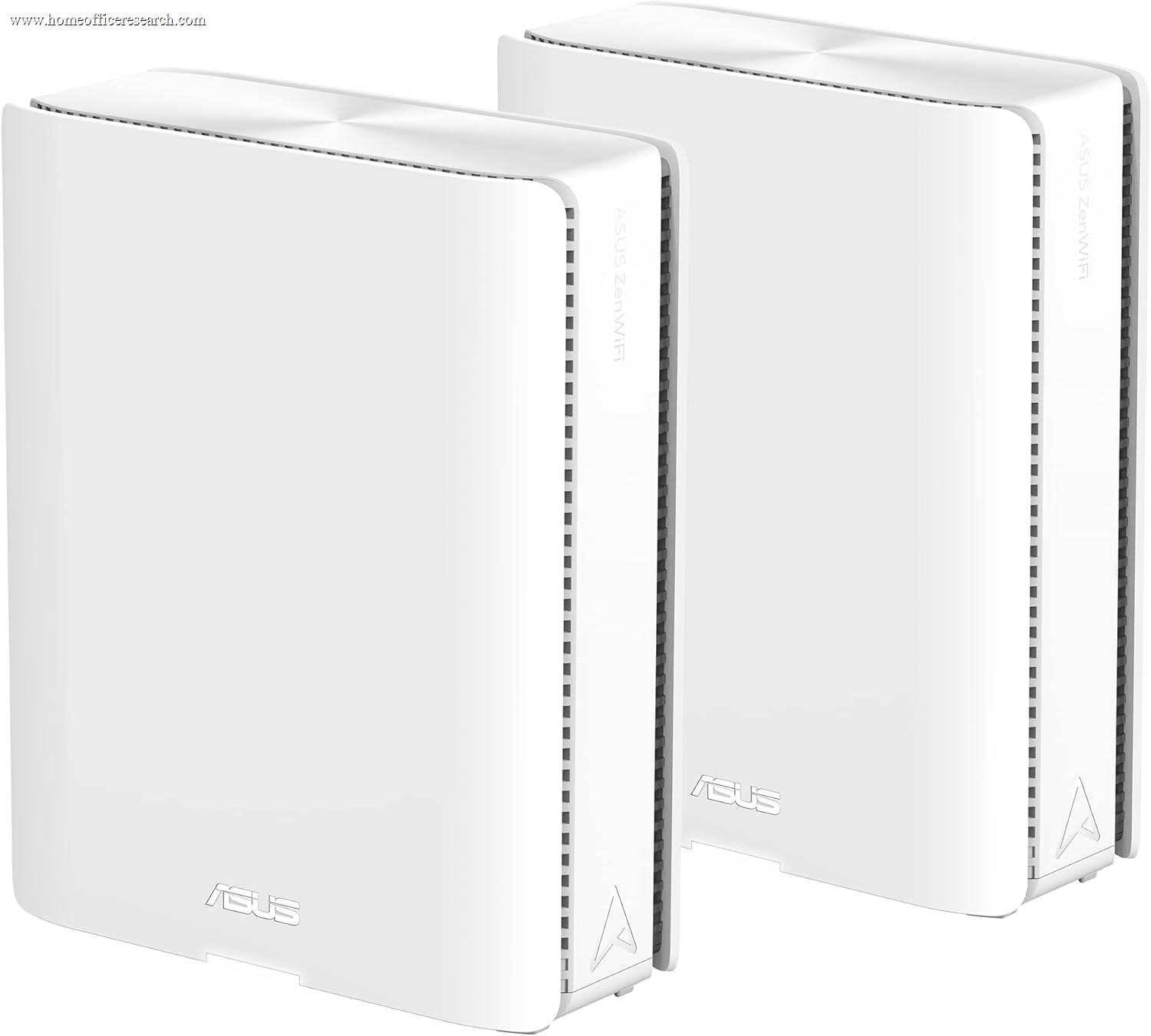
| 2 |
|
8.8/10 |
Wi-Fi 7 | Quad-band | ~8,000 ft² | 10G ×2 | 2×10G each | Free |
| 3 |
|
8.3/10 |
Wi-Fi 7 | Tri-band | ~6,000 ft² | 5G ×2 | 2×5G each | Sub |
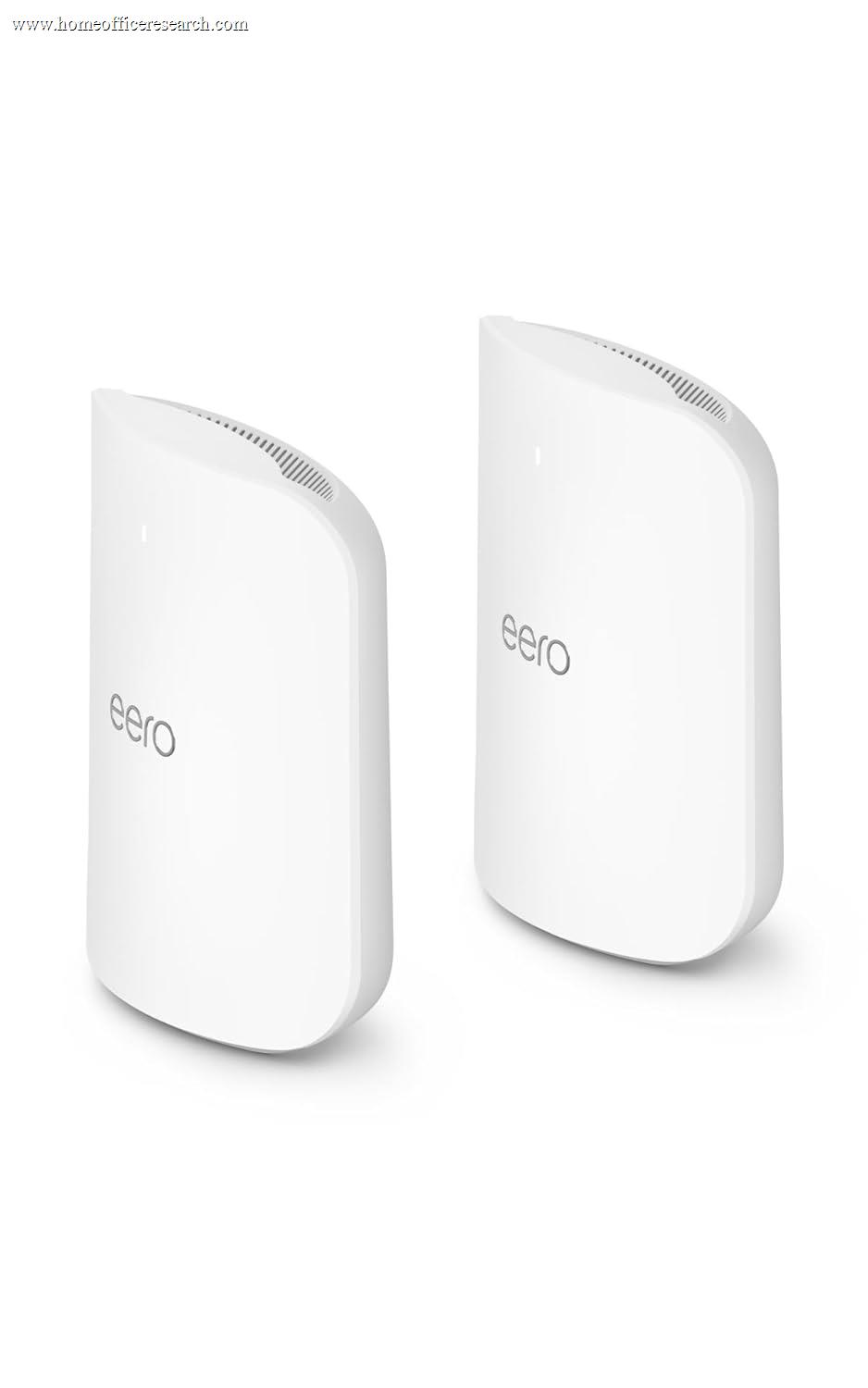
| 4 |
|
8.3/10 |
Wi-Fi 7 | Tri-band | ~5,000 ft² | 10G ×2 | 2×10G + 2×2.5G | Sub |
| 5 |
|
8.2/10 |
Wi-Fi 7 | Quad-band | ~6,600 ft² | 10G | 10G + 2.5G | Sub |
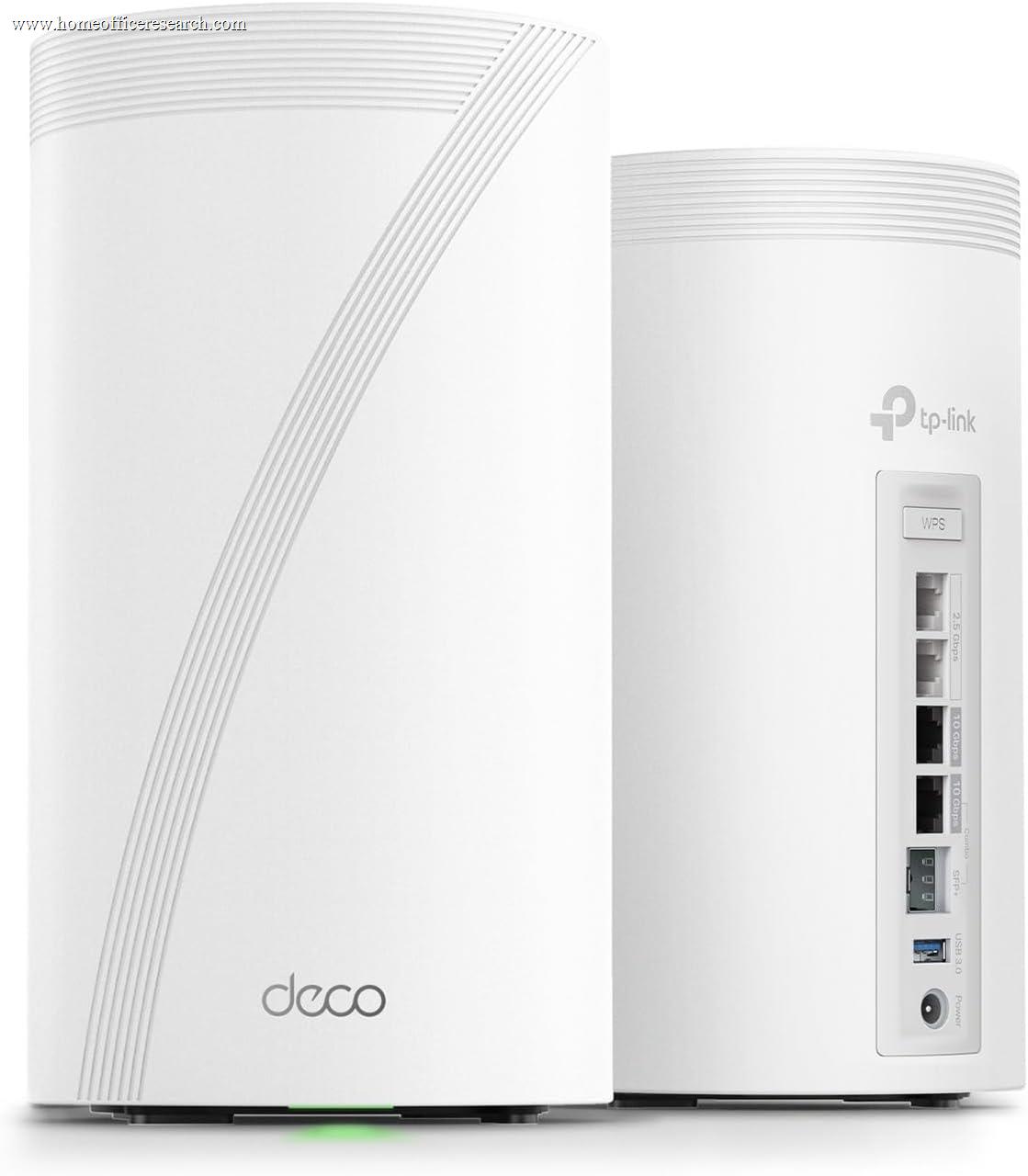
| 6 |
|
8.1/10 |
Wi-Fi 7 | Tri-band | ~6,400 ft² | 10G ×2 | 2×10G + 2.5G | Partial |
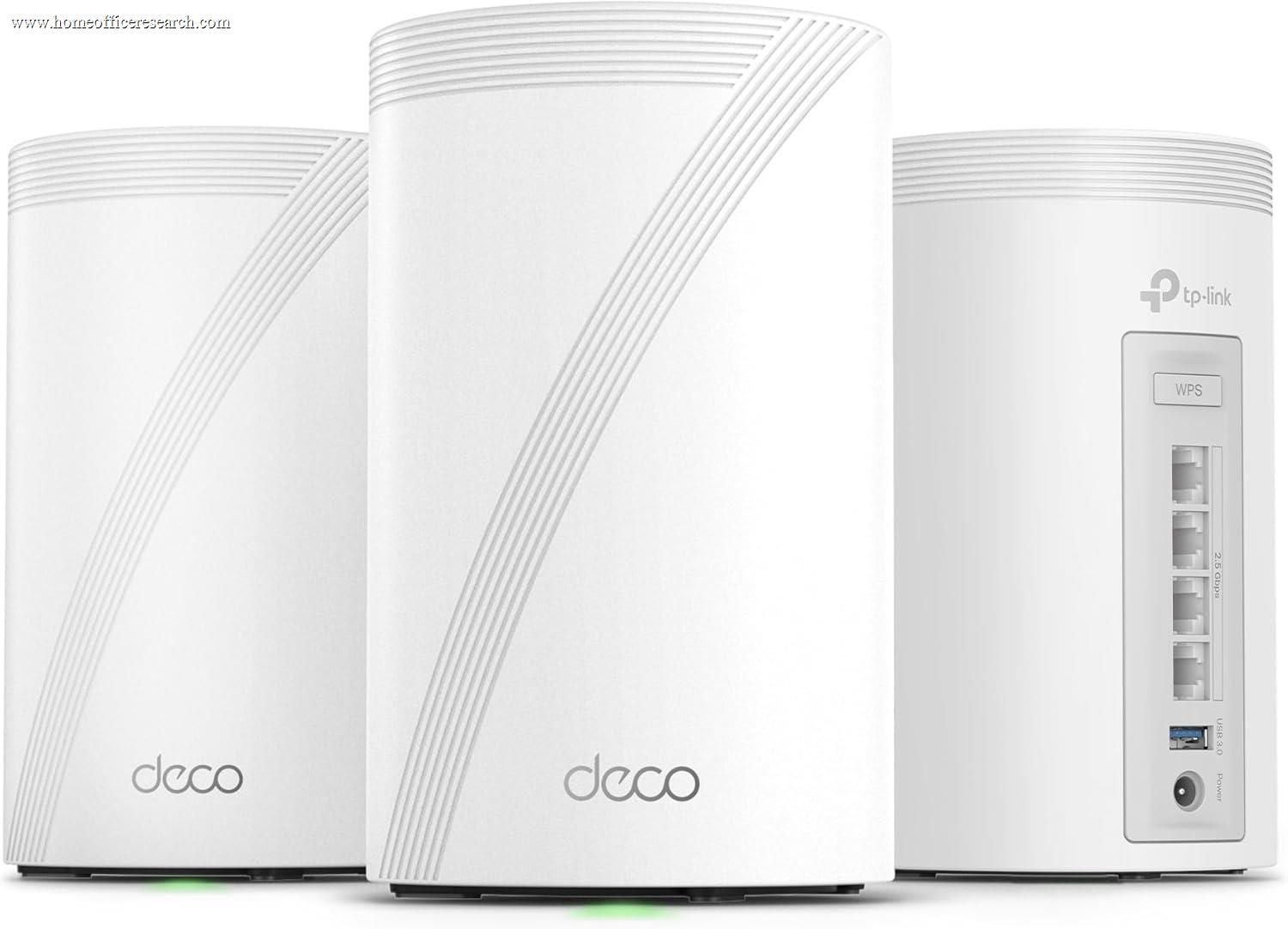
| 7 |
|
8.1/10 |
Wi-Fi 7 | Tri-band | ~7,600 ft² | 2.5G | 4×2.5G | Partial |
| ▸ Standalone Routers — Single units for apartments, smaller homes, or a wired-centric office | ||||||||
| 8 |
|
8.7/10 |
Wi-Fi 7 | Tri-band | ~3,500 ft² | 10G ×2 | 2×10G | Free |
| 9 |
|
8.5/10 |
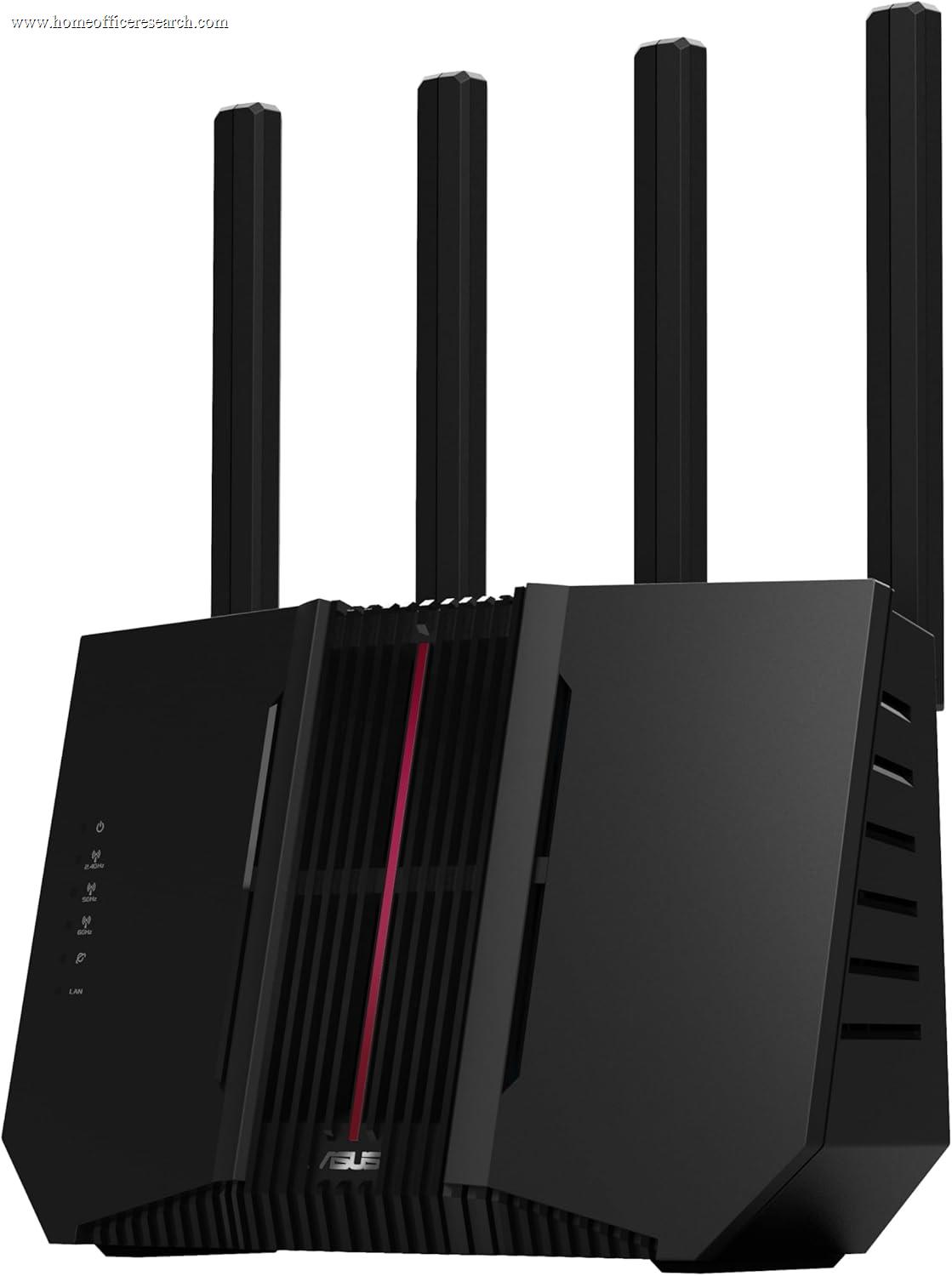
Wi-Fi 7 | Tri-band | ~3,000 ft² | 10G | 10G + 4×2.5G | Free |
| 10 |
|
8.3/10 |
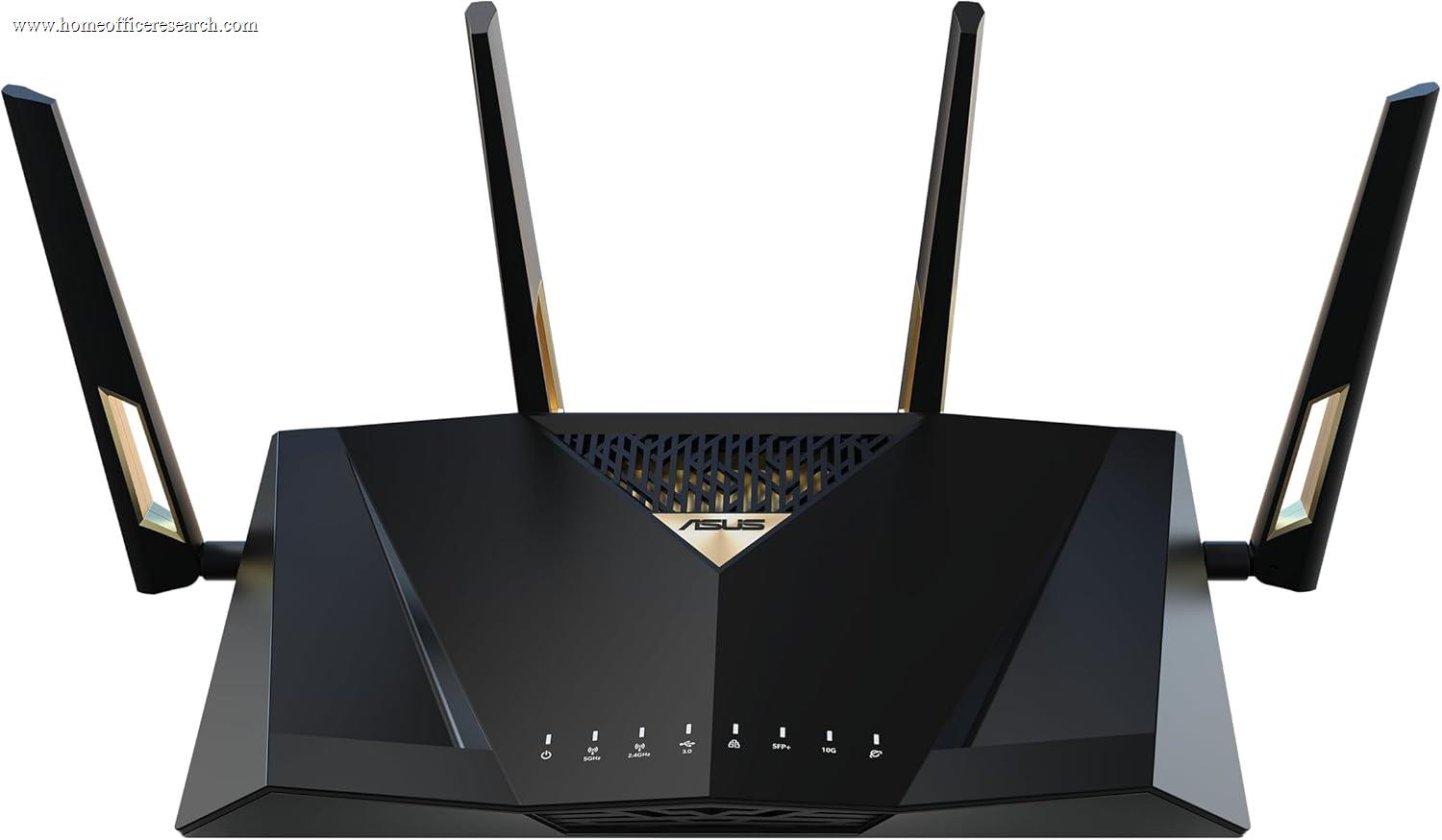
Wi-Fi 7 | Dual-band | ~3,000 ft² | 10G ×2 | 2×10G + 4×2.5G | Free |
| 11 |
|
7.9/10 |
Wi-Fi 6 | Dual-band | ~2,500 ft² | 2.5G ×2 | 2×2.5G | Free |
| 12 |
|
7.8/10 |
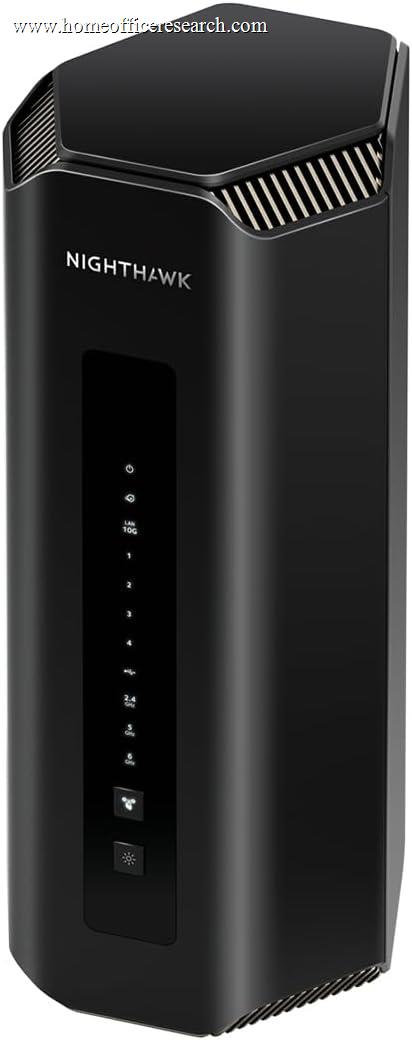
Wi-Fi 7 | Tri-band | ~3,500 ft² | 10G | 10G WAN/LAN | Sub |
| 13 |

|
7.8/10 |
Wi-Fi 7 | Tri-band | ~3,200 ft² | 10G ×2 | 2×10G + 4×2.5G | Partial |
| 14 |

|
7.7/10 |
Wi-Fi 7 | Tri-band | ~2,000 ft² | 2.5G | 5×2.5G | Partial |
| 15 |
|
7.2/10 |
Wi-Fi 7 | Dual-band | ~2,000 ft² | 2.5G ×2 | 2×2.5G | Partial |
How We Score
Weighted Scoring Framework — All Scores 0–10
Key Considerations When Choosing a Home Office Router
Reliability Comes First — Why We Weight It Above Speed
For a home office, the most important thing a router does is stay up. A unit that needs a weekly reboot, drops the 6 GHz band under load, or stalls when the household piles on at 7 p.m. will cost you a frozen screen-share at the worst possible moment. That is why reliability shares top billing with coverage in our framework — ahead of headline speed.
Reliability is the hardest thing to read off a spec sheet, so we score it through defensible proxies: processor and memory headroom (more capable SoCs handle many simultaneous connections without choking), thermal design, the vendor’s track record of pushing automatic firmware updates, and aggregated owner-reported stability and return signals. We also fold in long-term support risk — a router is infrastructure you keep for years, so a cloud over a vendor’s future U.S. presence is a legitimate reliability concern.
This is the same approach we use to score subjective-feeling dimensions elsewhere on the site, like chair comfort or keyboard acoustics: name the proxies, apply them consistently, and show our work.
Bottom line: Buy the router that disappears into the background. Auto-updating firmware and a vendor with a long support history matter more than a benchmark you will never saturate.
Wi-Fi 7 vs. 6E vs. 6 — What You Actually Need
Wi-Fi 7 (802.11be) is the current standard, and it is genuinely better: 320 MHz channels, 4K-QAM, and Multi-Link Operation (MLO) that lets a device use two bands at once for higher throughput and lower, steadier latency. For a home office, the latency and stability gains matter more than the raw speed.
That said, be honest about your internet plan. Most home broadband connections top out at 1 Gbps, and Wi-Fi 6 already moves data faster than that over the air at close range. If you are on a typical cable or DSL plan, a good Wi-Fi 6 or 6E router will not bottleneck your internet — the gains from Wi-Fi 7 show up mostly in local transfers, dense-device homes, and future headroom.
Where Wi-Fi 7 earns its premium for remote workers: multi-gig fiber plans (2 Gbps and up), homes with 30+ connected devices, and the simple fact that a router you buy today should still feel current in five years. The 6 GHz band (on tri- and quad-band models) is the real prize — a clean, wide lane that can be dedicated to mesh backhaul or to your work laptop while everything else stays on 5 GHz.
Bottom line: On gigabit-or-slower internet, Wi-Fi 6/6E is plenty today. Buy Wi-Fi 7 for multi-gig plans, device-dense homes, or future-proofing — and prioritize a 6 GHz band over a bigger headline number.
Mesh vs. Single Router — Match the Hardware to the Space
The first real fork is whether you need a mesh system at all. A single router broadcasts from one location; a mesh uses two or more nodes that hand your devices off seamlessly as you move. Buying the wrong category wastes money in both directions — an over-specced mesh for a one-bedroom apartment, or a lone router that can’t reach the spare-room office.
A single router is the right call for apartments, condos, and homes up to roughly 2,000–2,500 sq ft on one level — especially if your office is reasonably close to where the internet enters the home. It is cheaper, simpler, and one fewer thing to manage.
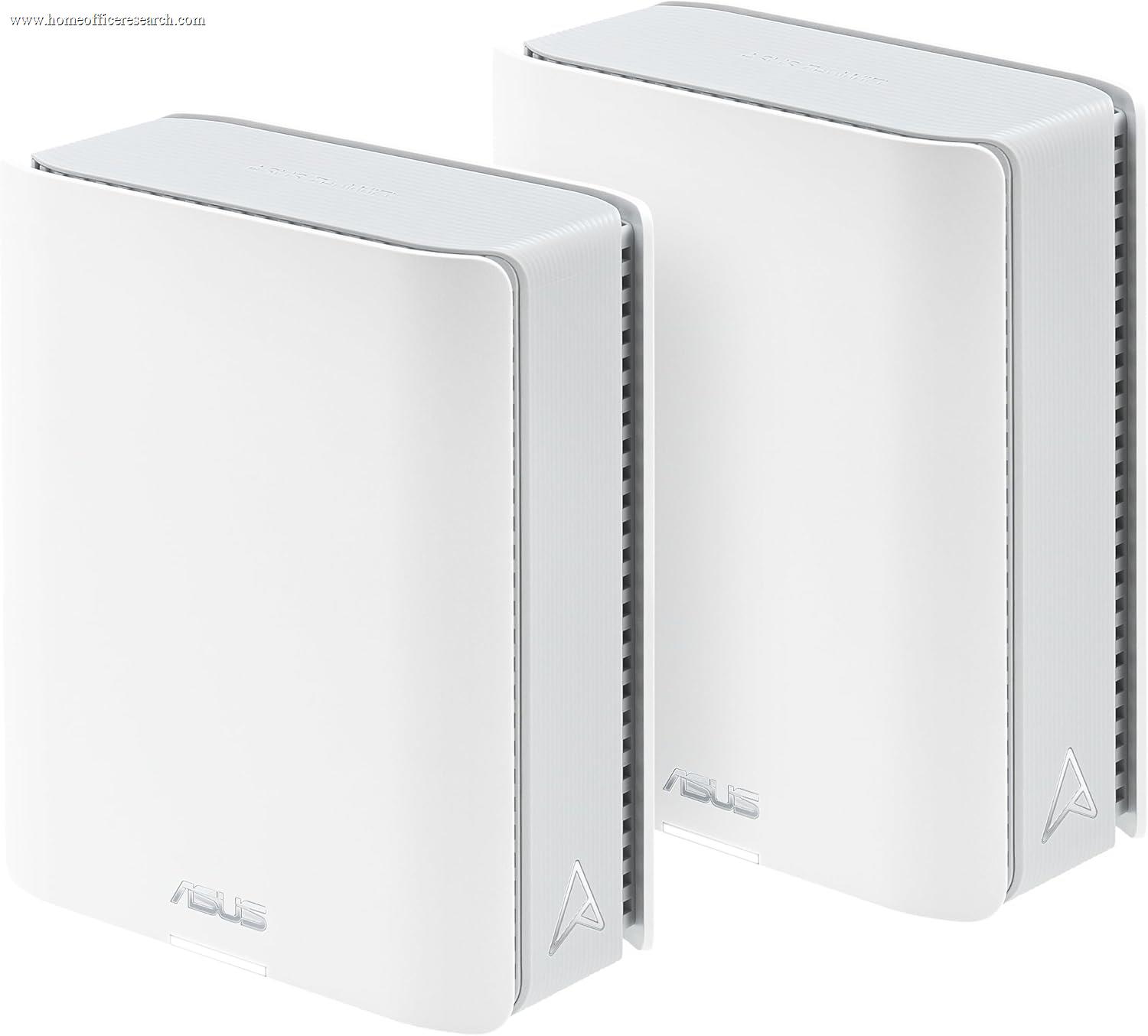
A mesh system earns its keep in multi-story houses, homes over ~2,500 sq ft, or any layout where the office sits far from the modem or behind thick walls. The critical detail is backhaul — how nodes talk to each other. A dedicated wireless backhaul band (quad-band systems like the Orbi 970 and ZenWiFi BQ16 Pro reserve one) or, better still, a wired Ethernet backhaul keeps full speed at every node. Shared-backhaul mesh can halve throughput at the far node.
Bottom line: Don’t buy mesh you don’t need. If you do need it, prioritize a system with dedicated or wired backhaul so the node nearest your desk isn’t running at half speed.
Video Calls, Latency & QoS — Prioritizing Work Traffic
Call quality is about latency consistency, not bandwidth. A Zoom or Teams call uses only a few Mbps, but it is unforgiving of jitter and bufferbloat — the latency spikes that happen when someone else in the house starts a big upload or a 4K stream and your packets get stuck behind theirs.
Two features address this. Quality of Service (QoS) lets you prioritize your work machine or video-conferencing traffic so it jumps the queue. OFDMA and MU-MIMO (standard on Wi-Fi 6 and later) let the router service many devices in the same airtime slice, which keeps latency low in a busy household. ASUS’s Adaptive QoS and the traffic-prioritization in eero and GL.iNet’s OpenWrt are all effective; the key is that the feature exists and is easy to switch on.
The most reliable fix of all is to take the work machine off Wi-Fi entirely — which is why we weight multi-gig wired ports for a home office.
Bottom line: For flawless calls, enable QoS to prioritize work traffic, and wire the work machine to the router if you can. A clean 6 GHz band for the laptop is the next-best thing.
VPN at the Router — Remote and Corporate Access
Plenty of remote workers run a VPN: a corporate client for work access, or a personal VPN for privacy. Where you run it matters. A router-level VPN protects every device on the network and can connect two locations (home and office) — but encryption is CPU-intensive, and most routers slow down dramatically when a VPN is active.
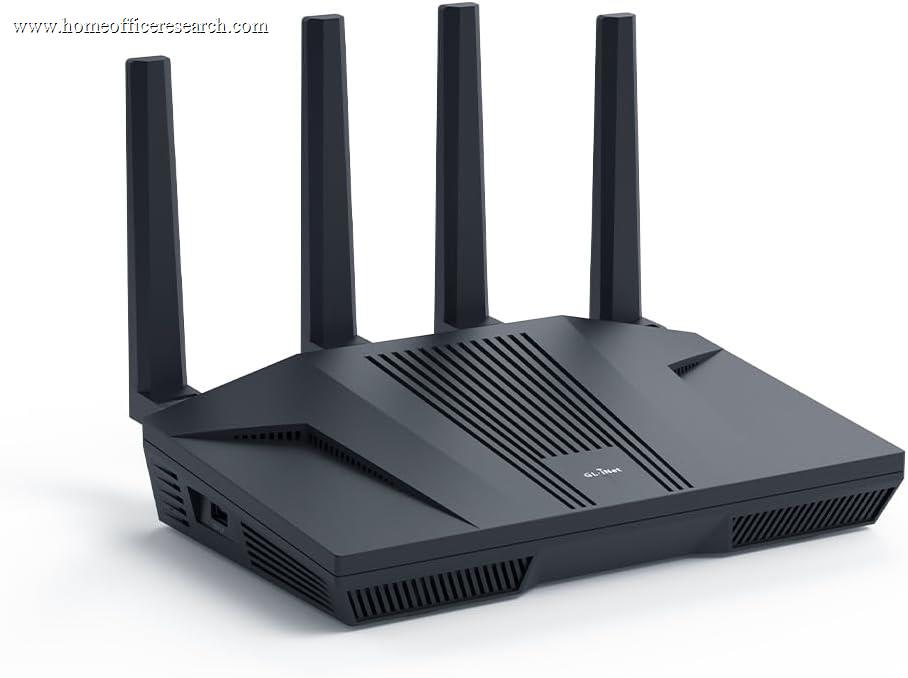
This is where hardware diverges sharply. The GL.iNet Flint 2 sustains roughly 900 Mbps over WireGuard — far beyond what typical routers manage — which is why it’s our pick for VPN-heavy work. ASUS routers include built-in OpenVPN, WireGuard, and IPSec servers plus the one-tap Instant Guard client, with solid (if lower) throughput. eero offers a VPN only through the paid eero Plus subscription, and most NETGEAR consumer models lack a flexible built-in VPN server entirely.
Note that a router VPN does not replace a corporate VPN client your employer mandates — check your IT policy. But for always-on personal privacy or linking a home office to a main office, router-level VPN throughput is a real differentiator.
Bottom line: If VPN is central to your workflow, throughput is the spec that matters. The GL.iNet Flint 2 and ASUS’s built-in servers lead; subscription-gated or absent VPN support is a meaningful limitation.
Security & the Subscription Trap
Every router here supports WPA3 encryption and can spin up a guest network — and you should use both, plus a separate SSID to quarantine smart-home and IoT gadgets away from your work devices. The differentiator is what costs extra.
Some vendors paywall their best security behind a subscription. eero Plus ($9.99/month) unlocks advanced threat protection, ad blocking, and VPN; NETGEAR Armor runs about $100/year after a trial. Others include it for the life of the device: ASUS AiProtection Pro (powered by Trend Micro) and GL.iNet‘s AdGuard Home cost nothing extra. TP-Link HomeShield sits in between — free basics, with a paid Pro tier for advanced features.
For a home office, automatic firmware updates are the single most valuable security feature, and they are free on every brand here. But over a five-year ownership window, a $100/year security subscription adds up — so we apply an explicit penalty to subscription-gated security in our Security & Management score.
Bottom line: Turn on WPA3, a guest network, and IoT segmentation regardless of brand. If you’d rather not pay a recurring fee for core protection, ASUS and GL.iNet include it free; eero and NETGEAR charge for the good stuff.
⚠ The 2026 U.S. Import Rule & TP-Link — What Buyers Should Know
This is an evolving regulatory situation, and it’s worth understanding before you buy. In March 2026 the FCC issued an order (DA-26-278) restricting newly certified foreign-made consumer router models on national-security grounds. Separately, the U.S. Commerce Department has led an interagency review of TP-Link specifically, citing the company’s China ties. In October 2025 it proposed blocking new sales of TP-Link products on national-security grounds — a proposal still pending as of mid-2026 — and the FTC opened a related inquiry in December 2025. TP-Link disputes the allegations and says it has separated from the China-based TP-LINK Technologies Co.
Here is what it means in practice for a buyer today. Routers already authorized for the U.S. market continue to be imported and sold, including every model in this comparison, and any router you already own keeps working normally. The FCC restriction applies chiefly to new models seeking certification after March 23, 2026, and vendors can pursue individual exemptions through a national-security review.
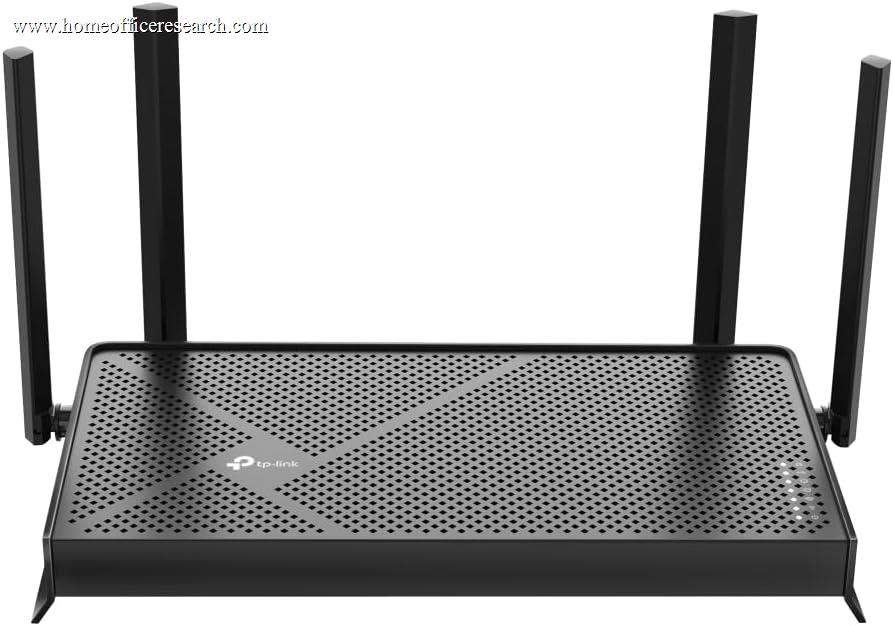
TP-Link makes some of the best-value Wi-Fi 7 hardware on the market — which is exactly why their models score well on raw merit here. But for a device you expect to keep and receive firmware updates for over five-plus years, the regulatory uncertainty is a genuine long-term-support risk, and we reflect it in our Reliability score — which is what holds these models back from the very top despite their strong hardware value.
Bottom line: TP-Link routers are still sold and still excellent hardware for the money. If you want to sidestep the uncertainty entirely, ASUS, eero, and GL.iNet are unaffected by the TP-Link-specific concerns. Either way, verify current availability and support commitments at the time of purchase.
Wired Connectivity — The Home Office Advantage
The single most reliable upgrade for a work-from-home setup is a wire. Ethernet eliminates the jitter, interference, and roaming hiccups that occasionally disrupt Wi-Fi, and a wired desktop or laptop dock will never drop a call because a neighbor’s network stepped on your channel.
That makes the router’s wired port mix more relevant for a home office than for an average household. A 2.5G port is now the practical baseline on quality routers and is enough to outrun any sub-2-Gbps internet plan with headroom for fast local transfers. A 10G port matters if you have multi-gig fiber, a NAS, or a wired backhaul run between mesh nodes. Models like the ASUS RT-BE88U (dual 10G plus quad 2.5G) and TP-Link Archer BE800 are effectively a router and a multi-gig switch in one.
Bottom line: Prioritize at least one 2.5G port so you can hard-wire the work machine. Step up to 10G only if you have multi-gig internet, a NAS, or plan a wired mesh backhaul.
Why We Primarily Recommend ASUS, eero, and GL.iNet
After weighing the field for home office use, three brands most consistently deliver the combination of stability, transparent ongoing support, and subscription-free security that remote work demands: ASUS, Amazon eero, and GL.iNet. Each owns a different lane.
The broader market includes excellent hardware from NETGEAR and TP-Link, and we include and recommend specific models from both where the case is strong. But as a system — firmware longevity, included security, and freedom from the current U.S. regulatory uncertainty — these three are the safest long-term bets for a network you depend on to earn a living.
ASUS
The enthusiast’s choice that’s also genuinely reliable. ASUS pairs subscription-free AiProtection Pro security with deep controls (Adaptive QoS, built-in VPN servers, AiMesh expansion), a long firmware-support track record, and Taiwan-based manufacturing outside the TP-Link concerns. From the RT-BE92U to the ZenWiFi BT10, it’s our most-recommended brand for work-from-home.
Amazon eero
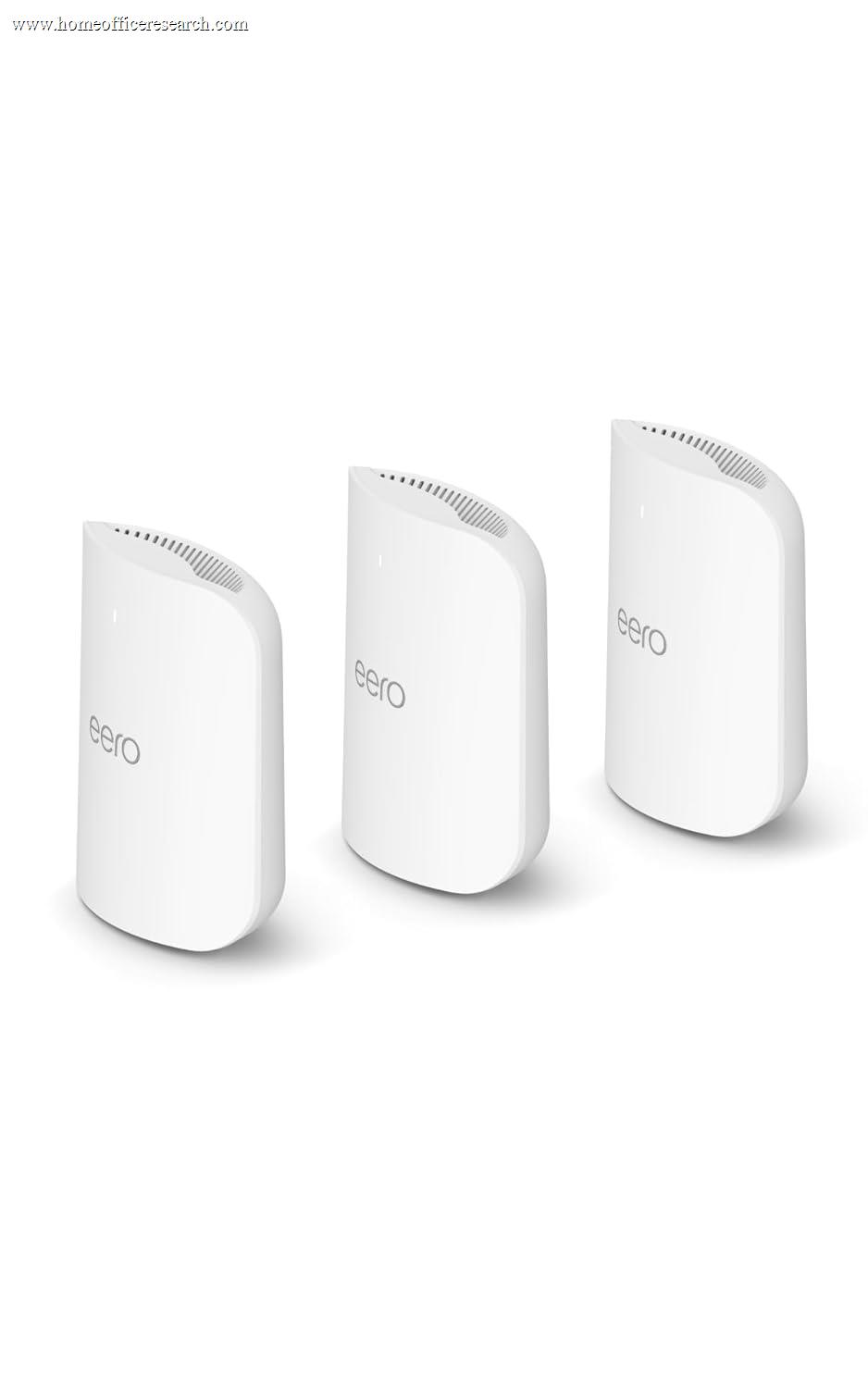
The “it just works” choice. eero’s TrueMesh routing, painless app setup, and silent automatic updates make it the most reliable hands-off option, with excellent roaming for moving between rooms on a call. The catch is eero Plus: advanced security, ad-blocking, and VPN are a paid add-on rather than included.
GL.iNet
The power-user and VPN specialist. Built on OpenWrt, GL.iNet routers deliver class-leading VPN throughput (~900 Mbps WireGuard on the Flint 2), AdGuard Home, multi-WAN failover, and total configurability — all subscription-free — at prices that undercut the majors. The trade-off is a more technical experience that rewards tinkering.
NETGEAR & TP-Link
Both make outstanding hardware. NETGEAR’s Orbi 970 is our coverage champion, though Armor is a paid subscription and value is steep. TP-Link offers the best price-to-performance in Wi-Fi 7 — the Deco BE63 and Archer BE550 are superb value — but carry the long-term-support uncertainty detailed above. Strong buys with eyes open.